+86 152 8002 3723
QVoteProfessional Audience Response System software offers the most convenient functions for your interactions.
QClickThe most convenient educational software for working with Microsoft PowerPoint to quickly set up various question types and generate intelligent feedback reports.
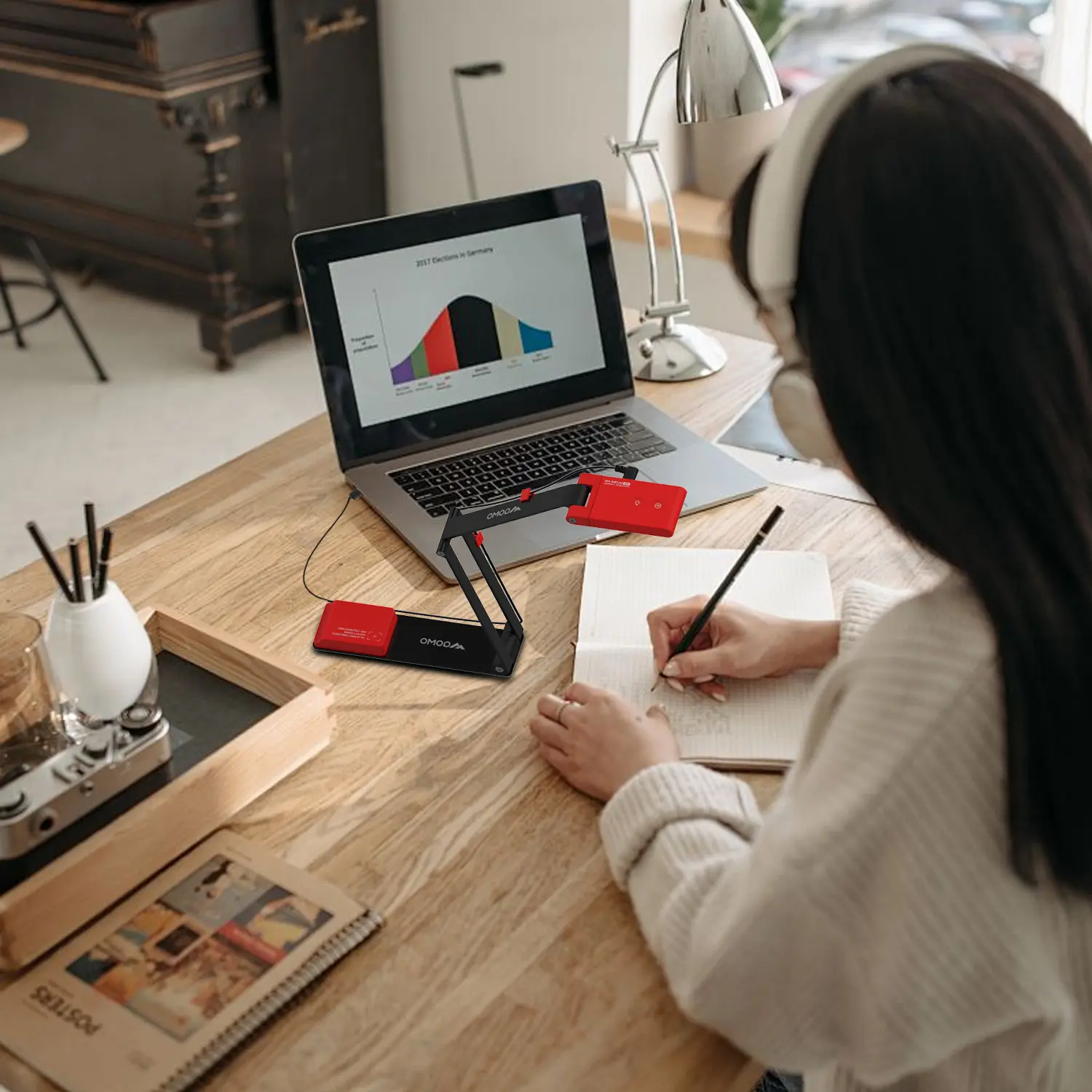
QCameraQCamera by QOMO allows for real-time streaming from cameras and document cameras. Annotate, save snapshots, record, and manipulate camera images instantly.
Flow!Works ProUser - friendly whiteboard software, it encompasses a wide range of presentation tools and powerful functions, delivering the most professional presentation experience to you.
Flow!WorksFlow!Works incorporates more educational tools, further enhancing the interactivity and fun - factor of your teaching.
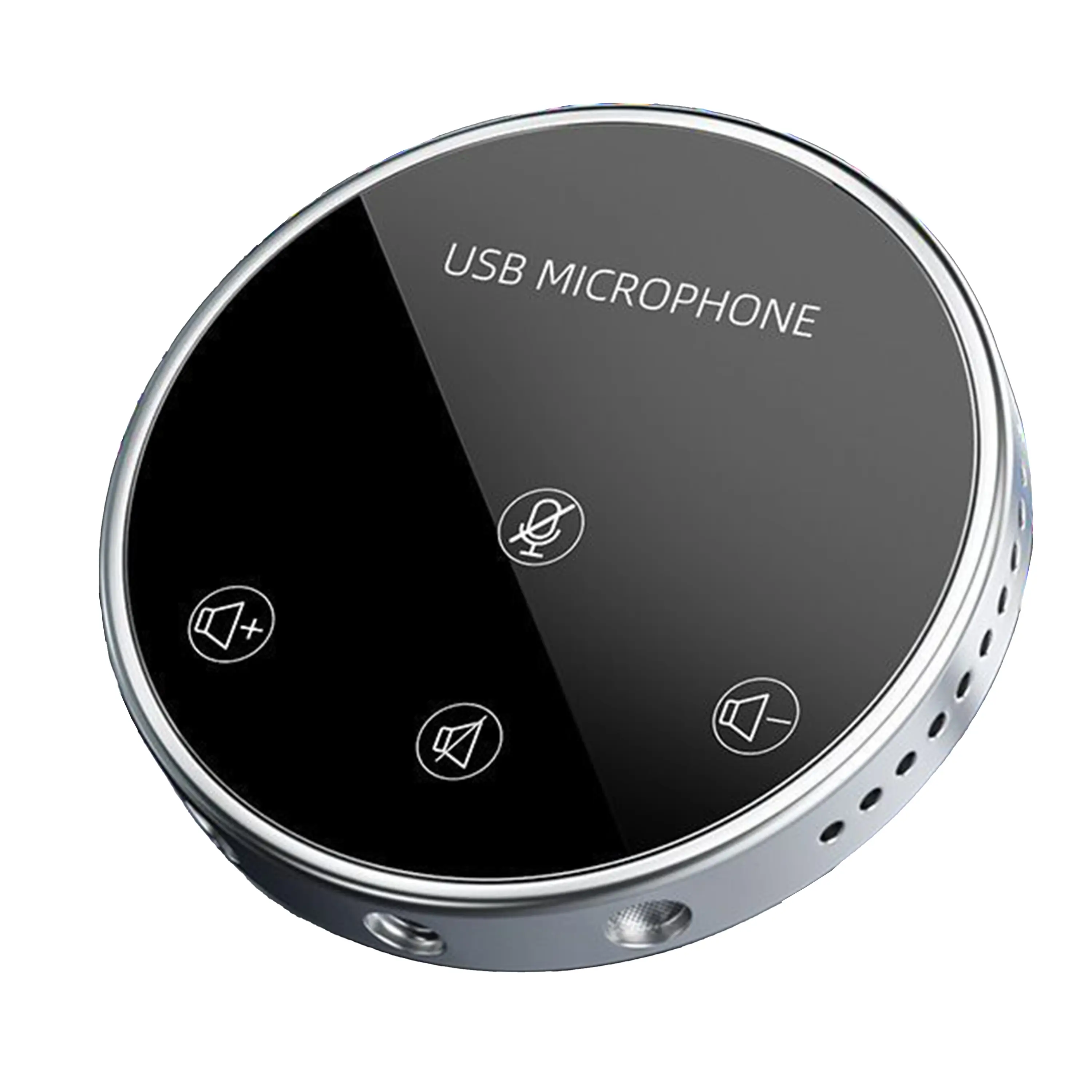
Conference Microphone● USB
● Plug and Play
● Intelligent Noise-Canceling
● 10ft/3m Extended Pickup Range
● 360° Omnidirectional Pickup
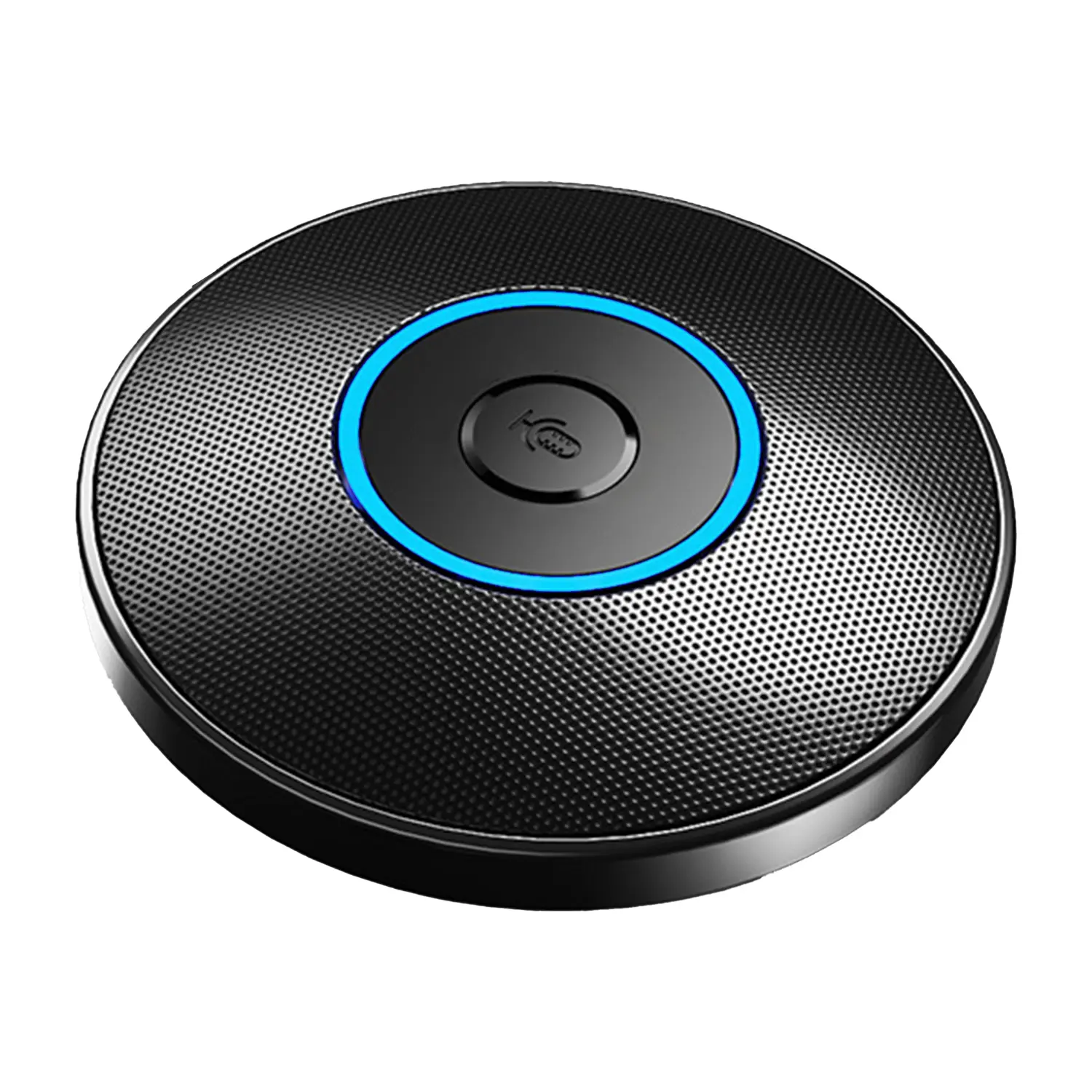
Conference Speakerphone● USB-C
● Plug and Play
● Intelligent Noise-Canceling
● 10ft/3m Extended Pickup Range
● 360° Omnidirectional Pickup
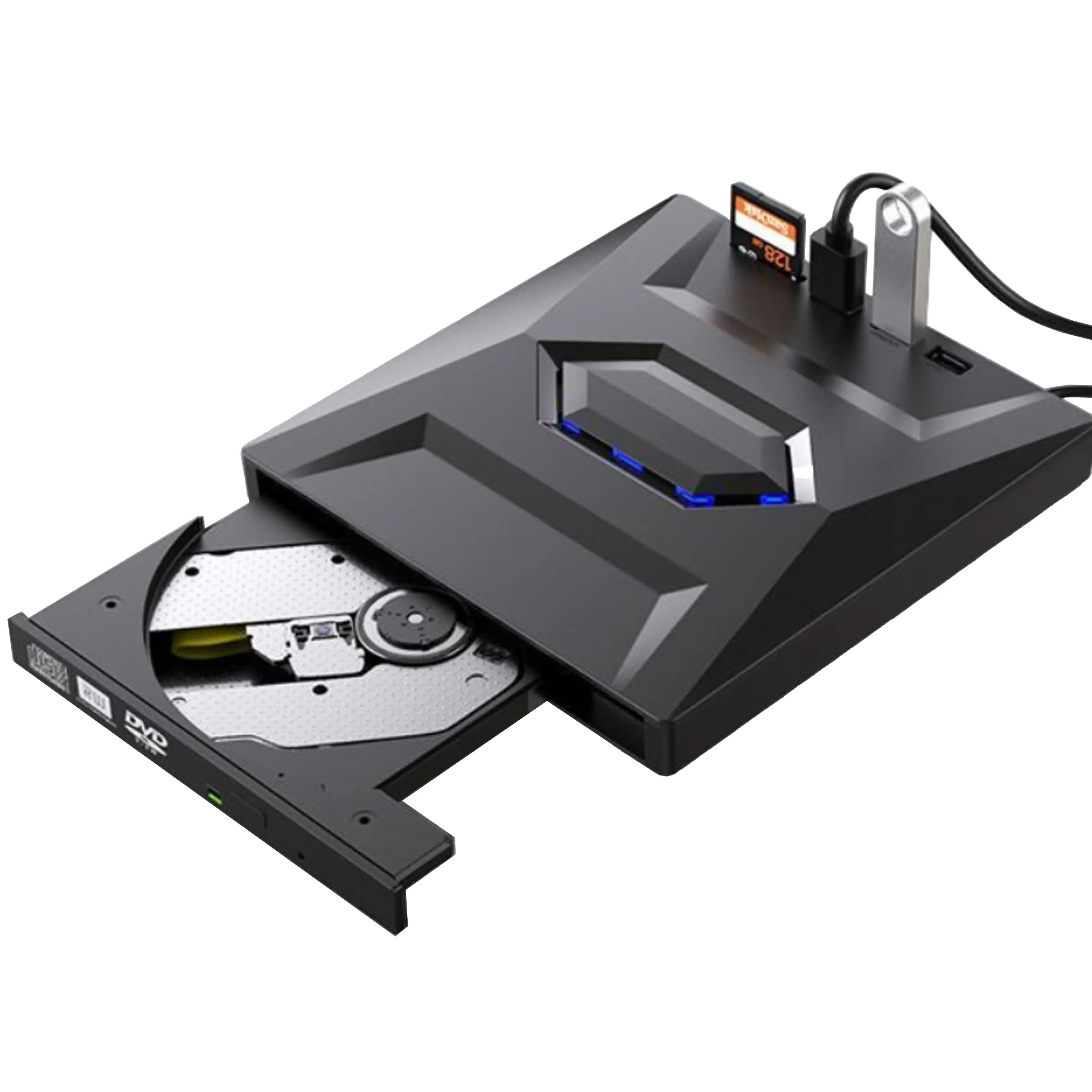
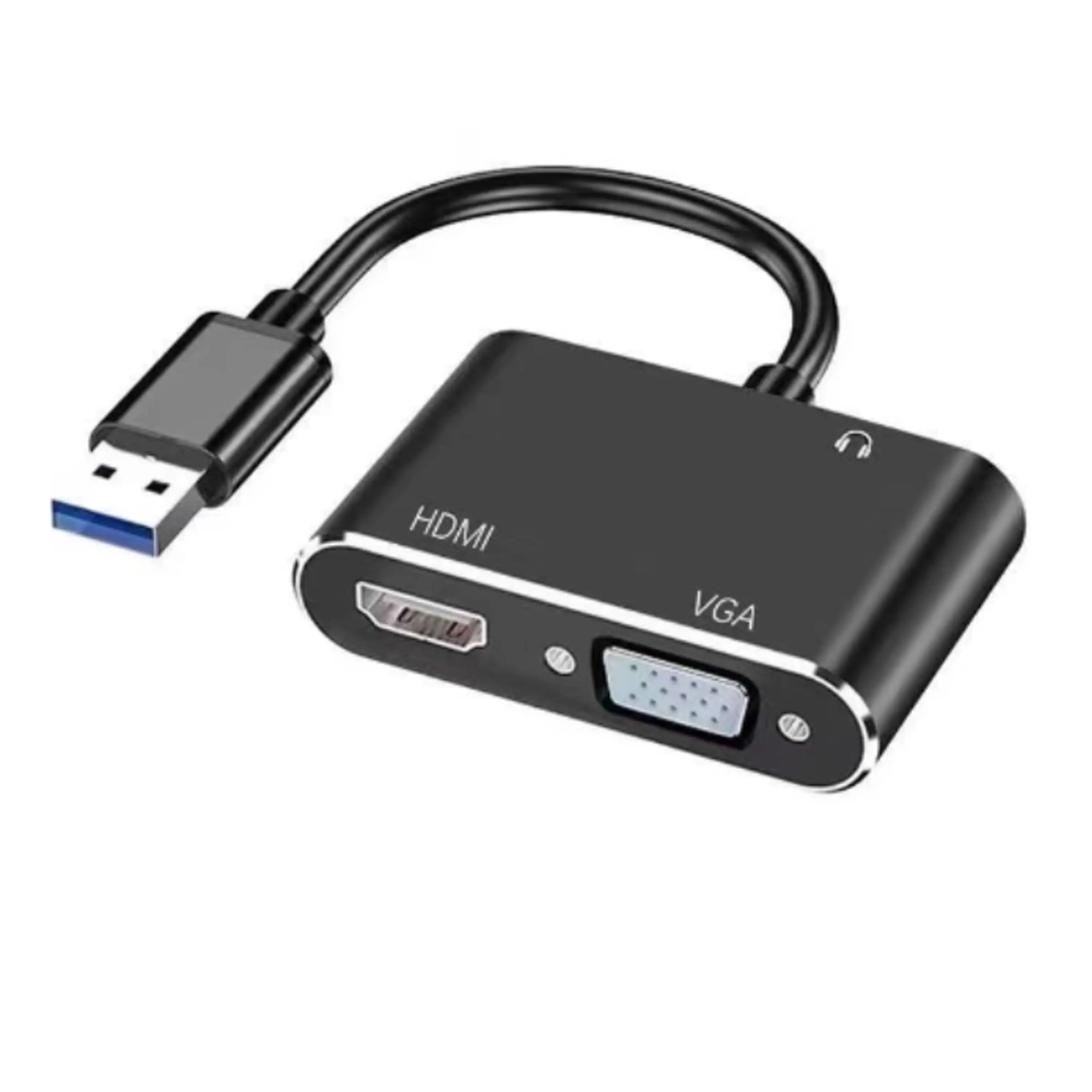
USB External CD/DVD Drive• USB and USB-C
• USB 3.0
• 8x DVD and 24x CD write/read speeds
• Portable
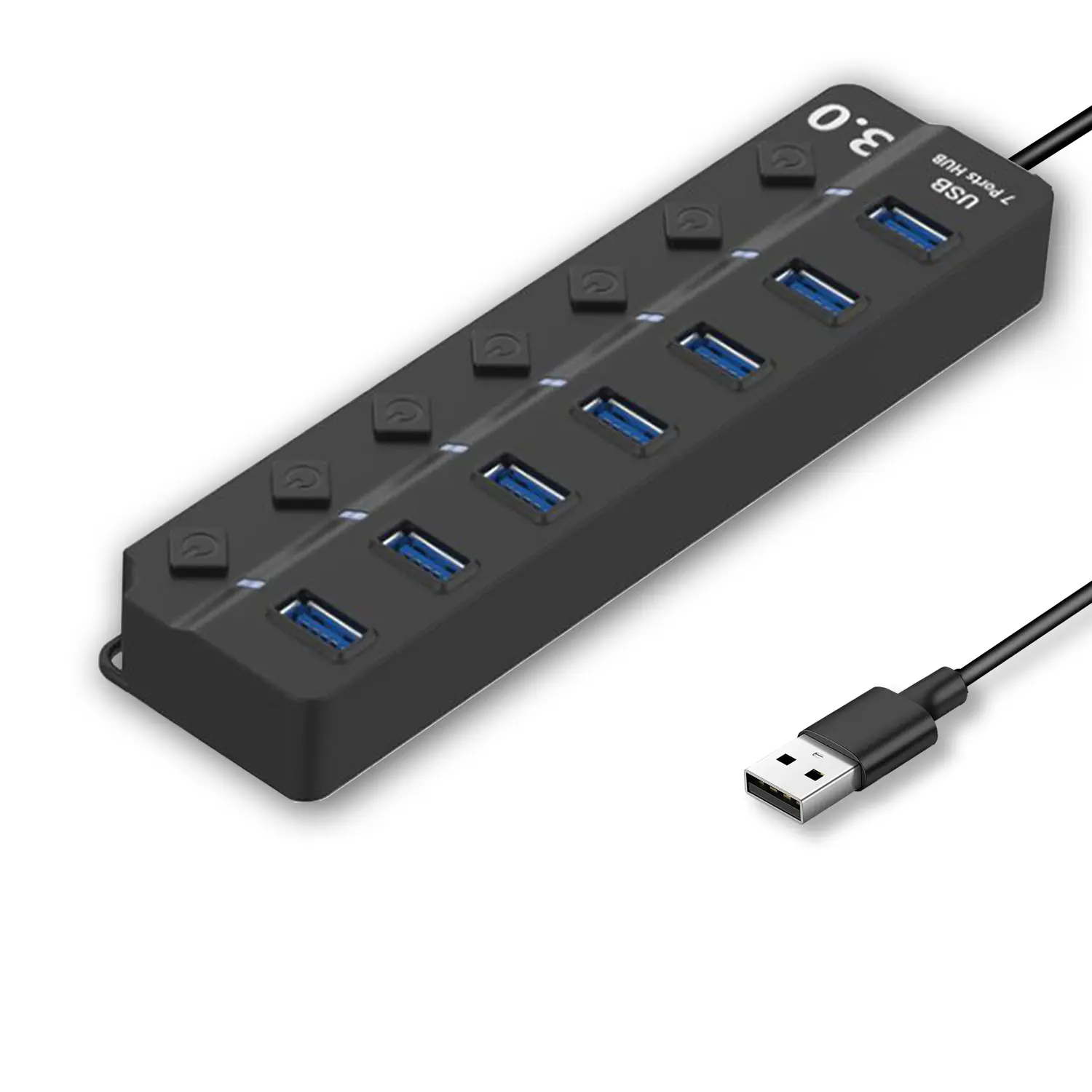
7-Port USB 3.0 Hub● USB 3.0
● Plug and Play
● 7-in-1 USB Hub
● Individual On/Off Switches
Revolutionize Your Presentations and Document Display with QWC 100S Document Camera
Enhance Call Experience: New Conference Microphone Now Available
AI-Powered Face-Tracking Webcam
Portable Document Camera Recommendations
Classic Design, Exceptional Functionality: QPC 22 Document Camera
Wireless Screen Mirroring Solution for All Devices
Latest Audience Response System: QRF 999
Introducing the QPC 80H3 Gooseneck Document Camera
Creating a Smart Integrated Classroom: What Do You Need?
Wireless Connectivity Upgraded: WiFi-Free Wireless Document Receiver
Flow!Works Pro: Interactive Whiteboard Software for Engaging Classrooms
How to Choose the Perfect Document Camera and Elevate Productivity
QWC 004 Conference Webcam: The Top Choice for Remote Education
QCamera: Dedicated Software for Document Cameras to Elevate Your Presentations
QRF999 Voice Response System: Enhancing Teacher-Student Interaction
Work From Home? Maybe You Should Try This Document Camera
The Ultimate Educational Tool: Gooseneck Document Camera
60GHz Millimeter-Wave Wireless Screen Sharing: QShare 100
What Does a Modern Conference Room Need?
QD5000 Document Camera: Unimaginable Versatility!
QWC 004: The Most Cost-Effective Webcam
QVote Interactive Classroom Response System Software
Functionality, Aesthetics, Portability! Meet the QWC 100S Document Camera!
Why Choose the BundleBoard H/H2 Interactive Flat Panel?
Save Your Budget—Introducing the All-New QPC 70 Document Camera!
QIT 600F3: Revolutionize Your Presentations
QCamera: Professional Document Camera Software
QPC 5: The Ultimate 4K Portable Document Camera
Elevate Your Meetings in Seconds: QWC 006 Webcam
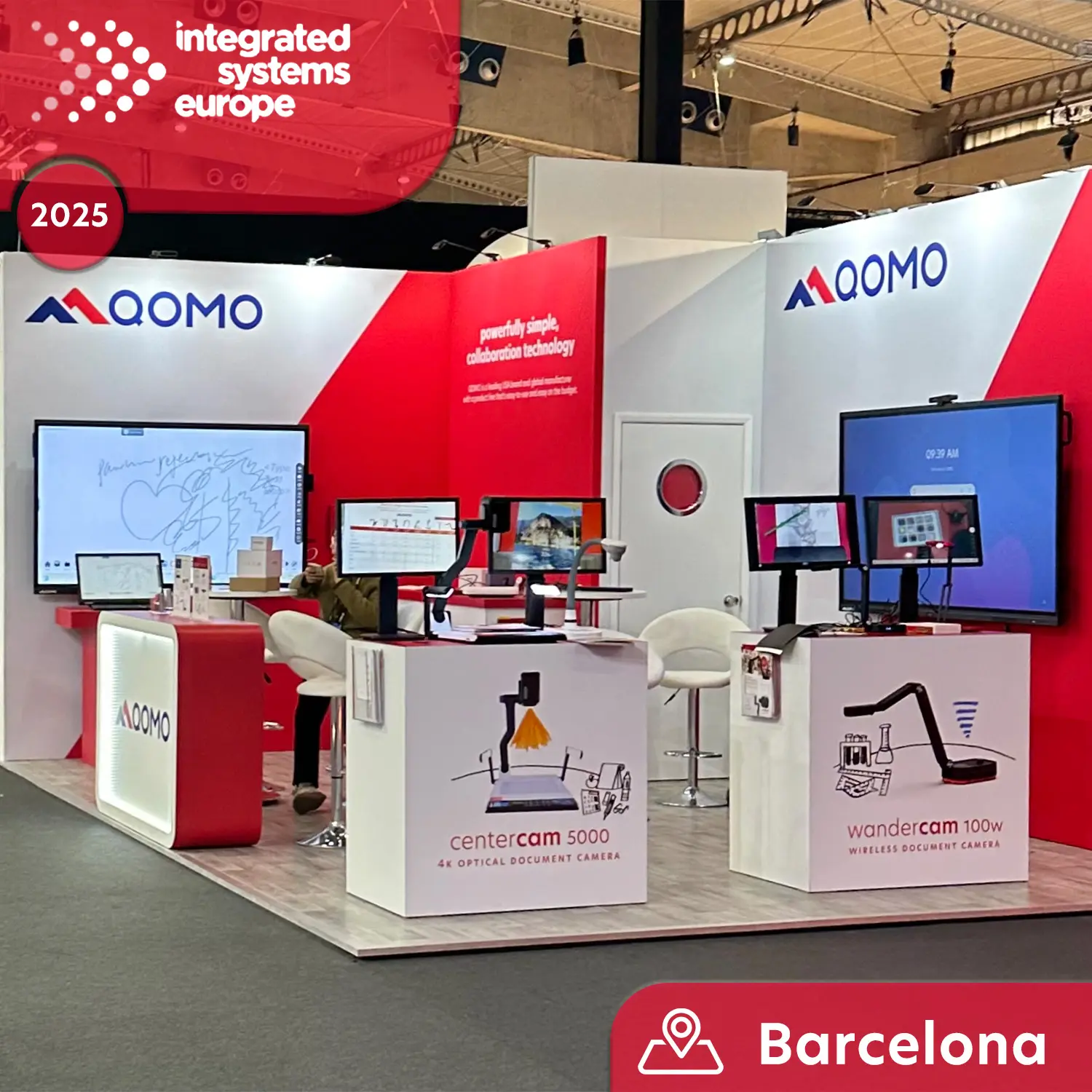
Meet QOMO at ISE 2025
Wireless Document Camera Solution, Revolutionizing Wireless Technology
QRF Series, Transform Your Classroom!
QOMO, Building Intelligent Classrooms
QOMO QShare100 New Release
Outstanding Office Equipment Recommendations
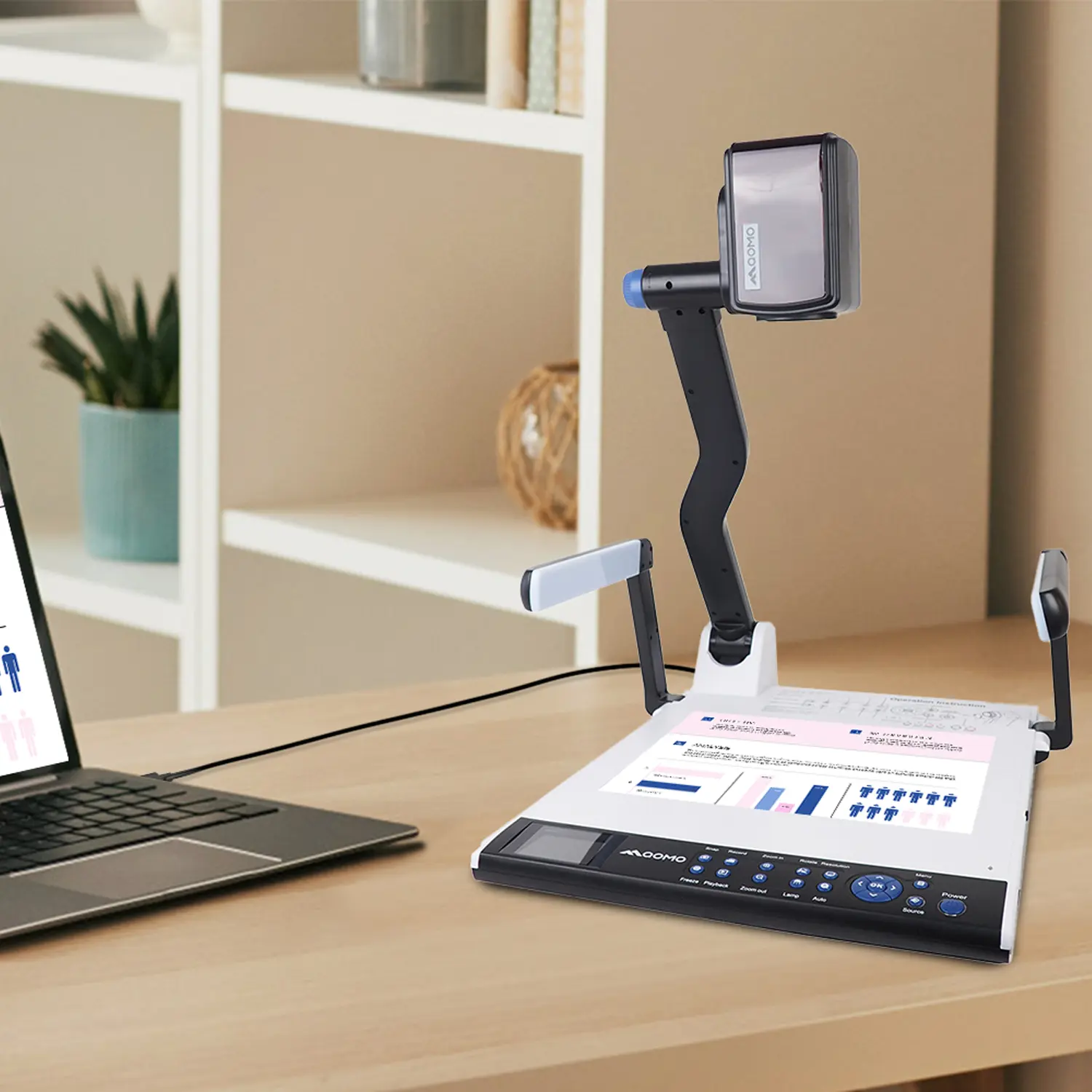
China is a major sourcing destination for businesses seeking desktop imaging products, but choosing a supplier takes more than comparing prices. A Desktop Camera can serve video meetings, online teaching, live streaming, or other workstation tasks. Each use places different demands on image clarity, autofocus, microphone quality, mounting, and cable length. Small details matter. A camera that performs well in a bright showroom may struggle under ordinary office lighting.
This guide introduces China-based desktop camera manufacturers and suppliers, and explains practical points buyers can use to compare them. Product specifications provide a starting point: check resolution, frame rate, field of view, connection type, and operating-system compatibility. Then ask about sample availability, production capacity, inspection procedures, packaging, and after-sales support. Request clear answers in writing, and test a sample on the equipment and software you actually use. That is not enough. Consistent communication and traceable quality information also help reduce uncertainty before a larger order. Supplier descriptions can be incomplete, and specifications alone do not prove real-world performance. A careful review should therefore distinguish verified details from marketing claims. The right choice depends on your budget, intended use, and required service level—not on a ranking alone. There is no perfect checklist, and some trade-offs will remain. This overview offers a grounded starting point for finding a suitable partner and asking better questions.
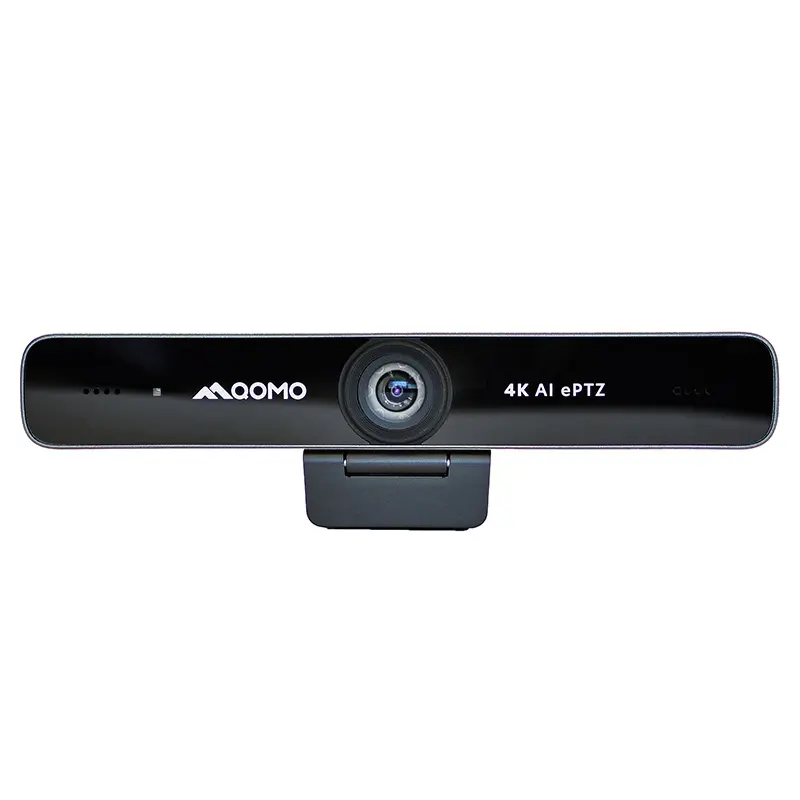
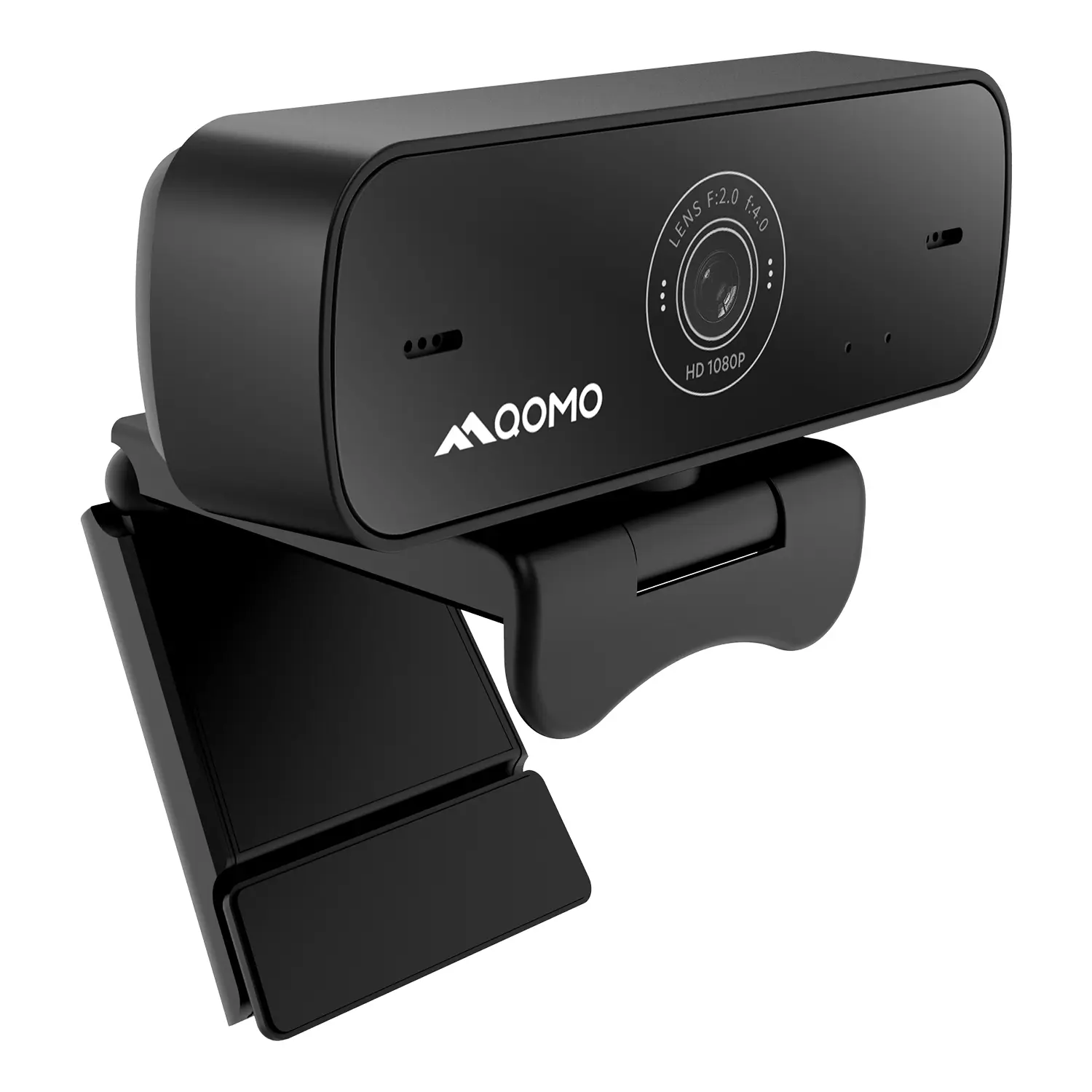
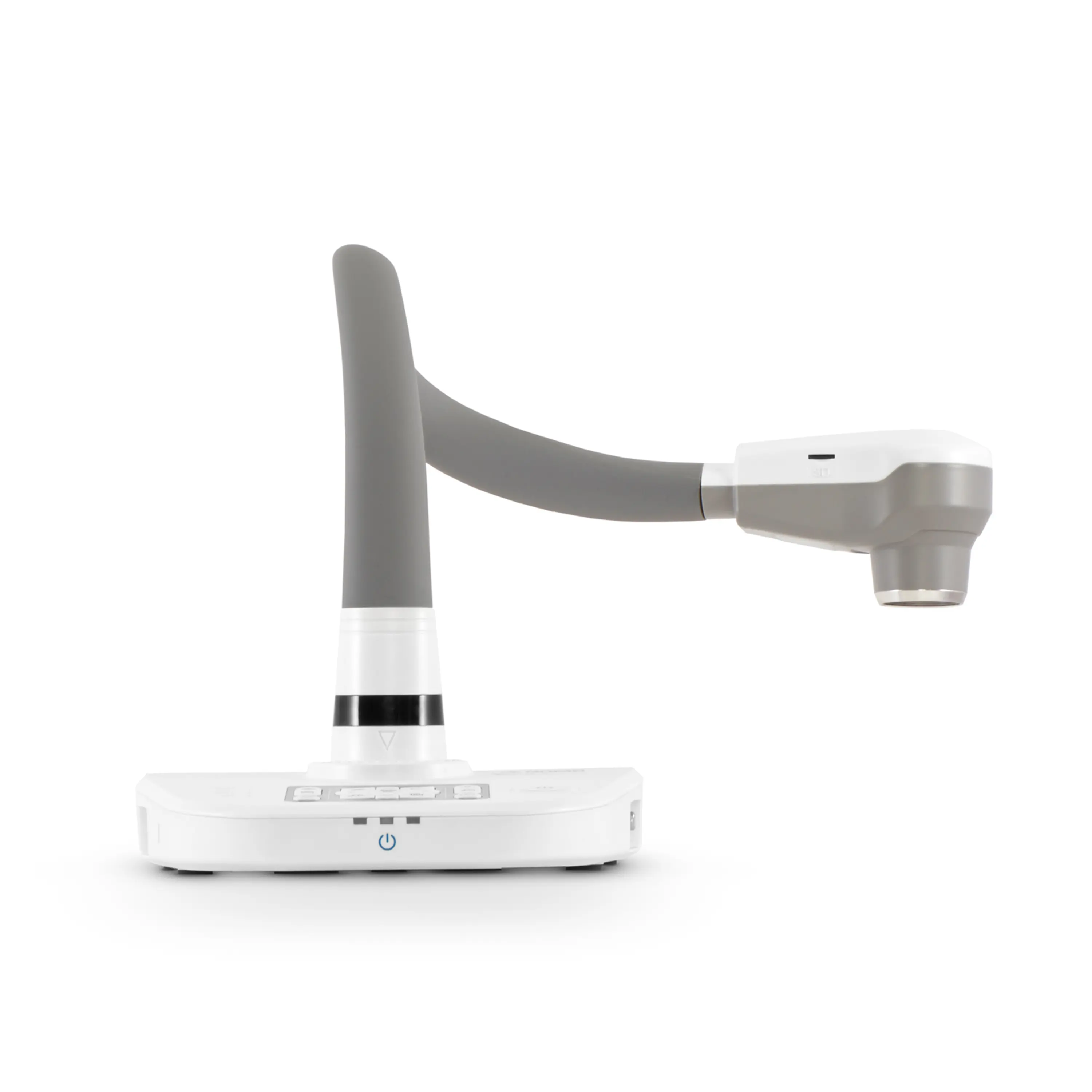
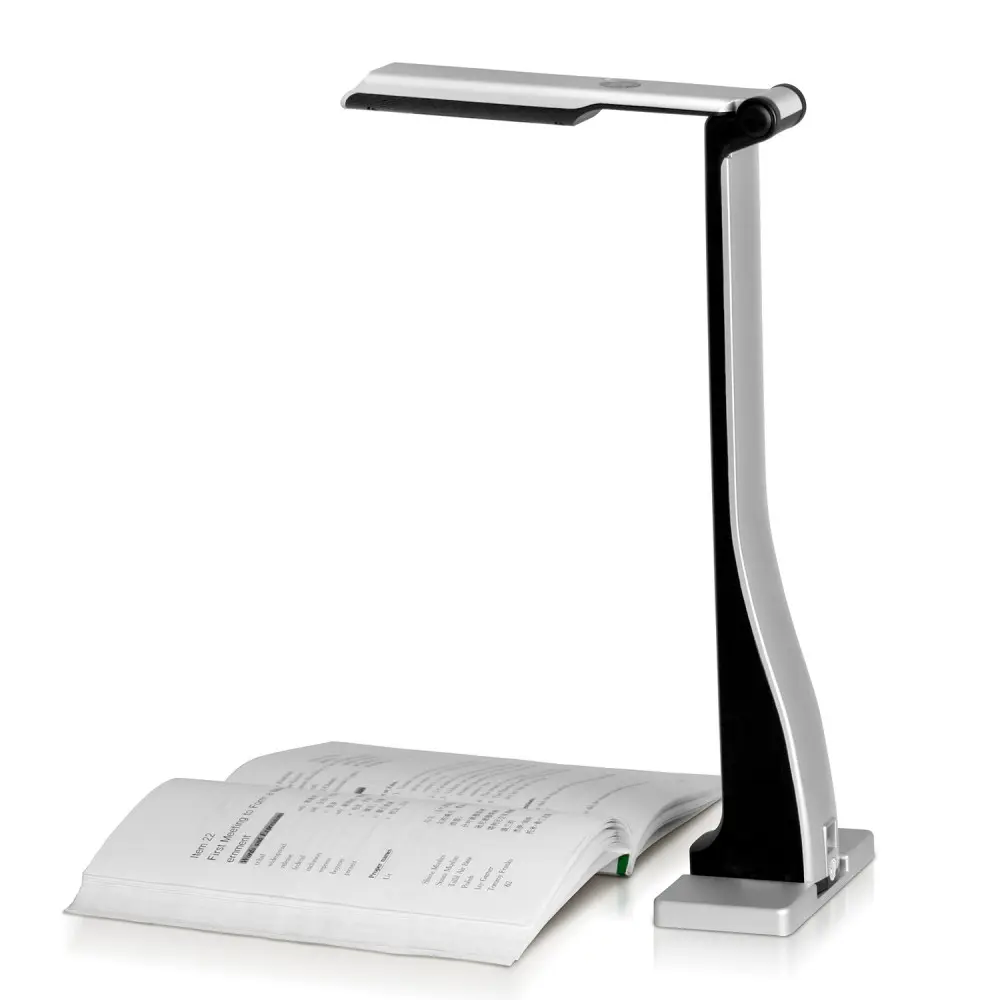
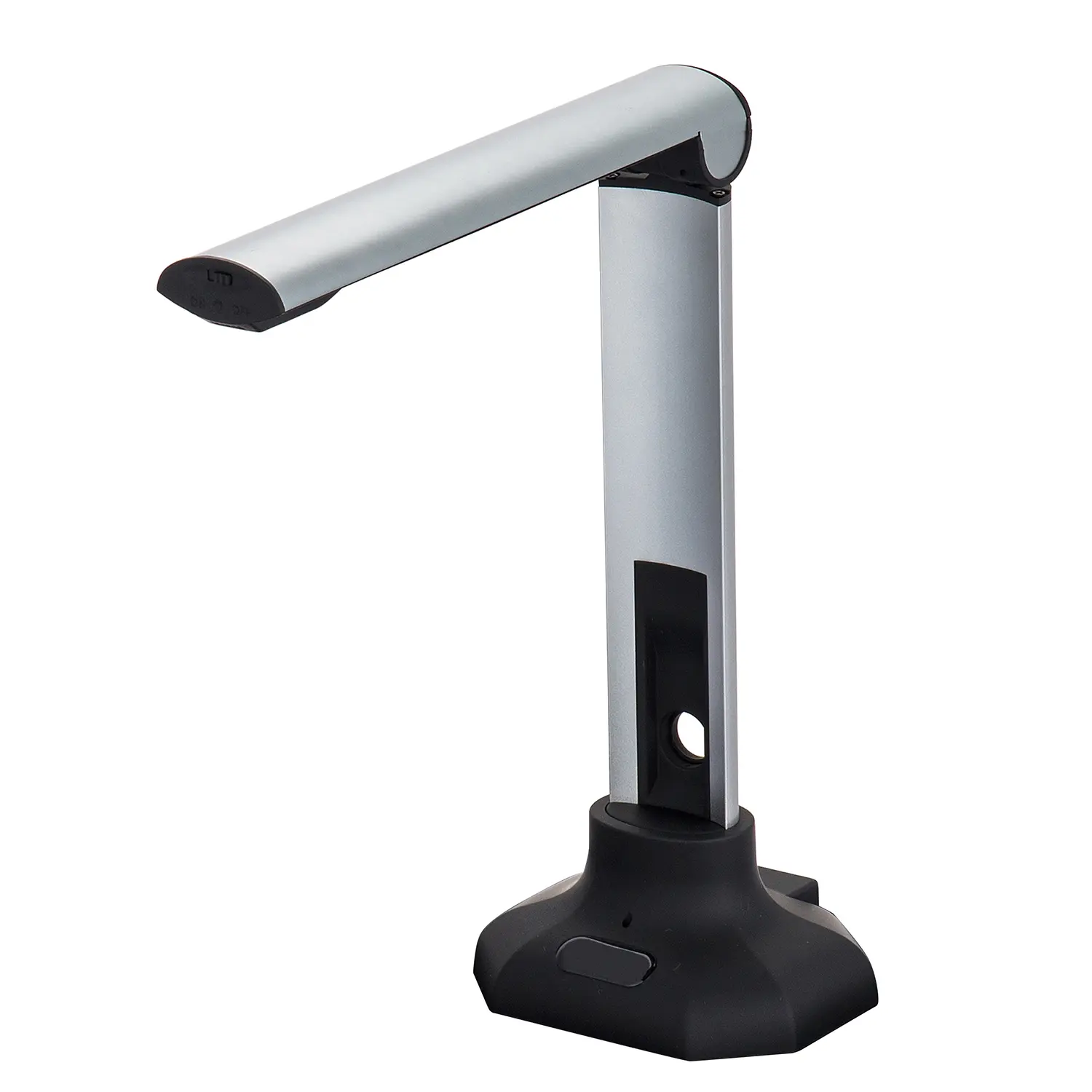
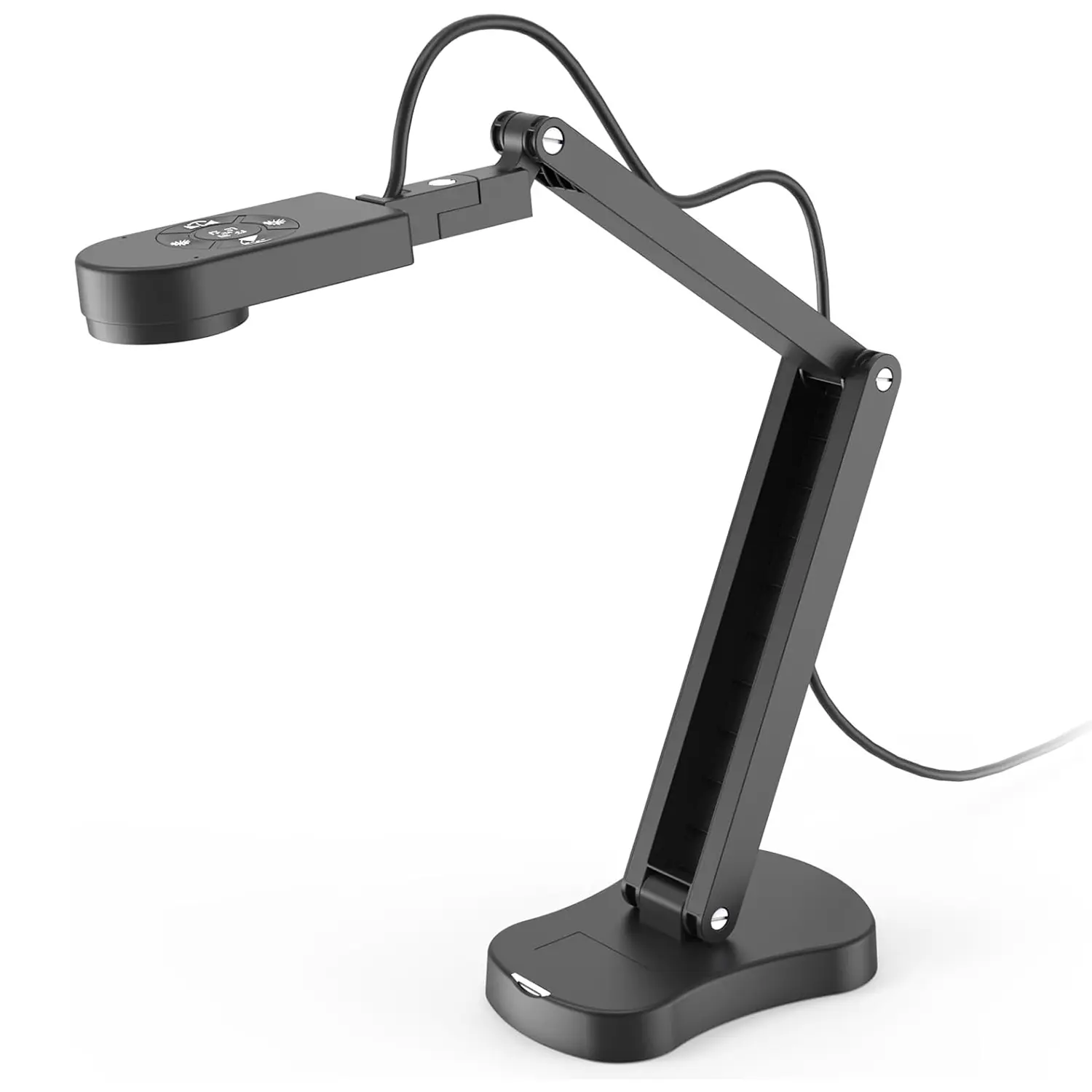
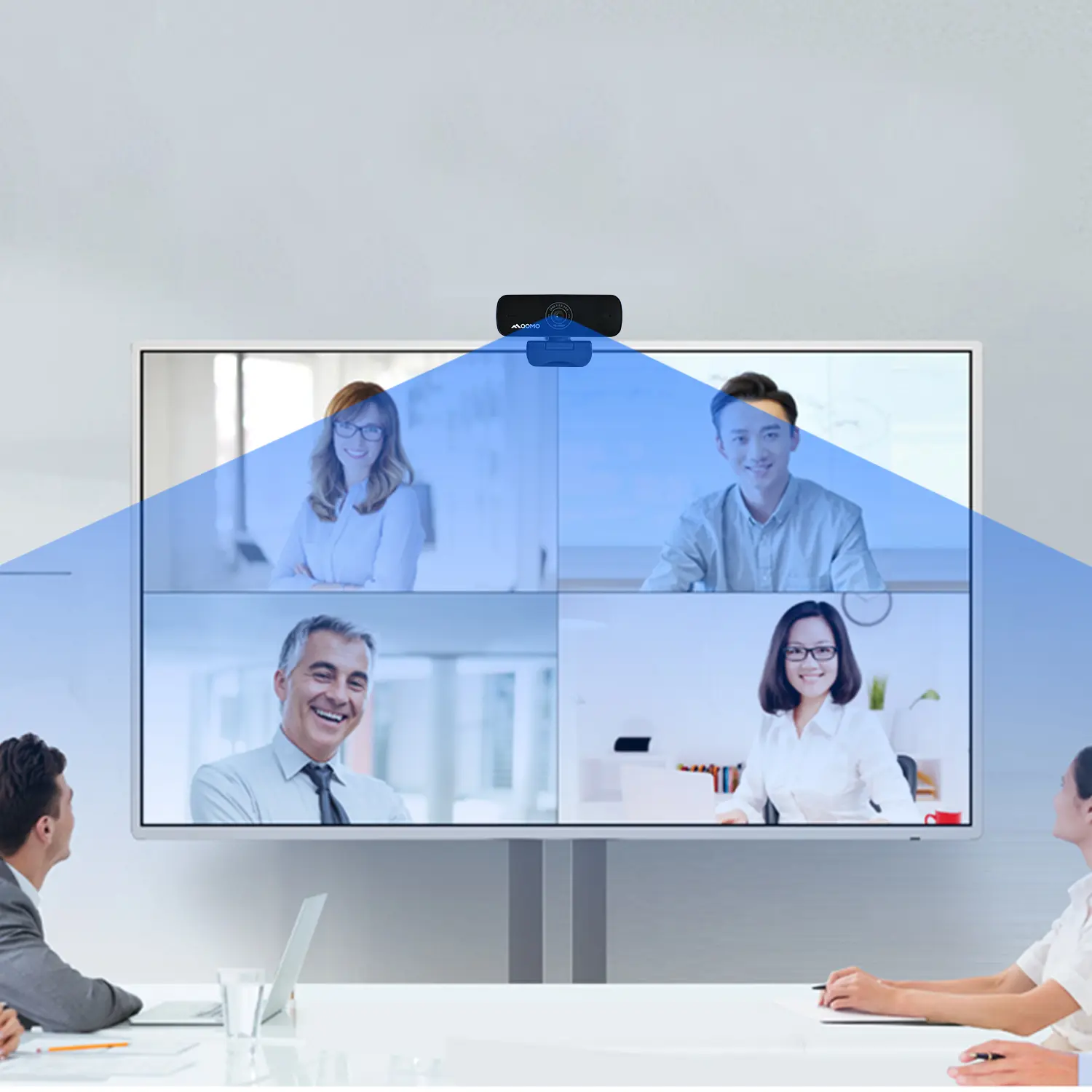
Desktop cameras range from compact USB webcams to conference units with pan, tilt, and zoom controls. Fixed-focus models suit a single person seated close to a monitor. PTZ cameras help small meeting rooms cover several seats without moving equipment.
MarketsandMarkets’ Video Conferencing Market report estimated a market value of US$7.02 billion in 2022 and projected US$12.99 billion by 2028. This measures conferencing systems, not desktop cameras alone, but it signals broader demand for clear remote communication.
Typical uses include video calls, online teaching, product demonstrations, and recording desk-based work. Useful features include autofocus, adjustable field of view, noise-reducing microphones, and reliable low-light performance. Check compatibility, cable length, and mounting options before comparing resolution.
A 4K sensor is not automatically better; at a short desk distance, framing and lighting may matter more. The room still matters. A bright window behind the speaker can darken the face, even with a capable sensor.
Camera specifications also vary in real conditions, so test image quality at the distance and lighting you actually use.
China’s desktop camera manufacturing landscape is shaped by dense electronics supply chains and flexible production capacity. In coastal manufacturing regions, suppliers can often source image sensors, lenses, circuit boards, and plastic housings from nearby partners. This proximity may shorten development cycles, though it does not guarantee consistent quality. Every factory has its own strengths.
Many manufacturers support both original design and contract production. A buyer may request a fixed-focus camera for online meetings, or a model with autofocus, privacy covers, and adjustable stands. Production teams typically check image output, microphone response, cable connections, and housing fit. Ask for sample units and test them under ordinary desk lighting. Small details matter.
Manufacturing capability varies widely. Some facilities handle optical alignment and final assembly in-house, while others rely on external component vendors. That difference can affect lead times and troubleshooting. It is worth checking how a supplier manages incoming inspections, production records, and defect feedback. Paperwork alone is not proof. A clear testing process and direct technical answers offer better evidence, although even careful audits can miss problems that appear after extended use. Buyers should compare samples, confirm specifications in writing, and allow time for revisions before placing larger orders.
China’s desktop camera manufacturers and suppliers serve offices, classrooms, remote teams, and content creators. Product options range from compact USB cameras to models with autofocus, built-in microphones, and adjustable mounts. Details matter. A useful comparison goes beyond advertised resolution. Check performance in ordinary indoor light, frame-rate consistency, focus speed, and compatibility with common operating systems. Ask for sample footage recorded at a desk, not only polished studio clips.
Leading desktop camera manufacturers and suppliers in China may offer design, assembly, customization, and export support, but capabilities vary. Request clear specifications, sample units, and documented inspection procedures. For a pilot order, test the camera on different computers and note heat, connection stability, and image color. A specification sheet can still leave blind spots. Verify how the supplier handles defects, replacement parts, packaging, and production changes before placing larger orders.
Communication is another practical measure of supplier quality. Confirm response times, production schedules, packaging details, and who checks each batch. Ask whether lens, microphone, or mounting changes affect cost and delivery. Keep requirements in writing. It may feel overly careful, yet small differences in color or autofocus can matter in daily use. Compare samples against the actual workspace and workflow, since the best fit is not always the model with the longest feature list.
Representative desktop-camera product and sourcing profiles commonly found in the market. Specifications and services vary by supplier and model; confirm details with the supplier before ordering.
| Supplier / Product Profile | Common Resolution | Typical Frame Rate | Common Connectivity | Focus / Camera Features | Typical Applications |
|---|---|---|---|---|---|
| Entry-level USB webcam supplier | 720p or 1080p | Often 30 fps, depending on resolution and model | USB connection; connector type varies by model | Usually fixed focus; built-in microphone is available on some models | Online classes, personal video calls, and everyday desktop use |
| Business webcam supplier | Commonly 1080p; some product lines offer 4K | Often 30 fps; some models support higher rates at selected resolutions | USB, commonly USB-A or USB-C depending on the product | Fixed-focus or autofocus options; privacy covers are available on some models | Remote work, video conferencing, and office desktops |
| 4K webcam supplier | Up to 4K UHD on selected models | Model- and resolution-dependent; check the supported video modes | USB connection; host-device compatibility should be verified | Autofocus and image-control features may be offered, depending on the model | High-detail calls, content creation, and professional desktop recording |
| PTZ desktop camera supplier | Commonly available in 1080p and 4K product variants | Varies by model, output resolution, and connection method | May include USB; some models offer additional video or control connections | Pan, tilt, and zoom functions; control options vary by product | Small meeting rooms, presentations, and remotely controlled desktop setups |
| OEM / ODM camera supplier | Selected from the supplier’s available camera platforms | Defined by the chosen sensor, processor, and product configuration | Interface options depend on the design and target device | May support customization of housing, cable, packaging, or selected functions | Private-label projects and customized product programs |
| Camera module supplier | Depends on the module specification and intended host product | Depends on the sensor, image processor, and system design | Selected to match the customer’s host-system requirements | Module-level options may include lens, sensor, and connector configurations | Integration into custom desktop devices or other electronic products |
Before placing an order, confirm the exact resolution and frame-rate modes, operating-system compatibility, interface requirements, sample availability, order quantity, lead time, warranty, and any applicable product certifications.
Desktop camera specifications are meaningful only when tested as a complete system. For office calls, compare sensor resolution, frame rate, field of view, and autofocus behavior. A 4K sensor captures about 8.3 megapixels, while 1080p captures about 2.1 megapixels. More pixels do not guarantee a clearer face. Small sensors can produce noisy images under dim ceiling lights. Check whether exposure and white balance remain steady when a user moves near a window. Numbers need context.
USB bandwidth also affects product design. USB-IF’s USB 2.0 and USB 3.2 specifications list maximum signaling rates of 480 Mb/s and 5 Gb/s, respectively. Actual usable bandwidth is lower, especially when video is compressed or other devices share the connection. Ask suppliers to state resolution, frame rate, compression format, and interface together. For example, “4K” alone does not reveal whether the camera sustains 30 frames per second. Test the whole chain. Also inspect field-of-view distortion, microphone pickup at desk distance, and mounting stability. These details are easy to overlook in a specification sheet. A useful evaluation records image quality at several lighting levels, not just in a bright showroom.
Sourcing Chinese desktop cameras requires more than comparing resolution and price. Request a sample and test it on the computer and software your customers actually use. Check whether the camera stays stable on a monitor, whether its cable reaches a desk port, and whether autofocus hunts under ordinary room lighting. Small details matter.
Ask suppliers for clear specifications, including sensor resolution, frame rate, field of view, microphone performance, and supported operating systems. Then compare those details with recorded sample footage. Test faces near a window and under a desk lamp; exposure can shift sharply between the two. A polished datasheet helps, but it is not proof of consistent production. I would verify key claims with repeatable tests, though a small sample cannot reveal every batch variation.
Before placing a larger order, discuss inspection criteria, packaging, lead times, warranty handling, and replacement procedures in writing. Ask how the supplier checks focus, image noise, and cable connections on finished units. Request recent quality records where available, and clarify what happens when a batch misses agreed requirements. Communication matters. If answers stay vague, pause and ask again. I have seen sourcing plans overvalue a low quote; freight, rework, and inconsistent samples can change the real cost. A few checks take time, but skipping them can cost more.