+86 152 8002 3723
QVoteProfessional Audience Response System software offers the most convenient functions for your interactions.
QClickThe most convenient educational software for working with Microsoft PowerPoint to quickly set up various question types and generate intelligent feedback reports.
QCameraQCamera by QOMO allows for real-time streaming from cameras and document cameras. Annotate, save snapshots, record, and manipulate camera images instantly.
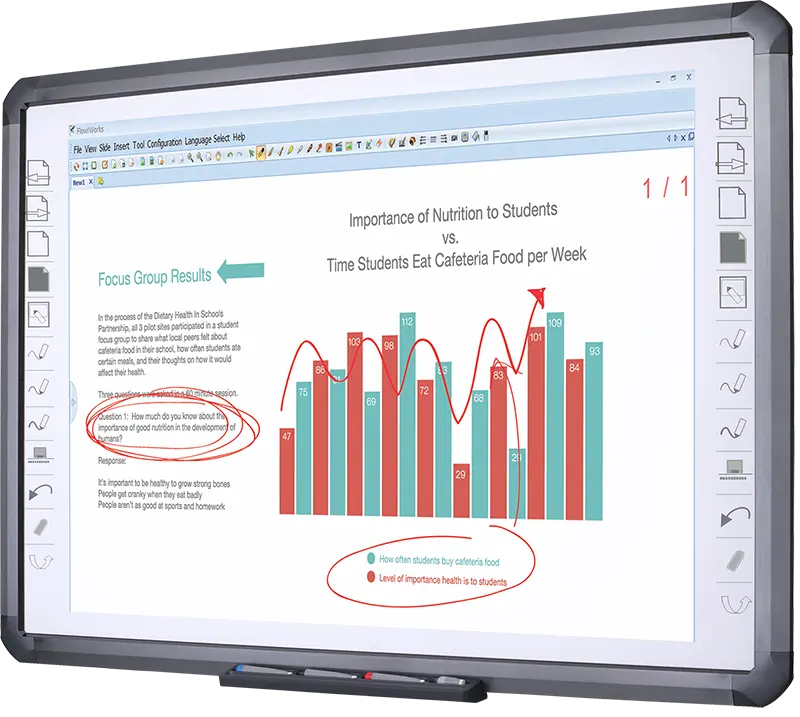
Flow!Works ProUser - friendly whiteboard software, it encompasses a wide range of presentation tools and powerful functions, delivering the most professional presentation experience to you.
Flow!WorksFlow!Works incorporates more educational tools, further enhancing the interactivity and fun - factor of your teaching.
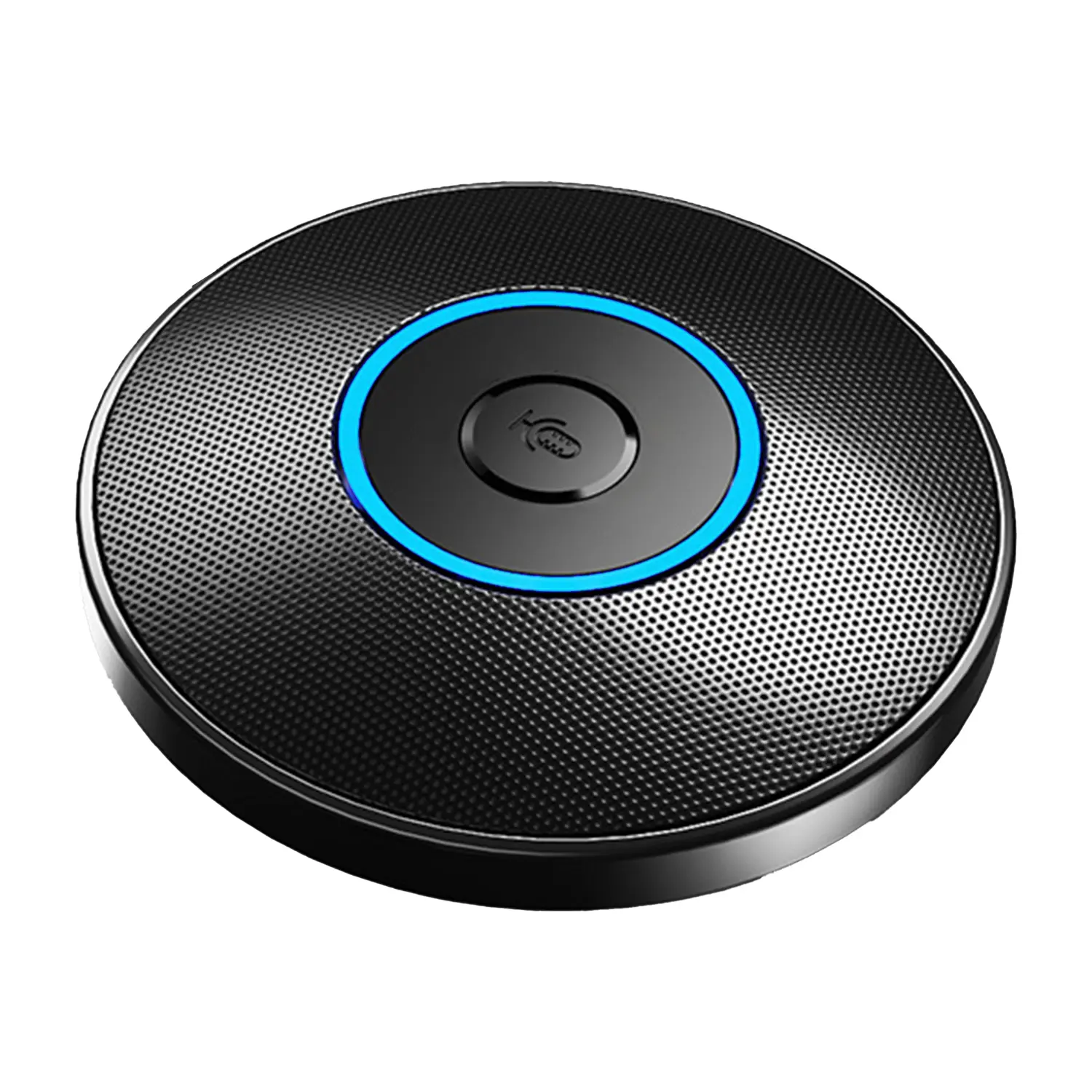
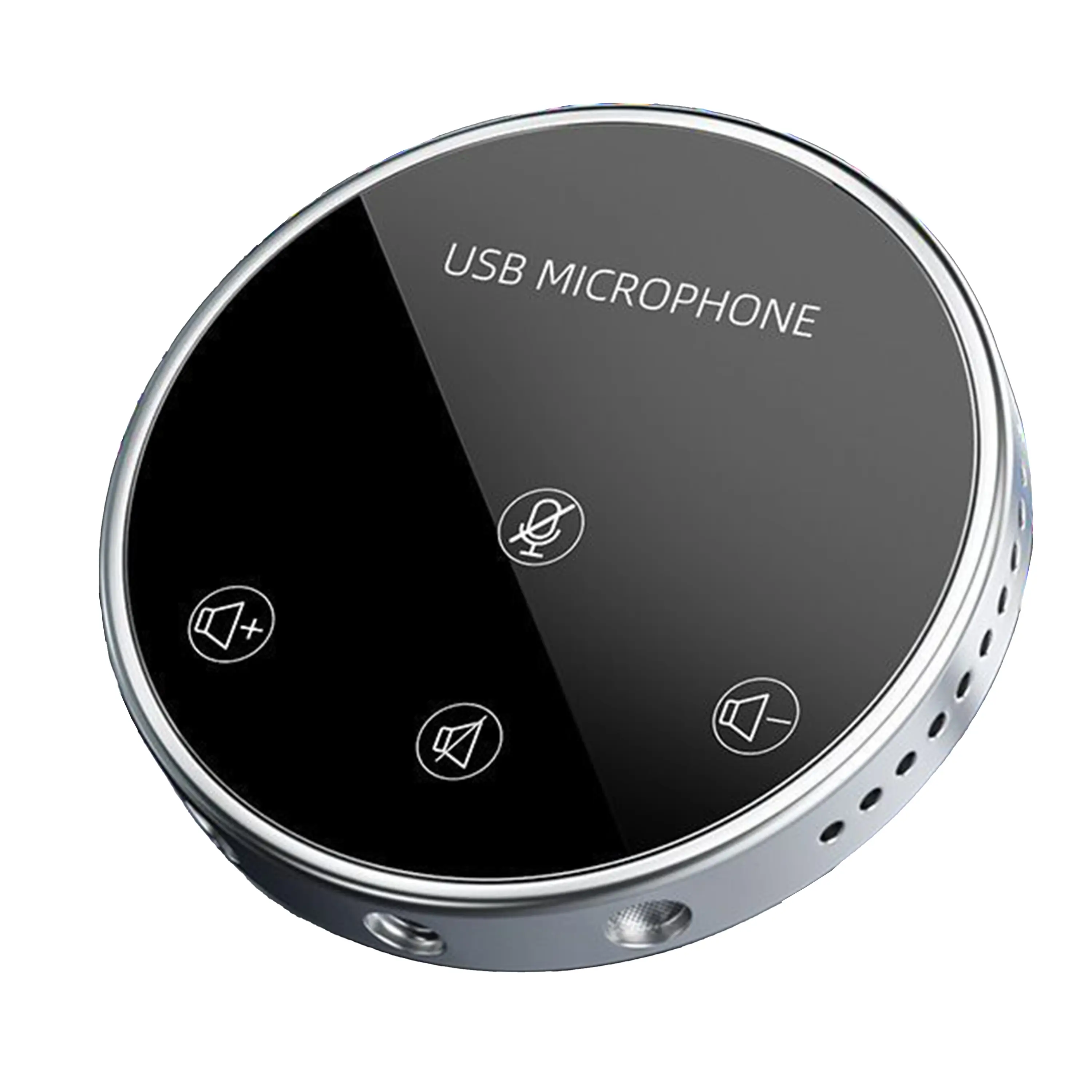
Conference Microphone● USB
● Plug and Play
● Intelligent Noise-Canceling
● 10ft/3m Extended Pickup Range
● 360° Omnidirectional Pickup
Conference Speakerphone● USB-C
● Plug and Play
● Intelligent Noise-Canceling
● 10ft/3m Extended Pickup Range
● 360° Omnidirectional Pickup
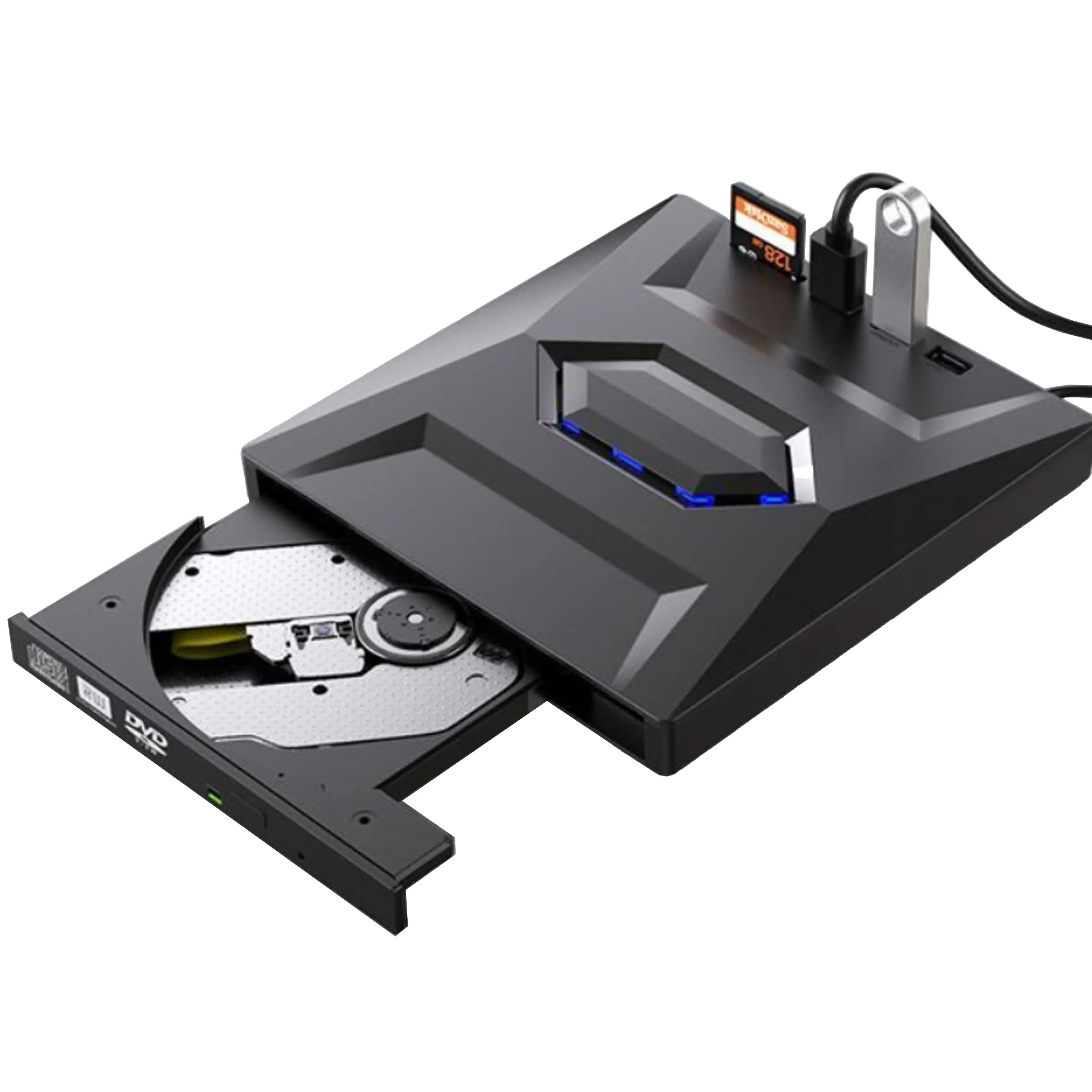
USB External CD/DVD Drive• USB and USB-C
• USB 3.0
• 8x DVD and 24x CD write/read speeds
• Portable
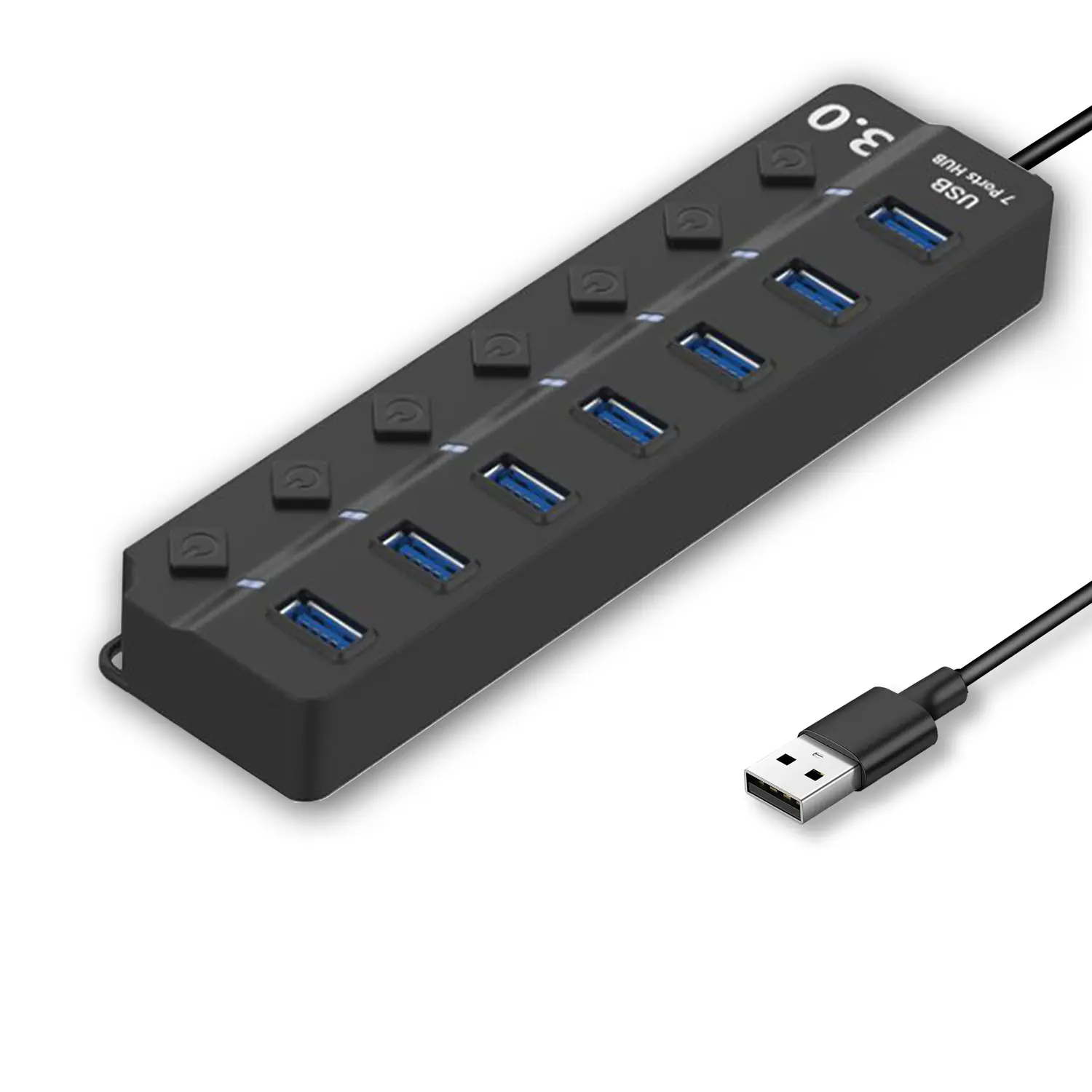
7-Port USB 3.0 Hub● USB 3.0
● Plug and Play
● 7-in-1 USB Hub
● Individual On/Off Switches
Revolutionize Your Presentations and Document Display with QWC 100S Document Camera
Enhance Call Experience: New Conference Microphone Now Available
AI-Powered Face-Tracking Webcam
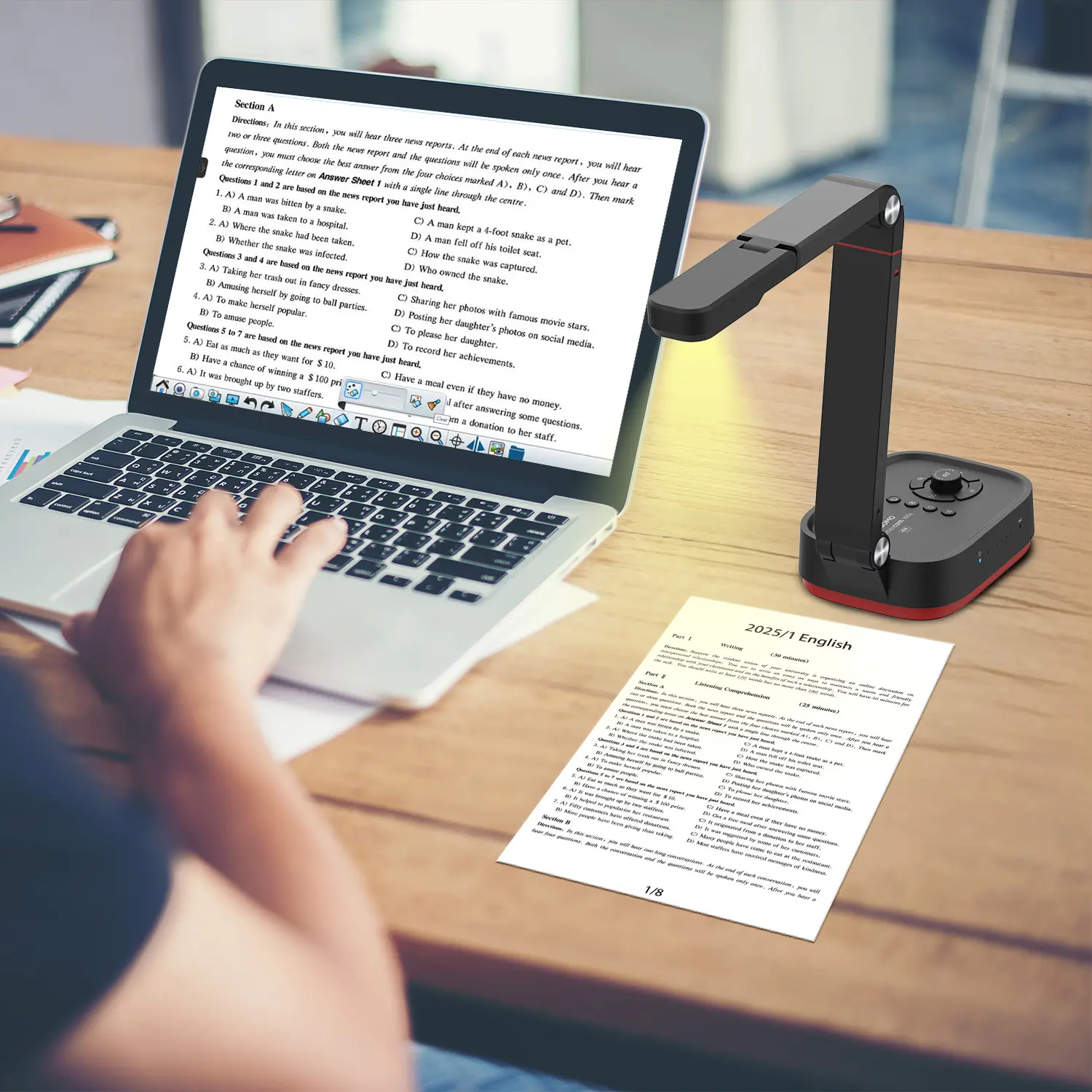
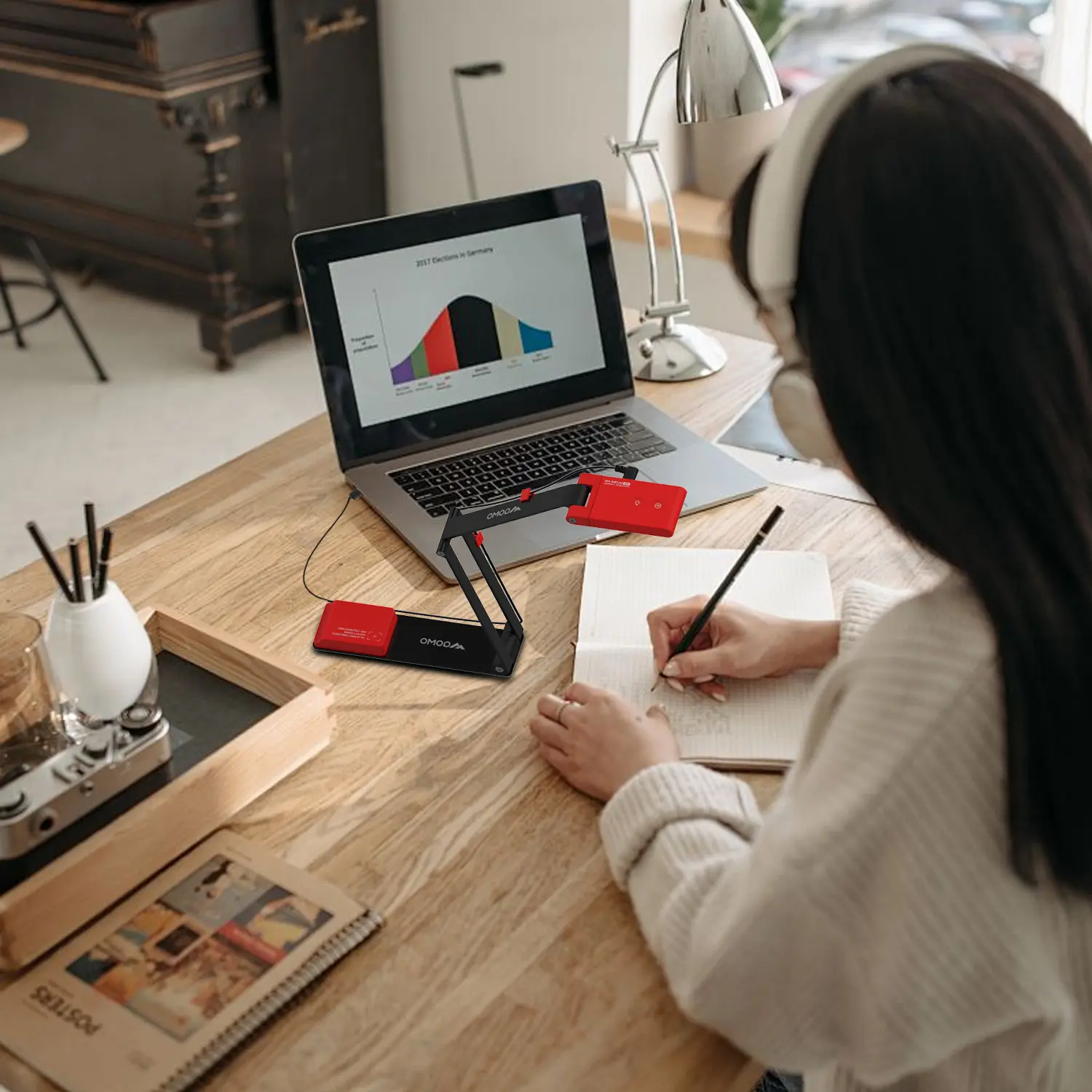
Portable Document Camera Recommendations
Classic Design, Exceptional Functionality: QPC 22 Document Camera
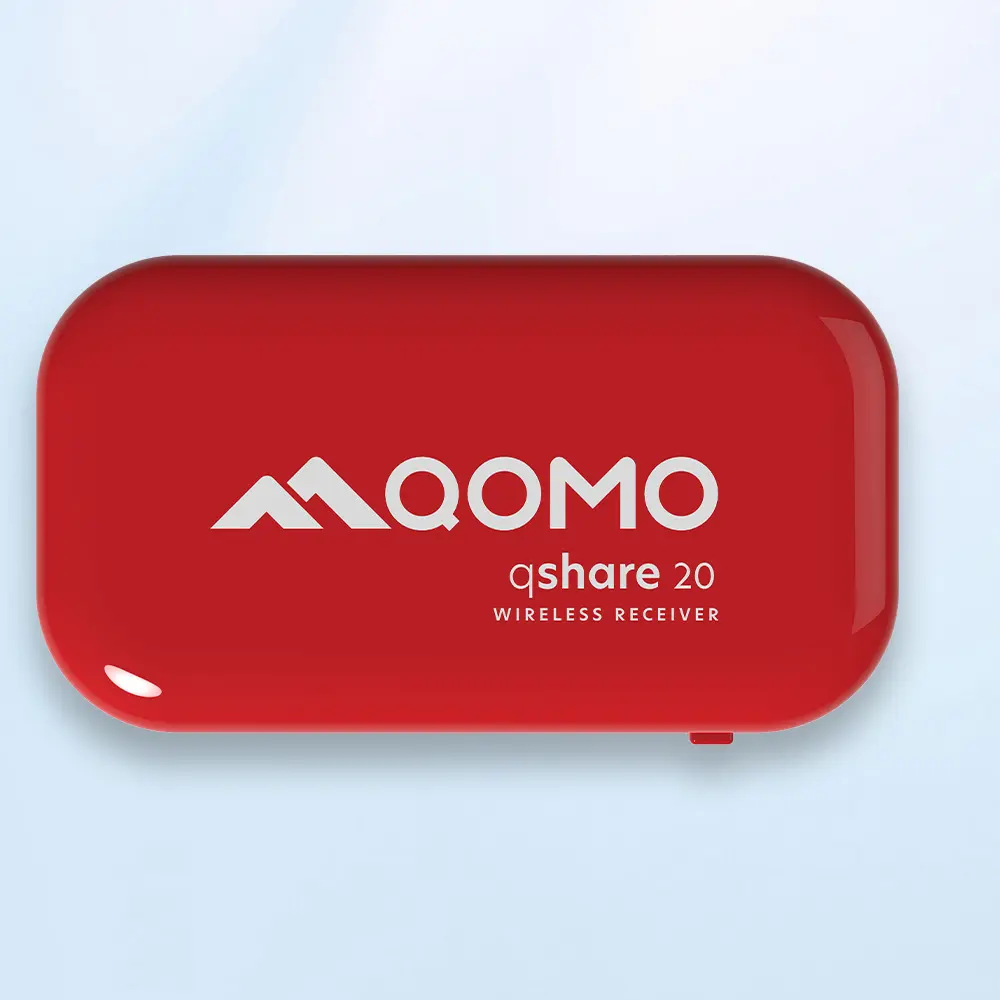
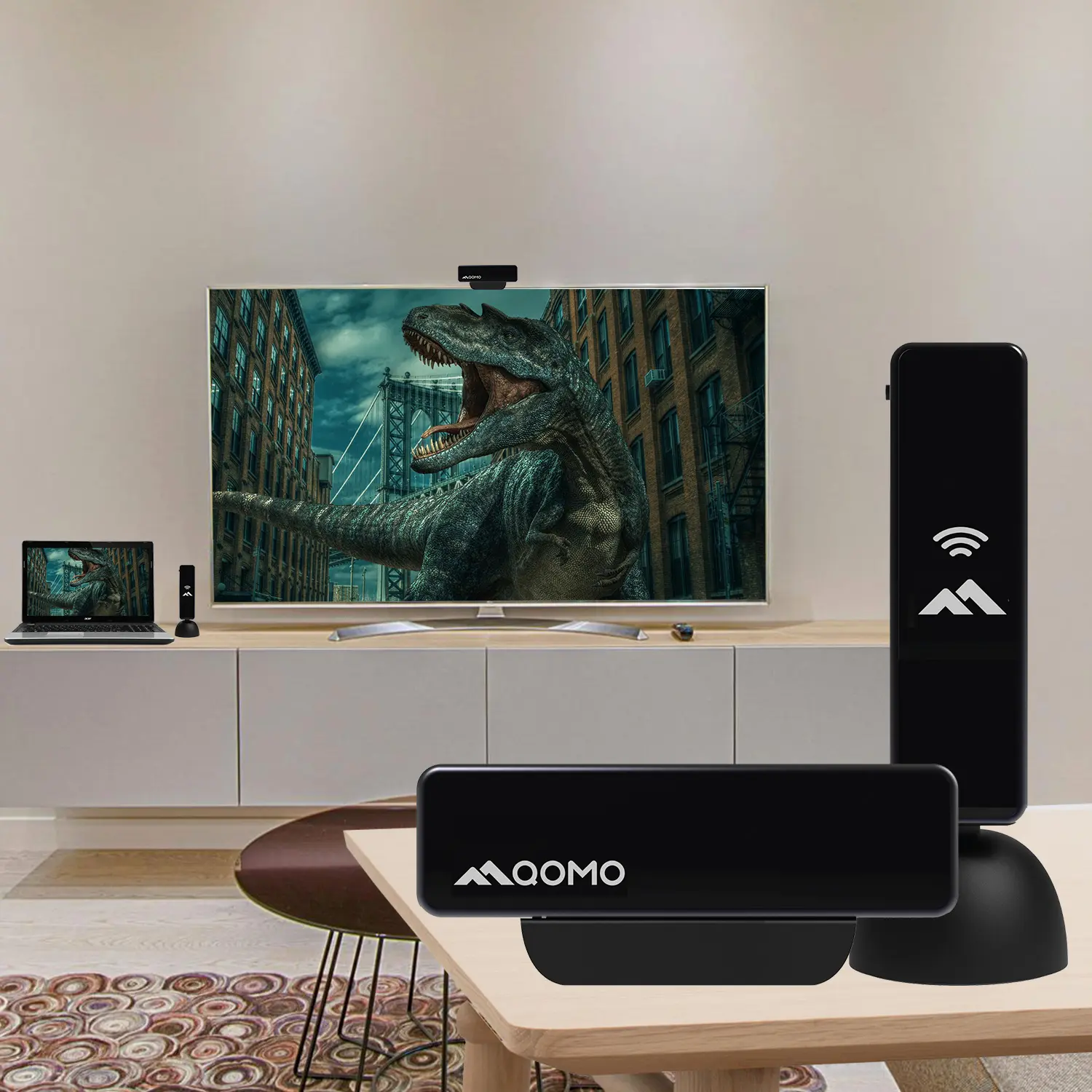
Wireless Screen Mirroring Solution for All Devices
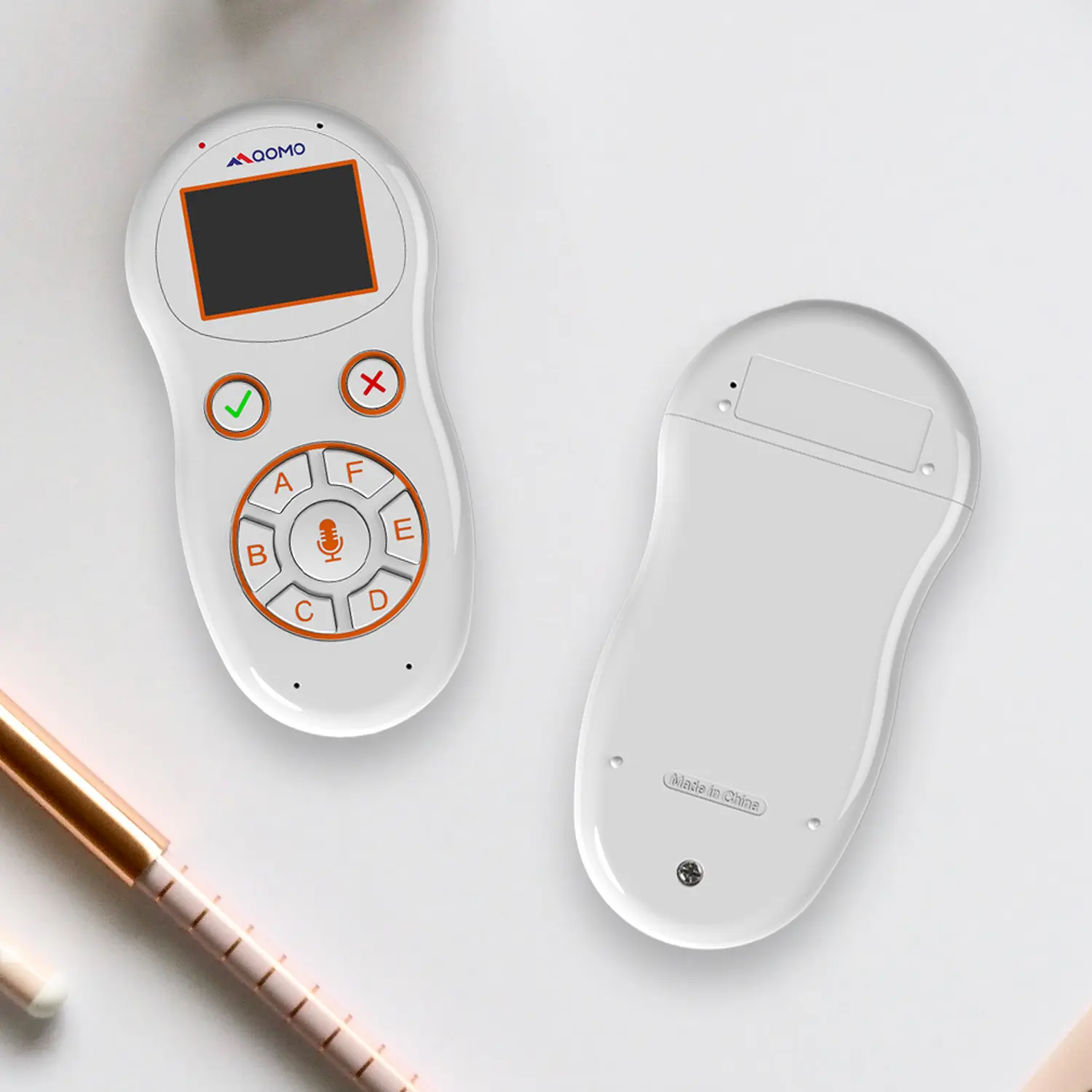
Latest Audience Response System: QRF 999
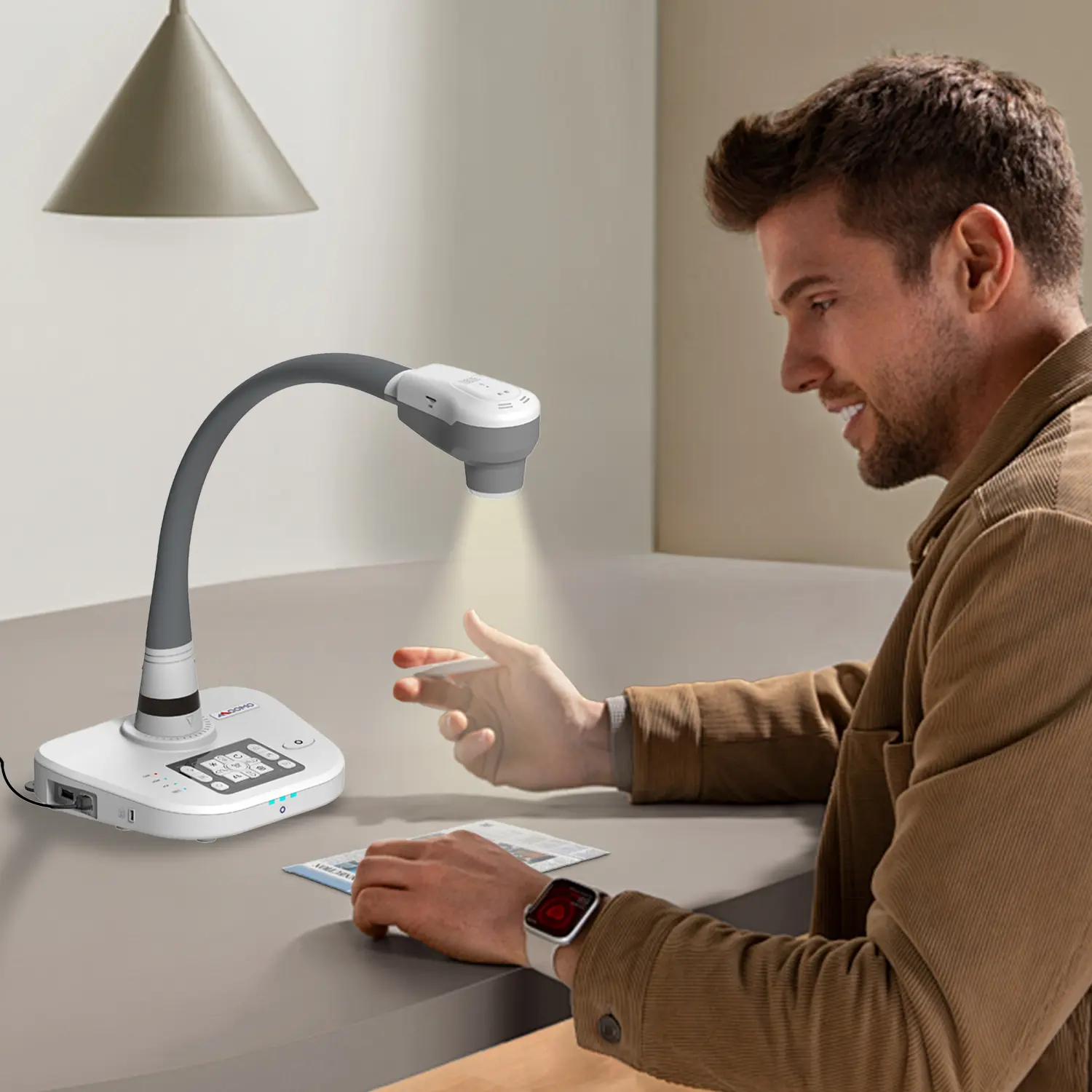
Introducing the QPC 80H3 Gooseneck Document Camera
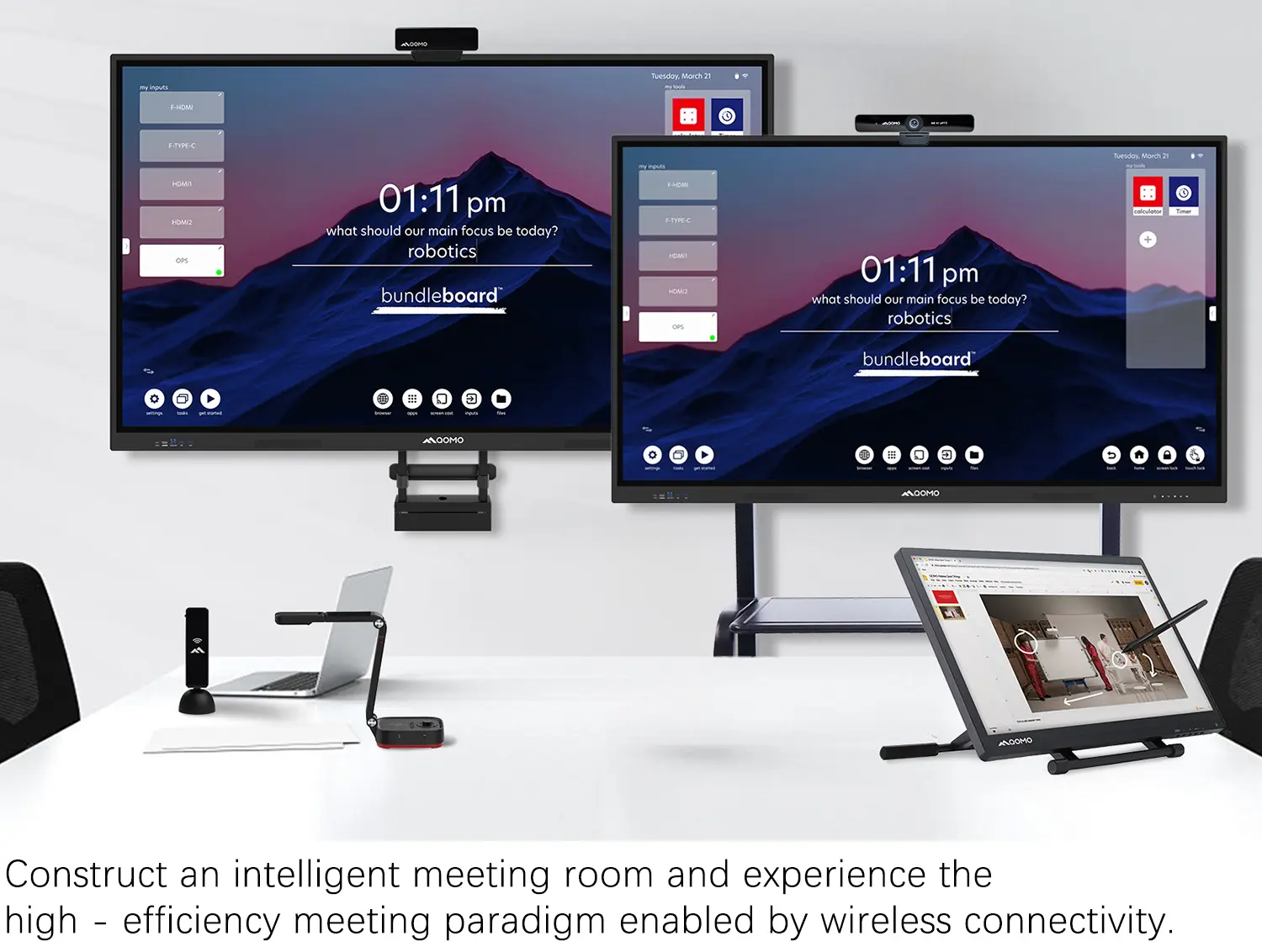
Creating a Smart Integrated Classroom: What Do You Need?
Wireless Connectivity Upgraded: WiFi-Free Wireless Document Receiver
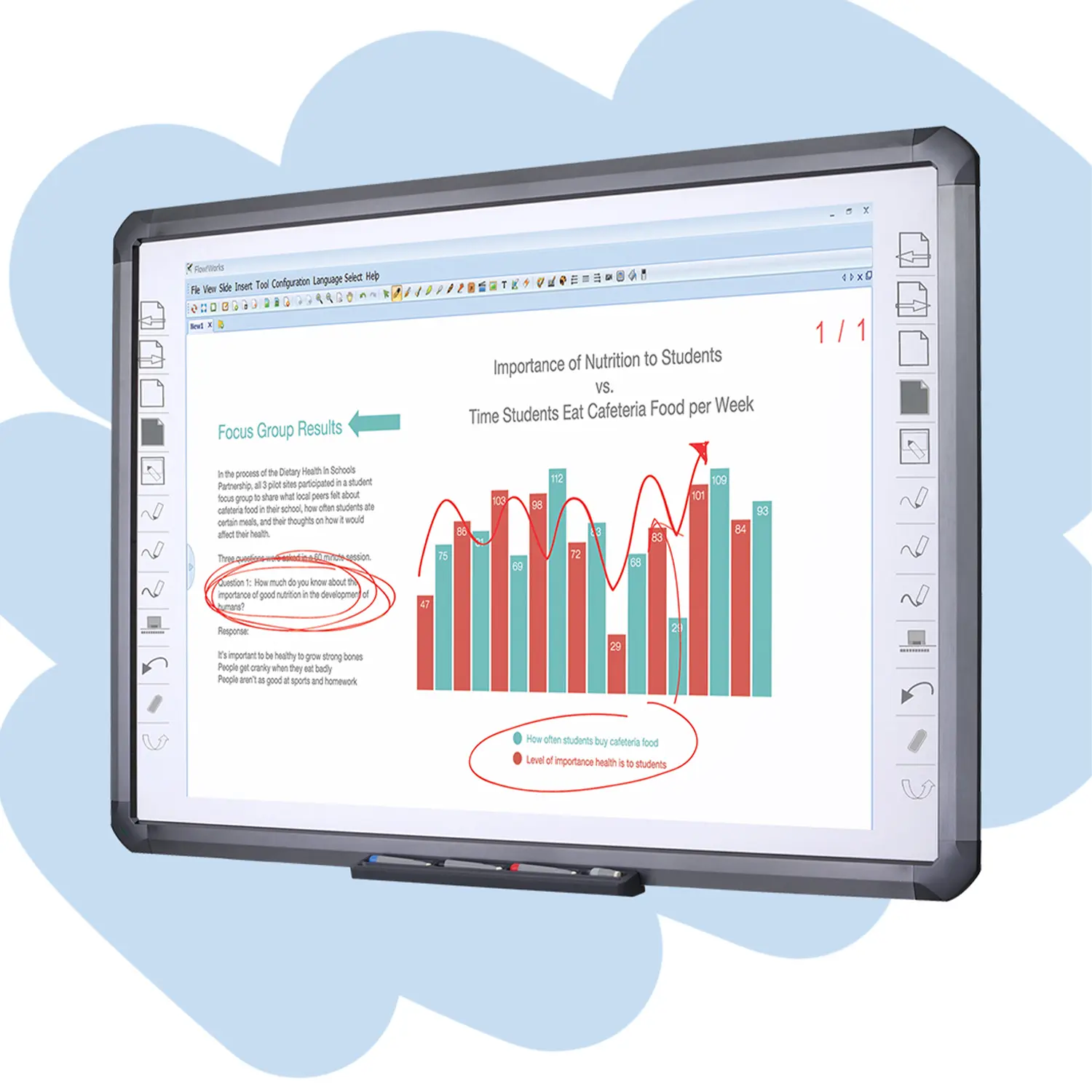
Flow!Works Pro: Interactive Whiteboard Software for Engaging Classrooms
How to Choose the Perfect Document Camera and Elevate Productivity
QWC 004 Conference Webcam: The Top Choice for Remote Education
QCamera: Dedicated Software for Document Cameras to Elevate Your Presentations
QRF999 Voice Response System: Enhancing Teacher-Student Interaction
Work From Home? Maybe You Should Try This Document Camera
The Ultimate Educational Tool: Gooseneck Document Camera
60GHz Millimeter-Wave Wireless Screen Sharing: QShare 100
What Does a Modern Conference Room Need?
QD5000 Document Camera: Unimaginable Versatility!
QWC 004: The Most Cost-Effective Webcam
QVote Interactive Classroom Response System Software
Functionality, Aesthetics, Portability! Meet the QWC 100S Document Camera!
Why Choose the BundleBoard H/H2 Interactive Flat Panel?
Save Your Budget—Introducing the All-New QPC 70 Document Camera!
QIT 600F3: Revolutionize Your Presentations
QCamera: Professional Document Camera Software
QPC 5: The Ultimate 4K Portable Document Camera
Elevate Your Meetings in Seconds: QWC 006 Webcam
Meet QOMO at ISE 2025
Wireless Document Camera Solution, Revolutionizing Wireless Technology
QRF Series, Transform Your Classroom!
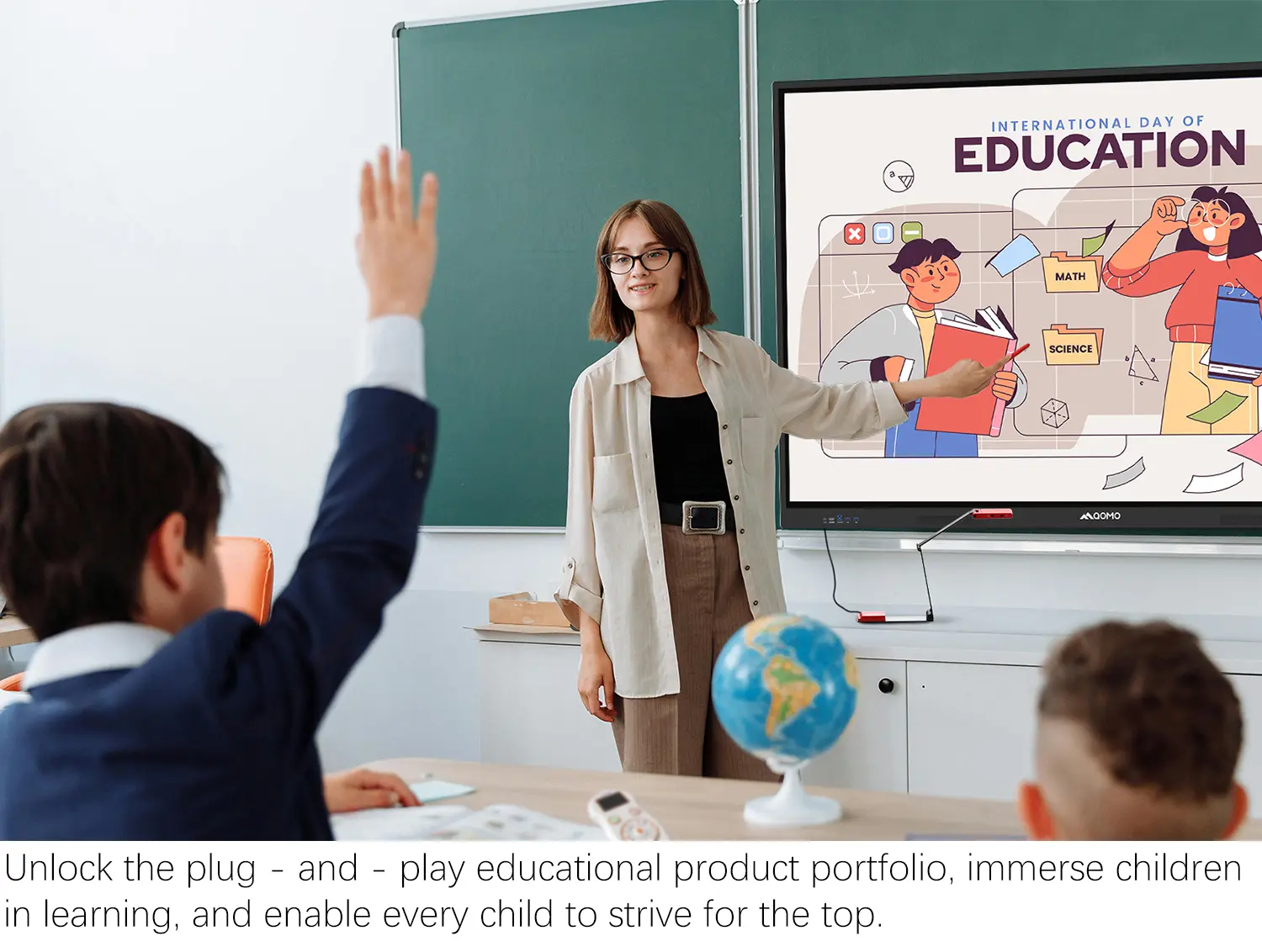
QOMO, Building Intelligent Classrooms
QOMO QShare100 New Release
Outstanding Office Equipment Recommendations
In 2026, the demand for effective screen mirroring solutions on Chromebooks has skyrocketed. As more users seek to connect their devices seamlessly, many apps have emerged to fill this need. Screen Mirroring Chromebook has become a crucial feature for students, professionals, and casual users alike.
These apps allow users to share their screens with ease. The variety of options can be overwhelming. Not all apps deliver the same performance or quality. Some may lag, while others face connectivity issues. Understanding each app's strengths and weaknesses is vital.
As we explore the top 10 screen mirroring apps for Chromebook, it's essential to share informed opinions on what works best. User experiences can vary widely. Testing multiple options may be necessary to find the right fit. This guide aims to provide insight into reliable apps, but ultimately, personal preference plays a significant role in your choice.
As the demand for seamless connectivity grows,
screen mirroring apps for Chromebooks are evolving rapidly. In 2026, users seek apps that are not only user-friendly but also reliable. Many apps now offer higher resolutions and smoother performance. However, performance may vary based on device compatibility and network strength. It’s crucial for users to test multiple options to determine what suits their specific needs.
Security remains a vital concern. Some apps may not encrypt data effectively during mirroring. This raises questions about how safe your information is. Users should research the privacy policies of each app. Look for apps that prioritize user data protection. Good apps should clearly communicate their security measures.
Compatibility with various devices also varies widely. While some apps boast extensive compatibility, users often encounter issues. Regular updates and maintenance are essential for any app's success. Users should consider providing feedback to developers for improvements. The ideal screen mirroring app will combine functionality, security, and user support effectively.
When selecting a screen mirroring app for your Chromebook, certain features matter. Look for ease of use. The app should have a simple interface. You don't want to waste time figuring out how to connect your devices. A straightforward setup can save you frustration.
Compatibility is crucial. Check that the app supports various devices. It should work well with smart TVs, projectors, and smartphones. Many users appreciate seamless connections across platforms. Good apps often include a reliable connection this way. Reliability is also key. You don’t want frequent disconnections during important presentations or family movie nights.
Consider the security features of the app. Protecting your data is essential. Ensure that the app uses encryption to safeguard your information. This is especially important for business professionals who share sensitive content. Finally, some apps might lack advanced features. Reflect on whether you need remote access or streaming capabilities. Assess your needs and preferences carefully. This reflection can lead to a more satisfying experience.
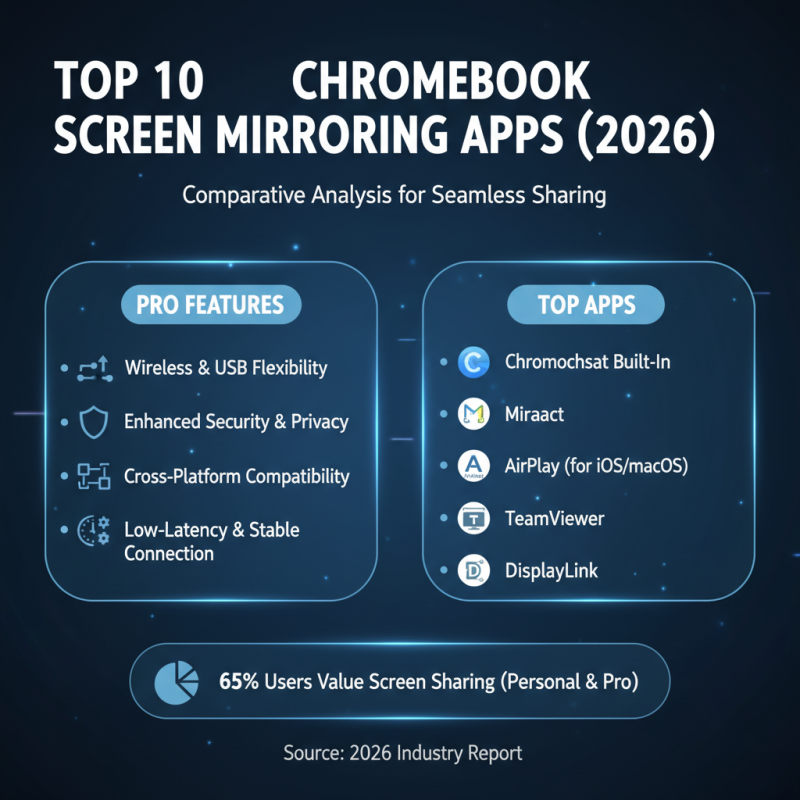
Screen mirroring technology has evolved significantly, especially for Chromebook users. A recent industry report shows that up to 65% of people value screen sharing for both personal and professional use. Therefore, identifying the most effective screen mirroring apps is crucial in 2026.
When analyzing the top 10 screen mirroring apps, one notices varying features and user experiences. Some apps focus on ease of use, while others prioritize advanced functionalities like multiple device connectivity. User reviews often highlight performance issues and lag time, which can detract from the overall experience. Additionally, about 30% of users reported compatibility problems with certain Chromebook models.
According to the latest statistics, secure connections are becoming a priority, with 45% of users concerned about data privacy. Therefore, when selecting a screen mirroring app, one should consider its security protocols. Some apps offer end-to-end encryption, which can instill a greater sense of trust. However, others fall short, leaving room for criticism around their security measures. In this rapidly evolving market, being selective can lead to a more reliable and satisfying screen mirroring experience.
Screen mirroring apps have gained significant popularity among Chromebook users. Their ease of use and functionality attract a diverse audience. User experience is crucial when evaluating these apps. Many prefer intuitive interfaces that provide seamless connections. A good app should connect devices quickly and reliably. Some apps excel in speed but struggle with stability, leading to frustrating interruptions.
Performance metrics are equally important. High-resolution streaming and low latency are essential for an enjoyable experience. Some apps offer impressive quality but may consume excessive battery. Users report mixed experiences with buffering and lag times. This inconsistency can detract from activities like gaming or watching videos. It's vital for users to experiment with different apps to find the best fit for their needs.
While many options exist, not all are created equal. Some may lack advanced features like screen recording or multi-device support. Reviews often highlight these gaps in functionality. Users should keep these factors in mind. Testing various apps can lead to unexpected delights or disappointment. The search for the optimal screen mirroring experience continues for many Chromebook users.
Screen mirroring technology is evolving rapidly. By 2026, Chromebooks will see remarkable advancements. Users can expect smoother connections and better streaming quality. Improved Wi-Fi standards will enhance data transfer rates significantly. This means less lag and interruptions during presentations or media sharing.
Future screen mirroring applications will likely incorporate AI-driven features. These features may adapt to user preferences over time. For example, a mirroring app could adjust display settings automatically. However, challenges remain in standardizing these technologies across different devices. Compatibility issues might frustrate some users.
Security will be a crucial aspect of future developments. As screen mirroring becomes more prevalent, protecting user data will be essential. Innovations may include end-to-end encryption for secure connections. Simultaneously, keeping user interfaces intuitive should not be overlooked. As with any technology, ongoing user feedback will be vital for improvement. Balancing innovation with usability is a constant challenge.
| Rank | App Name | Compatibility | Key Features | User Rating |
|---|---|---|---|---|
| 1 | ScreenCast Pro | Chromebook, Android, iOS | High resolution streaming, multi-device support | 4.8/5 |
| 2 | MirrorMe | Chromebook, Windows | Low latency, user-friendly interface | 4.7/5 |
| 3 | CastAway | Chromebook, Smart TVs | Supports 4K, screen recording features | 4.6/5 |
| 4 | Reflector | Chromebook, Android | Cross-platform support, wireless connectivity | 4.5/5 |
| 5 | AirBeam | Chromebook, iOS | Easy setup, airplay compatibility | 4.4/5 |
| 6 | TeamViewer | Chromebook, All platforms | Remote control feature, file sharing | 4.2/5 |
| 7 | VNC Viewer | Chromebook, Windows, macOS | Cross-platform remote access, encryption | 4.1/5 |
| 8 | ApowerMirror | Chromebook, iOS, Android | Screen recording, screenshot | 4.0/5 |
| 9 | LetsView | Chromebook, All devices | No need for app installation, easy to use | 3.9/5 |
| 10 | ApowerTEA | Chromebook, Android | Fast connection, user-oriented features | 3.8/5 |