+86 152 8002 3723
QVoteProfessional Audience Response System software offers the most convenient functions for your interactions.
QClickThe most convenient educational software for working with Microsoft PowerPoint to quickly set up various question types and generate intelligent feedback reports.
QCameraQCamera by QOMO allows for real-time streaming from cameras and document cameras. Annotate, save snapshots, record, and manipulate camera images instantly.
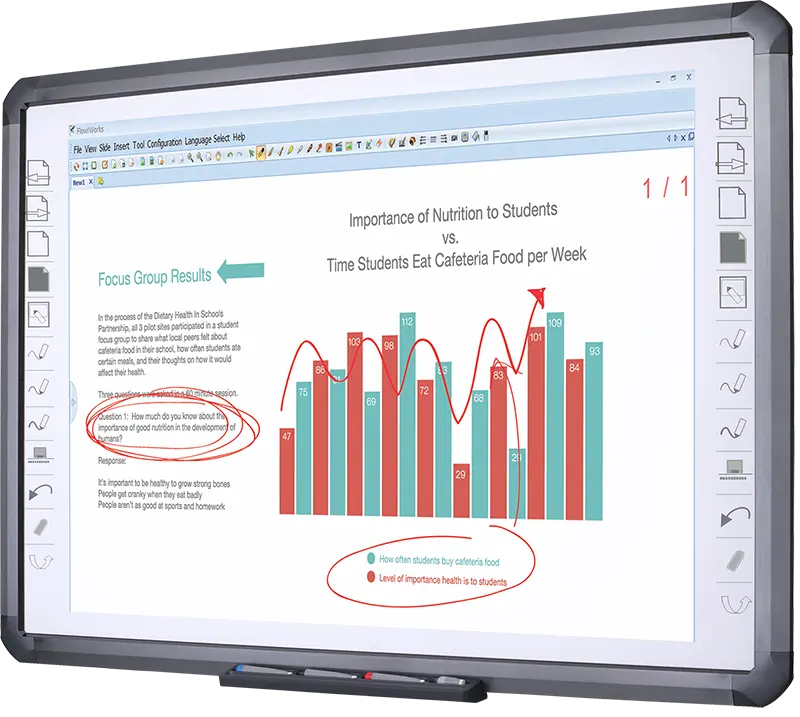
Flow!Works ProUser - friendly whiteboard software, it encompasses a wide range of presentation tools and powerful functions, delivering the most professional presentation experience to you.
Flow!WorksFlow!Works incorporates more educational tools, further enhancing the interactivity and fun - factor of your teaching.
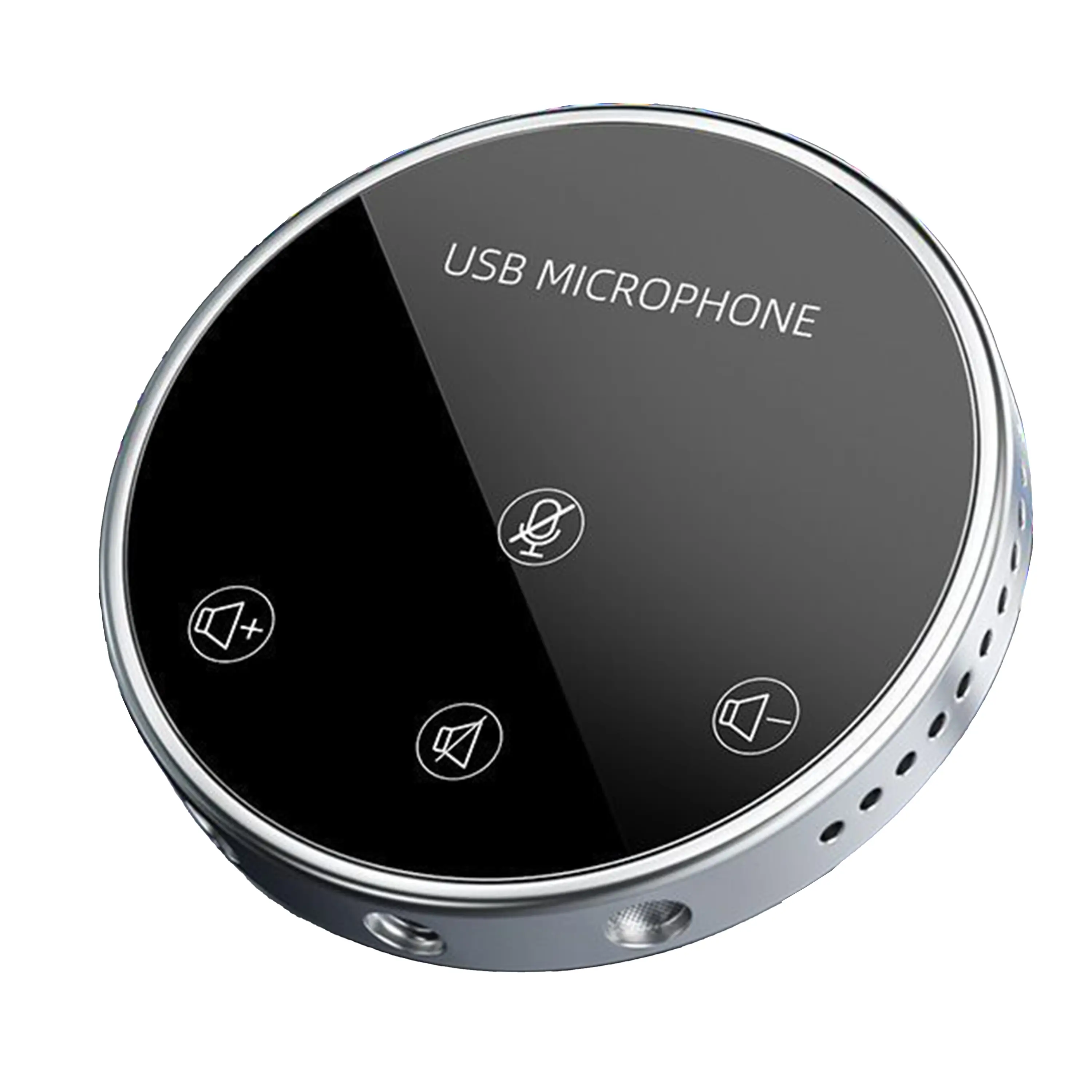
Conference Microphone● USB
● Plug and Play
● Intelligent Noise-Canceling
● 10ft/3m Extended Pickup Range
● 360° Omnidirectional Pickup
Conference Speakerphone● USB-C
● Plug and Play
● Intelligent Noise-Canceling
● 10ft/3m Extended Pickup Range
● 360° Omnidirectional Pickup
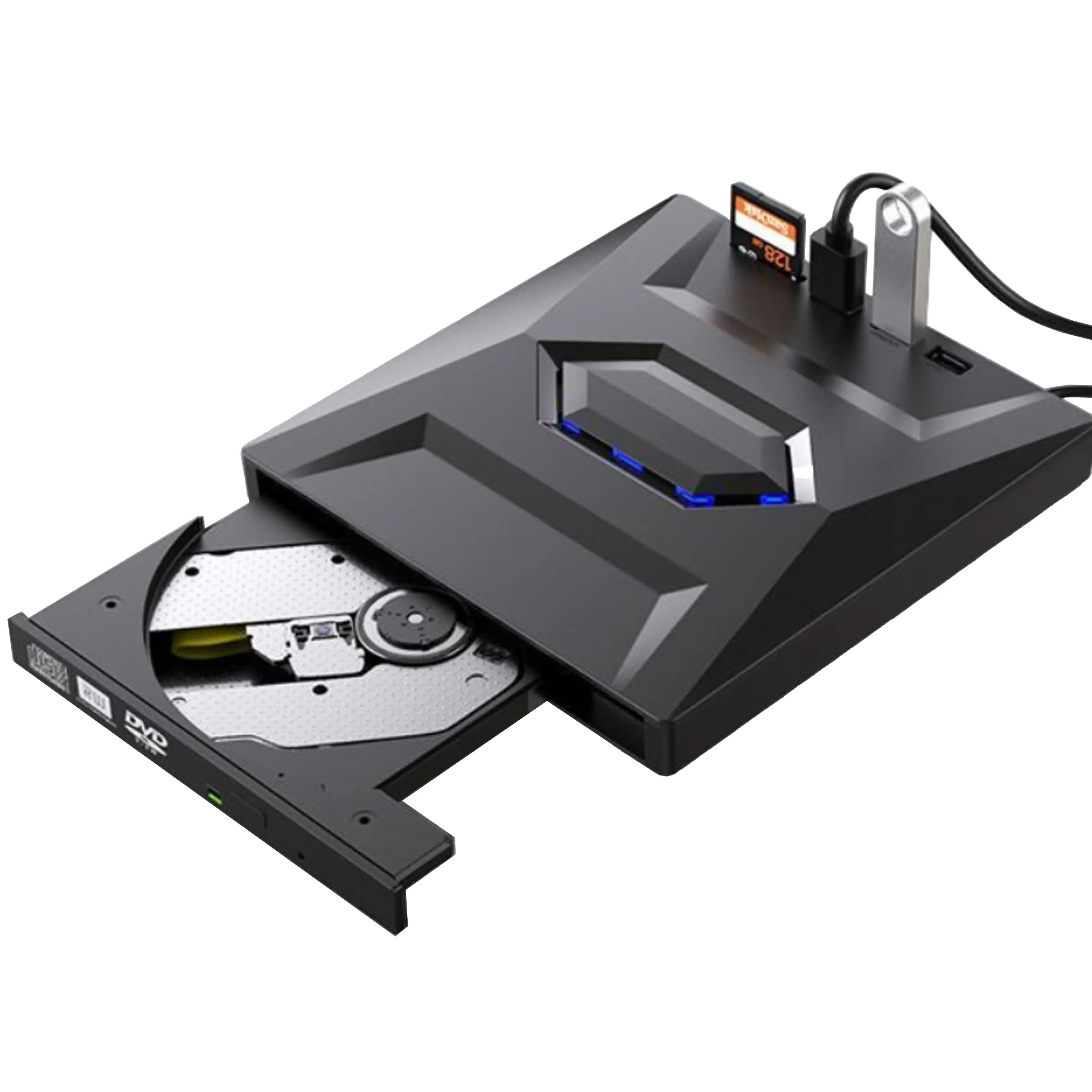
USB External CD/DVD Drive• USB and USB-C
• USB 3.0
• 8x DVD and 24x CD write/read speeds
• Portable
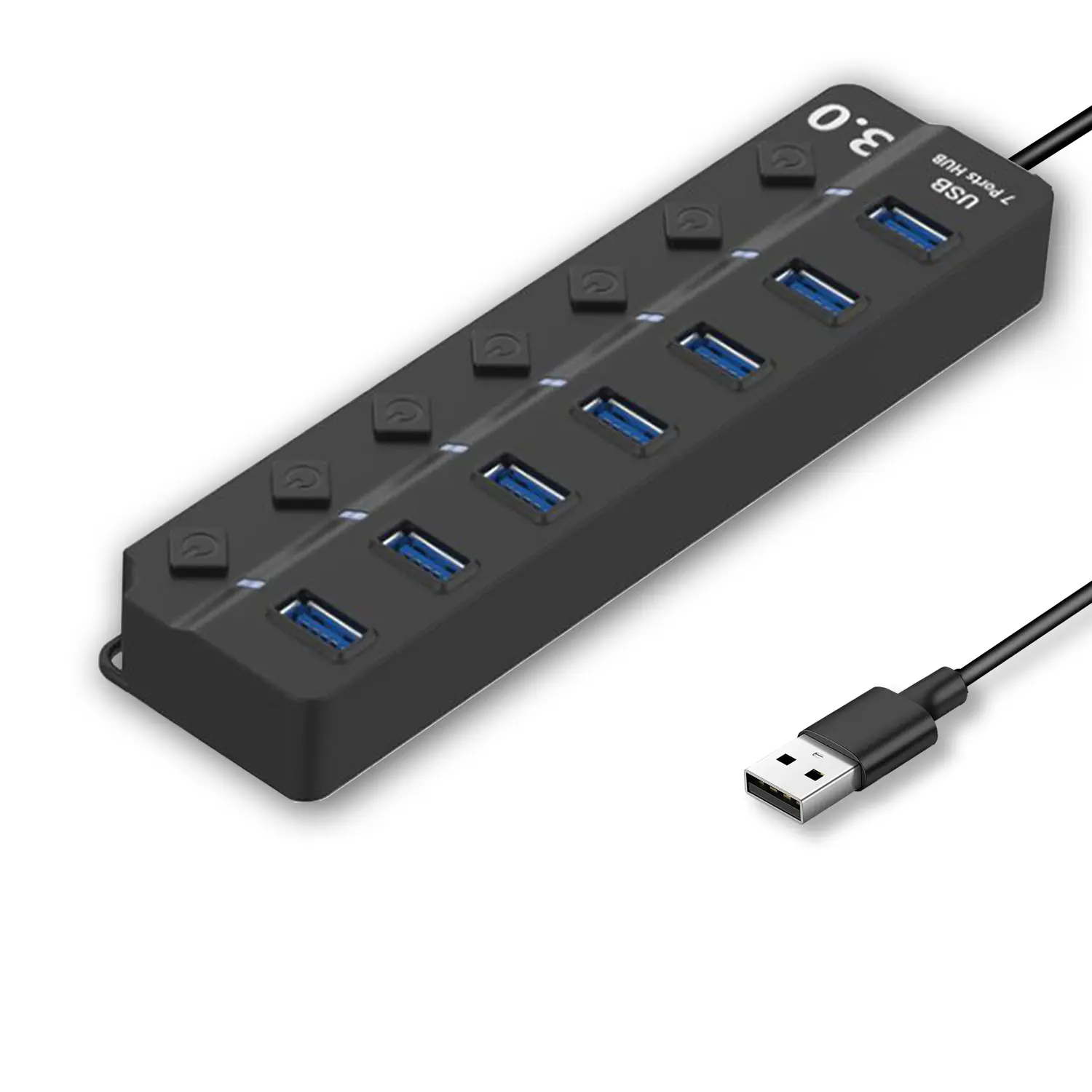
7-Port USB 3.0 Hub● USB 3.0
● Plug and Play
● 7-in-1 USB Hub
● Individual On/Off Switches
Revolutionize Your Presentations and Document Display with QWC 100S Document Camera
Enhance Call Experience: New Conference Microphone Now Available
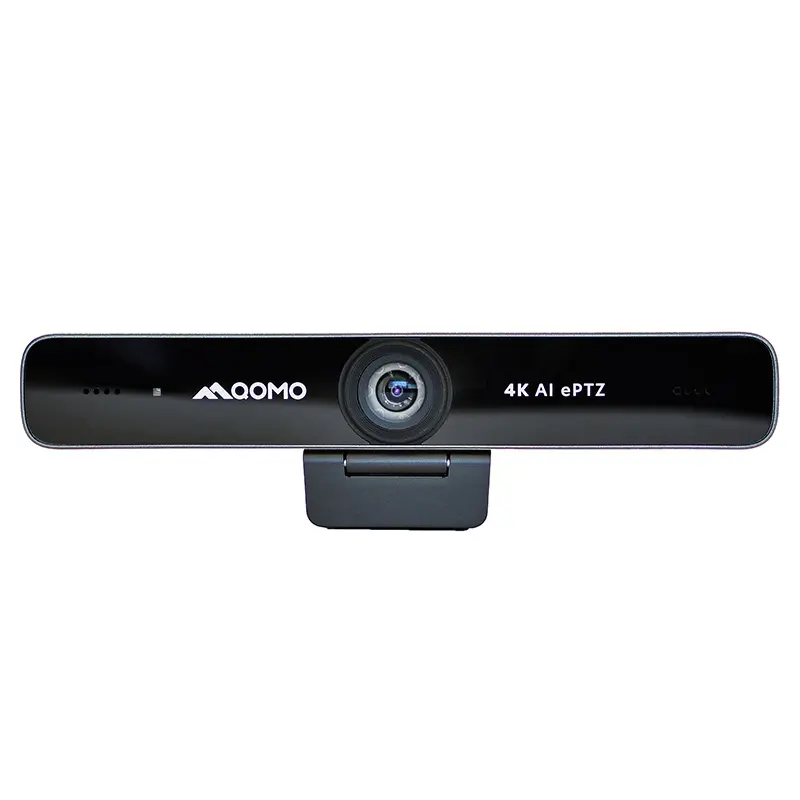
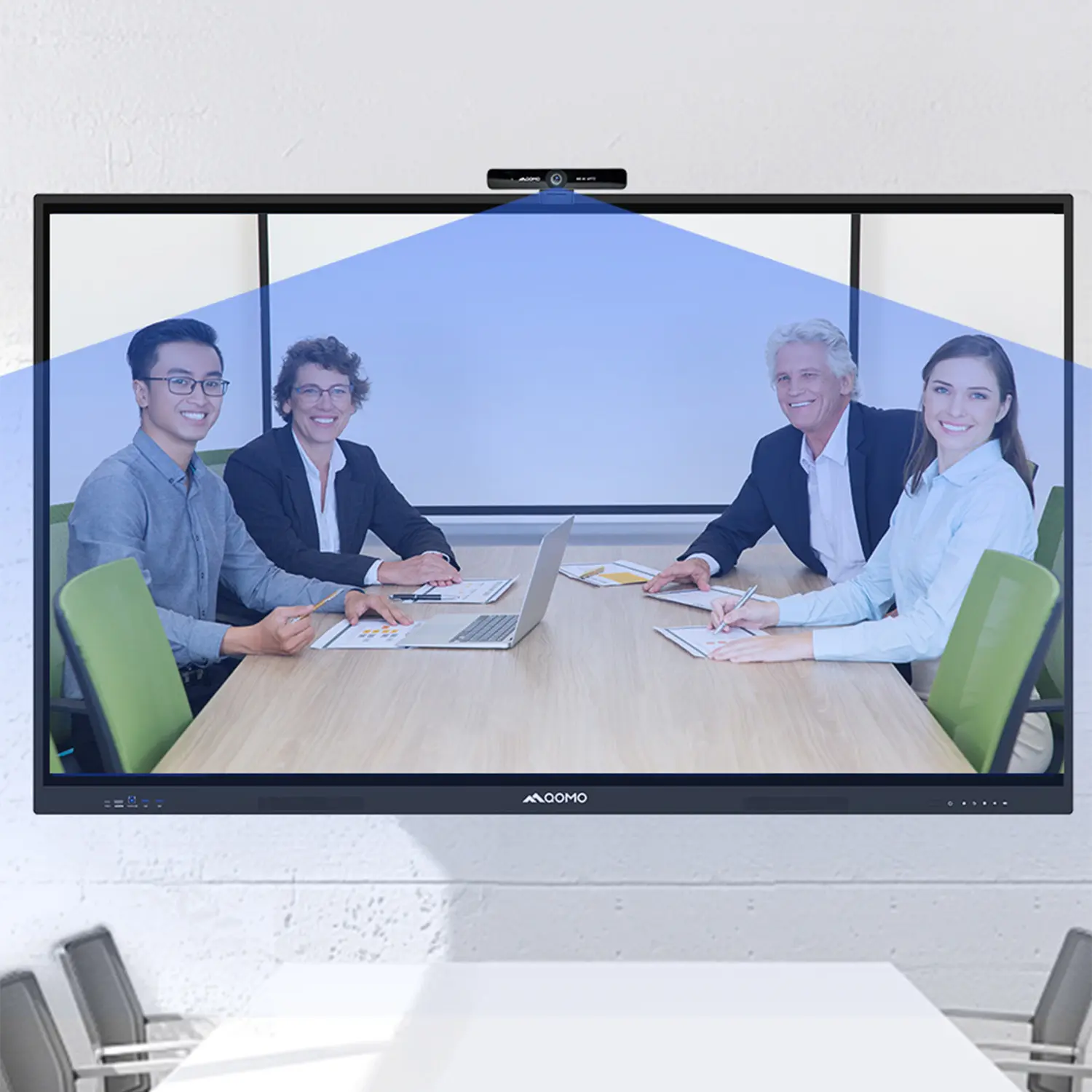
AI-Powered Face-Tracking Webcam
Portable Document Camera Recommendations
Classic Design, Exceptional Functionality: QPC 22 Document Camera
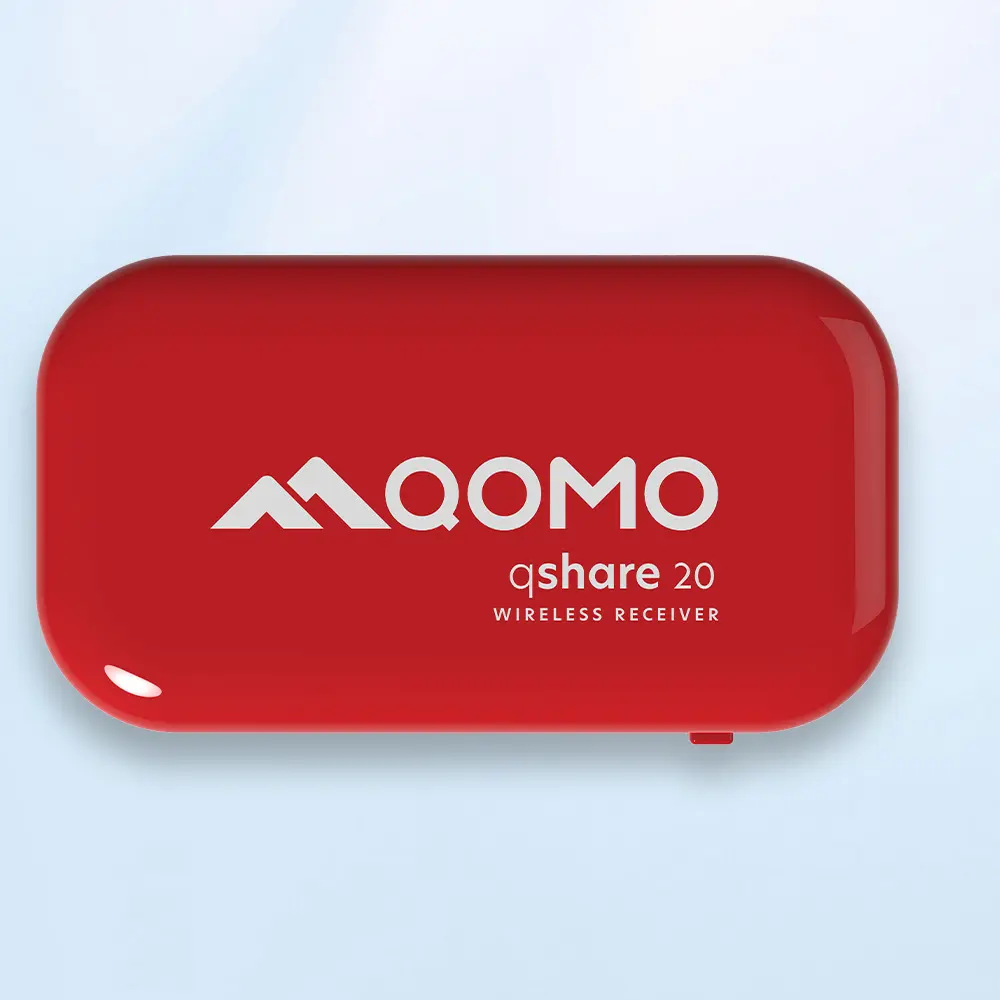
Wireless Screen Mirroring Solution for All Devices
Latest Audience Response System: QRF 999
Introducing the QPC 80H3 Gooseneck Document Camera
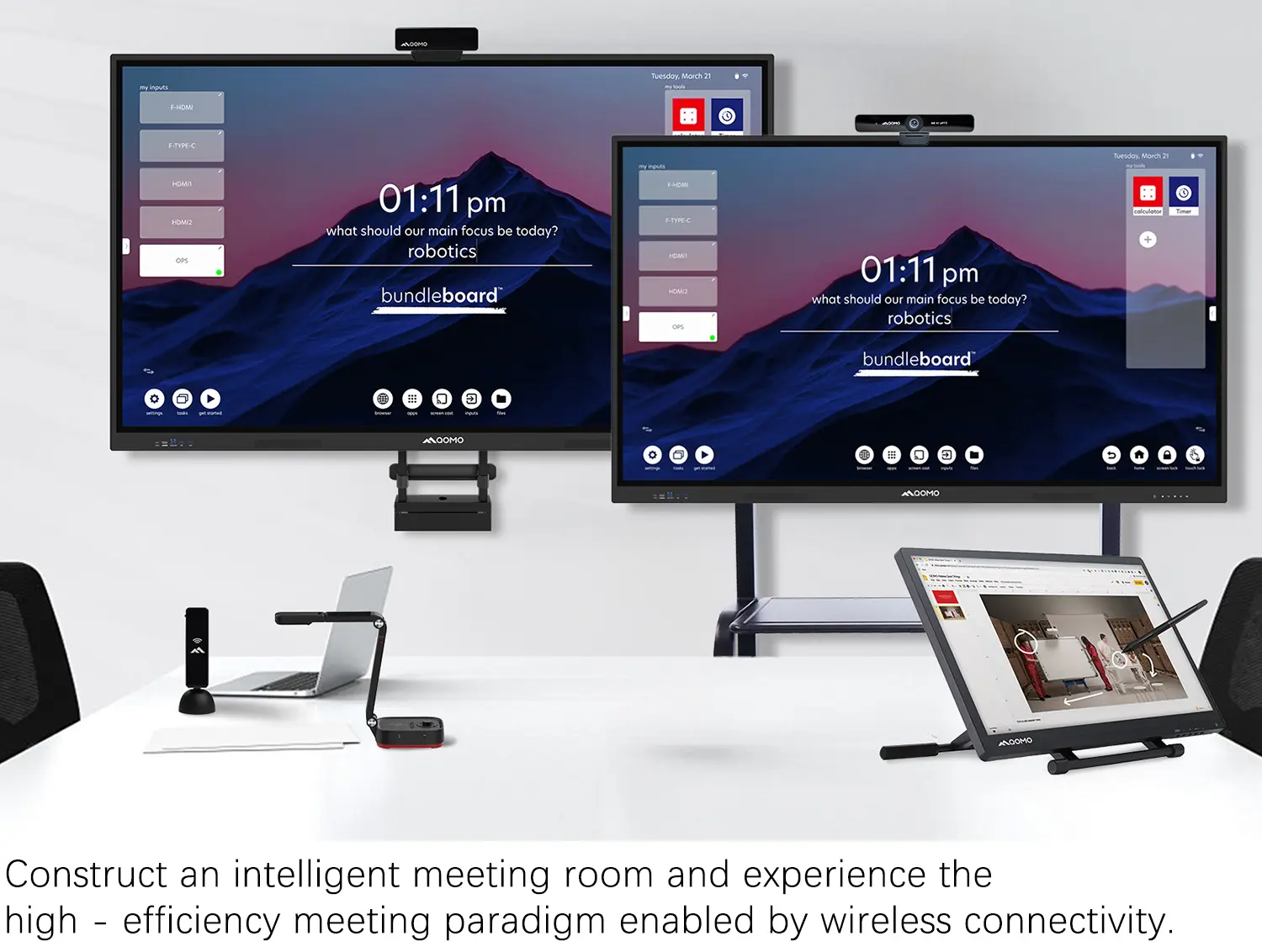
Creating a Smart Integrated Classroom: What Do You Need?
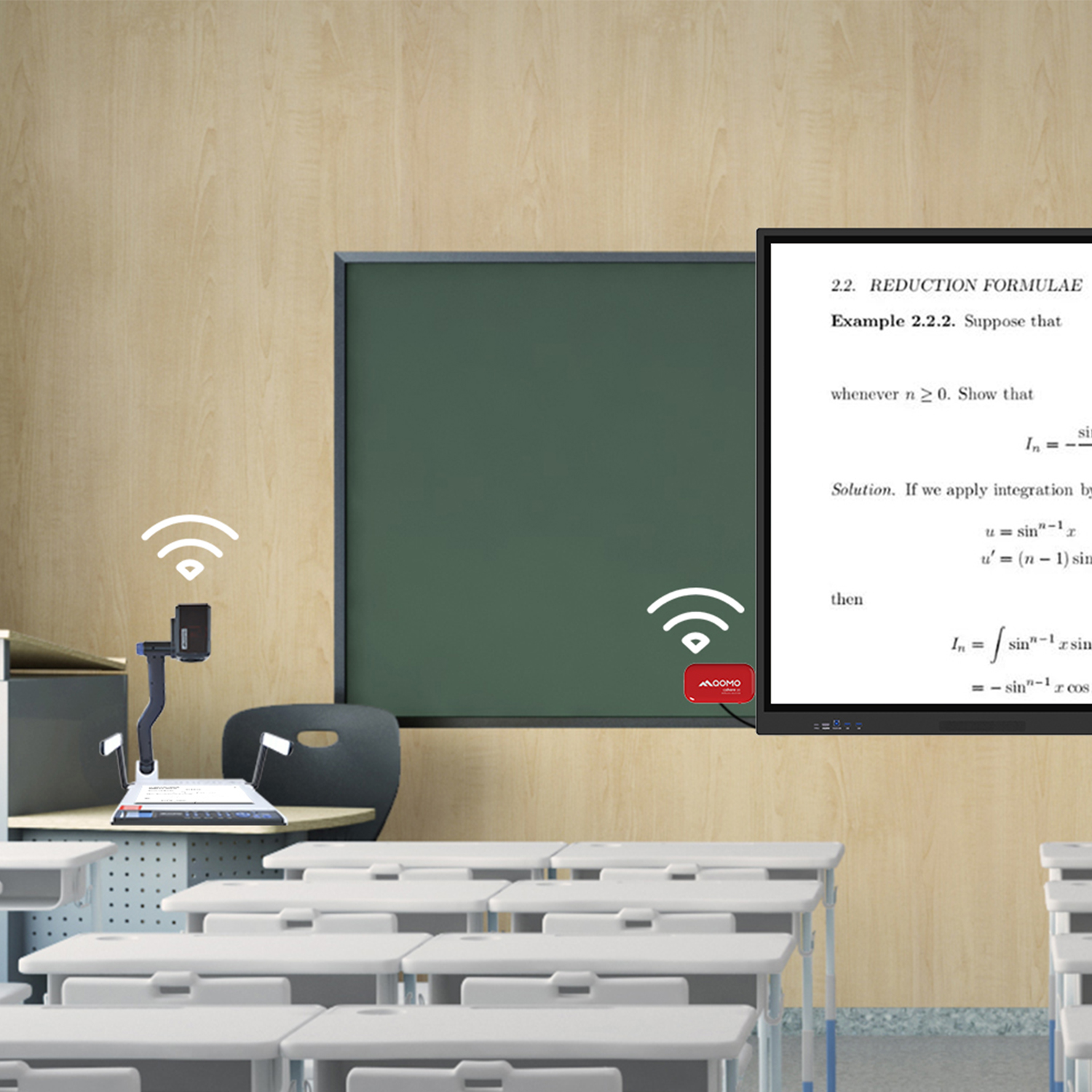
Wireless Connectivity Upgraded: WiFi-Free Wireless Document Receiver
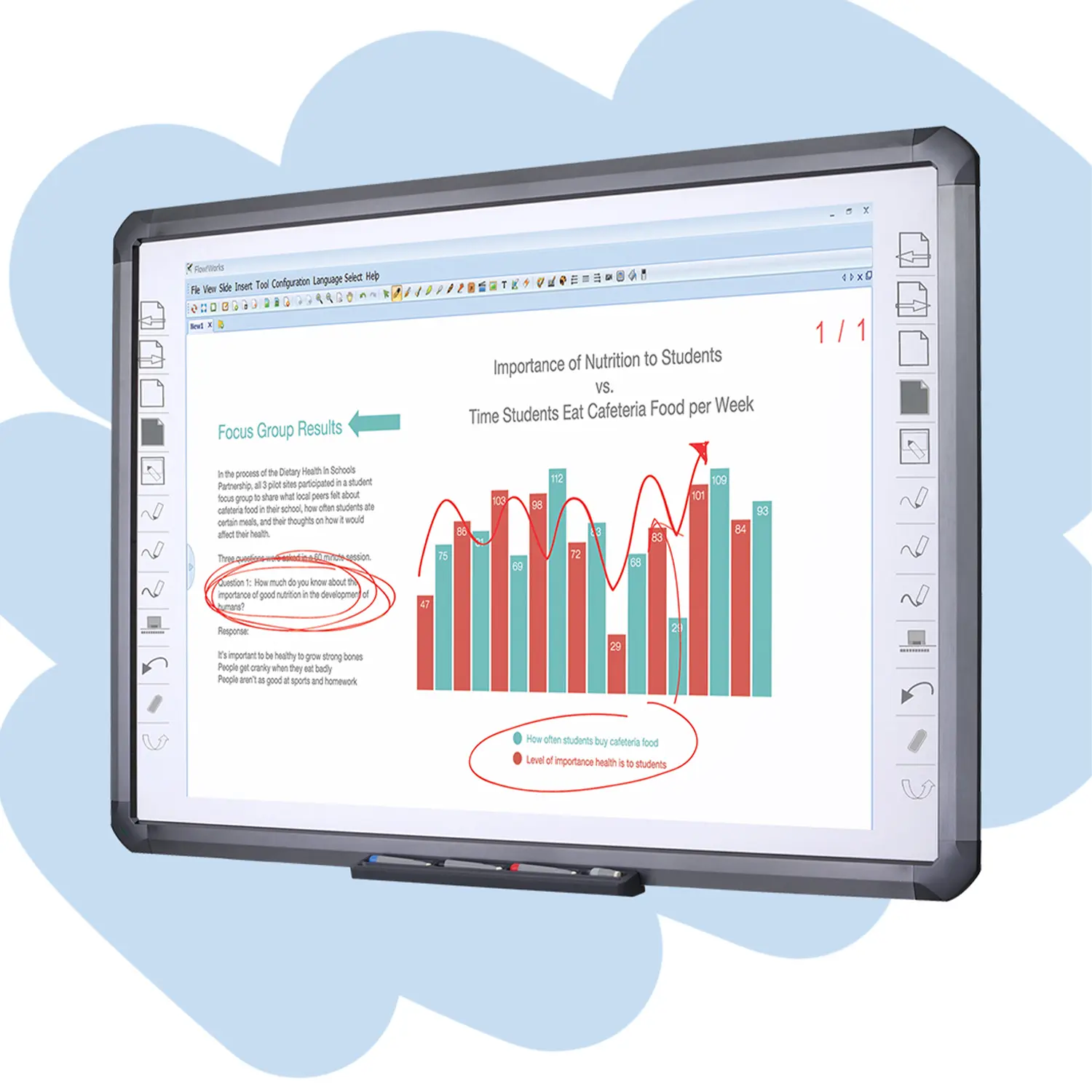
Flow!Works Pro: Interactive Whiteboard Software for Engaging Classrooms
How to Choose the Perfect Document Camera and Elevate Productivity
QWC 004 Conference Webcam: The Top Choice for Remote Education
QCamera: Dedicated Software for Document Cameras to Elevate Your Presentations
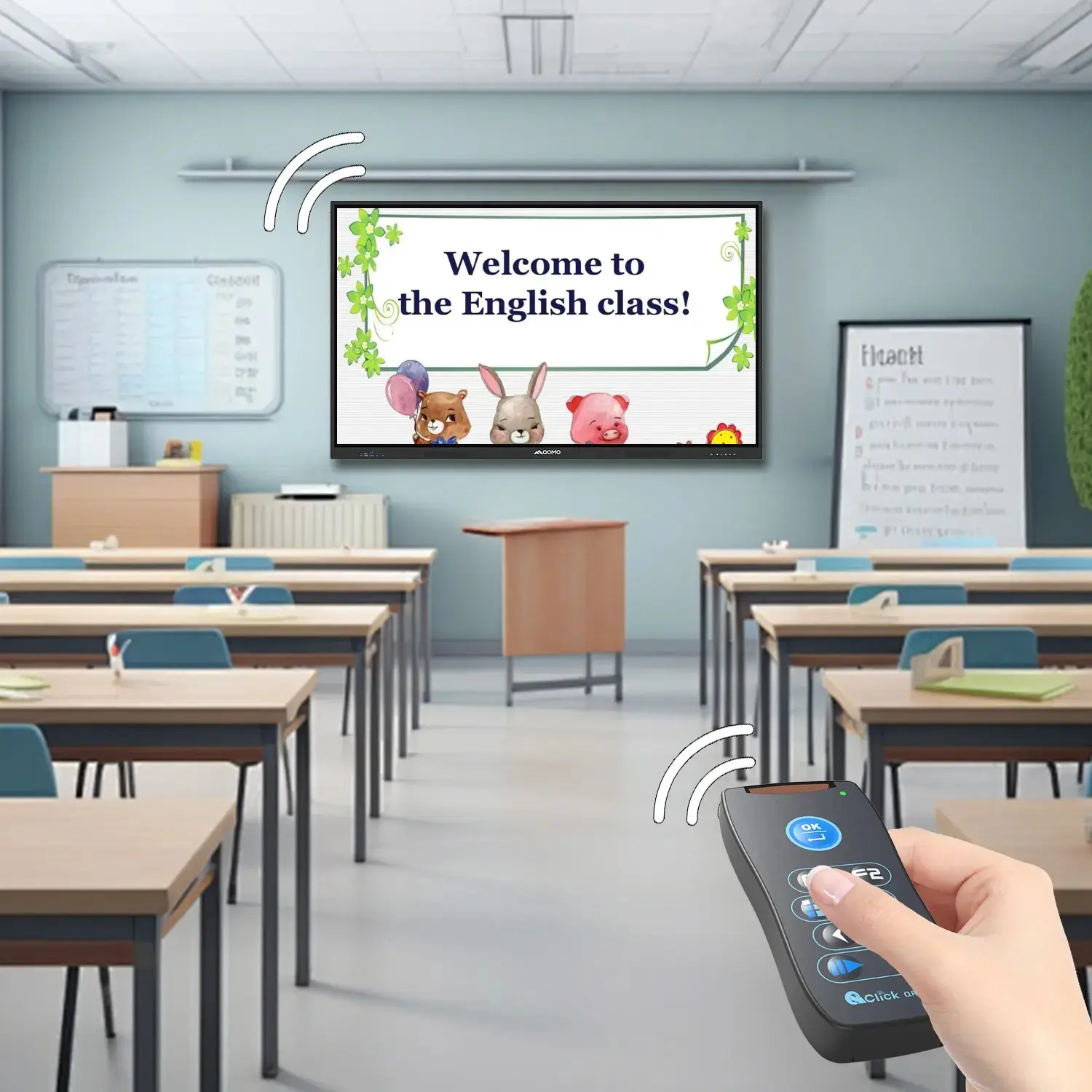
QRF999 Voice Response System: Enhancing Teacher-Student Interaction
Work From Home? Maybe You Should Try This Document Camera
The Ultimate Educational Tool: Gooseneck Document Camera
60GHz Millimeter-Wave Wireless Screen Sharing: QShare 100
What Does a Modern Conference Room Need?
QD5000 Document Camera: Unimaginable Versatility!
QWC 004: The Most Cost-Effective Webcam
QVote Interactive Classroom Response System Software
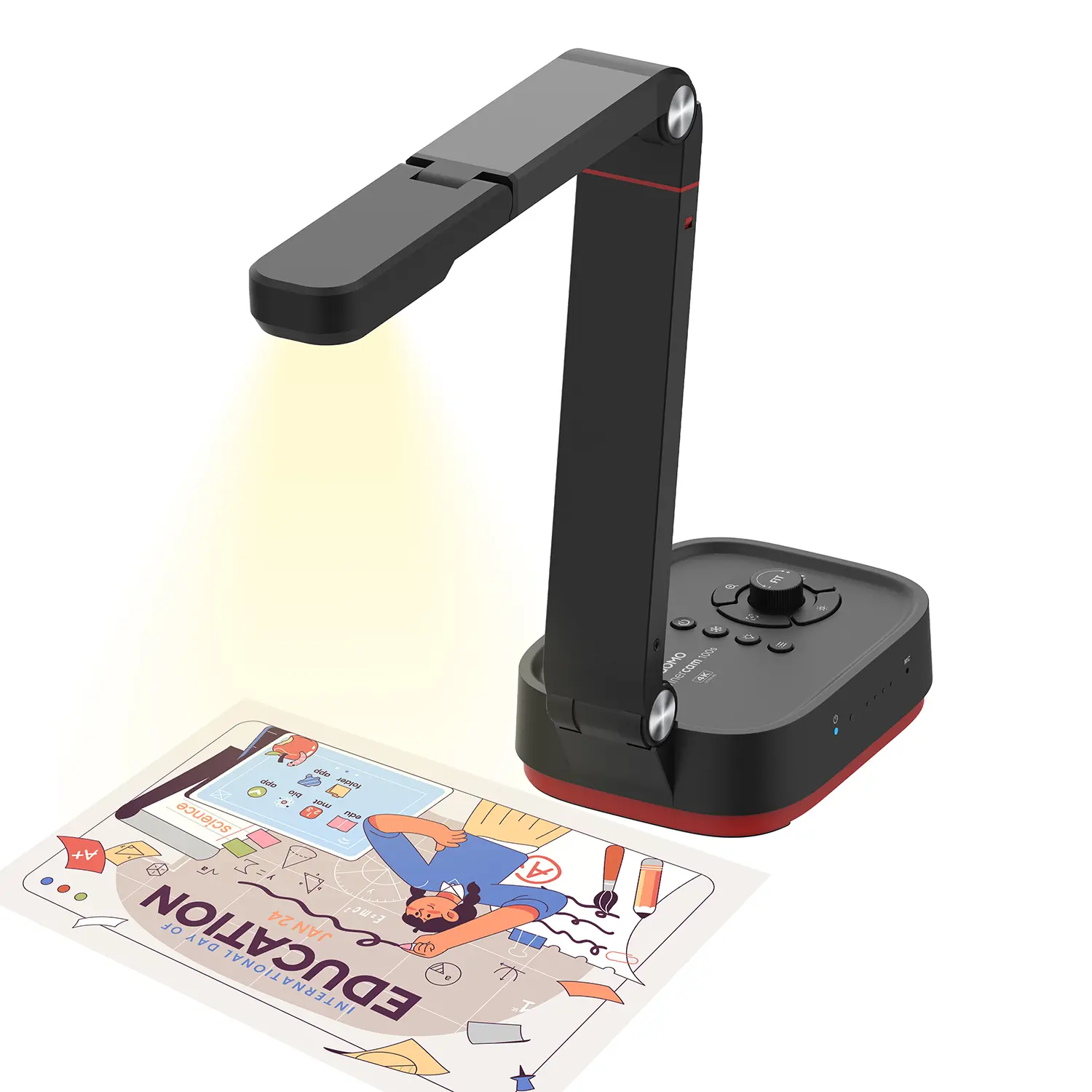
Functionality, Aesthetics, Portability! Meet the QWC 100S Document Camera!
Why Choose the BundleBoard H/H2 Interactive Flat Panel?
Save Your Budget—Introducing the All-New QPC 70 Document Camera!
QIT 600F3: Revolutionize Your Presentations
QCamera: Professional Document Camera Software
QPC 5: The Ultimate 4K Portable Document Camera
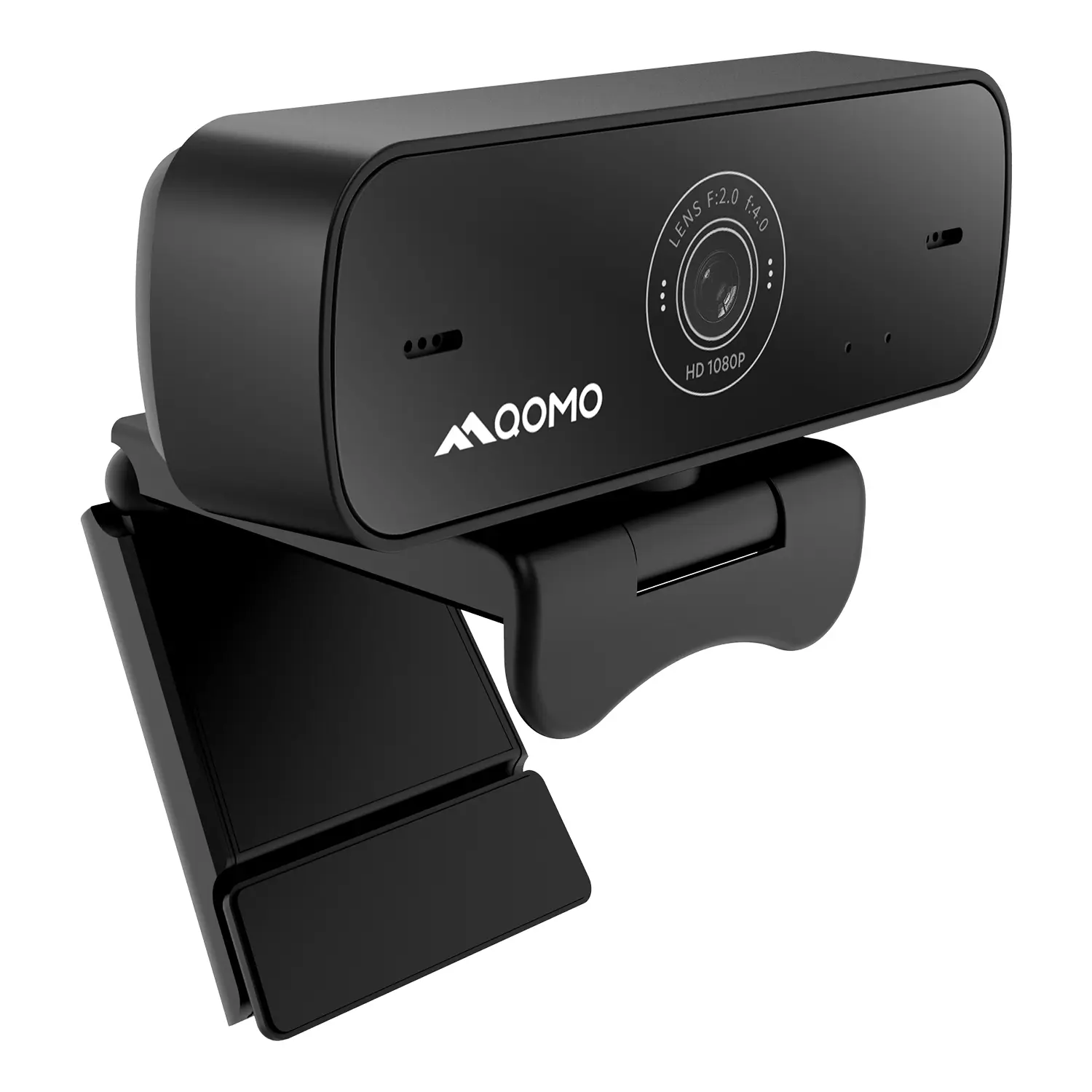
Elevate Your Meetings in Seconds: QWC 006 Webcam
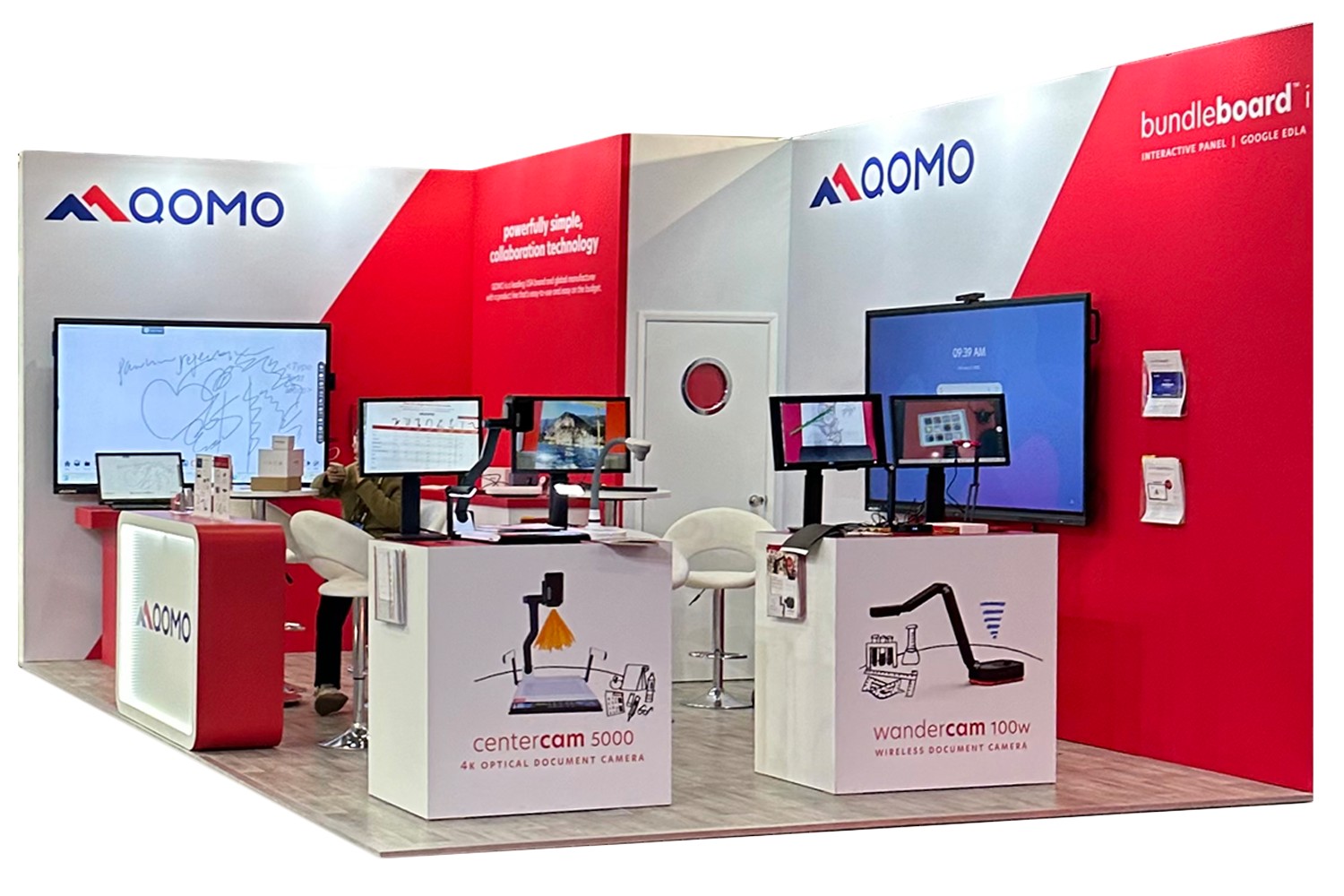
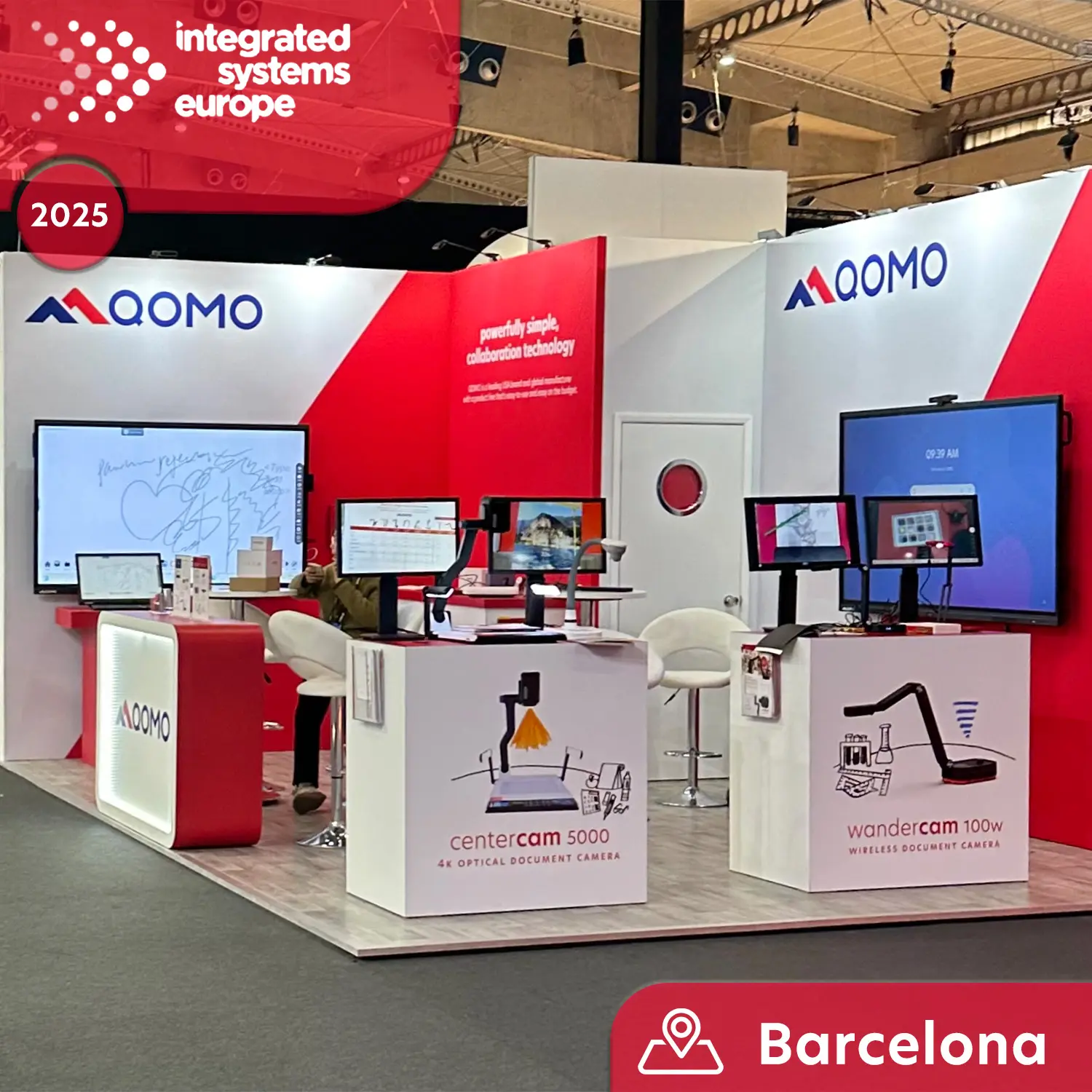
Meet QOMO at ISE 2025
Wireless Document Camera Solution, Revolutionizing Wireless Technology
QRF Series, Transform Your Classroom!
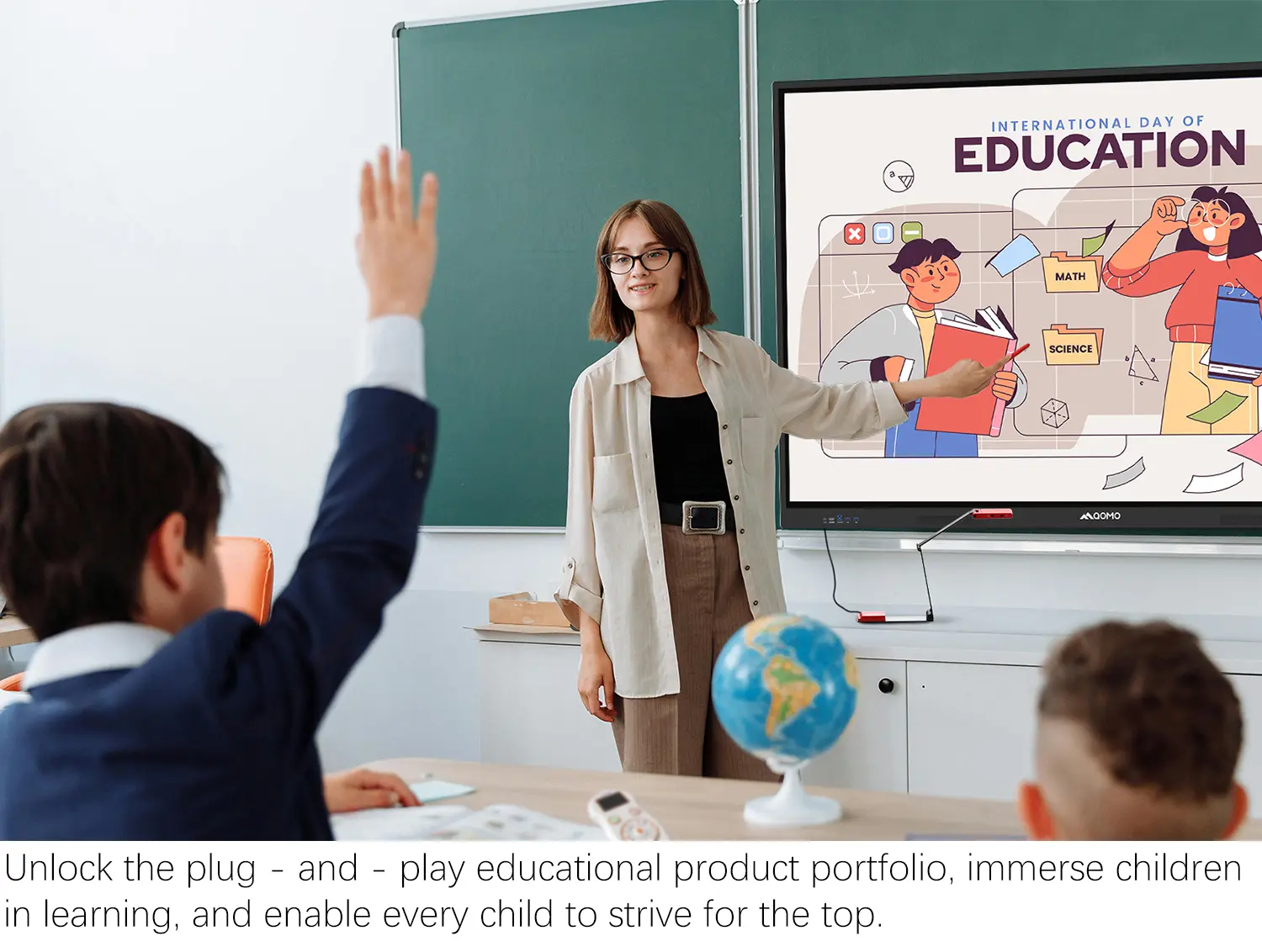
QOMO, Building Intelligent Classrooms
QOMO QShare100 New Release
Outstanding Office Equipment Recommendations
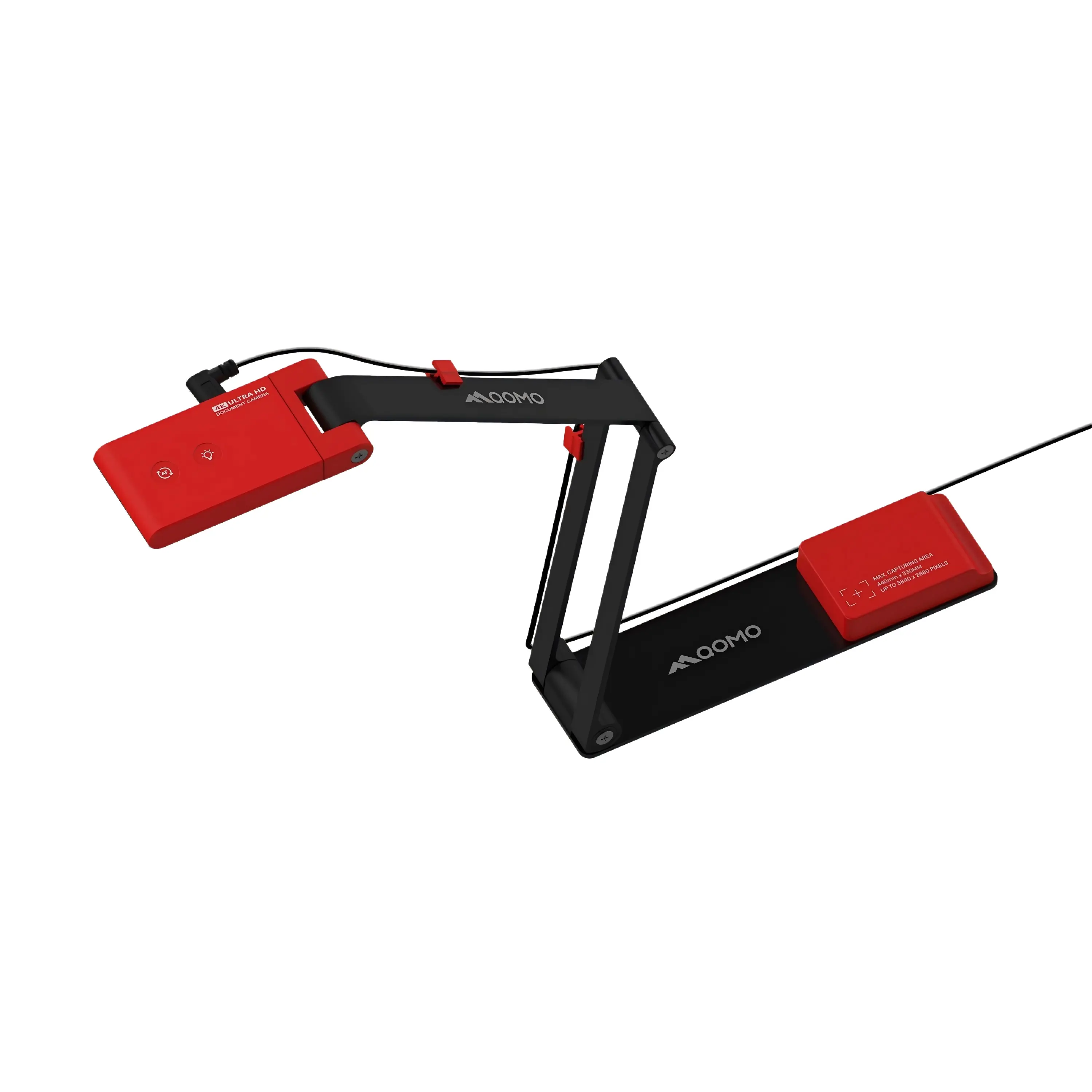
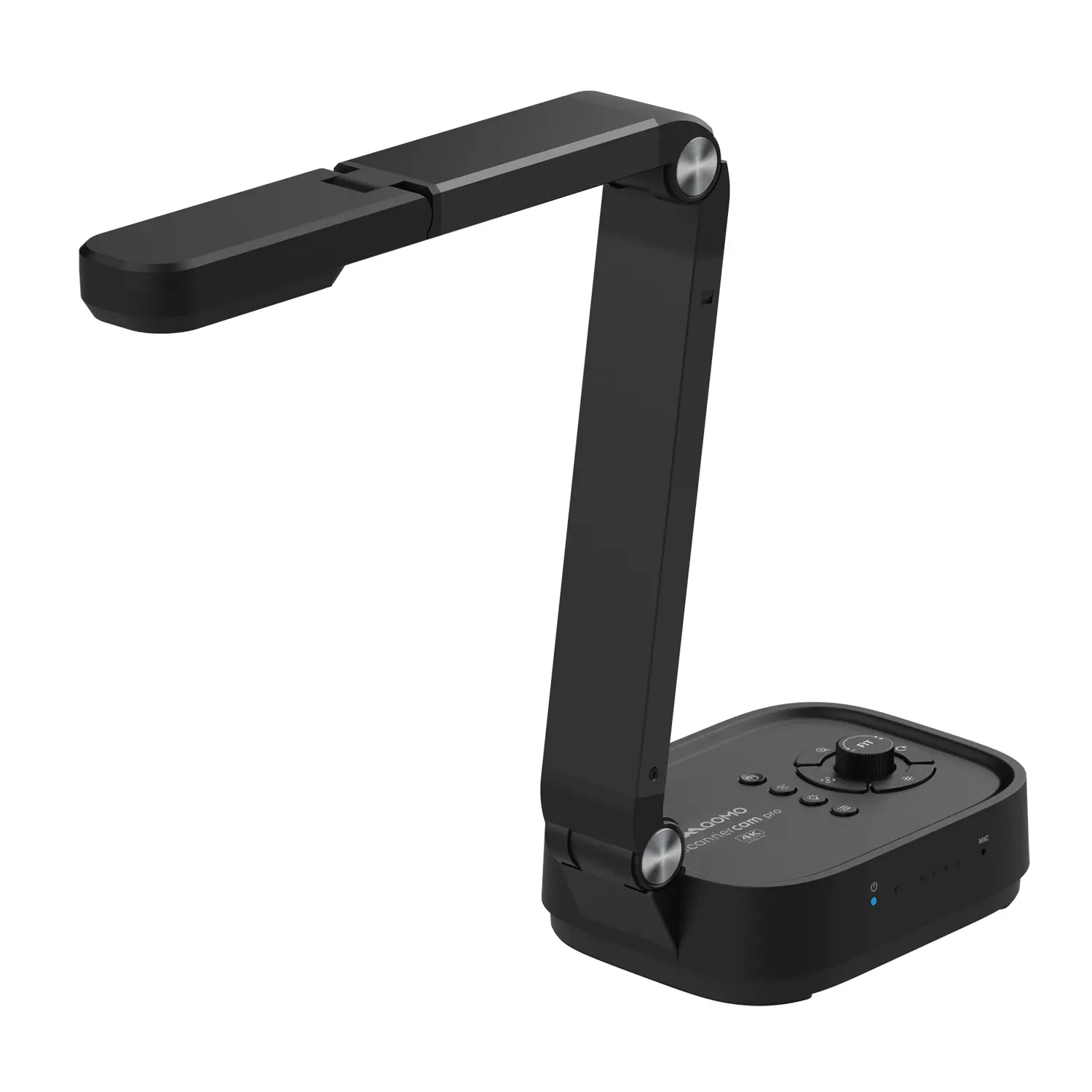
The rise of the Portable Document Camera in educational and professional settings has transformed presentations. According to a recent report by Tech Research Group, nearly 70% of educators now integrate technology into their teaching methods. Portable Document Cameras are pivotal in this shift. These devices enhance visual communication, making it easier to share documents and materials.
Dr. Emily Chen, a leading expert in educational technology, states, "Portable Document Cameras have become essential tools for effective teaching and presentations." This highlights their importance in delivering content clearly and engagingly. However, despite their benefits, many users face challenges, such as compatibility issues and varying image quality.
Choosing the right Portable Document Camera is crucial for maximizing efficiency. With numerous options available, identifying features that meet specific needs can be daunting. Potential users must carefully assess their requirements and consider both performance and ease of use. This guide will explore the top 10 Portable Document Cameras, ensuring informed decisions for effective presentations.
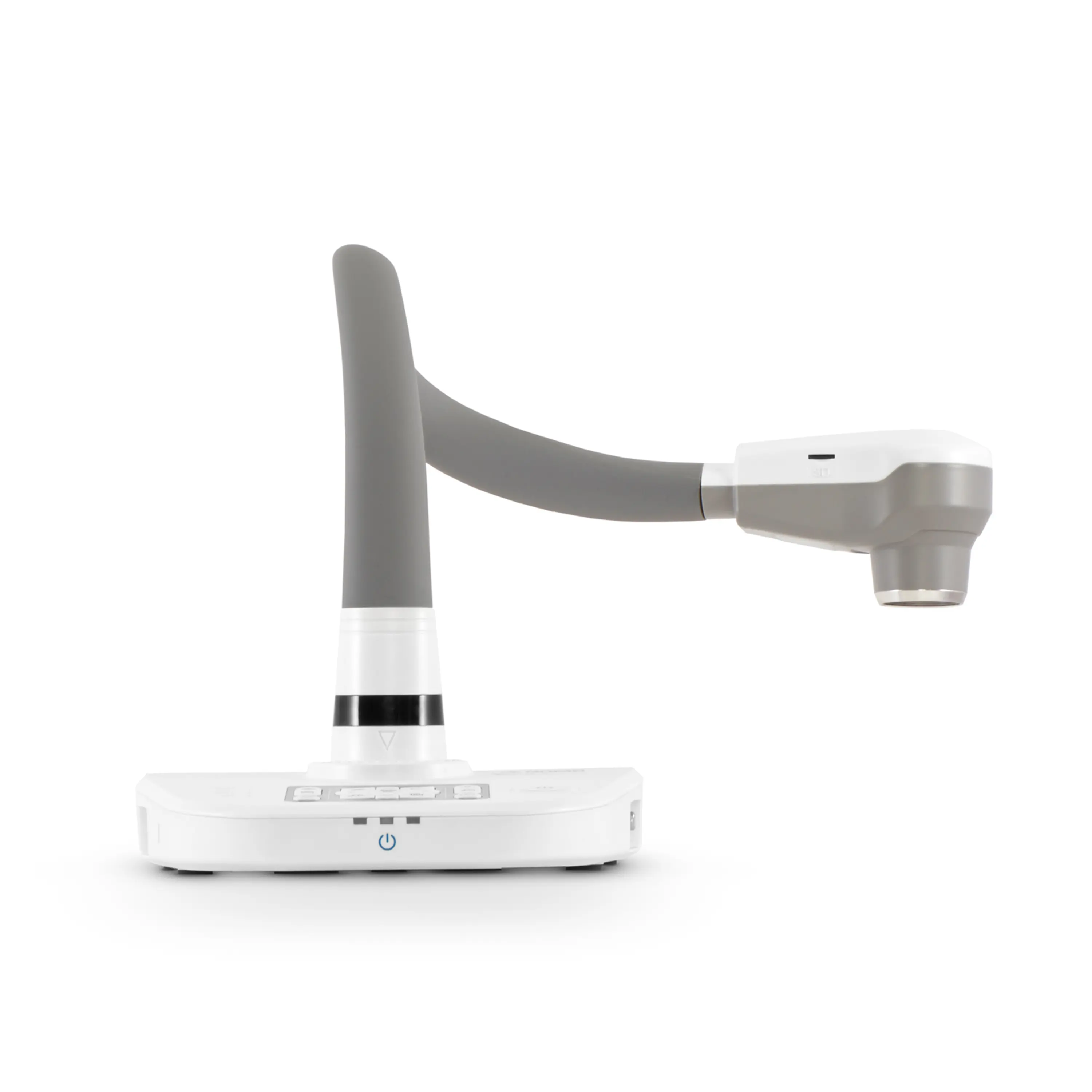
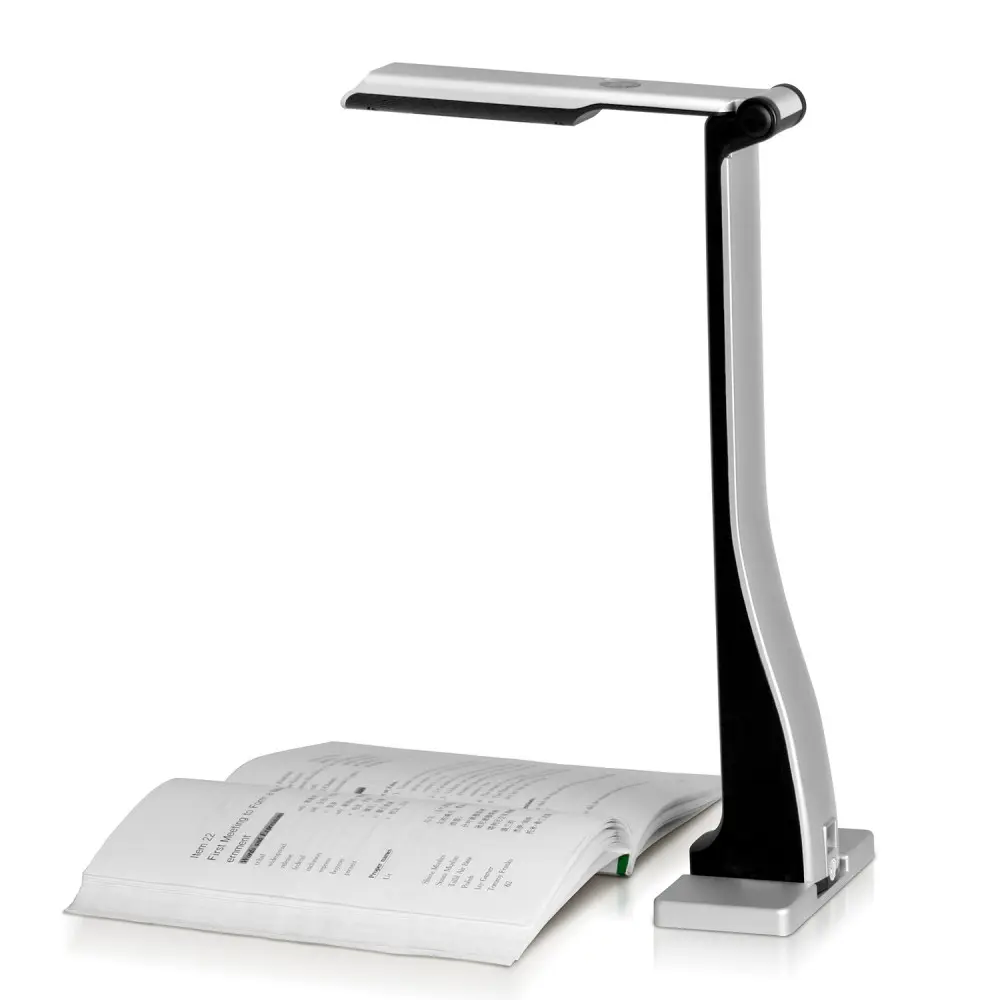
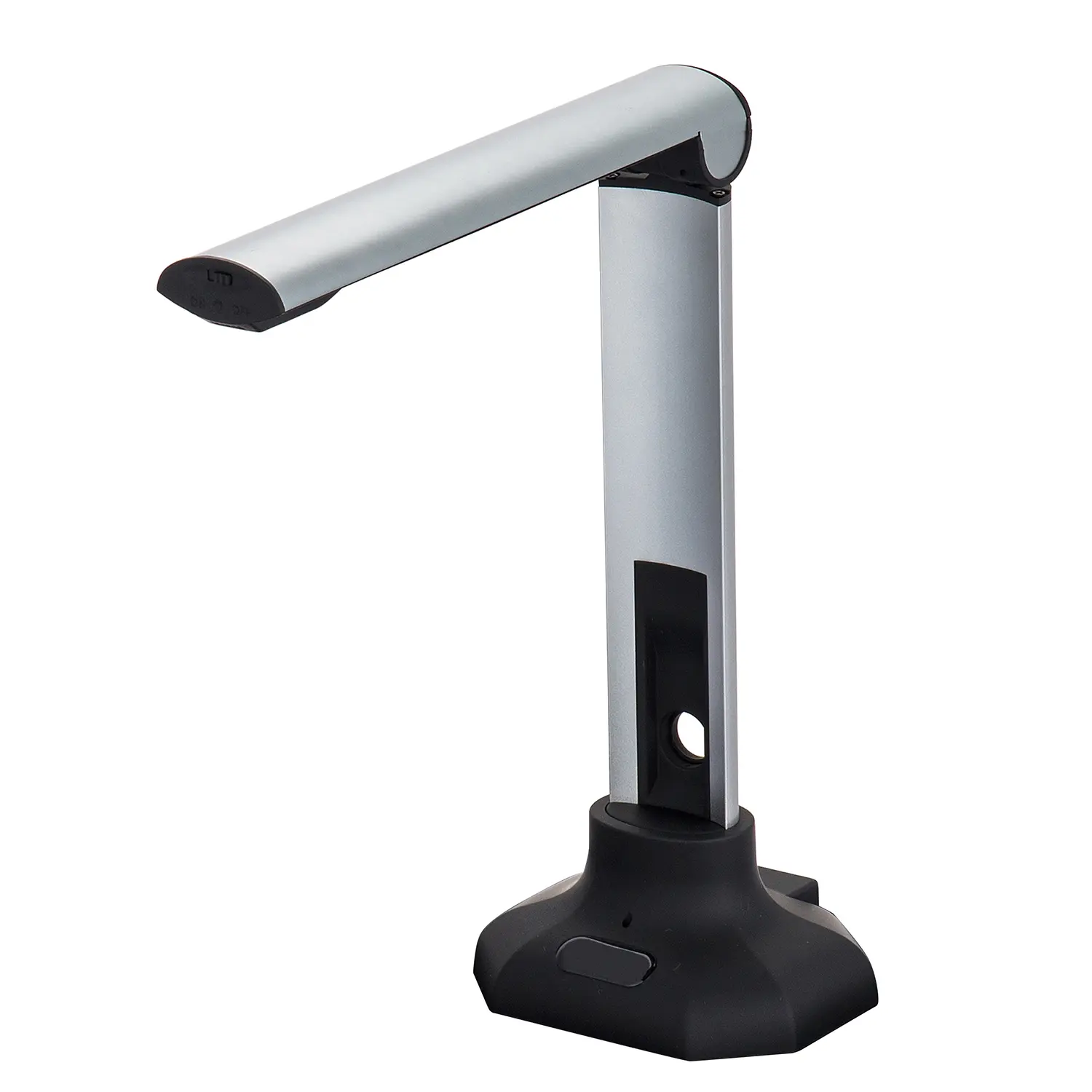
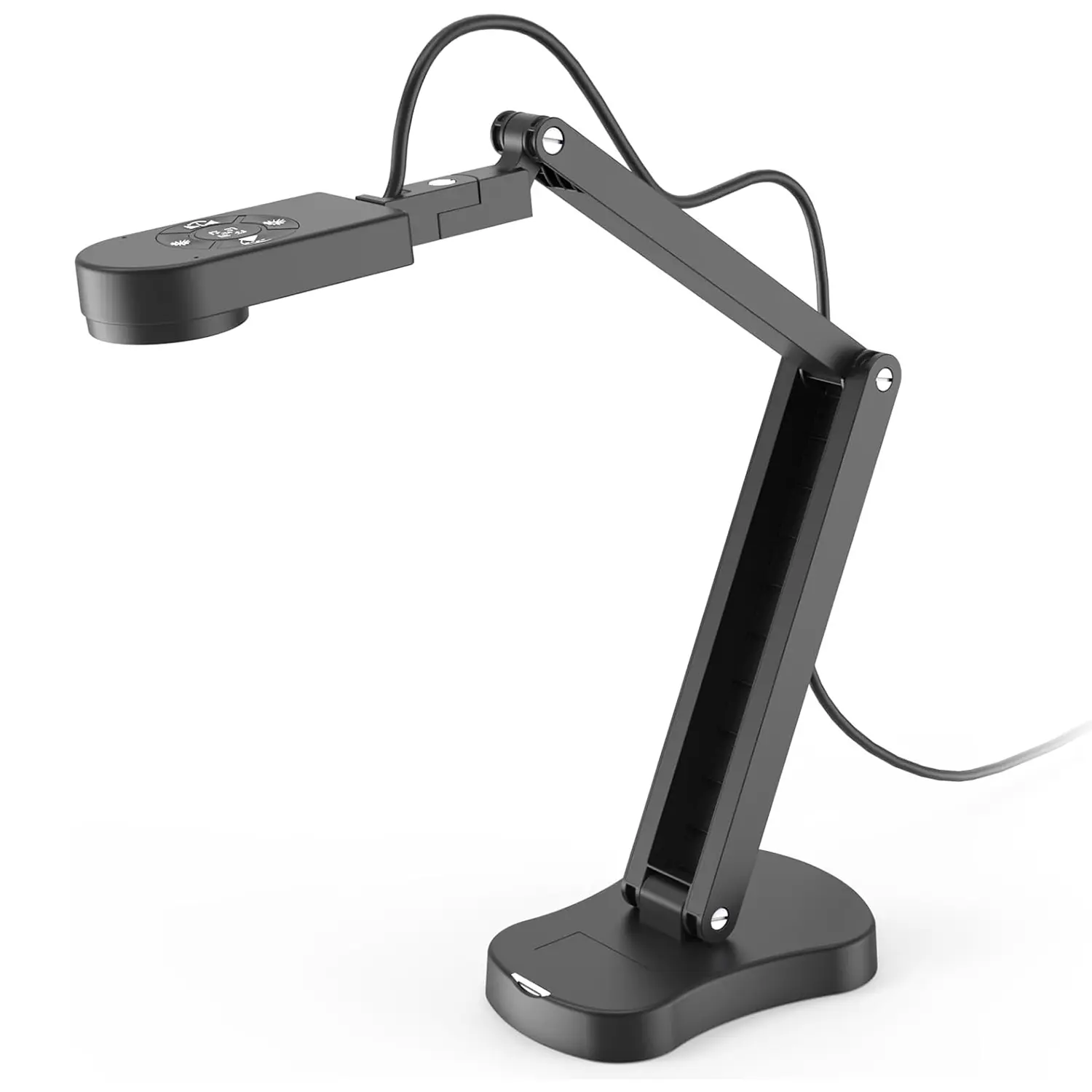
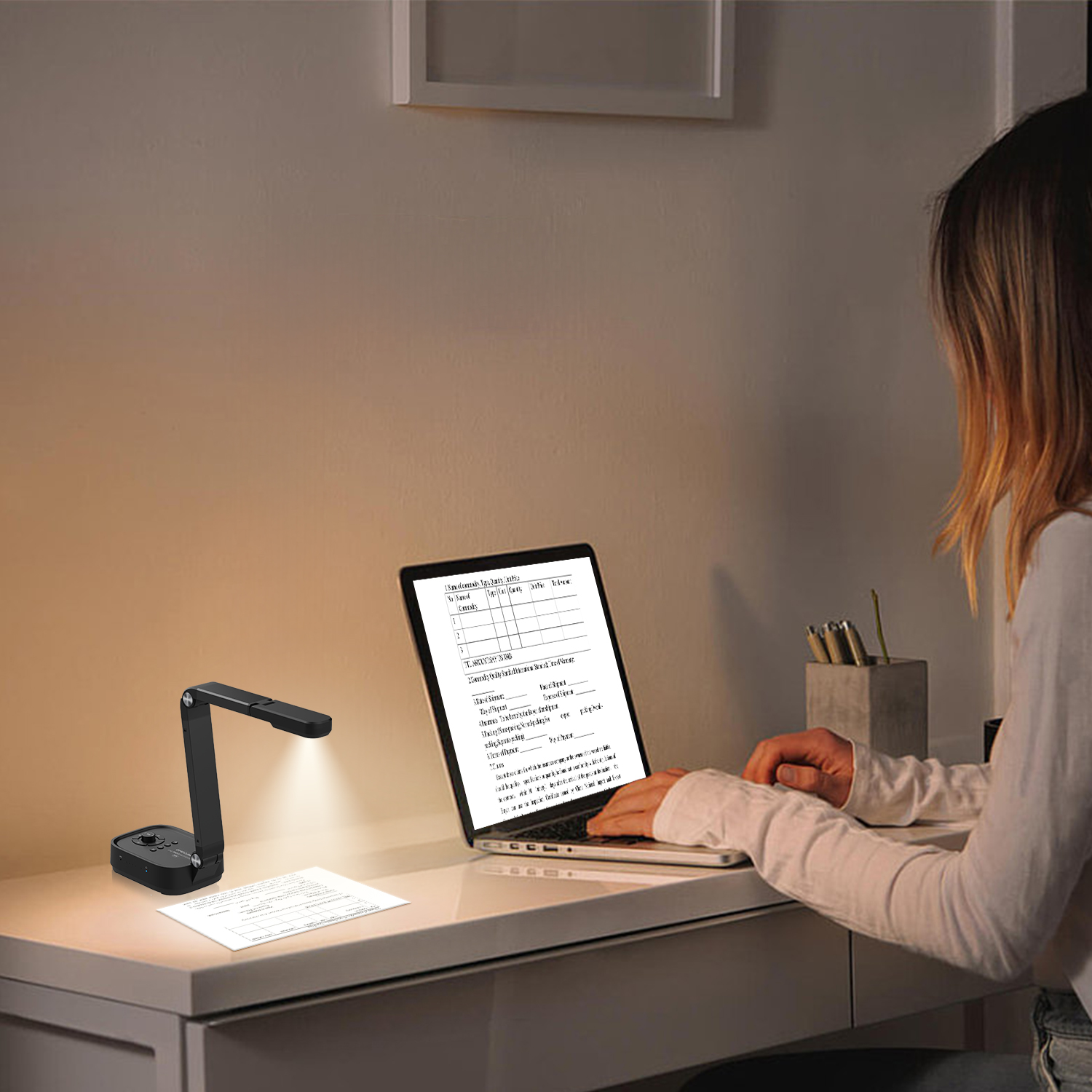
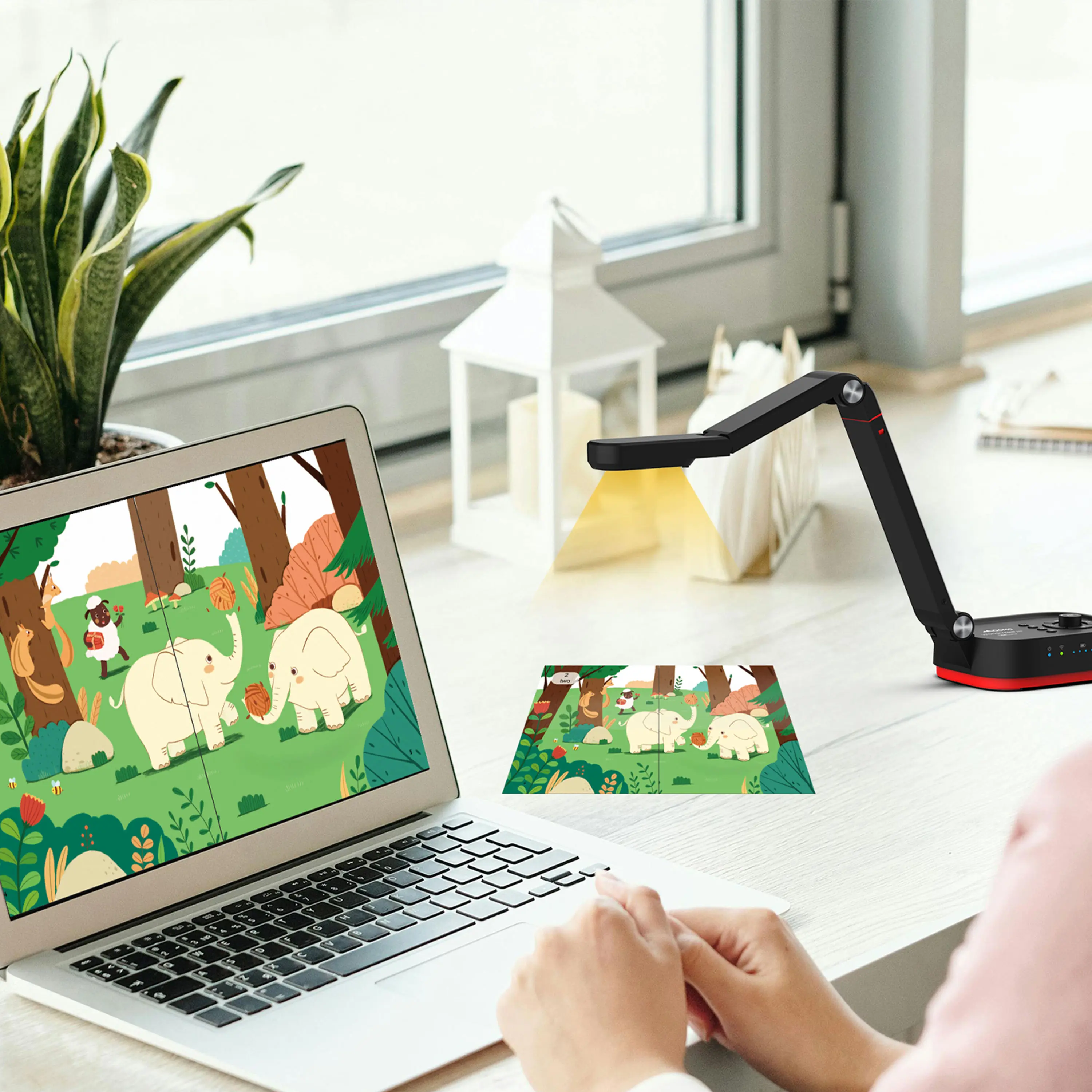
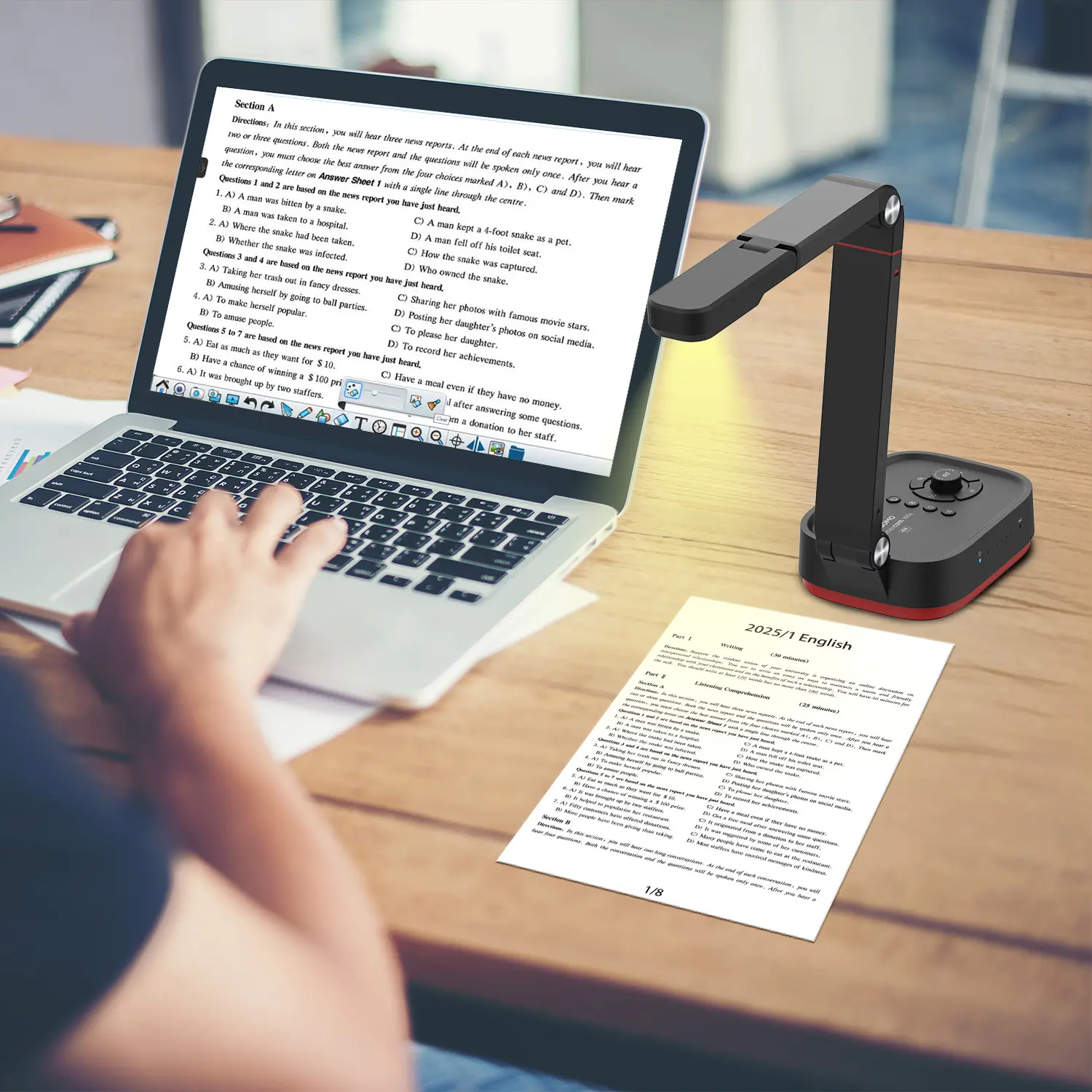
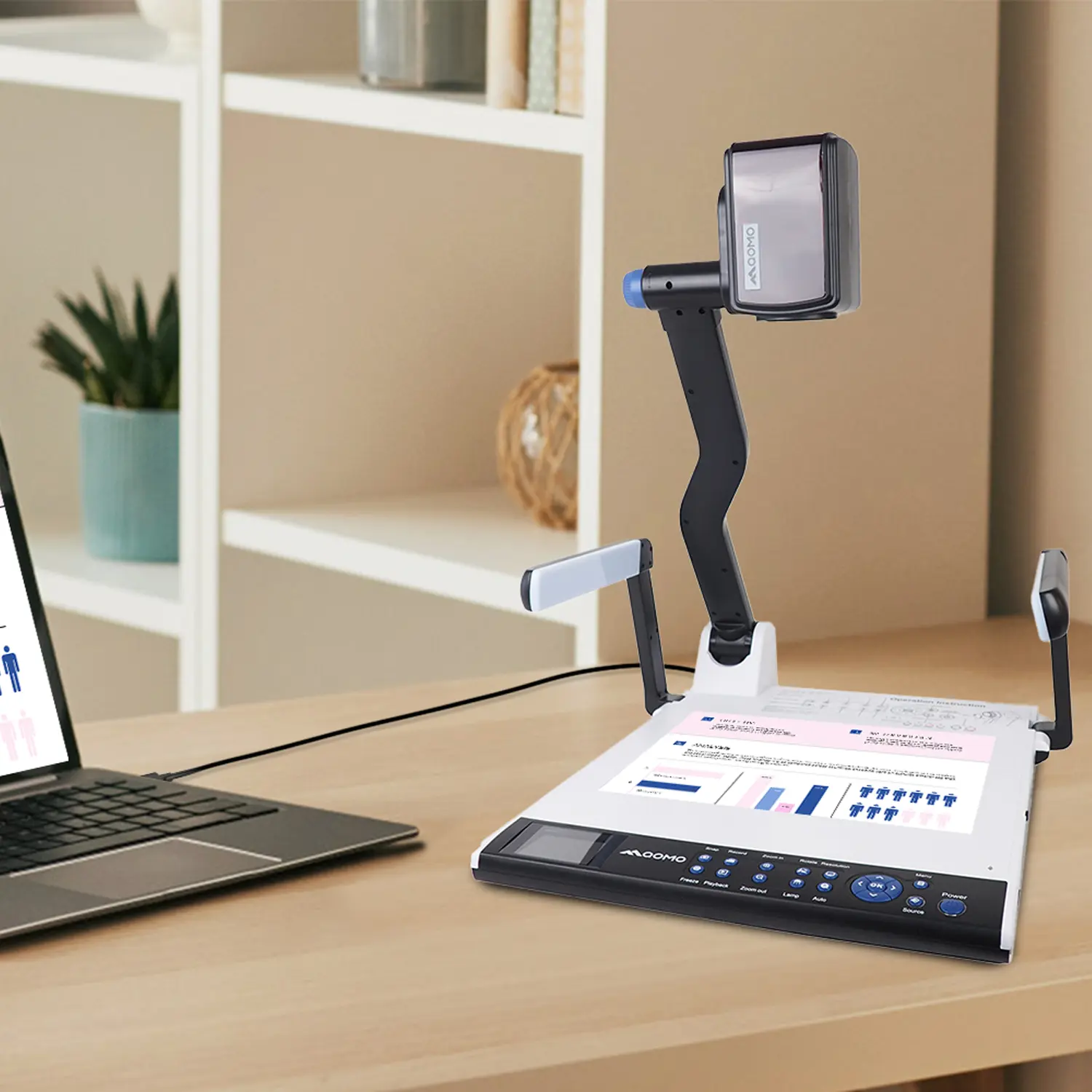
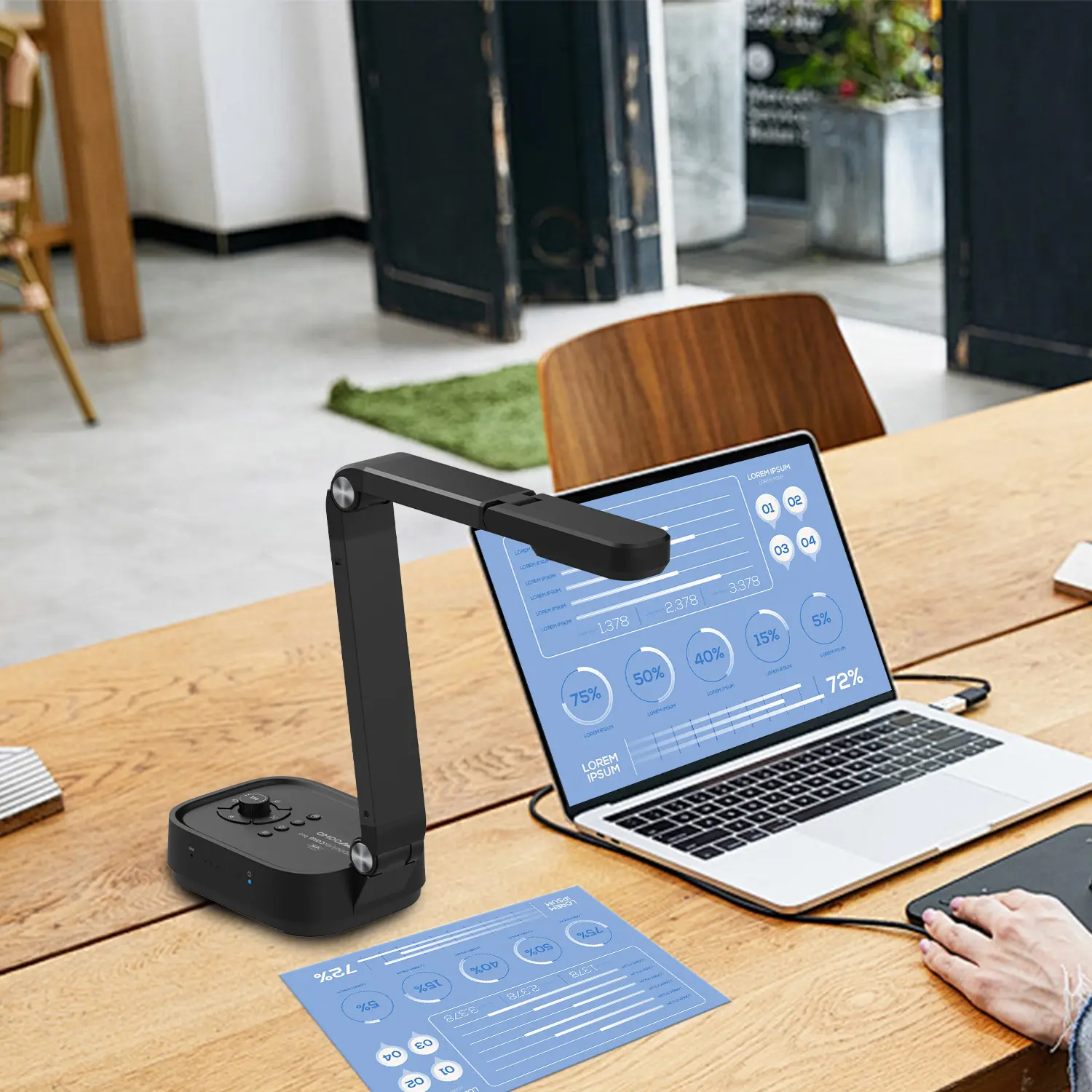
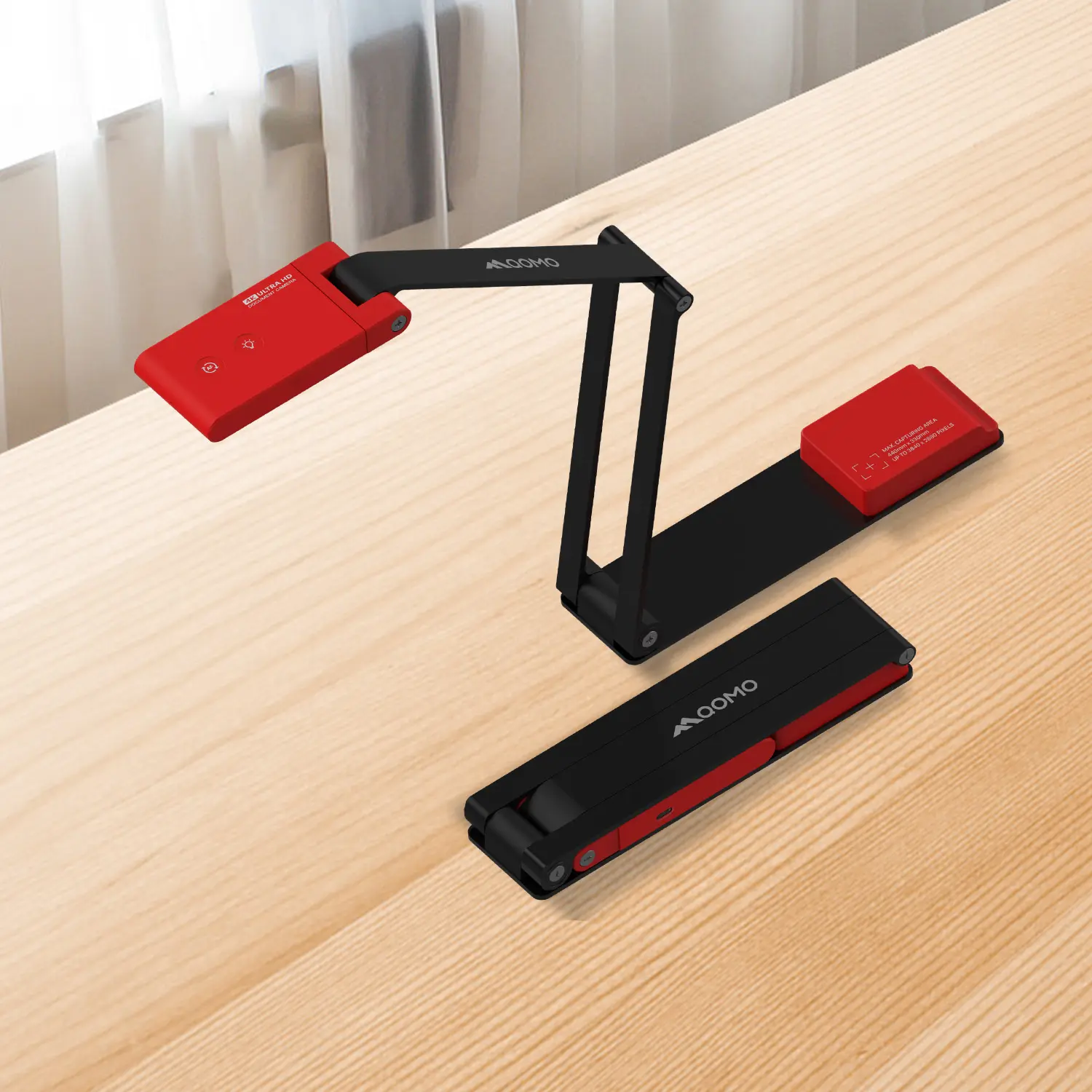
Portable document cameras have become essential tools for educators and professionals alike. These devices enable users to project physical documents, making presentations more engaging and interactive. With excellent image quality, they easily capture fine details, offering a clear view for audiences. Users often find that the ability to share books or handwritten notes can enhance discussions significantly.
Many options exist when selecting a portable document camera. Consider factors such as resolution, weight, and ease of connectivity. Most models are lightweight, facilitating easy setup in various environments. Some devices allow for remote operation, which can streamline the presentation process. However, it’s crucial to evaluate if built-in features meet your specific needs. Users sometimes struggle with software compatibility, a common issue in presentations.
While these cameras are beneficial, they also come with a learning curve. Familiarizing yourself with the device can require time and practice. Understanding how to optimize lighting and angles often makes a significant difference. Each presentation is an opportunity to improve. Technology can fail unexpectedly, so having a backup plan is wise. Observations of audience engagement can guide your adjustments for future sessions.
When selecting a portable document camera, several key features are essential for enhancing presentations. Resolution is crucial; cameras offering at least 1080p ensure clear images. According to a report by TechNavio, high-resolution cameras significantly affect the quality of visual presentations, leading to improved audience engagement. Additionally, ease of use is vital for spontaneous setups. Look for models with one-touch buttons and straightforward software integration.
Portability matters as well. A lightweight design enables quick movement between different rooms or locations. Many users note that this feature reduces setup time, allowing for quick transitions during meetings. Wireless connectivity stands out as a valuable feature, eliminating the need for cumbersome cables. A survey by ResearchAndMarkets indicates that 65% of educators prefer devices that connect seamlessly with their laptops and tablets.
Battery life cannot be overlooked. Devices that last longer on a single charge support extended presentations without interruptions. Flexibility in angles is another critical aspect. Adjustable arms provide versatile positioning, accommodating various document sizes. However, some users often overlook compatibility with different operating systems. Ensuring all devices work together smoothly contributes to a frustration-free experience. Balancing these features is essential. It can be challenging to find a camera that meets all criteria without compromising quality.
This chart represents the key features of the top portable document cameras in terms of resolution, weight, and price. This data will help you understand what to look for when selecting a document camera for your needs.
Portable document cameras have become essential tools for effective presentations. They allow presenters to display physical documents, models, and images directly to an audience. This capability enhances engagement and improves understanding. When selecting a portable document camera, consider factors like resolution, connectivity options, and ease of use.
In-depth reviews often highlight critical features. For instance, a camera with high resolution delivers clearer images. Some devices offer built-in software for quick adjustments. Check for models that come with user-friendly interfaces. A complicated setup can lead to frustration. Quality matters, but so does the design. A sleek, lightweight model is easier to transport.
It's crucial to reflect on user experiences. Some presenters may find certain features unnecessary. For others, those same features could be game-changers. Balancing quality with functionality is key. Real-world testing can uncover limitations. A document camera may perform well in one environment but fail in another. Recognizing these nuances can lead to better choices.
When selecting a portable document camera, brand reliability plays a vital role. Various manufacturers offer different features, tailoring to diverse presentation needs. Some brands emphasize enhanced resolution and image clarity, providing sharp visuals. Others focus on portability, ensuring lightweight designs for ease of transport. This variation poses a challenge—how to choose effectively?
Another key factor is user experience. Some document cameras offer intuitive interfaces, allowing for quick setup. Others might have extensive features but can overwhelm users. It's essential to assess whether added features genuinely enhance presentations. Unfortunate user experiences often stem from a lack of clarity in operation. Testing different models can lead to insightful decisions.
Comparative analysis often highlights a balance of cost versus functionality. Users tend to favor cameras with better performance and reasonable pricing. However, some might overlook long-term reliability for immediate affordability. Different settings—classrooms, conference rooms, or fieldwork—require distinct functionalities. Each scenario requires a thoughtful approach to document camera selection, focusing on real-world use and adaptability.
Using document cameras effectively can transform your presentations. Keep visuals clear and engaging. Position your camera to focus on documents or objects, ensuring sharp images. Use a steady background to minimize distractions. If possible, practice your setup before the actual presentation. This allows you to identify any technical issues.
Interact with your audience while using the camera. Encourage questions as you showcase your material. This creates a dialogue, making the session more dynamic. Choose a layout that complements your content. For instance, split-screen views can show documents alongside your face. This helps maintain your audience's attention.
Reflect on your pacing and clarity. Sometimes, speakers rush through materials. Slow down, and emphasize key points. If you notice your audience is disengaged, pause to invite their participation. Experiment with different styles to discover what resonates best. Through practice and observation, your use of document cameras will continually improve.
| Model | Resolution | Weight | Battery Life | Price |
|---|---|---|---|---|
| Model A | 1080p | 1.2 kg | 5 hours | $200 |
| Model B | 720p | 0.8 kg | 4 hours | $150 |
| Model C | 1080p | 1.5 kg | 6 hours | $220 |
| Model D | 4K | 1.3 kg | 7 hours | $300 |
| Model E | 1080p | 0.9 kg | 3 hours | $180 |
| Model F | 1440p | 1.1 kg | 4.5 hours | $240 |
| Model G | 1080p | 1.0 kg | 6.5 hours | $260 |
| Model H | 720p | 0.7 kg | 5 hours | $130 |
| Model I | 1080p | 1.4 kg | 4 hours | $210 |
| Model J | 4K | 1.6 kg | 5 hours | $350 |