+86 152 8002 3723
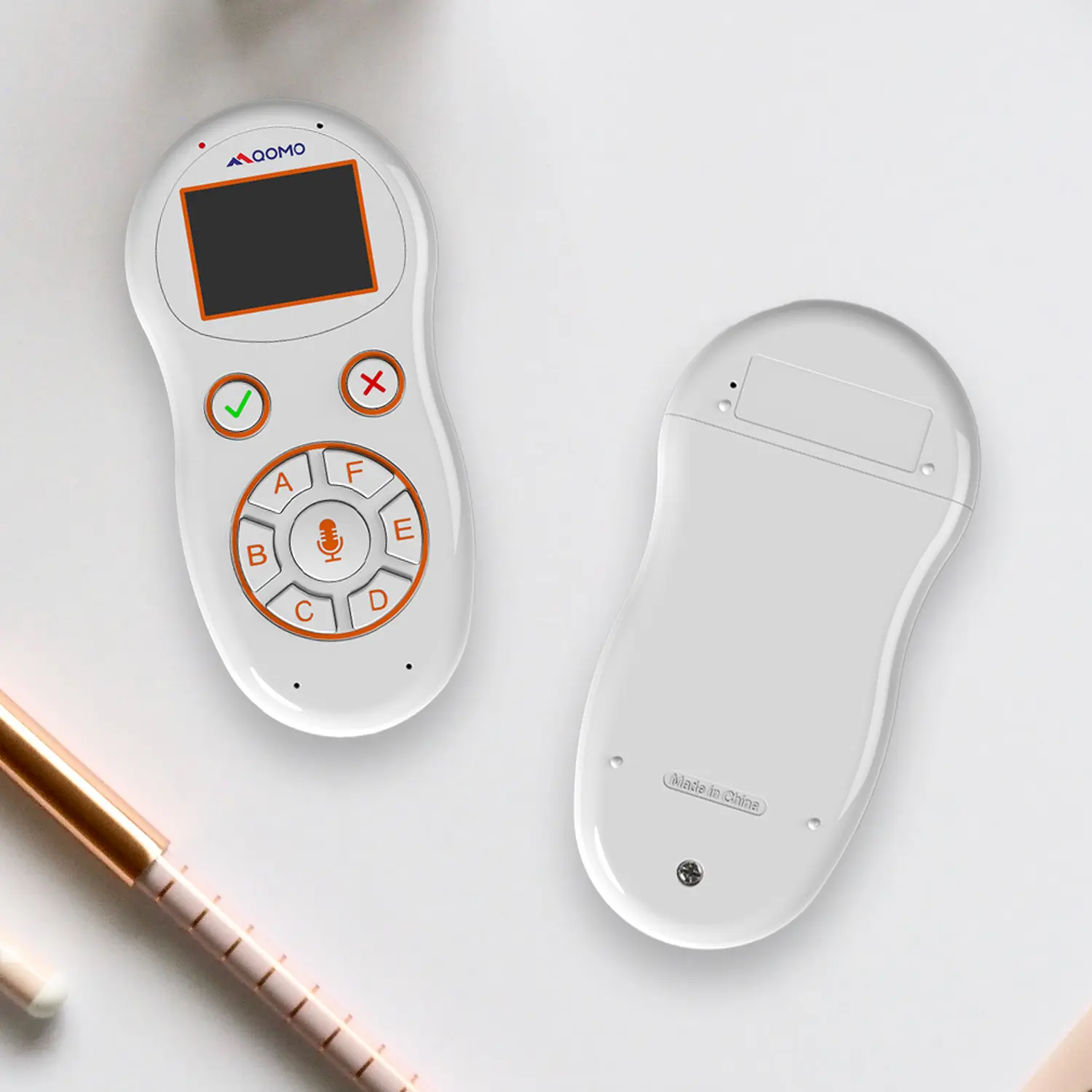
QVoteProfessional Audience Response System software offers the most convenient functions for your interactions.
QClickThe most convenient educational software for working with Microsoft PowerPoint to quickly set up various question types and generate intelligent feedback reports.
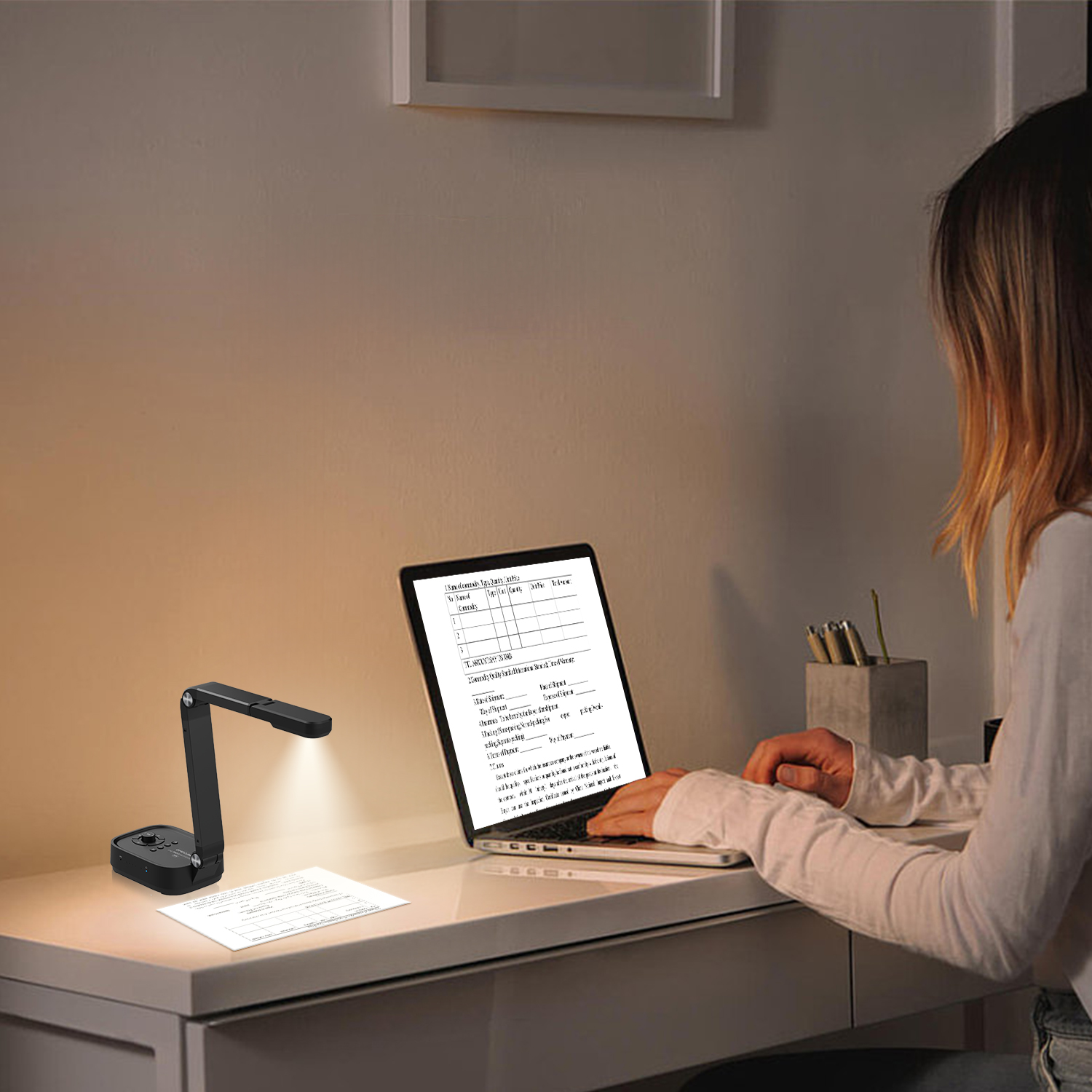
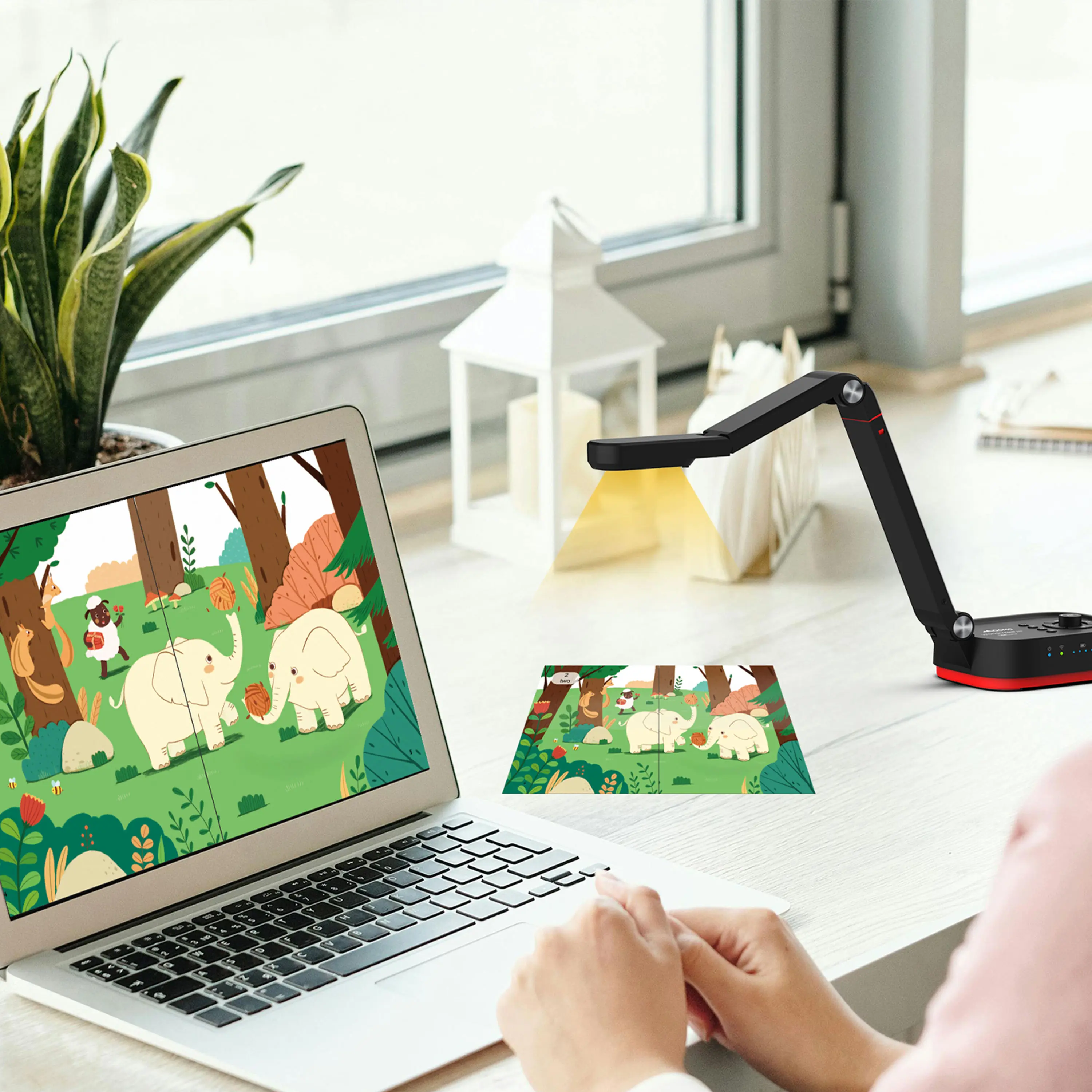
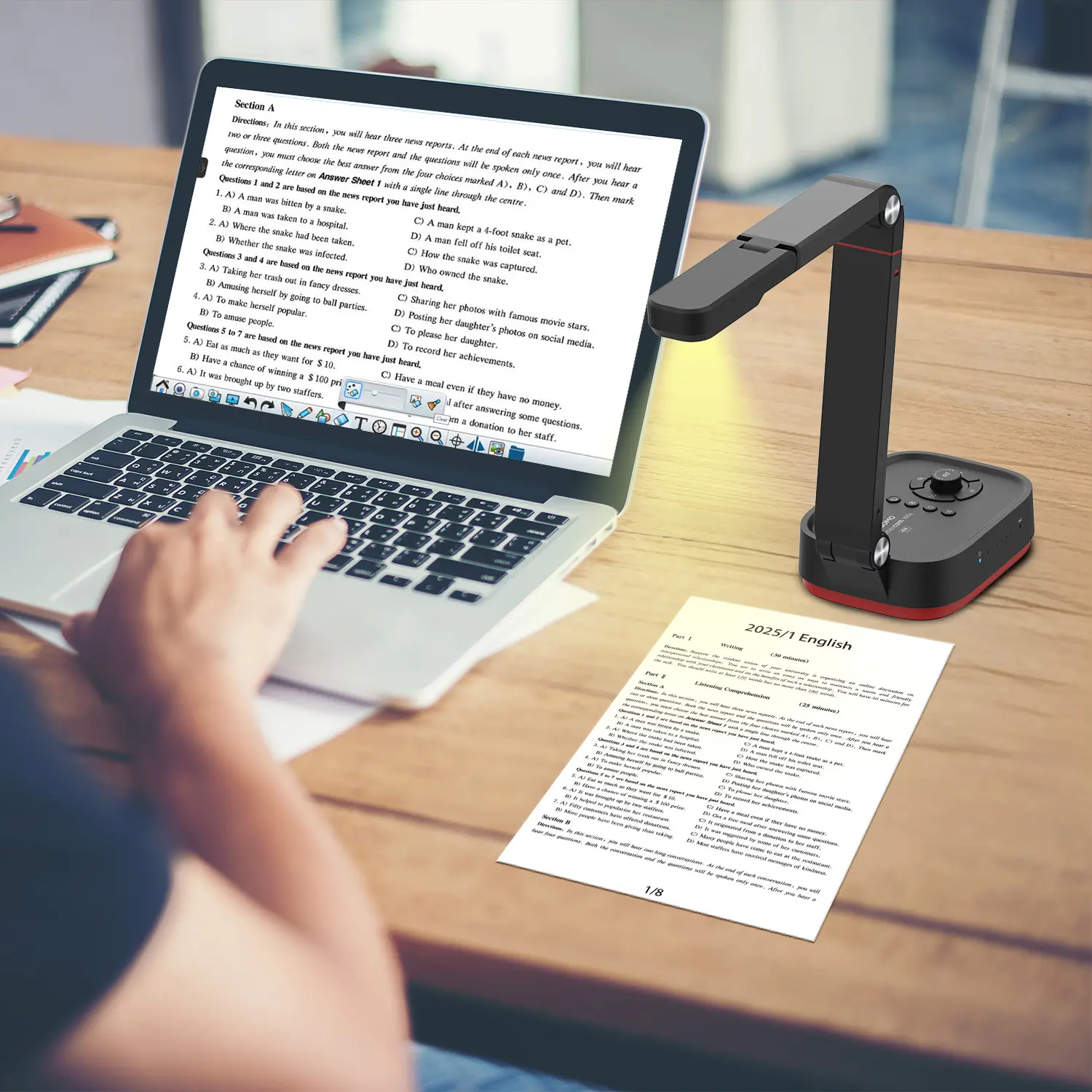
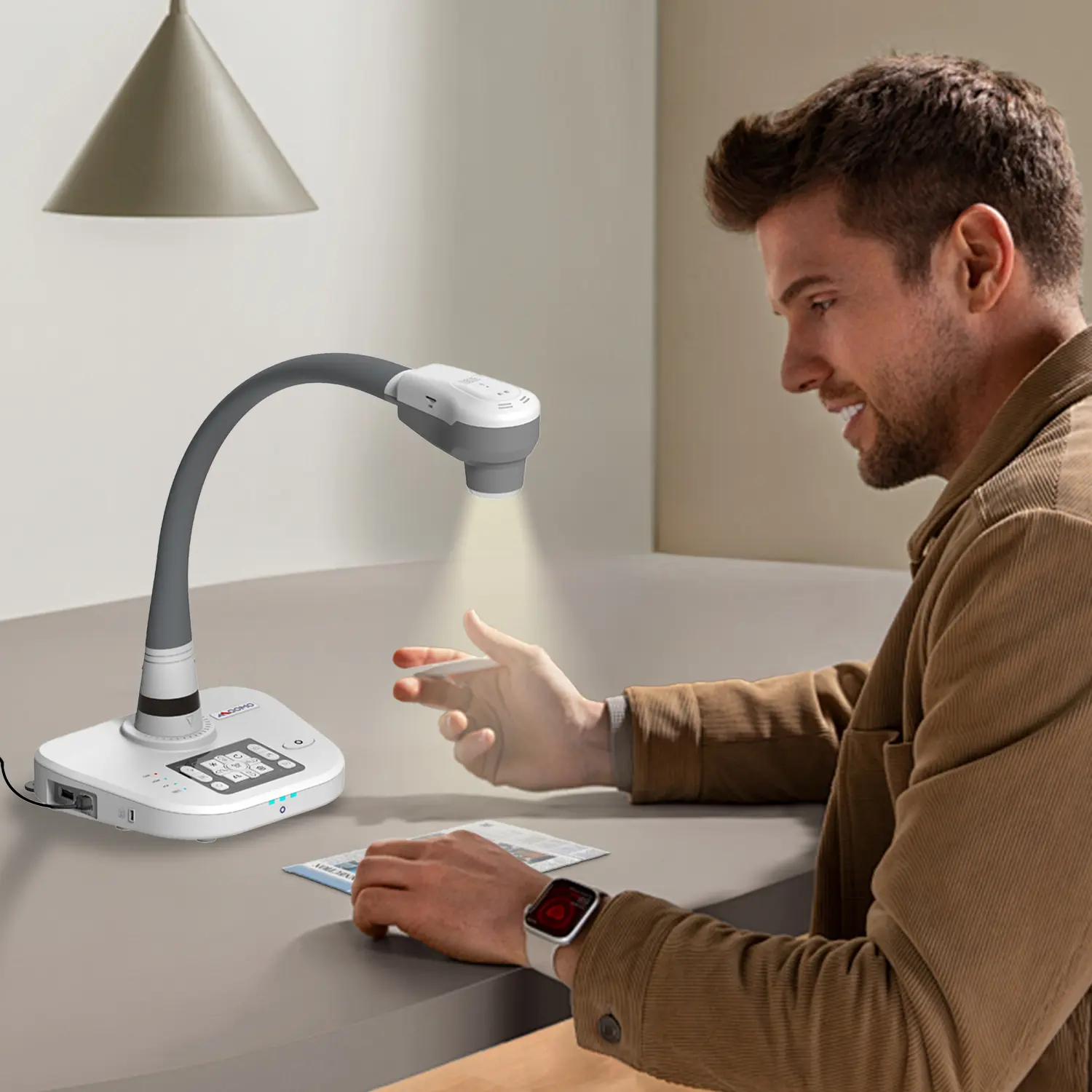
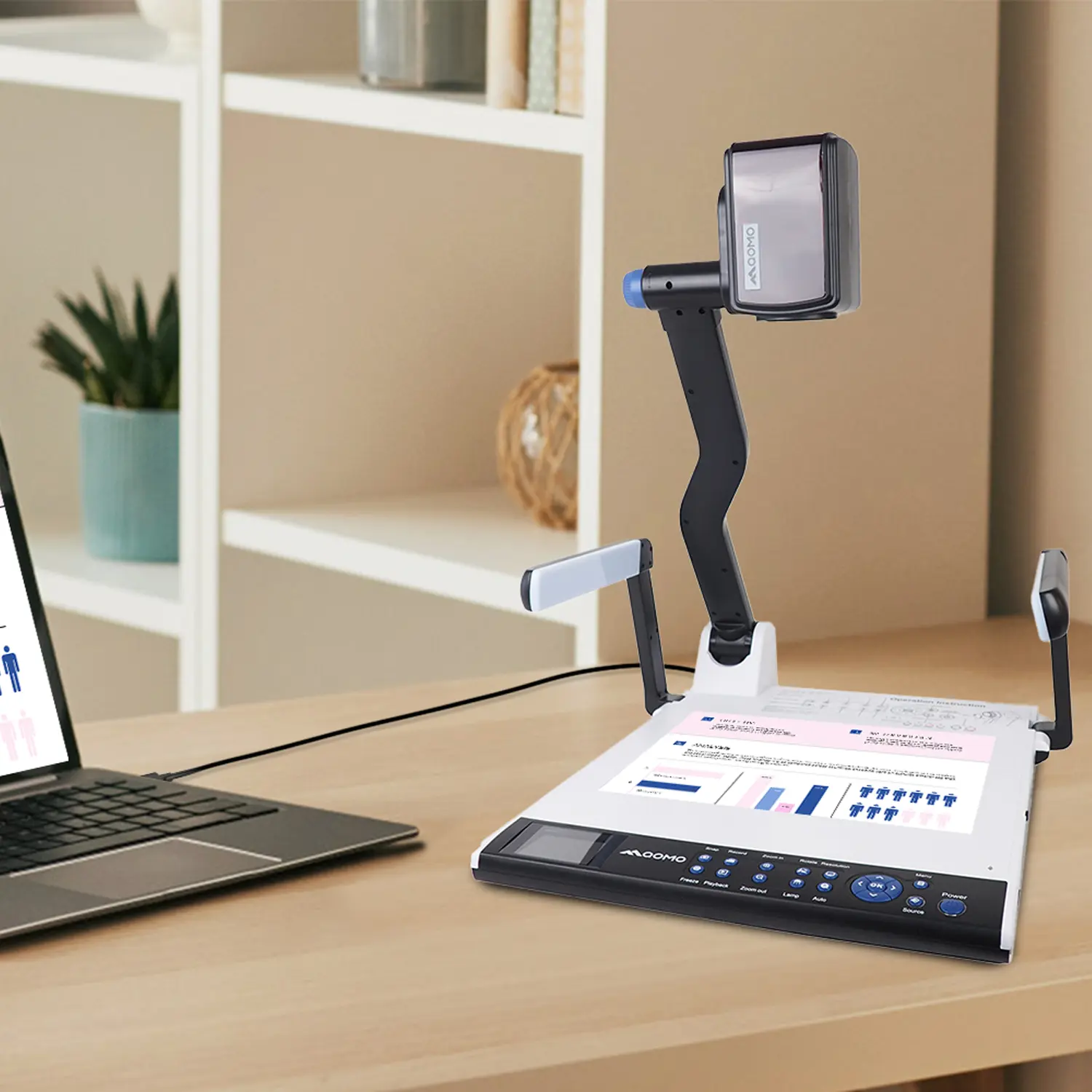
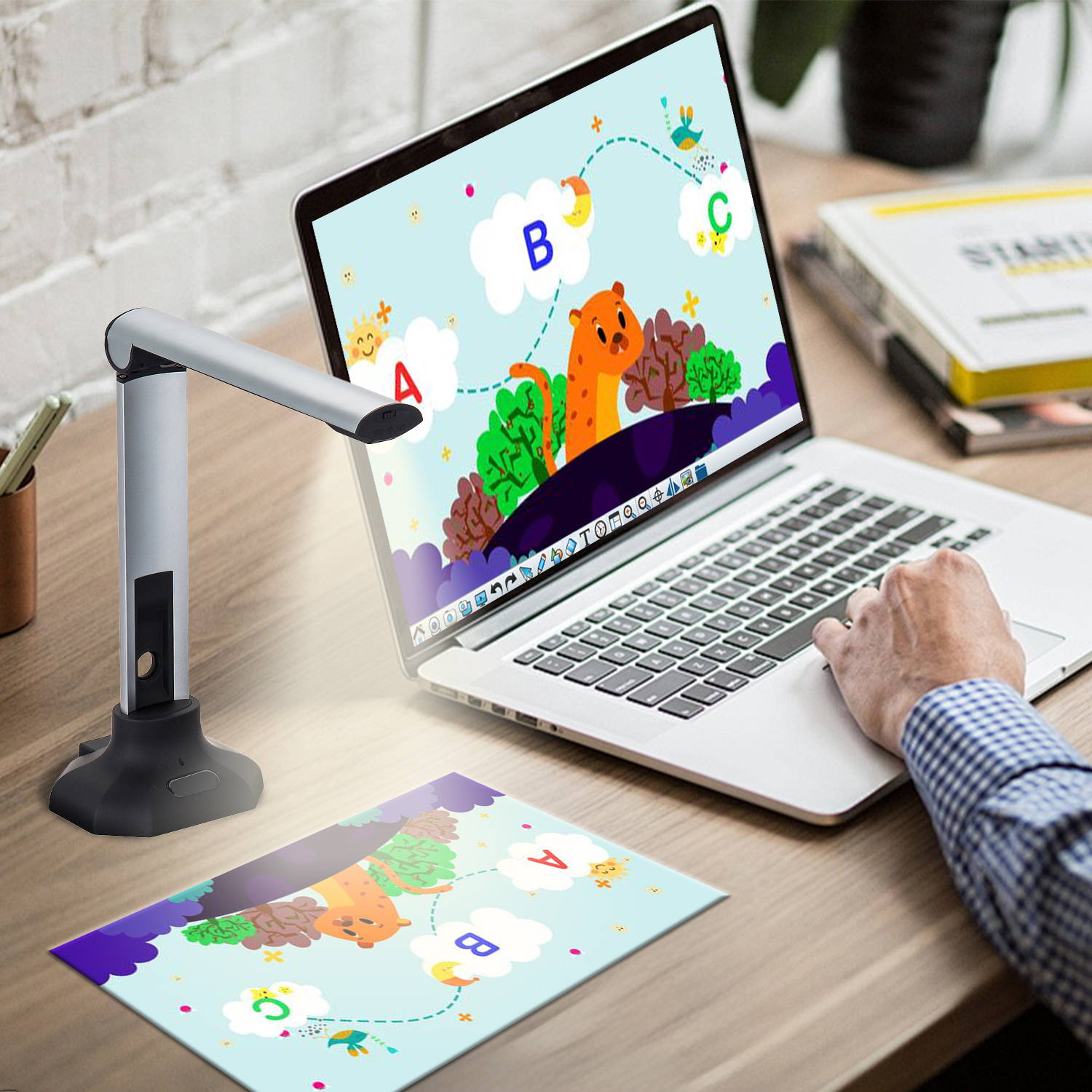
QCameraQCamera by QOMO allows for real-time streaming from cameras and document cameras. Annotate, save snapshots, record, and manipulate camera images instantly.
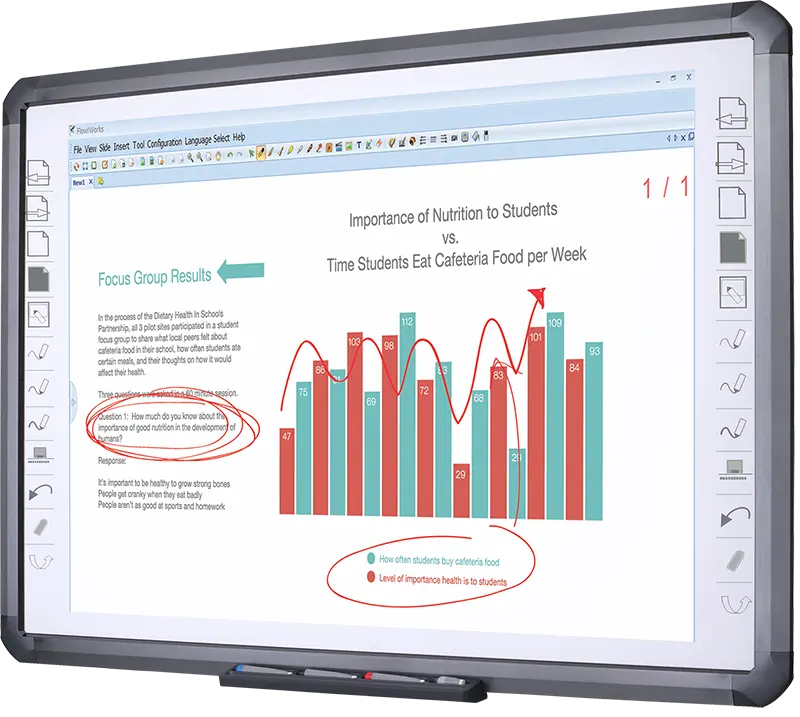
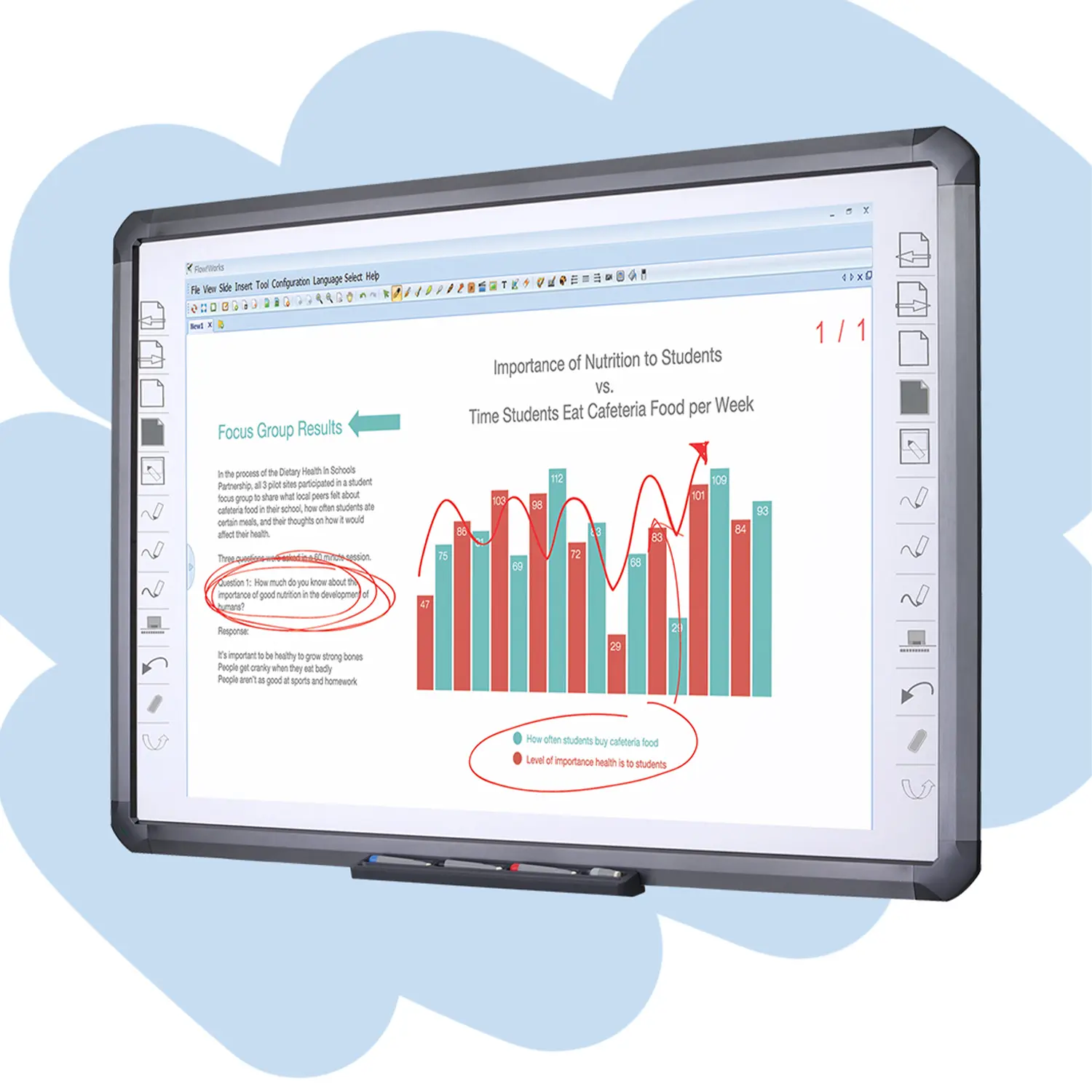
Flow!Works ProUser - friendly whiteboard software, it encompasses a wide range of presentation tools and powerful functions, delivering the most professional presentation experience to you.
Flow!WorksFlow!Works incorporates more educational tools, further enhancing the interactivity and fun - factor of your teaching.
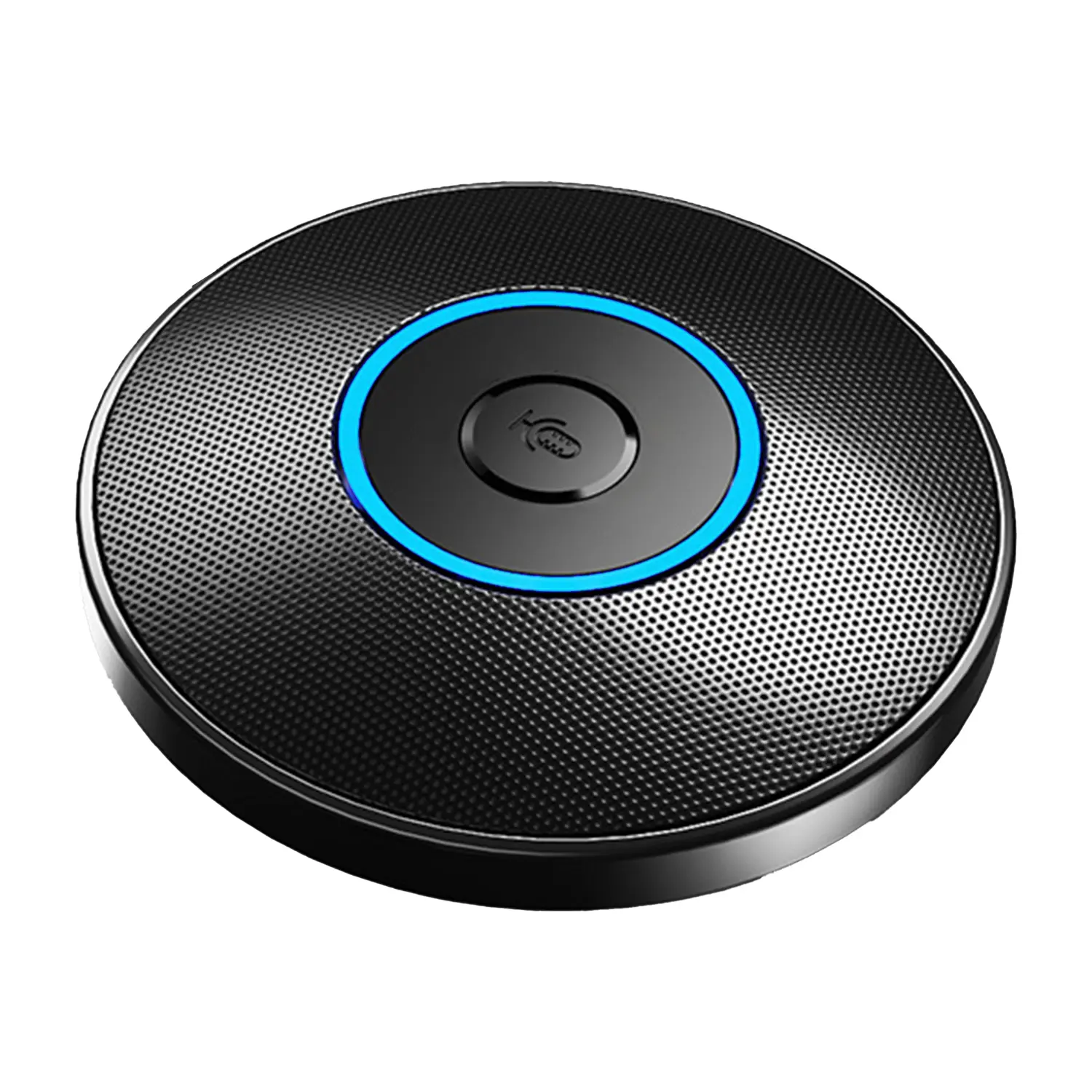
Conference Microphone● USB
● Plug and Play
● Intelligent Noise-Canceling
● 10ft/3m Extended Pickup Range
● 360° Omnidirectional Pickup
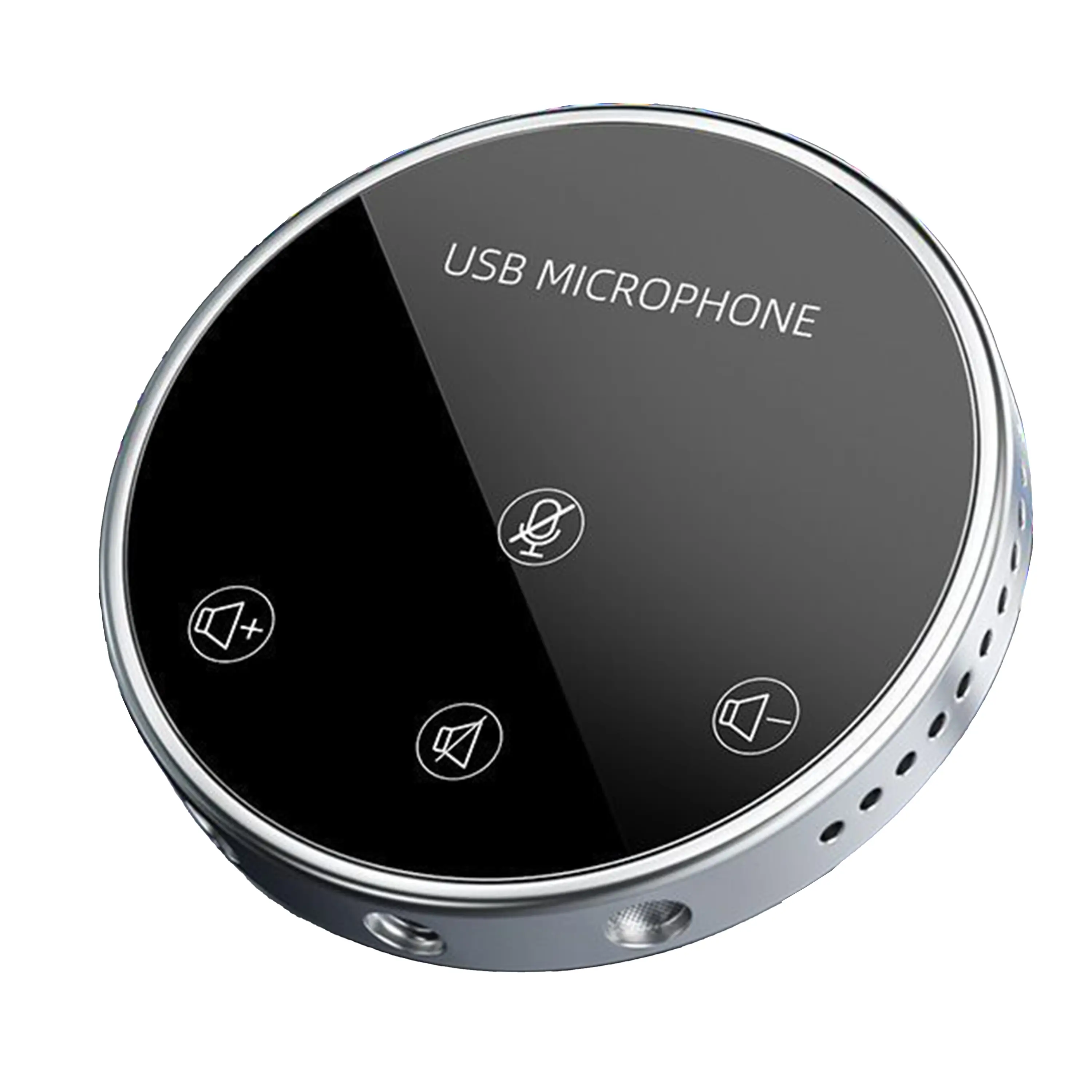
Conference Speakerphone● USB-C
● Plug and Play
● Intelligent Noise-Canceling
● 10ft/3m Extended Pickup Range
● 360° Omnidirectional Pickup
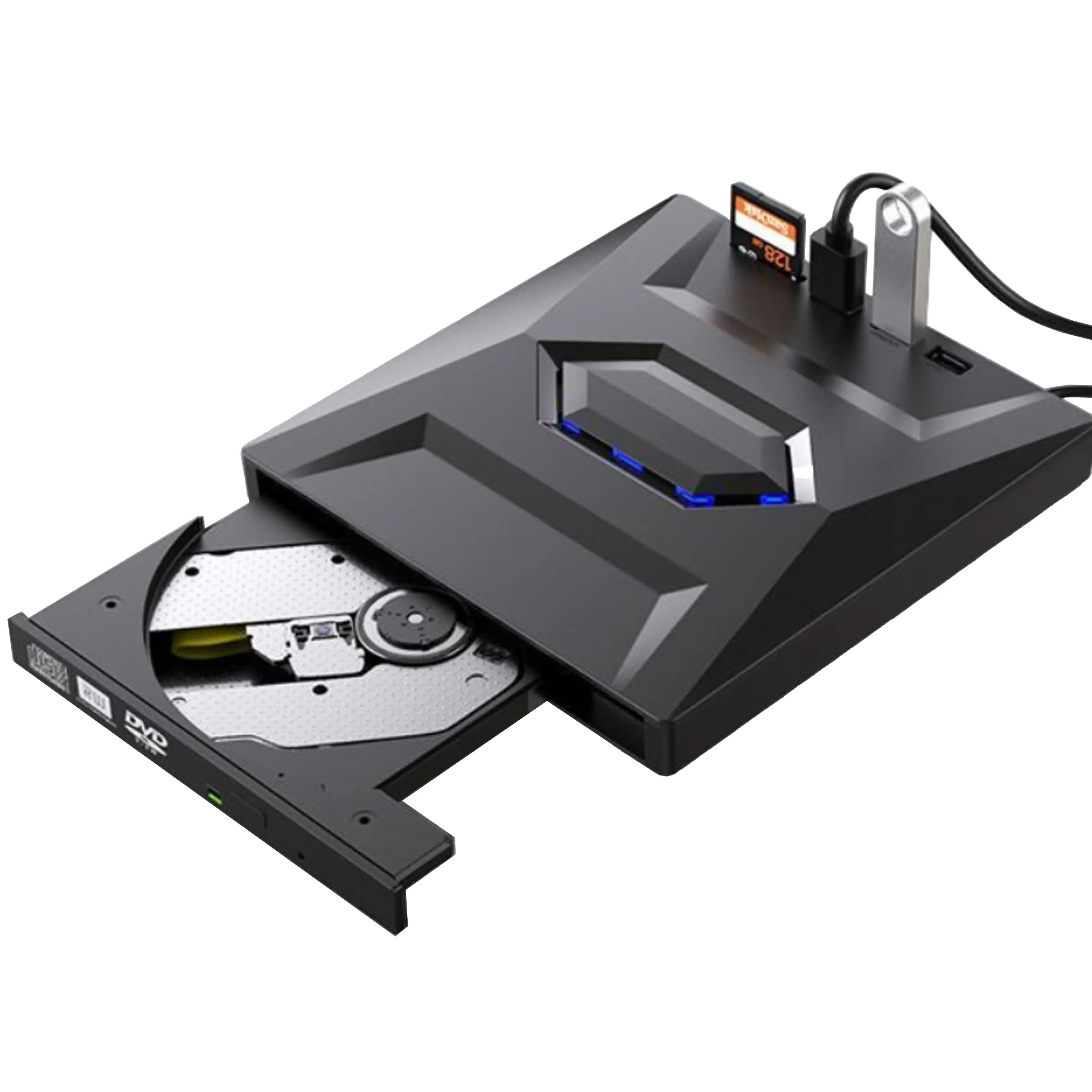
USB External CD/DVD Drive• USB and USB-C
• USB 3.0
• 8x DVD and 24x CD write/read speeds
• Portable
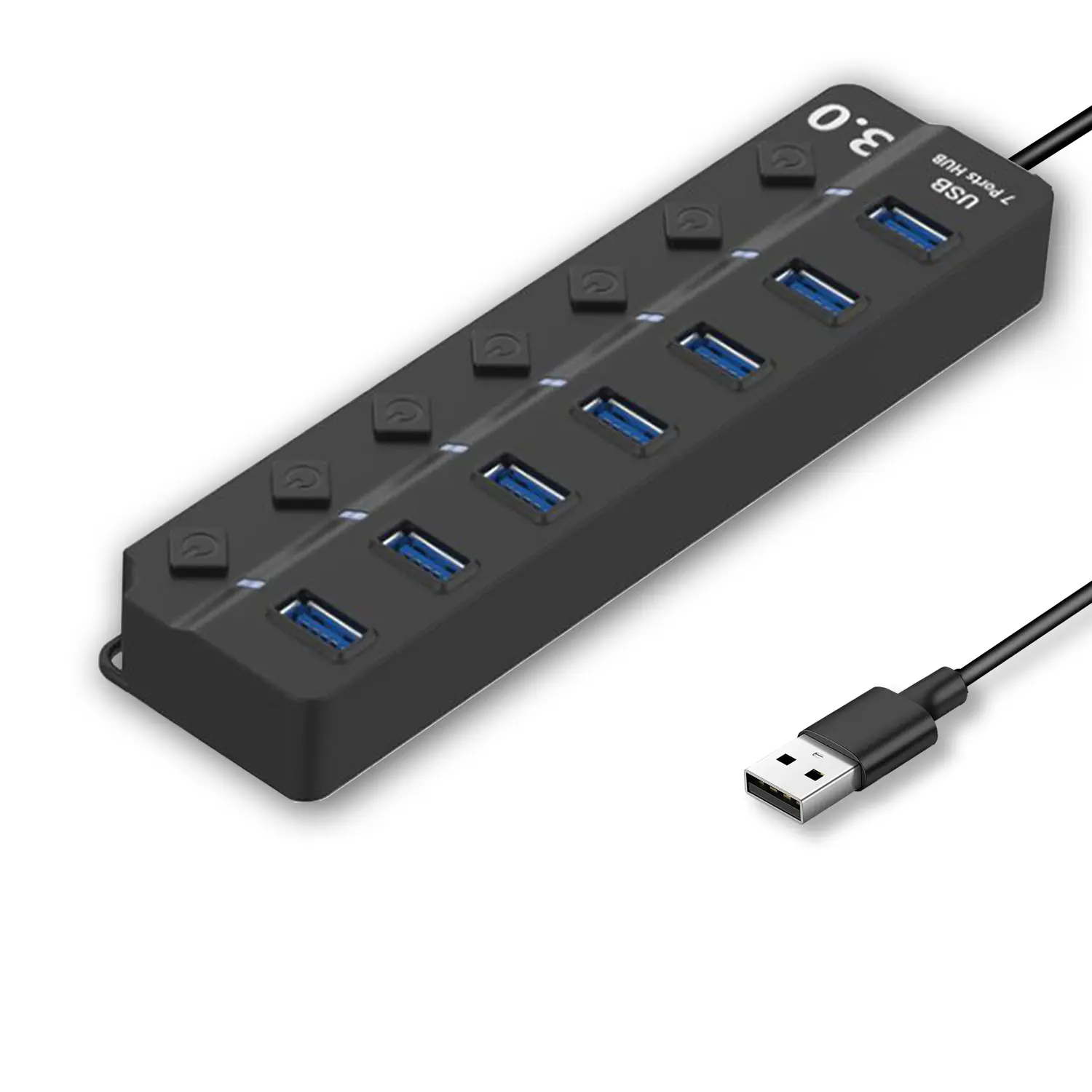
7-Port USB 3.0 Hub● USB 3.0
● Plug and Play
● 7-in-1 USB Hub
● Individual On/Off Switches
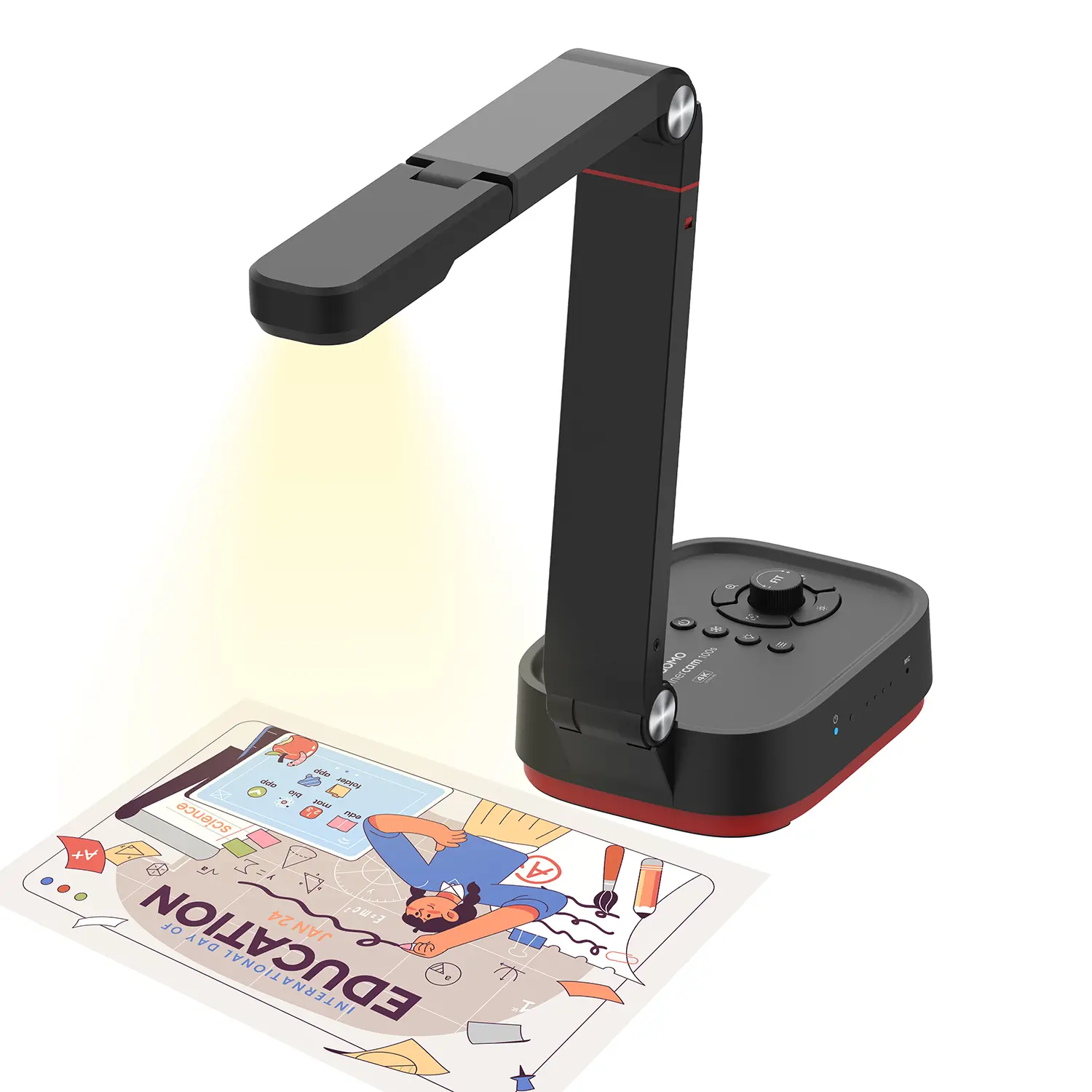
Revolutionize Your Presentations and Document Display with QWC 100S Document Camera
Enhance Call Experience: New Conference Microphone Now Available
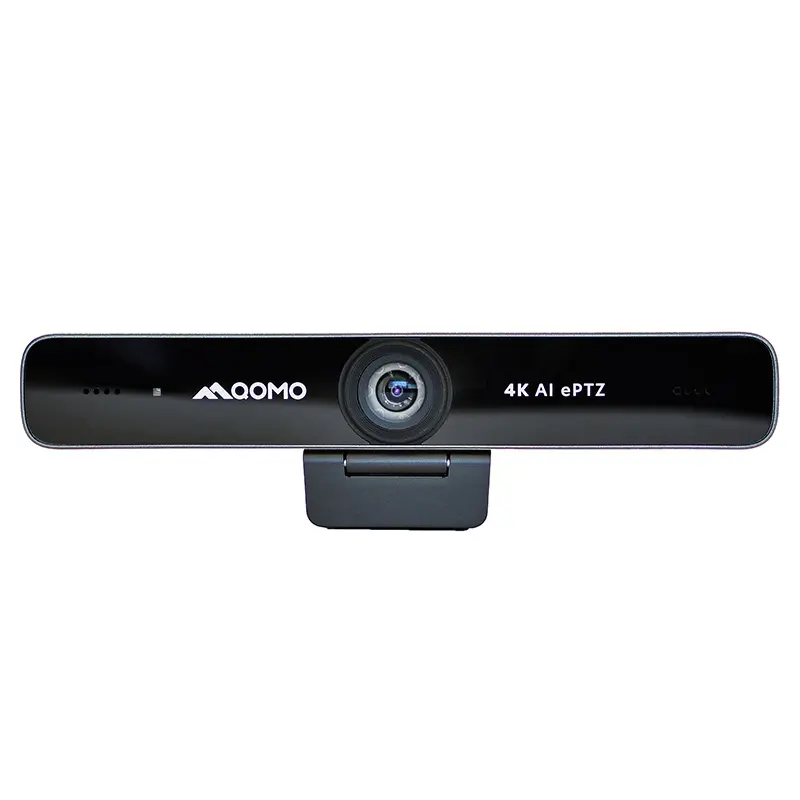
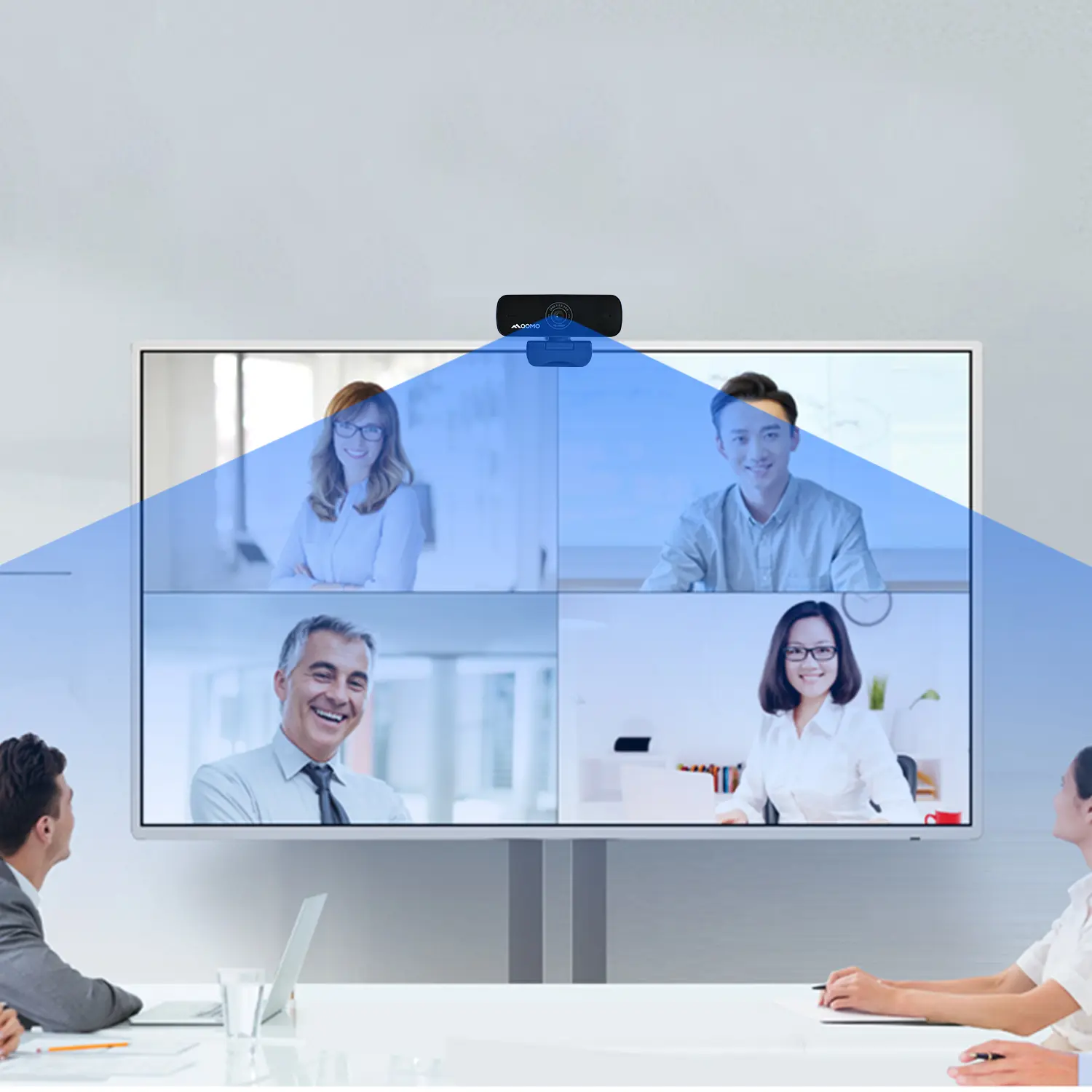
AI-Powered Face-Tracking Webcam
Portable Document Camera Recommendations
Classic Design, Exceptional Functionality: QPC 22 Document Camera
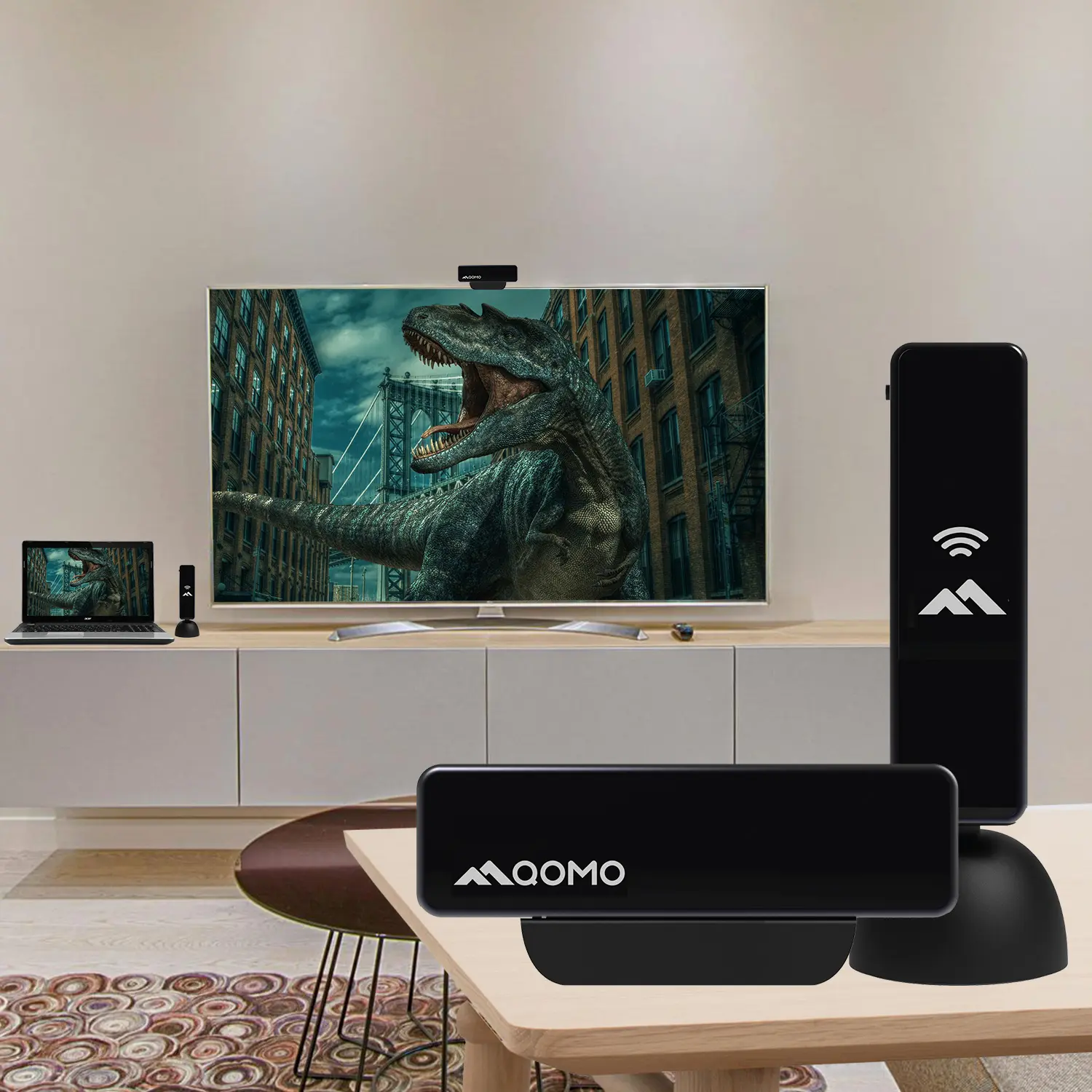
Wireless Screen Mirroring Solution for All Devices
Latest Audience Response System: QRF 999
Introducing the QPC 80H3 Gooseneck Document Camera
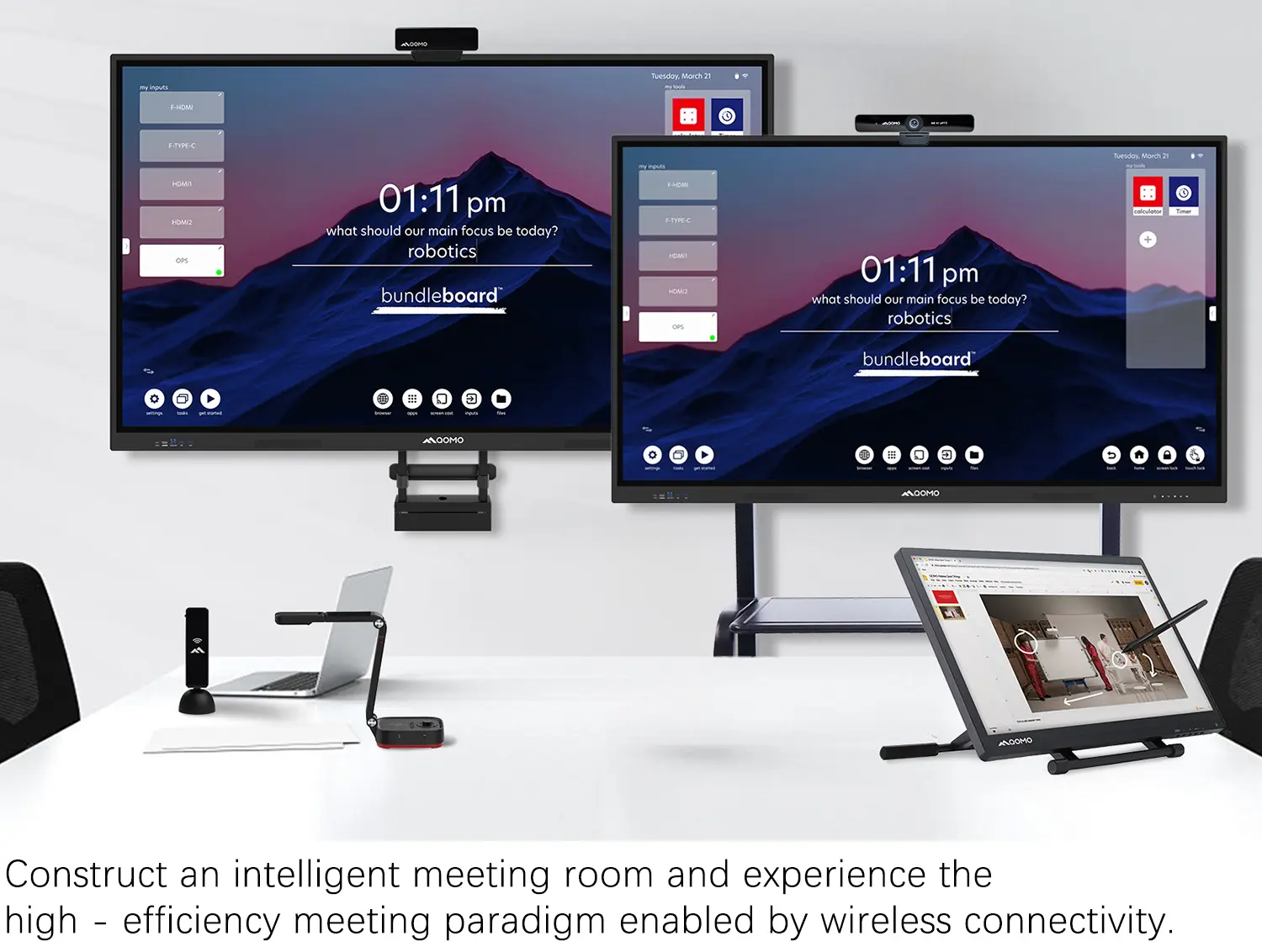
Creating a Smart Integrated Classroom: What Do You Need?
Wireless Connectivity Upgraded: WiFi-Free Wireless Document Receiver
Flow!Works Pro: Interactive Whiteboard Software for Engaging Classrooms
How to Choose the Perfect Document Camera and Elevate Productivity
QWC 004 Conference Webcam: The Top Choice for Remote Education
QCamera: Dedicated Software for Document Cameras to Elevate Your Presentations
QRF999 Voice Response System: Enhancing Teacher-Student Interaction
Work From Home? Maybe You Should Try This Document Camera
The Ultimate Educational Tool: Gooseneck Document Camera
60GHz Millimeter-Wave Wireless Screen Sharing: QShare 100
What Does a Modern Conference Room Need?
QD5000 Document Camera: Unimaginable Versatility!
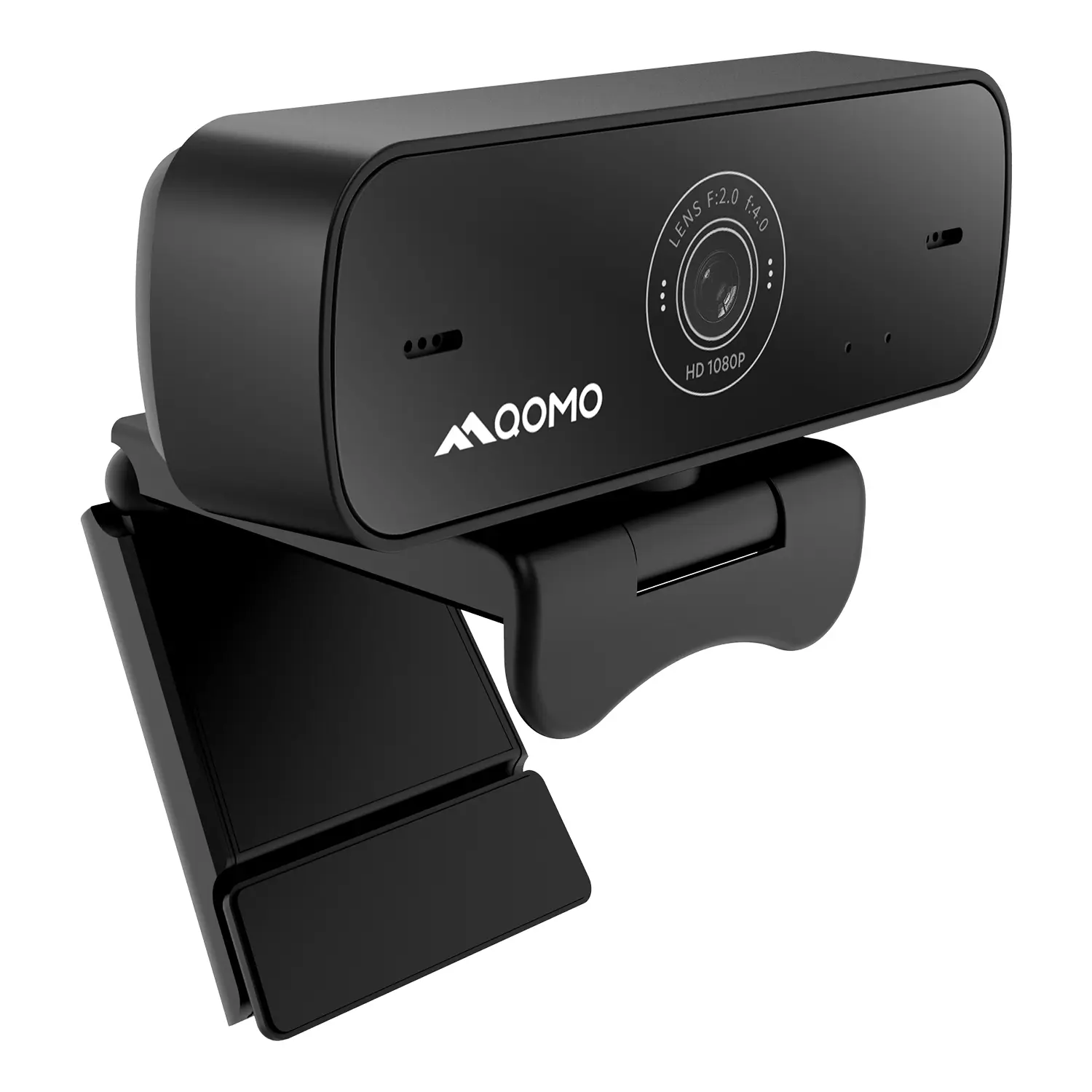
QWC 004: The Most Cost-Effective Webcam
QVote Interactive Classroom Response System Software
Functionality, Aesthetics, Portability! Meet the QWC 100S Document Camera!
Why Choose the BundleBoard H/H2 Interactive Flat Panel?
Save Your Budget—Introducing the All-New QPC 70 Document Camera!
QIT 600F3: Revolutionize Your Presentations
QCamera: Professional Document Camera Software
QPC 5: The Ultimate 4K Portable Document Camera
Elevate Your Meetings in Seconds: QWC 006 Webcam
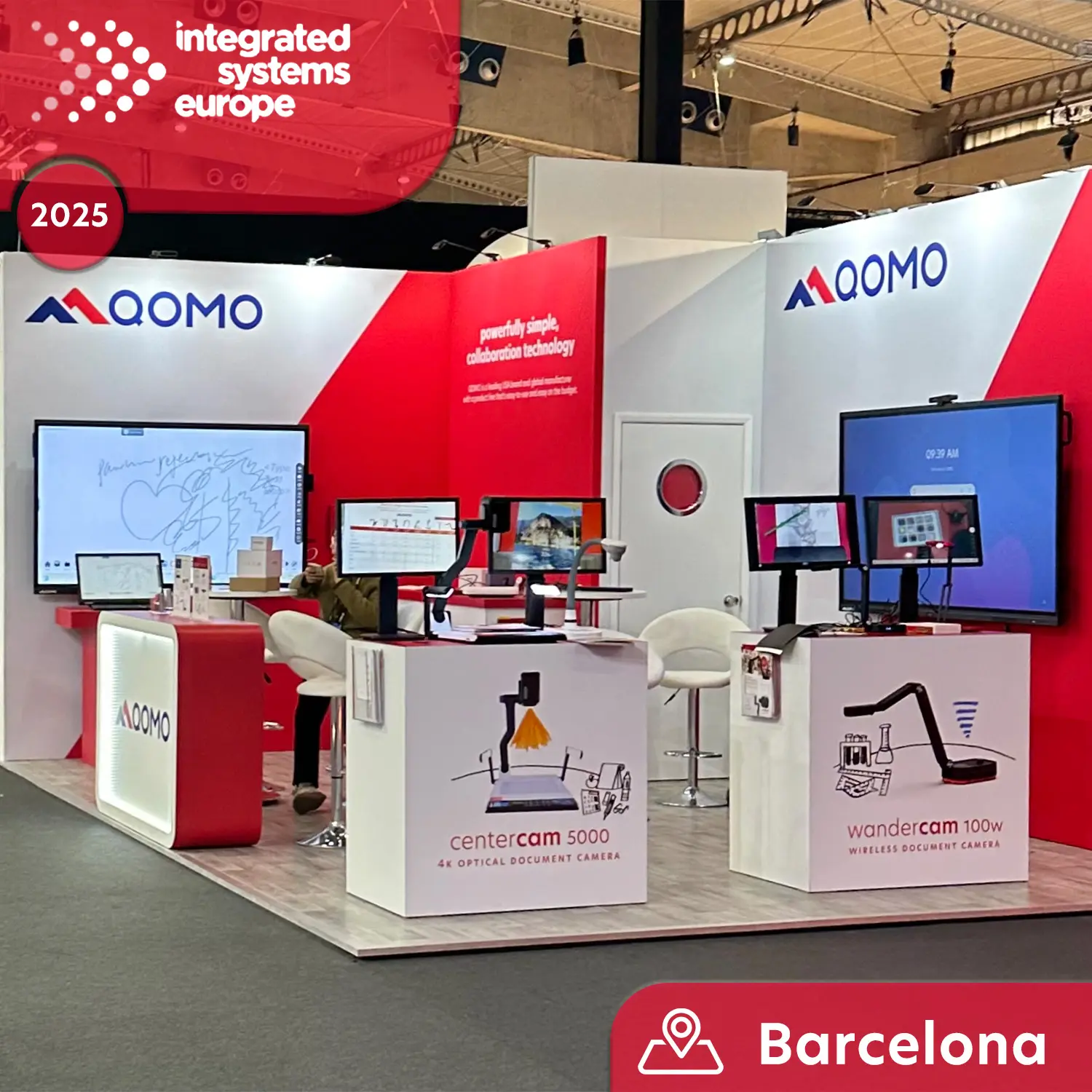
Meet QOMO at ISE 2025
Wireless Document Camera Solution, Revolutionizing Wireless Technology
QRF Series, Transform Your Classroom!
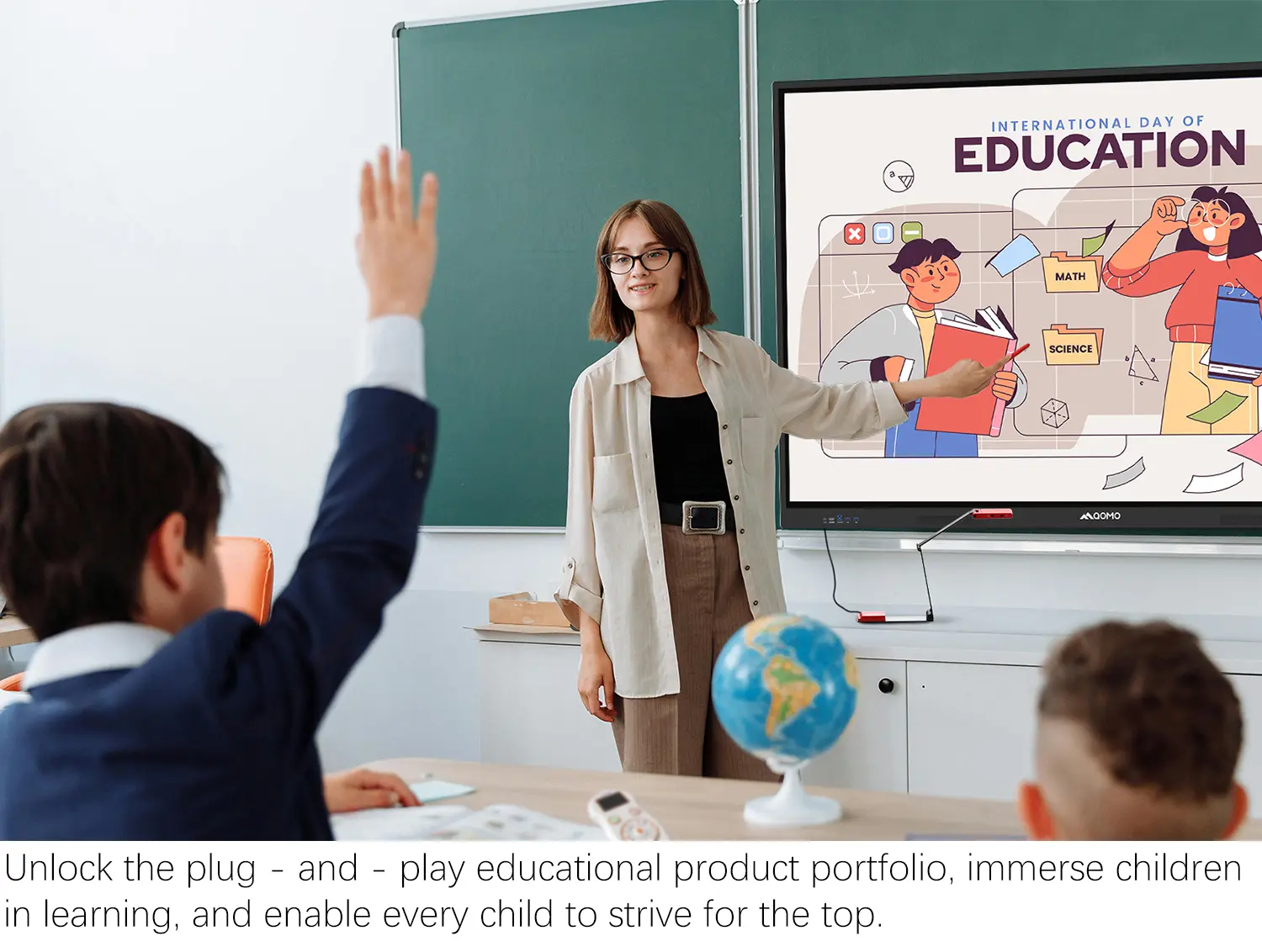
QOMO, Building Intelligent Classrooms
QOMO QShare100 New Release
Outstanding Office Equipment Recommendations
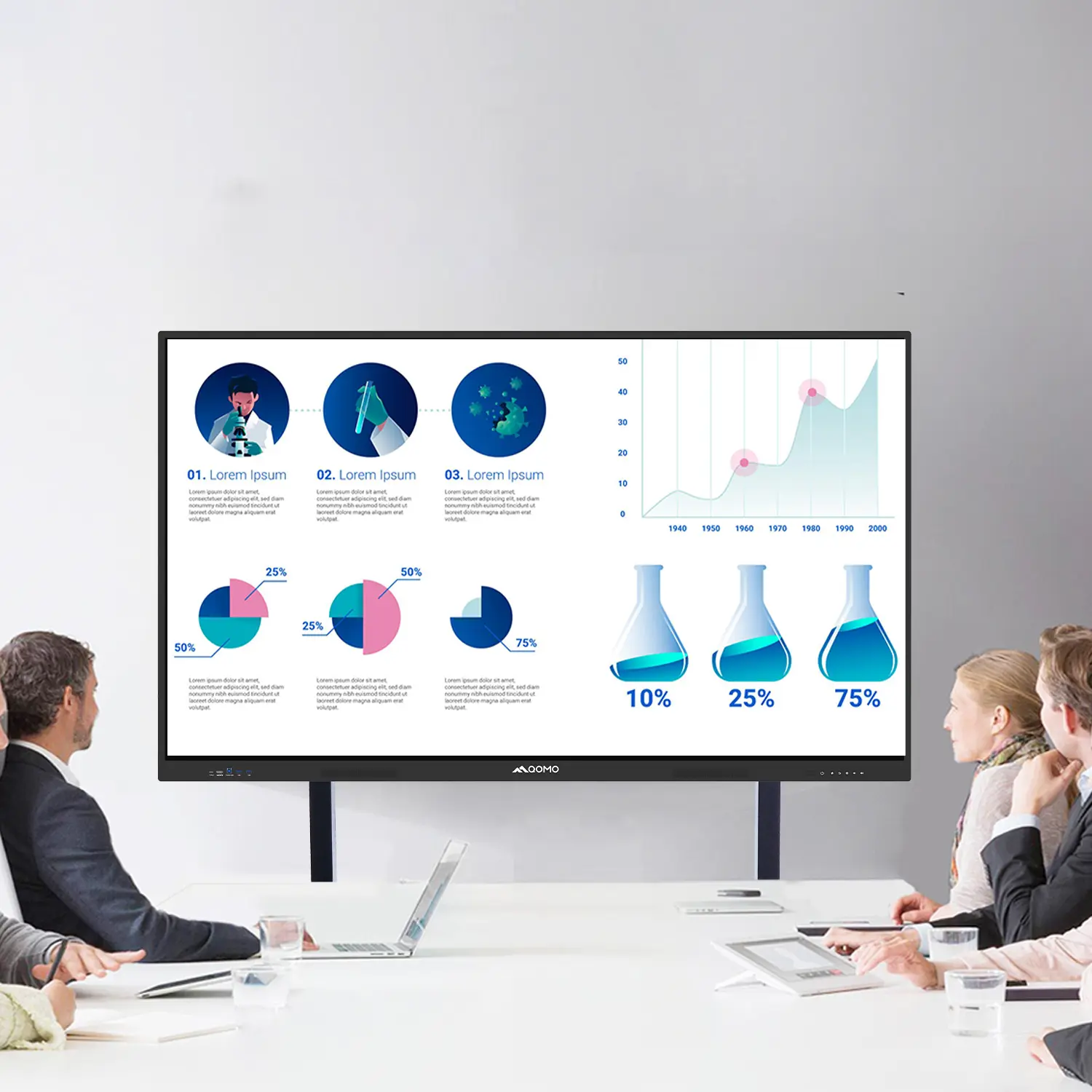
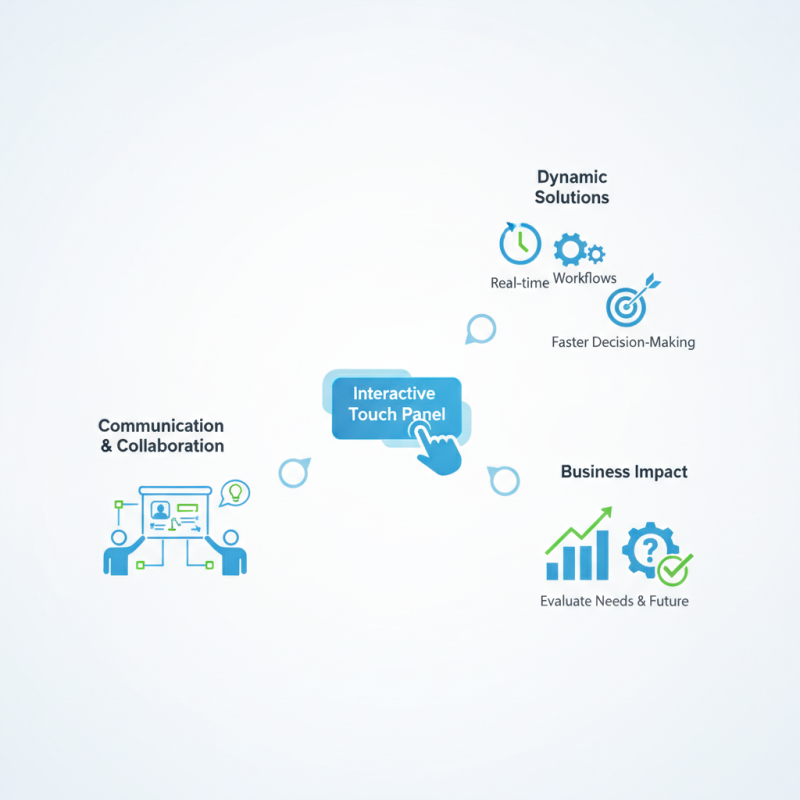
In the fast-paced modern business landscape, integrating technology is essential. An "Interactive Touch Panel" is a powerful tool that enhances communication and collaboration. According to Dr. Emily Carter, a leading expert in interactive technologies, "The right touch panel can transform a mundane meeting into an engaging experience." Her insights highlight the value of these devices in optimizing productivity.
Interactive Touch Panels offer dynamic solutions. They allow for real-time collaboration, providing visual interactivity that traditional displays lack. Businesses can showcase ideas and engage teams effectively, leading to faster decision-making. Despite their advantages, some companies hesitate. Concerns about costs and training can arise. However, investing in an Interactive Touch Panel often results in long-term savings and improved workflows.
It’s clear that an Interactive Touch Panel can be a game-changer. Yet, companies must evaluate their specific needs. Not every organization will find the same value in such technology. The decision should be introspective, weighing the potential benefits against unique operational challenges. Embracing these tools means recognizing their role in the future of business operations.
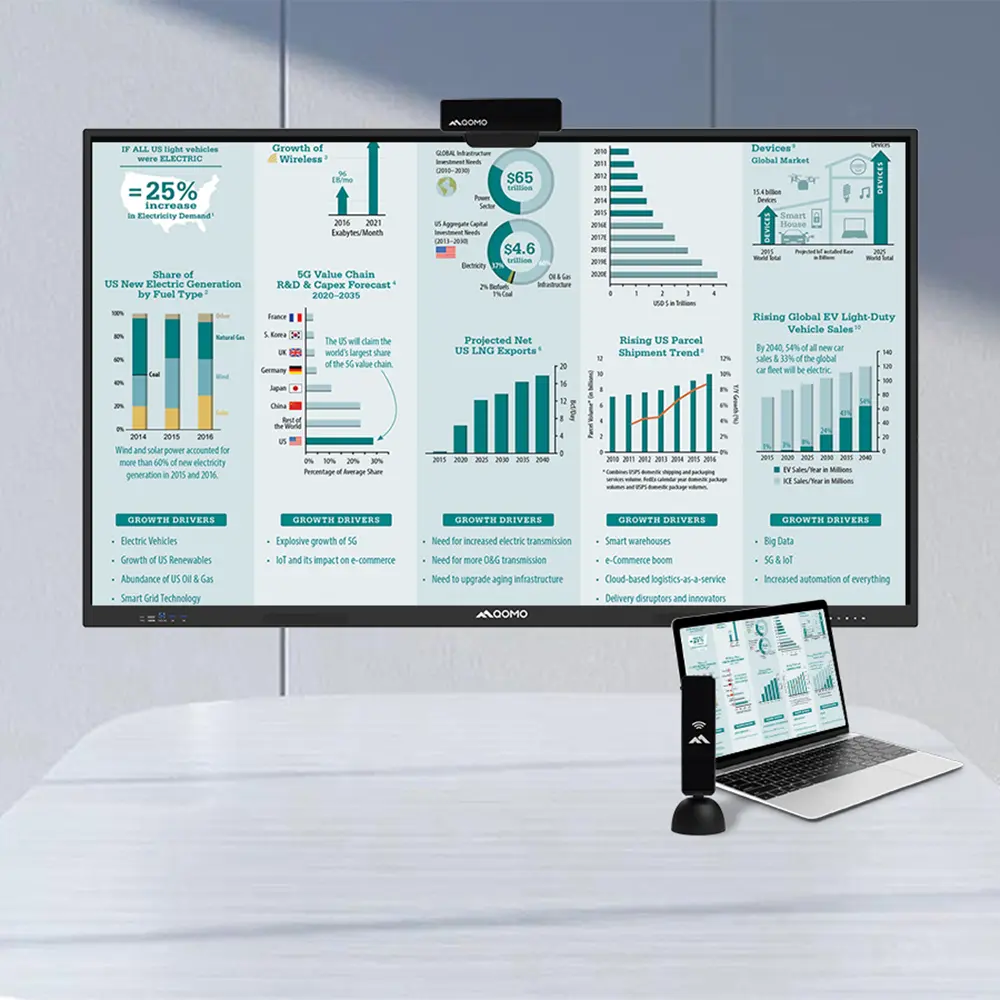
Interactive touch panels are revolutionizing business environments. They provide a dynamic way to engage clients and employees alike. These panels facilitate real-time collaboration, which is vital in today's fast-paced workplaces. Teams can brainstorm ideas on-screen, ensuring everyone's contributions are captured and visible.
Moreover, touch panels are user-friendly. Employees, regardless of technical skill, can navigate easily. This accessibility minimizes training time and increases productivity. For presentations, these panels replace traditional projectors, offering clearer images and interactive features.
However, not all touch panels are created equal. Organizations should assess their specific needs before investing. The technology can sometimes be overwhelming. Not every staff member finds it intuitive. This might require ongoing support and adjustment. Yet, the effort can lead to significant improvements in workflow and communication. Businesses that embrace these tools often notice enhanced engagement and a positive shift in workplace culture.
Interactive touch panels are transforming the way businesses engage with clients and team members. When selecting one, consider key features that enhance usability and effectiveness.
A high-resolution display is crucial. Businesses benefit from screens with at least 4K resolution. This ensures clarity in presentations and improves engagement. Many studies have shown that clear visuals can increase retention rates during meetings. A responsive touchscreen is equally important. Touch latency below 20ms is ideal, creating a seamless interaction experience.
Tips: Always test the touch response before purchasing. A poorly calibrated screen can frustrate users.
Another key feature is connectivity options. Look for panels that support multiple devices and platforms. This fosters collaboration and adaptability in diverse work environments. Wireless options should be available for remote access, enhancing overall flexibility. A durable design also matters. Panels should withstand frequent use without losing performance, ensuring long-term investment reliability.
Tips: Check warranty and support services. It’s vital for maintenance and updates.
Consider the integration capabilities with existing systems. Compatibility can save time and resources in deployment. Research shows that effective integration can improve workflow efficiency by over 30%. These features help create a productive environment and elevate your business needs.
| Feature | Description | Importance |
|---|---|---|
| Touch Sensitivity | High responsiveness to touch inputs for smooth interactions. | Essential for user engagement. |
| Multi-Touch Support | Ability to recognize multiple touch points simultaneously. | Enhances collaborative features. |
| Screen Resolution | High-definition display for clear visuals. | Crucial for readability and engagement. |
| Connectivity Options | Various input options including HDMI, USB, and wireless connectivity. | Facilitates integration with other devices. |
| User Interface | Intuitive interface designed for easy navigation. | Improves user experience and efficiency. |
| Durability | Designed to withstand frequent use and accidental impacts. | Reduces long-term replacement costs. |
| Software Compatibility | Compatible with various operating systems and applications. | Ensures versatility in use cases. |
| Energy Efficiency | Low power consumption to save on electricity costs. | Important for sustainable operations. |
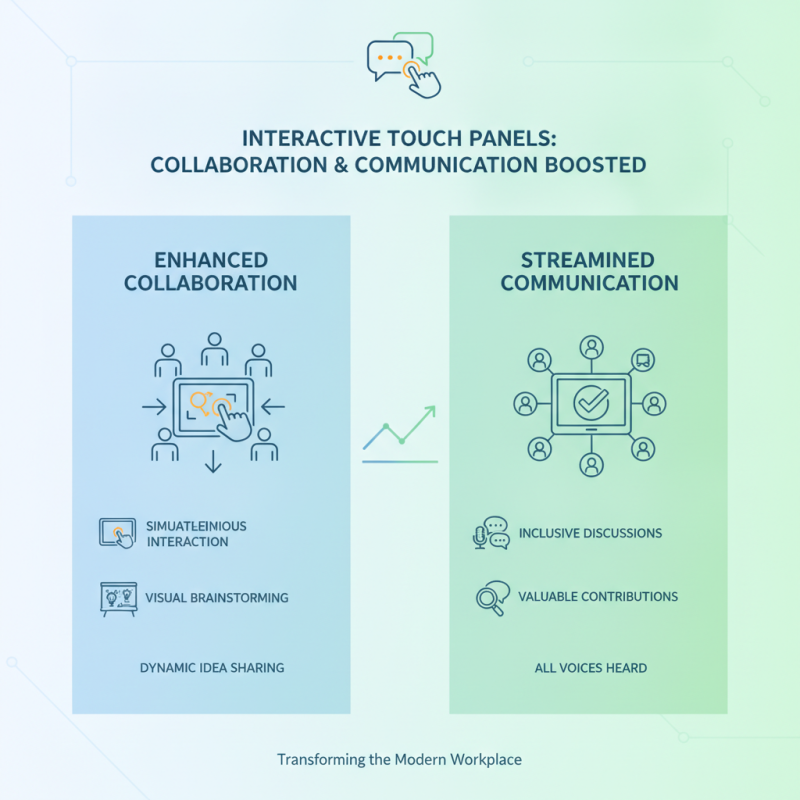
Interactive touch panels are transforming the workplace by enhancing collaboration and communication among teams. These panels allow multiple users to interact simultaneously, fostering a sense of engagement. For instance, during brainstorming sessions, team members can share ideas visually. This makes discussions more dynamic and inclusive. Often, ideas that might go unnoticed in traditional meetings become valuable contributions when they are presented on a touch screen.
Moreover, the intuitive nature of touch panels reduces the learning curve. Users, regardless of their tech-savviness, quickly adapt to the platform. This accessibility encourages participation, leading to improved decision-making. Real-time feedback during presentations is also invaluable. It allows teams to pivot quickly based on input, which can sometimes lead to better outcomes. However, it is essential to ensure that technology does not overshadow genuine conversation. Engaging with the panel should complement, not replace, face-to-face interactions.
Despite the advantages, challenges exist. Some teams might struggle with the transition from conventional tools. Resistance to change can hinder collaboration efforts. Additionally, reliance on technology can create a gap in personal interactions. It’s crucial to strike a balance. Regular reflections on how the technology impacts communication can guide teams toward more effective practices. Embracing the change requires continuous evaluation and adjustment.
Interactive touch panels are revolutionizing how businesses communicate and engage with clients. Their cost-effectiveness makes them appealing to many companies. Unlike traditional displays, interactive panels combine multiple functions in one device. This feature reduces the need for additional equipment like projectors and screens. Businesses can save on space and costs, especially in tight office environments.
Moreover, touch panels are versatile tools for presentations and collaboration. Employees can share ideas or information quickly and intuitively. This enhances productivity and can lead to more innovative solutions. However, the initial investment may seem steep for some. Companies must consider future savings on maintenance and replacement costs. The potential to engage clients and facilitate training should not be overlooked.
Additionally, the longevity and durability of interactive panels can justify the expense. They often withstand frequent use far better than standard displays. Yet, not all interactive solutions are foolproof. Businesses should evaluate specific features that meet their unique needs. This requires careful planning and foresight. Balancing cost and functionality is key to making the right decision.
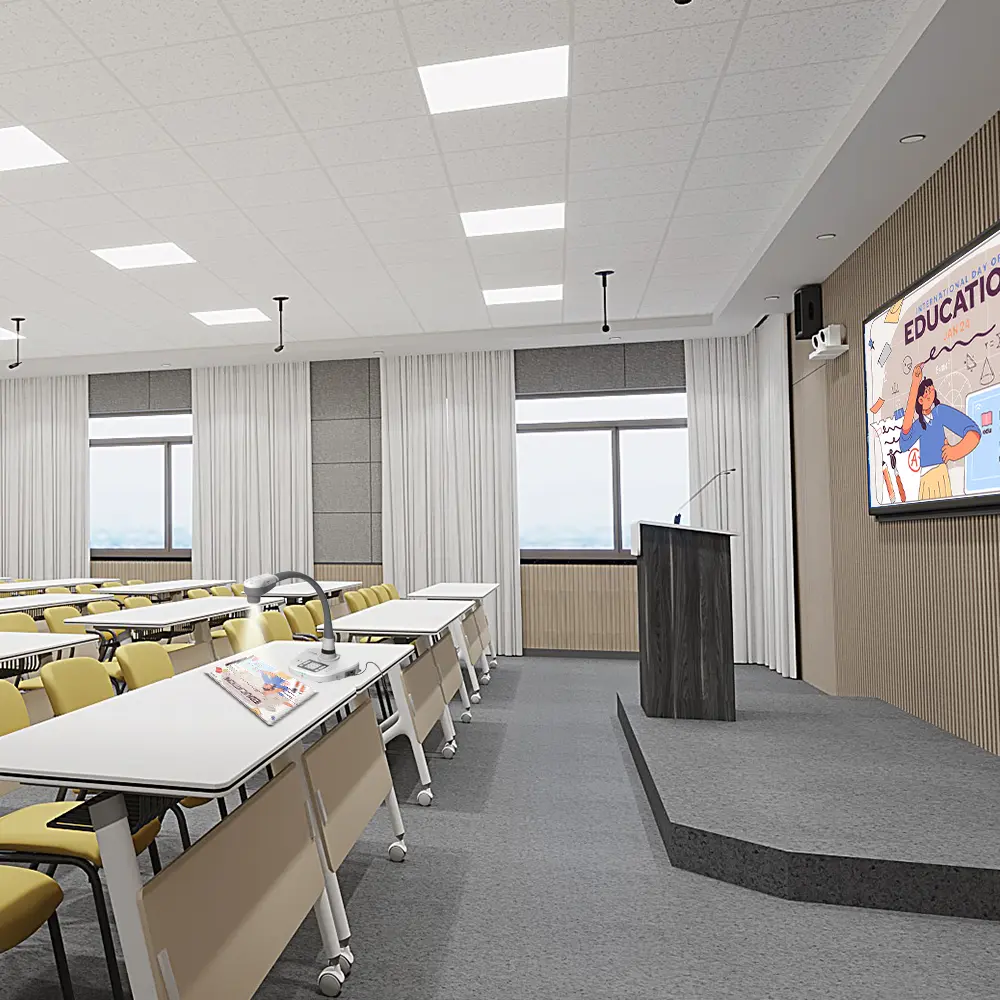
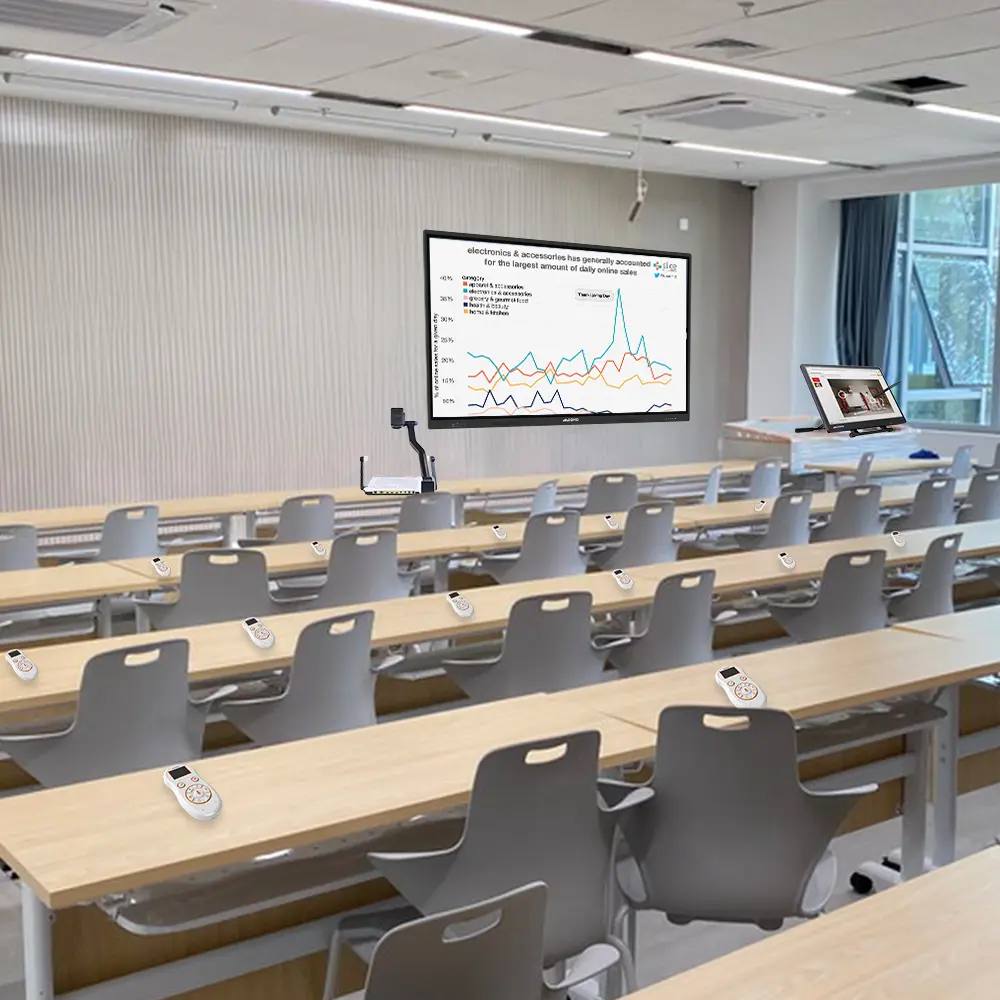
Interactive touch panels have revolutionized various industries by enhancing engagement and efficiency. In classrooms, they allow teachers to present dynamic lessons, fostering interaction among students. These panels can display videos, images, and quizzes, making learning more visually appealing. Yet, reliance on technology may sometimes overshadow traditional teaching methods. Balancing both can be key.
In the retail sector, these panels serve as interactive displays. They help customers explore products and promotions easily. Shoppers can browse product details, compare prices, and even access customer reviews. However, while this tech can boost sales, it can also lead to information overload. Streamlining the user experience is essential.
For corporate meetings, these touch panels facilitate brainstorming sessions. Teams can collaboratively annotate important points on a shared screen. Visualizing ideas through sketches and notes can inspire innovation. Yet, over-reliance on digital tools might stifle creativity. Encouraging personal interaction alongside tech tools can create a more balanced atmosphere.