+86 152 8002 3723
QVoteProfessional Audience Response System software offers the most convenient functions for your interactions.
QClickThe most convenient educational software for working with Microsoft PowerPoint to quickly set up various question types and generate intelligent feedback reports.
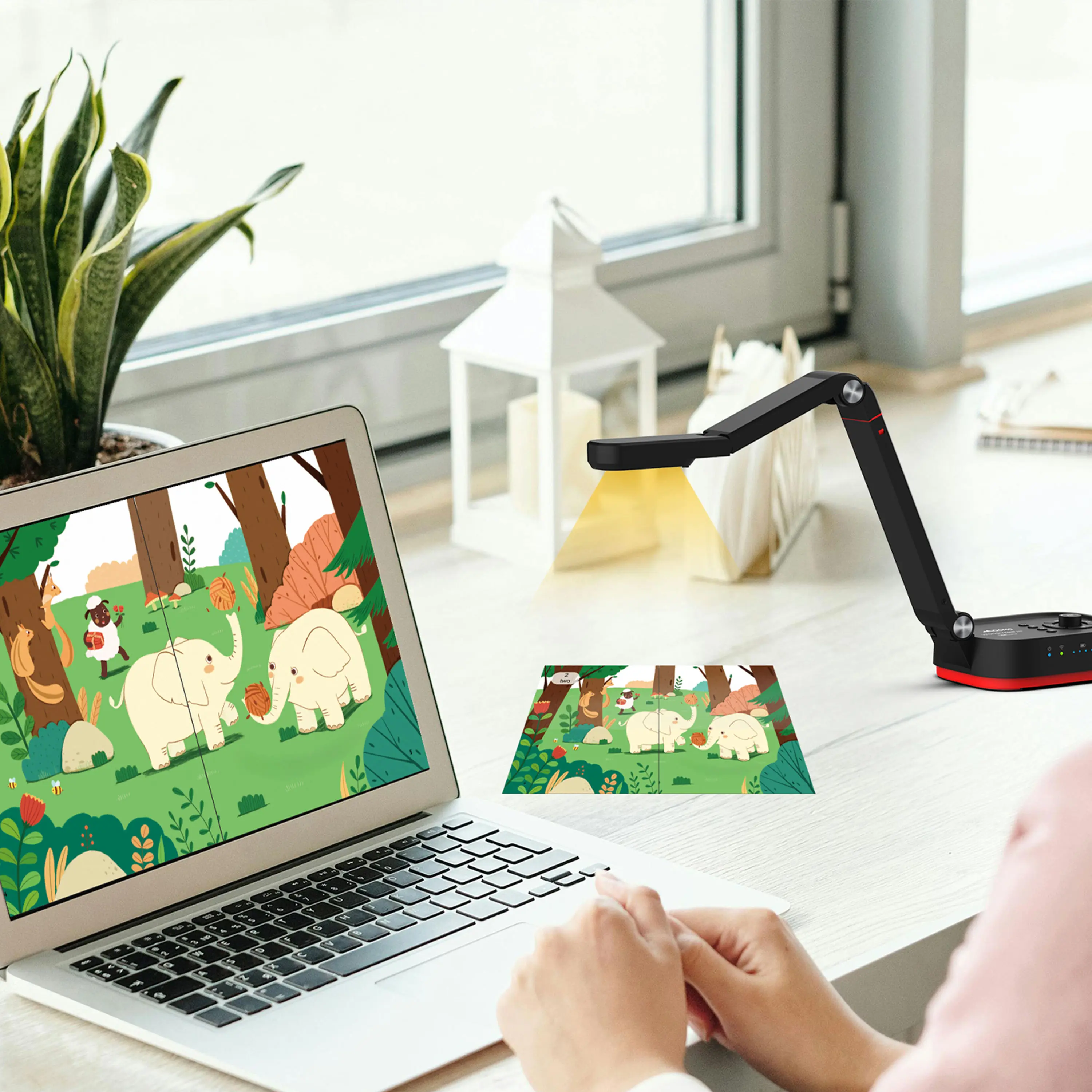
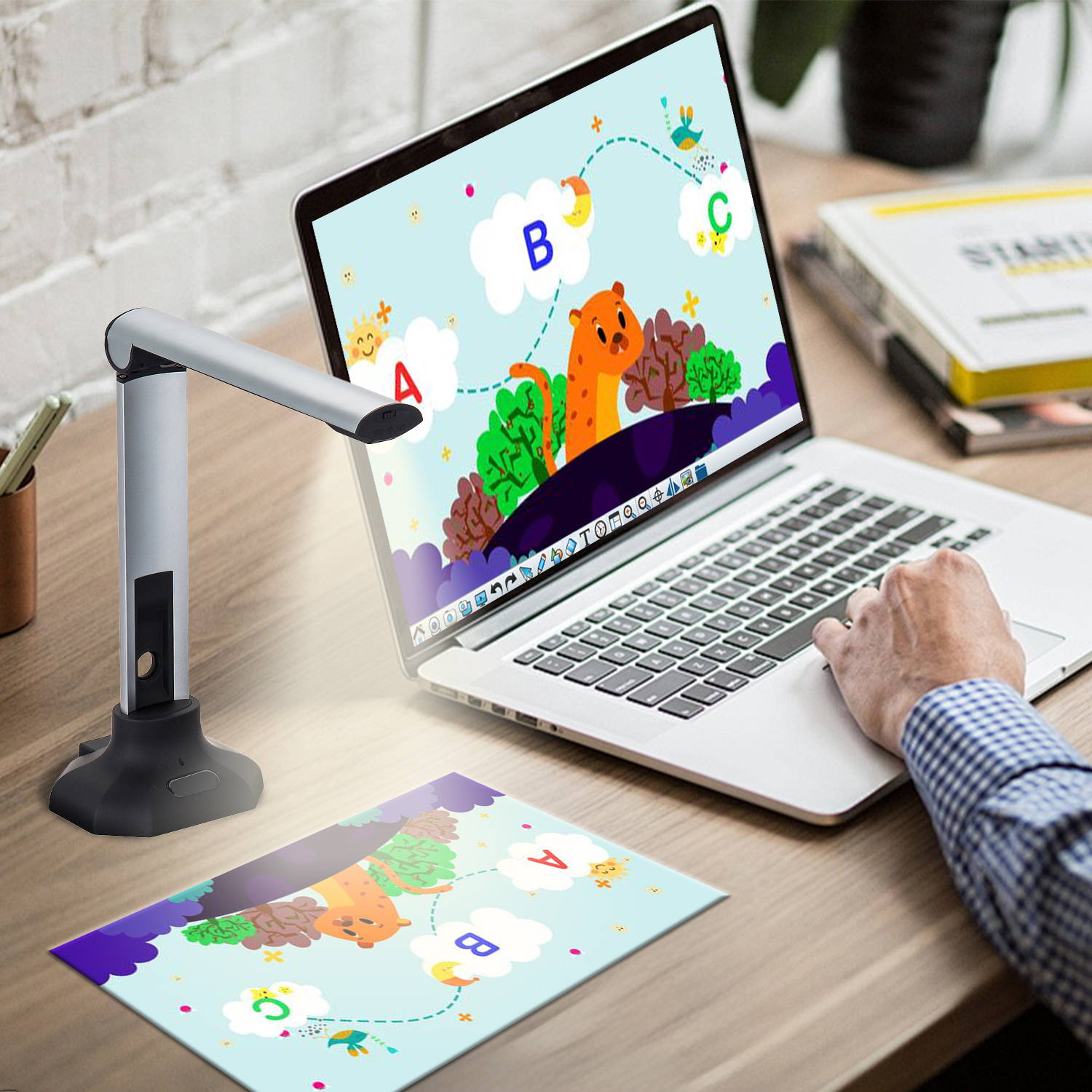
QCameraQCamera by QOMO allows for real-time streaming from cameras and document cameras. Annotate, save snapshots, record, and manipulate camera images instantly.
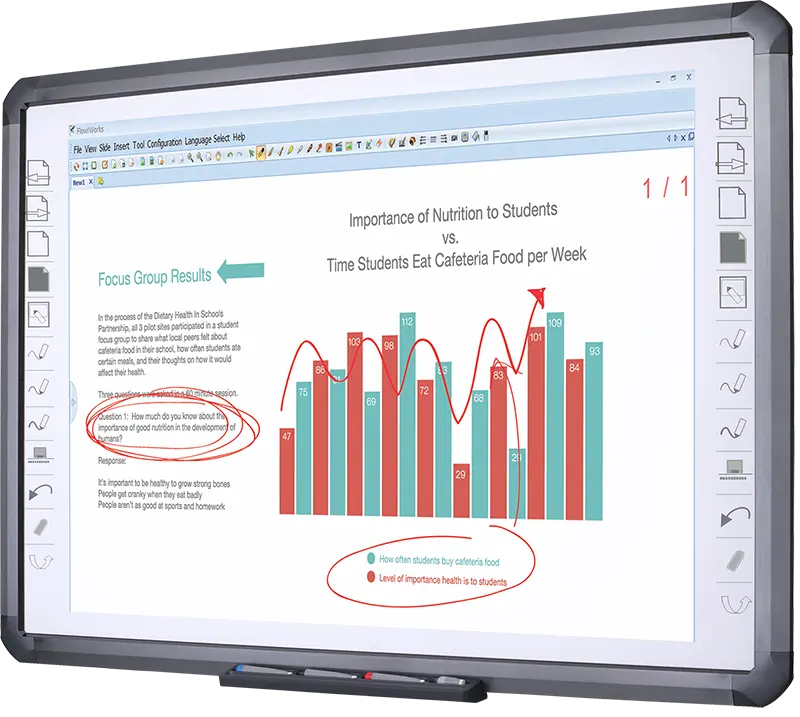
Flow!Works ProUser - friendly whiteboard software, it encompasses a wide range of presentation tools and powerful functions, delivering the most professional presentation experience to you.
Flow!WorksFlow!Works incorporates more educational tools, further enhancing the interactivity and fun - factor of your teaching.
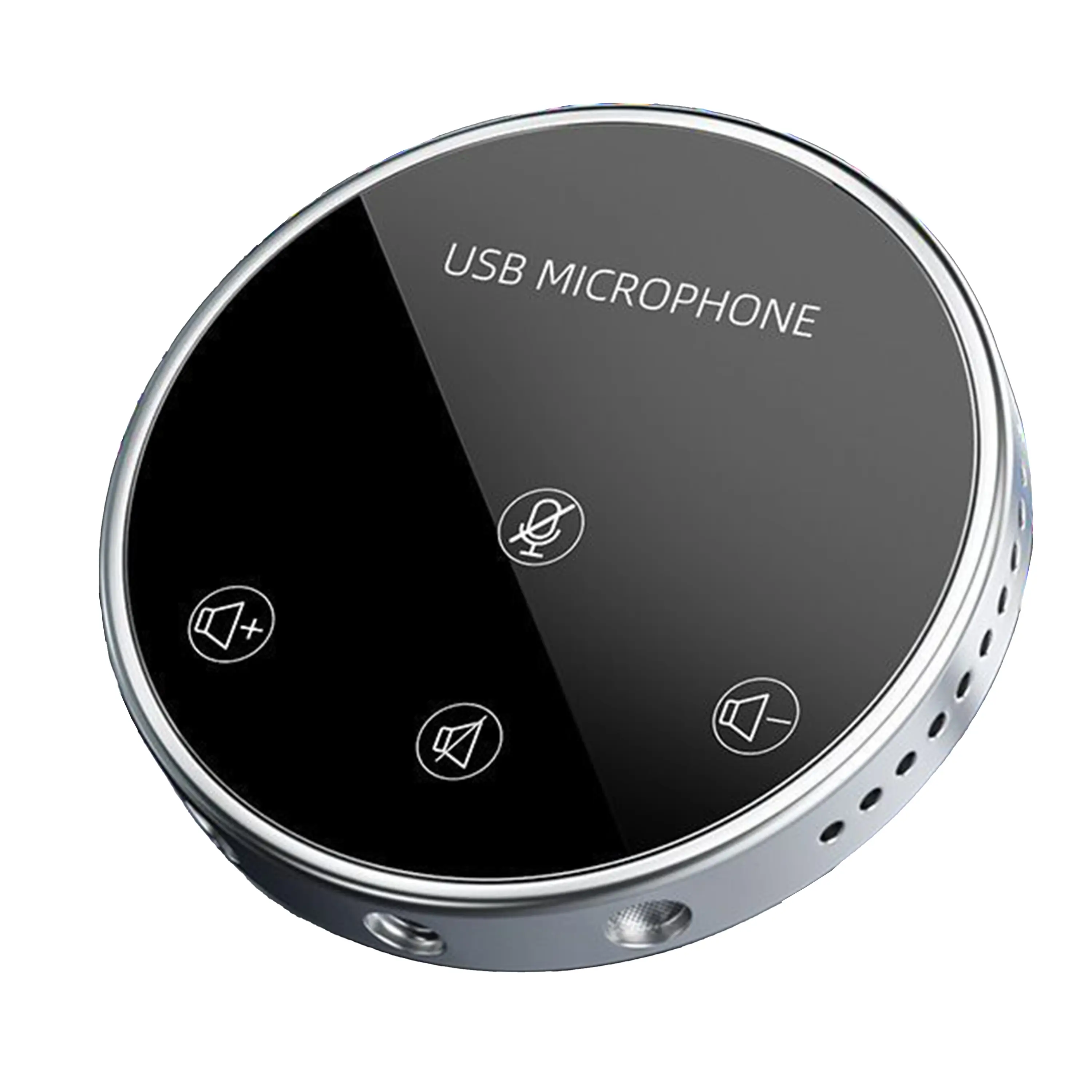
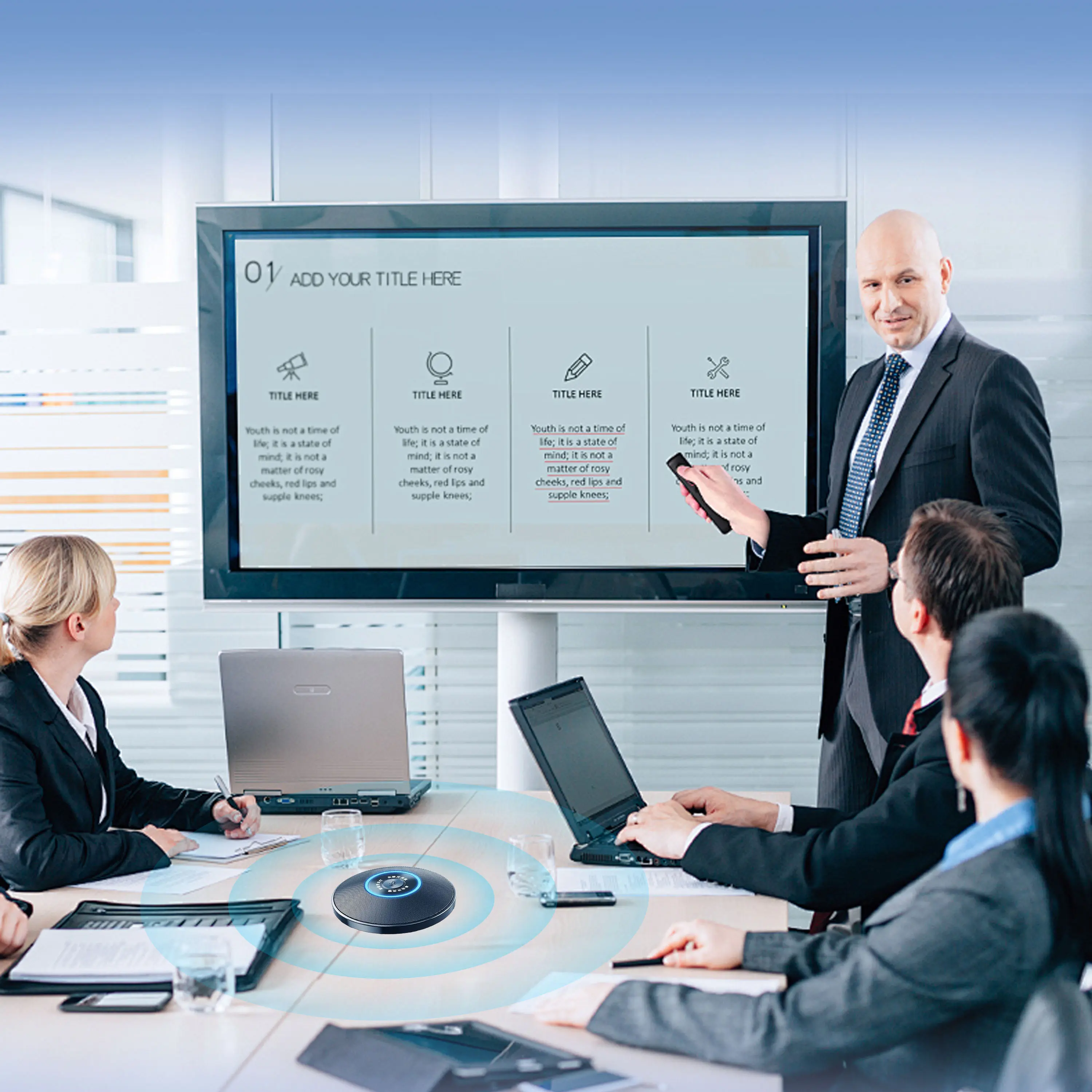
Conference Microphone● USB
● Plug and Play
● Intelligent Noise-Canceling
● 10ft/3m Extended Pickup Range
● 360° Omnidirectional Pickup
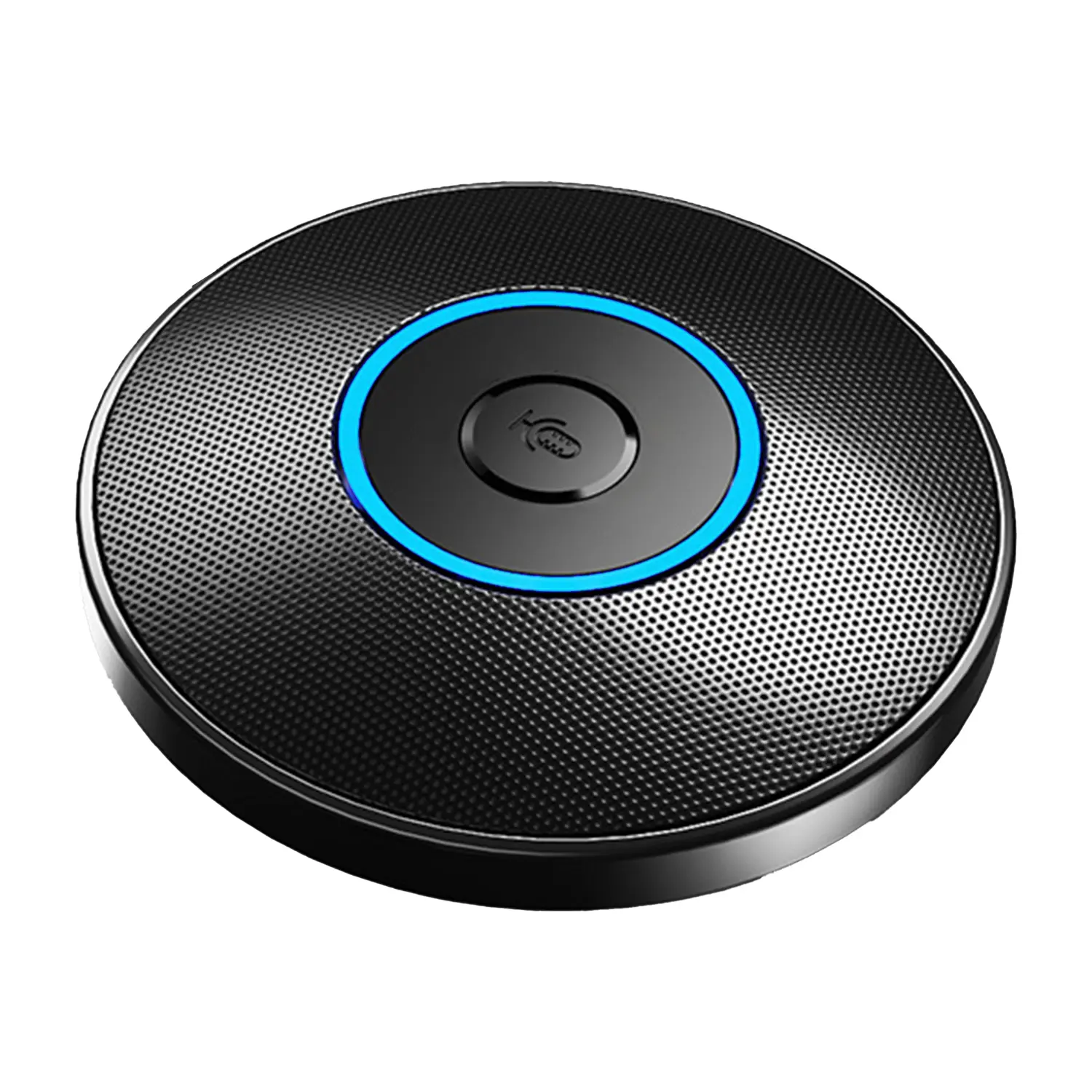
Conference Speakerphone● USB-C
● Plug and Play
● Intelligent Noise-Canceling
● 10ft/3m Extended Pickup Range
● 360° Omnidirectional Pickup
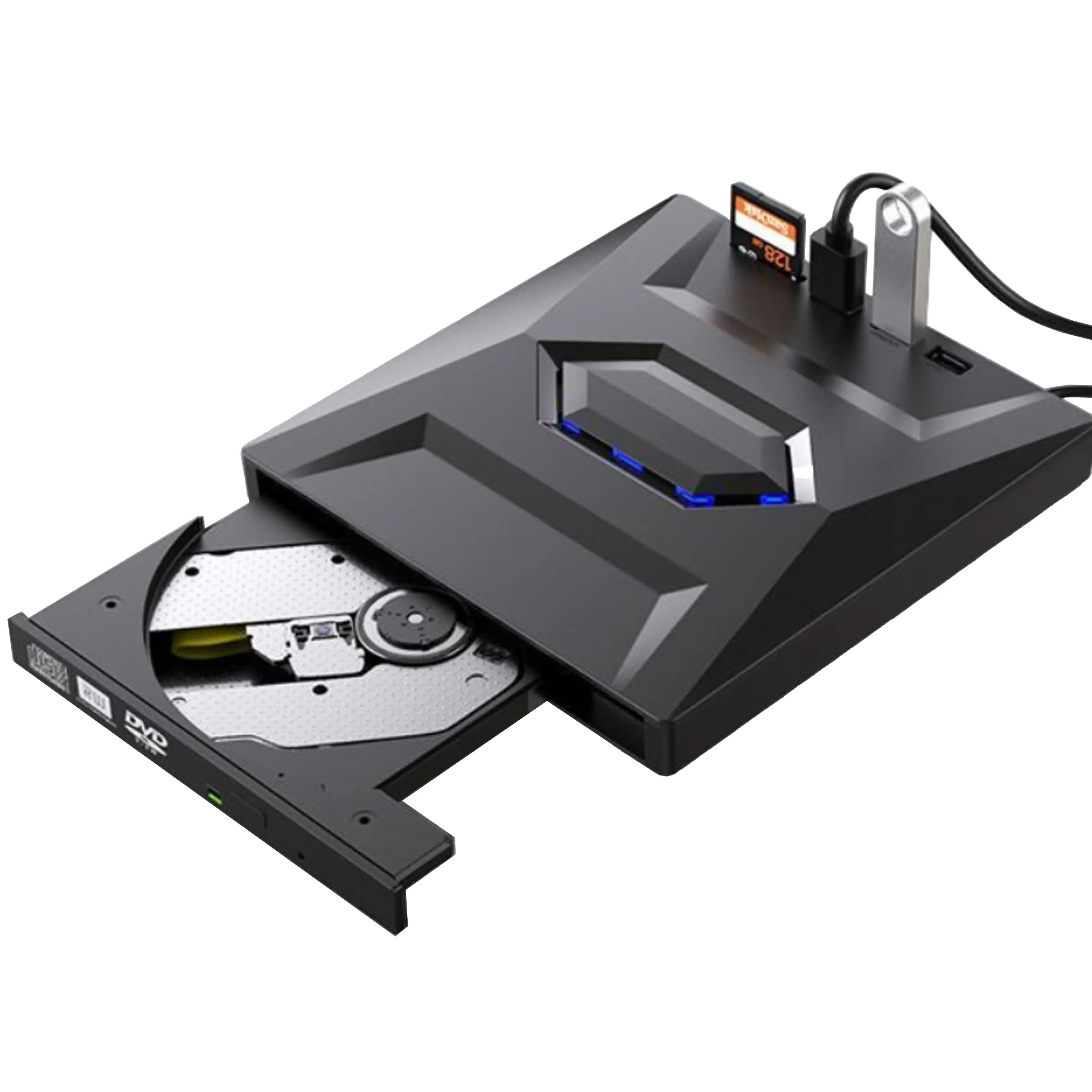
USB External CD/DVD Drive• USB and USB-C
• USB 3.0
• 8x DVD and 24x CD write/read speeds
• Portable
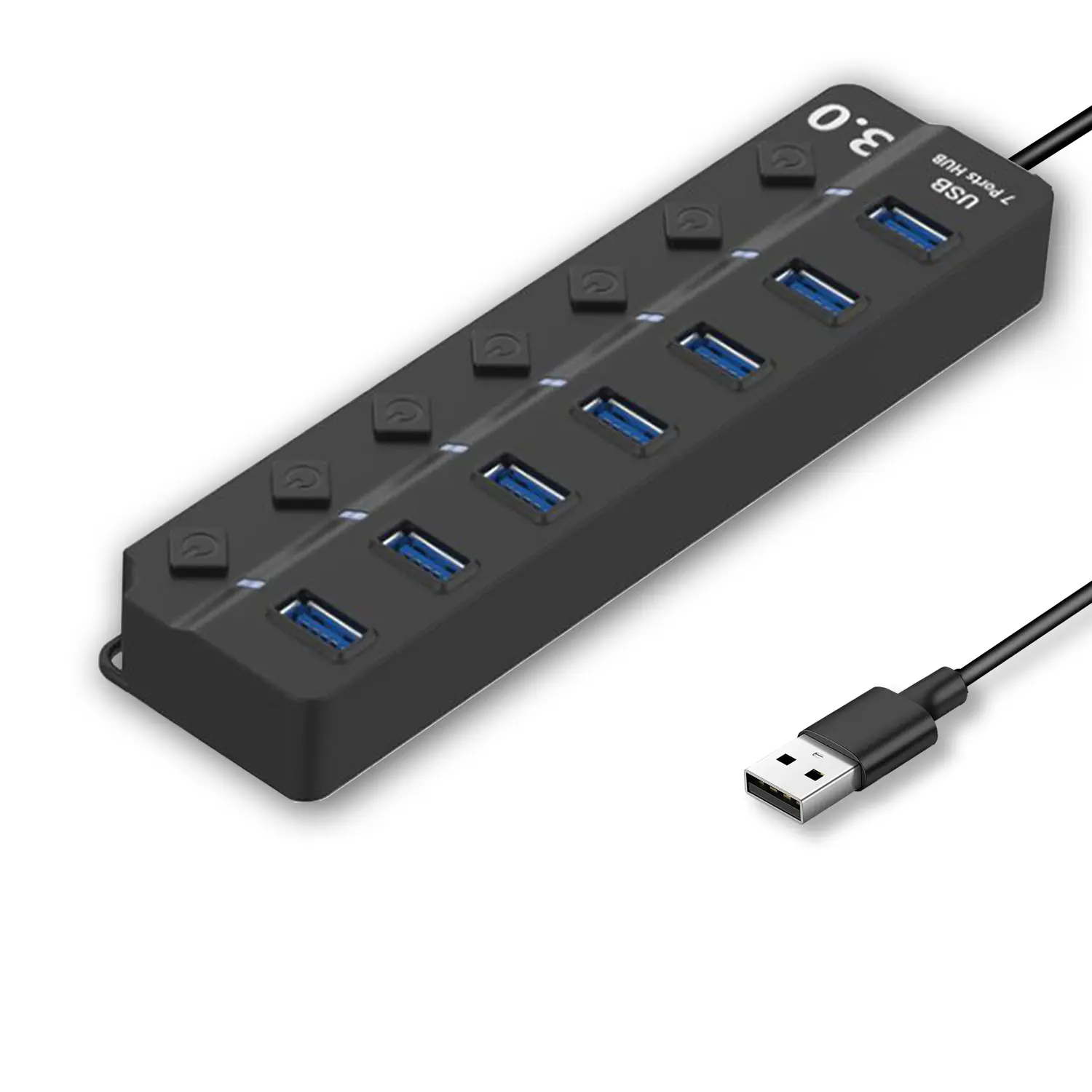
7-Port USB 3.0 Hub● USB 3.0
● Plug and Play
● 7-in-1 USB Hub
● Individual On/Off Switches
Revolutionize Your Presentations and Document Display with QWC 100S Document Camera
Enhance Call Experience: New Conference Microphone Now Available
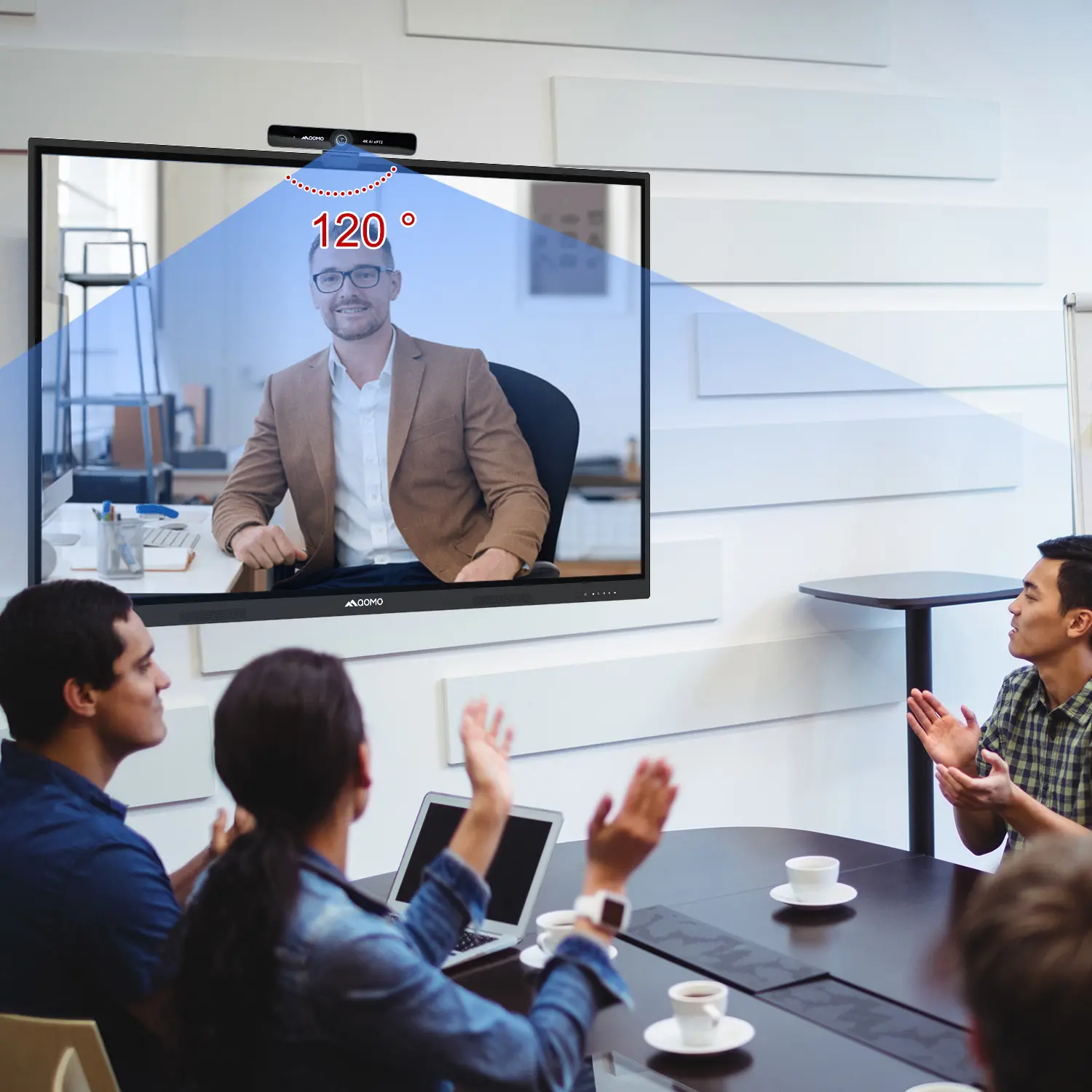
AI-Powered Face-Tracking Webcam
Portable Document Camera Recommendations
Classic Design, Exceptional Functionality: QPC 22 Document Camera
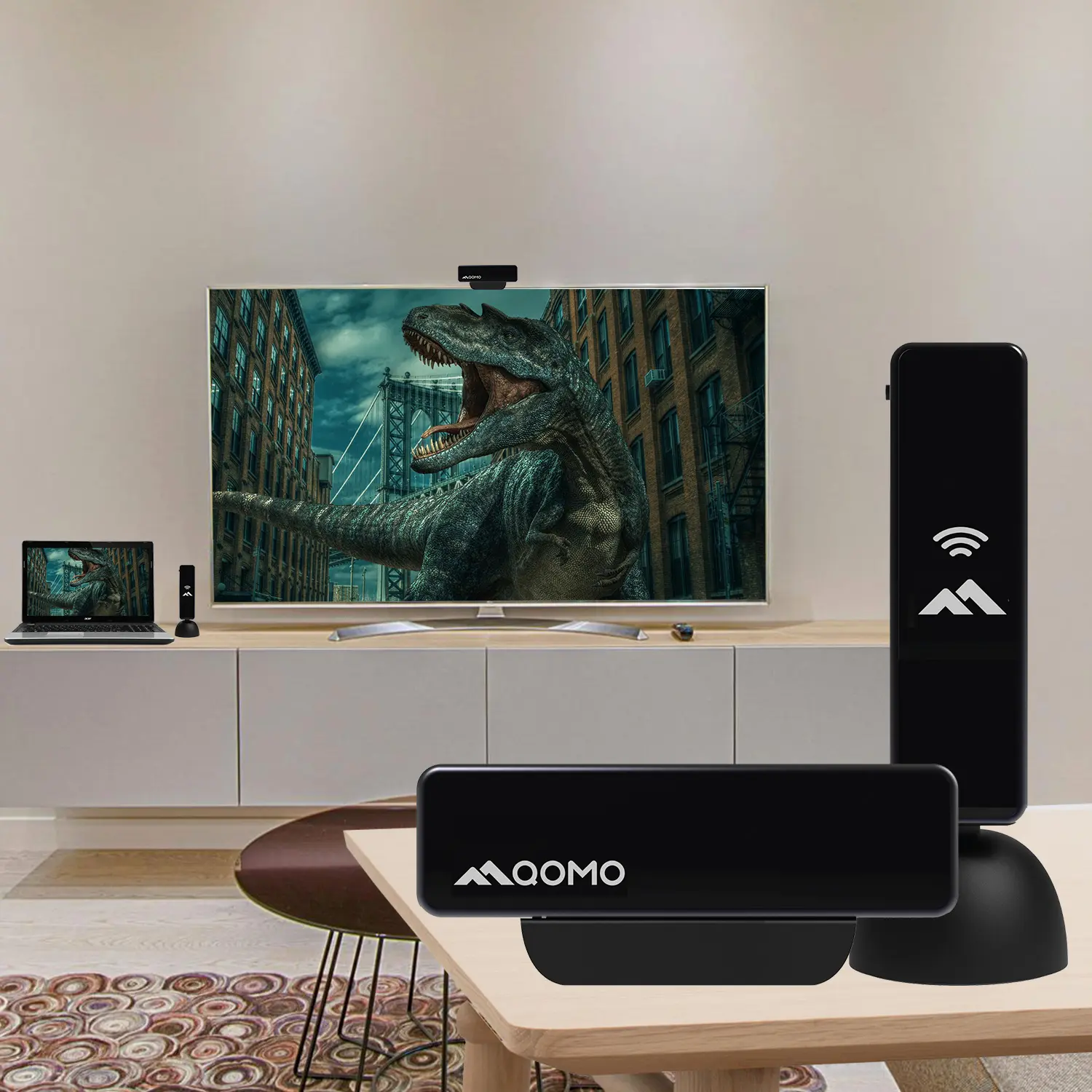
Wireless Screen Mirroring Solution for All Devices
Latest Audience Response System: QRF 999
Introducing the QPC 80H3 Gooseneck Document Camera
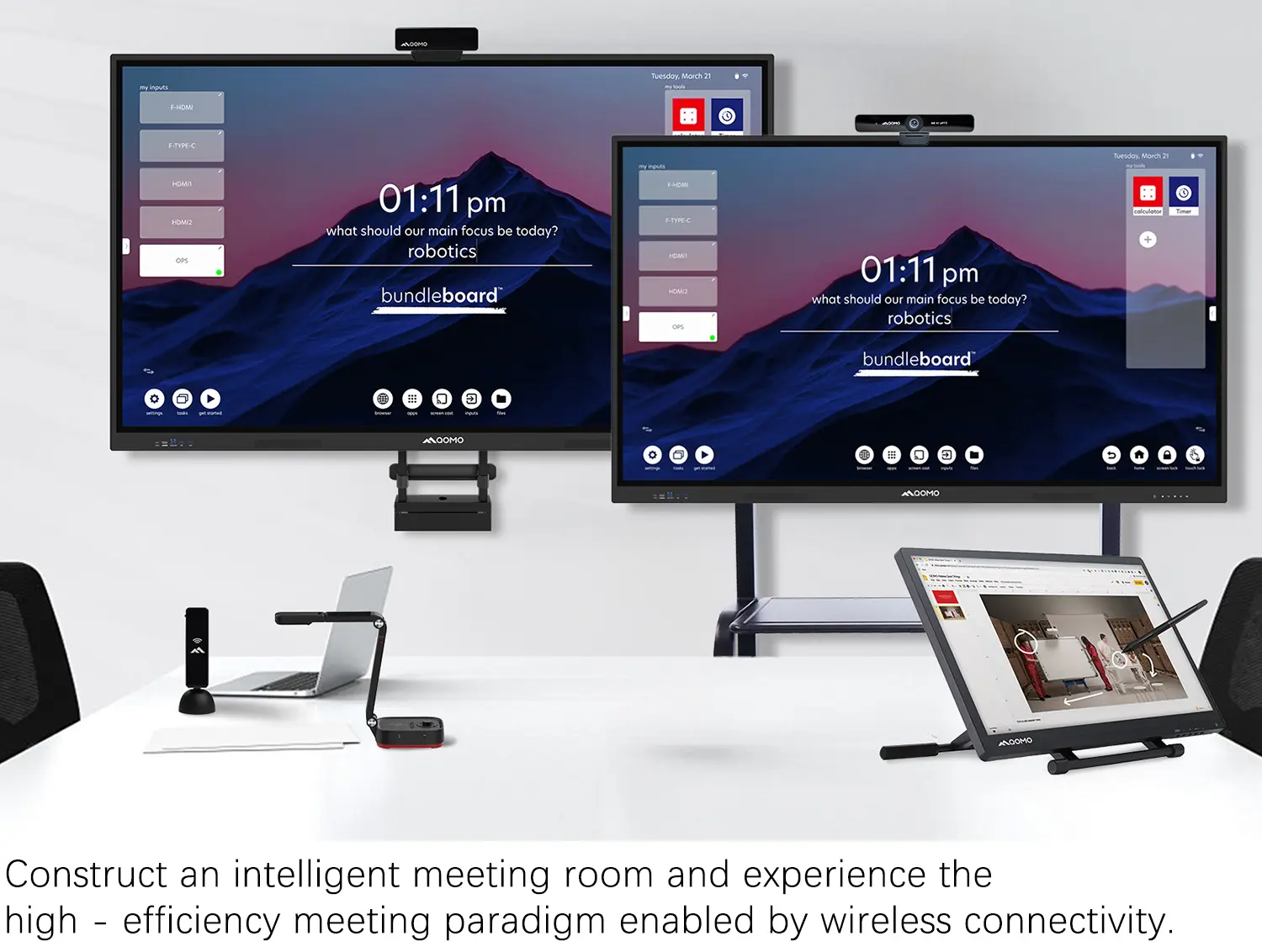
Creating a Smart Integrated Classroom: What Do You Need?
Wireless Connectivity Upgraded: WiFi-Free Wireless Document Receiver
Flow!Works Pro: Interactive Whiteboard Software for Engaging Classrooms
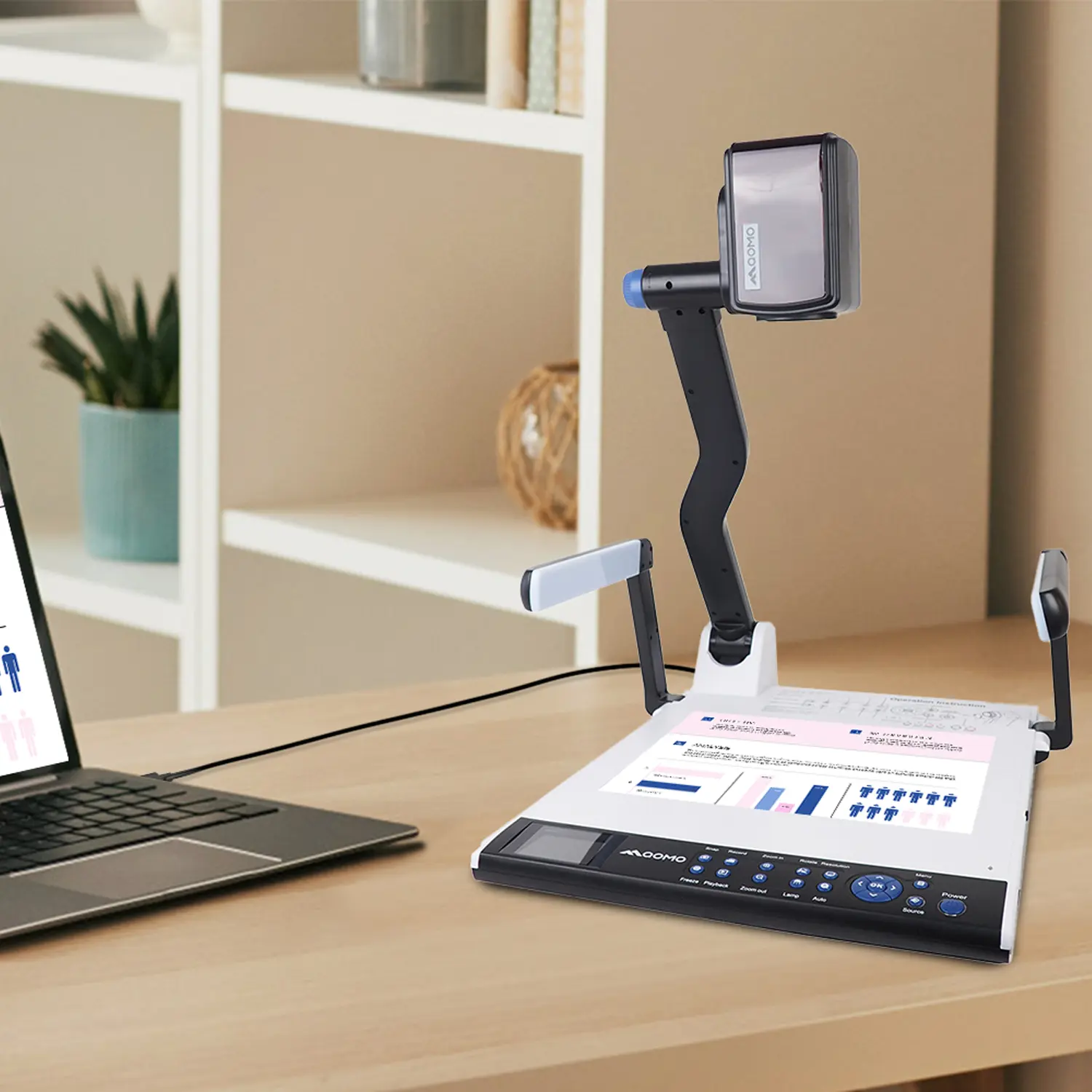
How to Choose the Perfect Document Camera and Elevate Productivity
QWC 004 Conference Webcam: The Top Choice for Remote Education
QCamera: Dedicated Software for Document Cameras to Elevate Your Presentations
QRF999 Voice Response System: Enhancing Teacher-Student Interaction
Work From Home? Maybe You Should Try This Document Camera
The Ultimate Educational Tool: Gooseneck Document Camera
60GHz Millimeter-Wave Wireless Screen Sharing: QShare 100
What Does a Modern Conference Room Need?
QD5000 Document Camera: Unimaginable Versatility!
QWC 004: The Most Cost-Effective Webcam
QVote Interactive Classroom Response System Software
Functionality, Aesthetics, Portability! Meet the QWC 100S Document Camera!
Why Choose the BundleBoard H/H2 Interactive Flat Panel?
Save Your Budget—Introducing the All-New QPC 70 Document Camera!
QIT 600F3: Revolutionize Your Presentations
QCamera: Professional Document Camera Software
QPC 5: The Ultimate 4K Portable Document Camera
Elevate Your Meetings in Seconds: QWC 006 Webcam
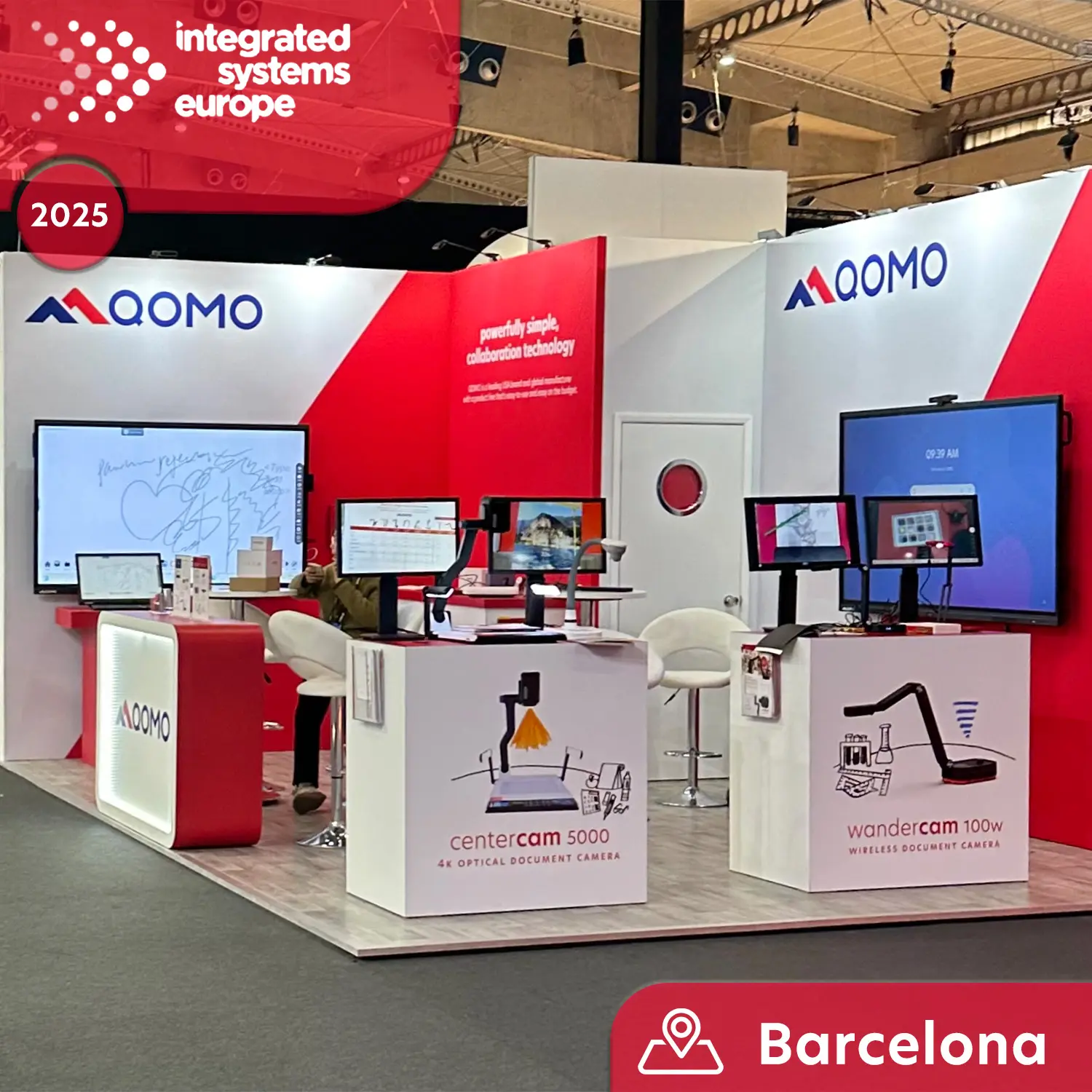
Meet QOMO at ISE 2025
Wireless Document Camera Solution, Revolutionizing Wireless Technology
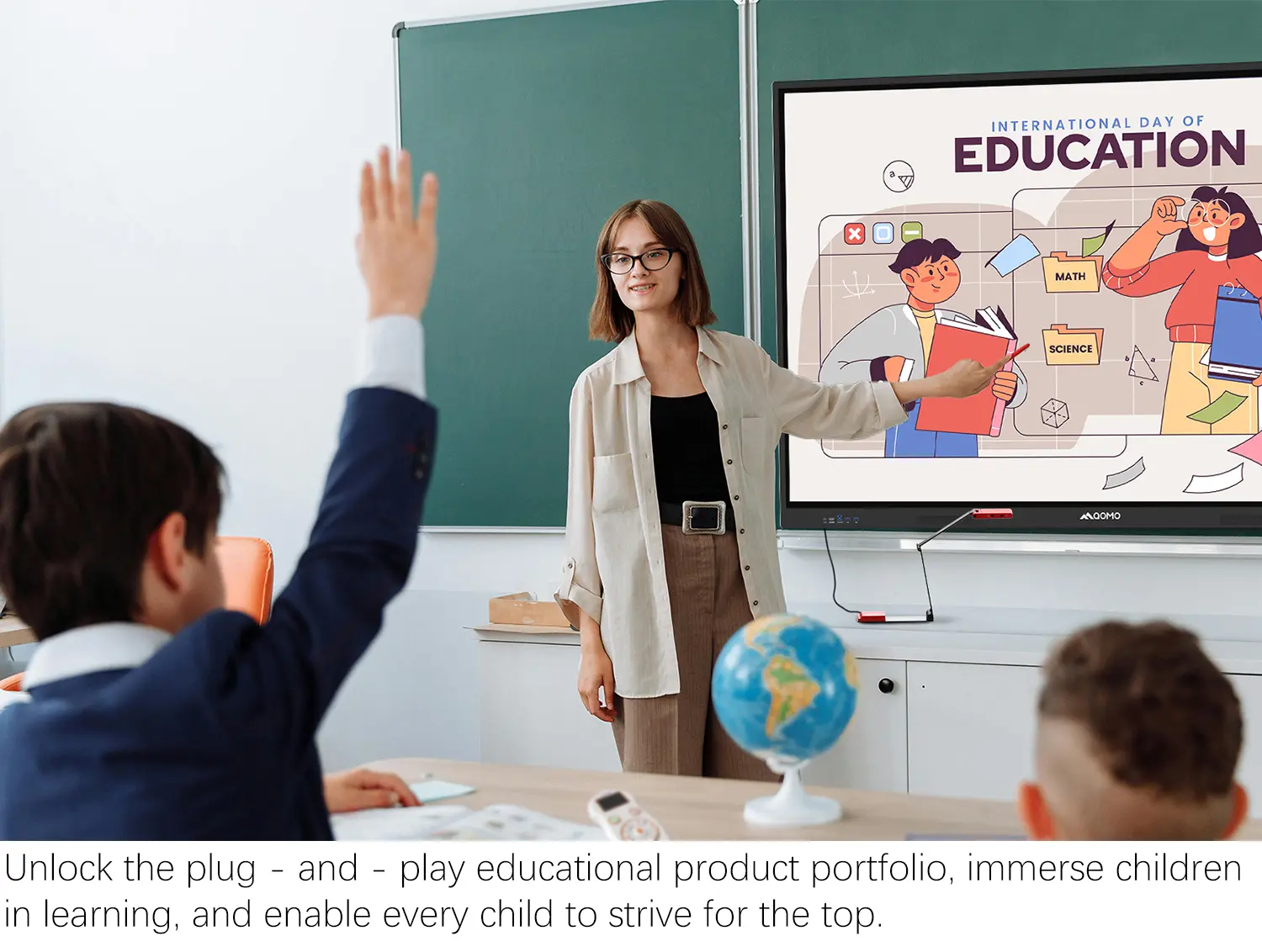
QRF Series, Transform Your Classroom!
QOMO, Building Intelligent Classrooms
QOMO QShare100 New Release
Outstanding Office Equipment Recommendations
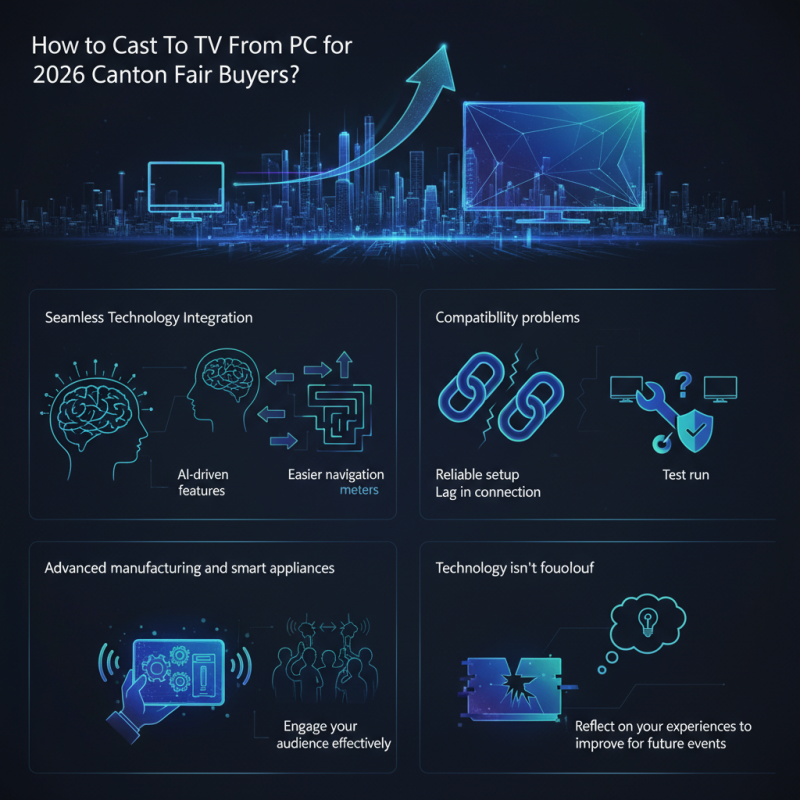
As the 2026 Canton Fair approaches, the need for seamless technology integration becomes paramount for buyers. One innovative method is the ability to "Cast To TV From PC," enhancing presentations and meetings. Mark Smith, a renowned tech consultant, emphasizes, "Utilizing screen mirroring can transform your exhibition experience."
During the fair, which spans from April 15 to May 5, attendees will benefit from the AI-driven features. These improvements allow for easier navigation in the vast 1.55 million square meters of the exhibition space. However, connecting devices isn't always straightforward. Issues may arise, such as compatibility problems or lag in the connection.
It's essential to have a reliable setup before arriving. Conducting a test run of your "Cast To TV From PC" ability can save time. The fair's focus on advanced manufacturing and smart appliances may inspire new methods of showcasing products. Engage your audience effectively, but remember: technology isn't foolproof. Reflect on your experiences to improve for future events.
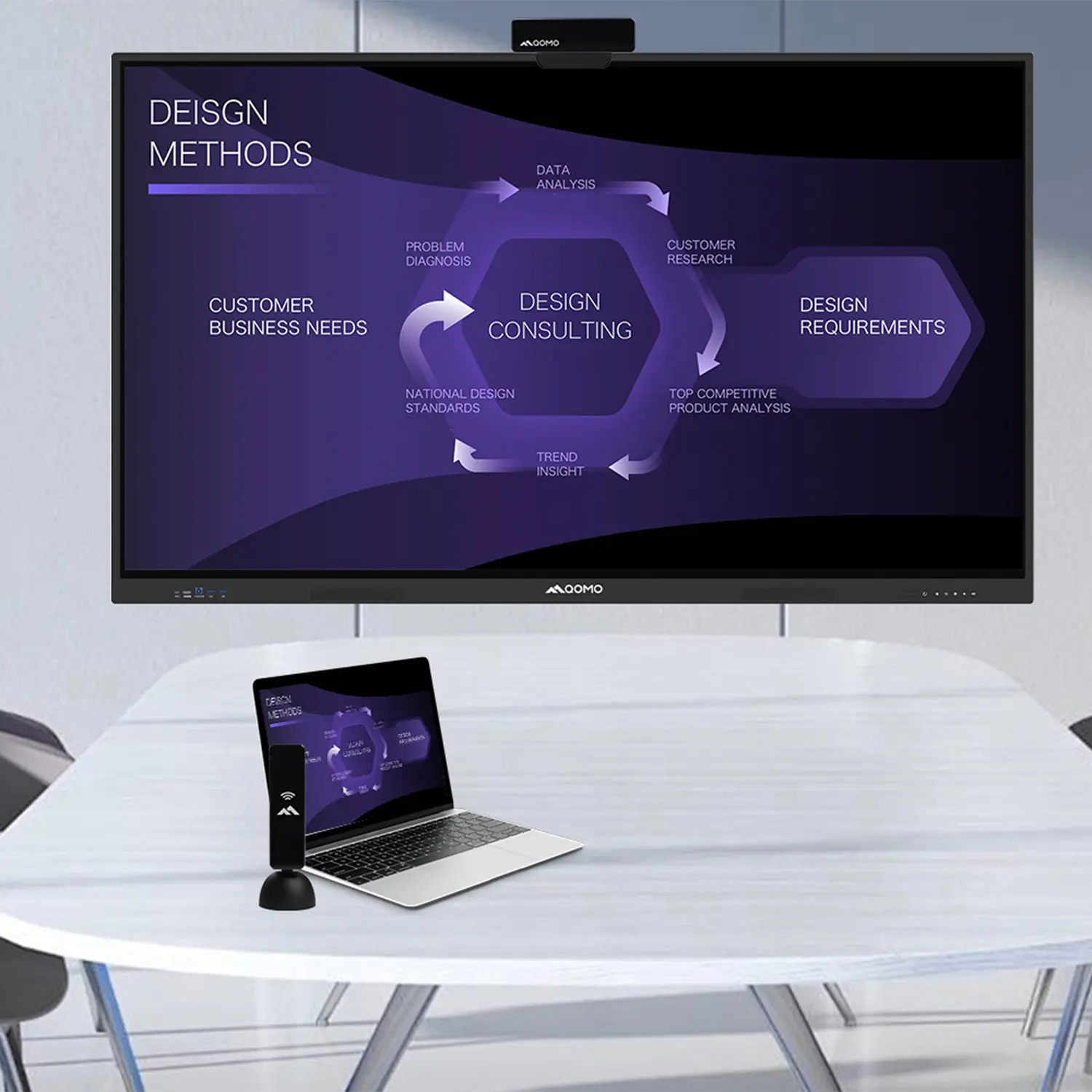
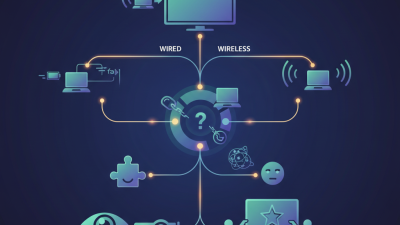
Casting from a PC to a TV can greatly enhance your viewing experience, especially for events like the Canton Fair. Understanding the basics is crucial. You need a stable Wi-Fi connection. Without it, the process might become frustrating. Wireless casting allows you to share digital content effortlessly.
To start, ensure that both devices are on the same network. This step is often overlooked but essential. Open the casting options on your PC. You'll see a list of available devices. It can be confusing if your TV doesn't appear immediately. Refresh the list if necessary.
Remember, not all content can be cast. Sometimes, video quality may drop. Factors like distance or network congestion play a role. If you encounter lag, consider using an HDMI cable as a backup. This method guarantees a stable connection and better quality. Ultimately, becoming comfortable with casting takes practice and patience.
When preparing to cast to a TV from a PC during the Canton Fair, understanding hardware requirements is crucial. A reliable Wi-Fi connection is essential. Without it, casting becomes frustrating. Many users overlook the importance of this aspect. It’s common to experience signal dropouts or buffering issues, ruining the viewing experience.
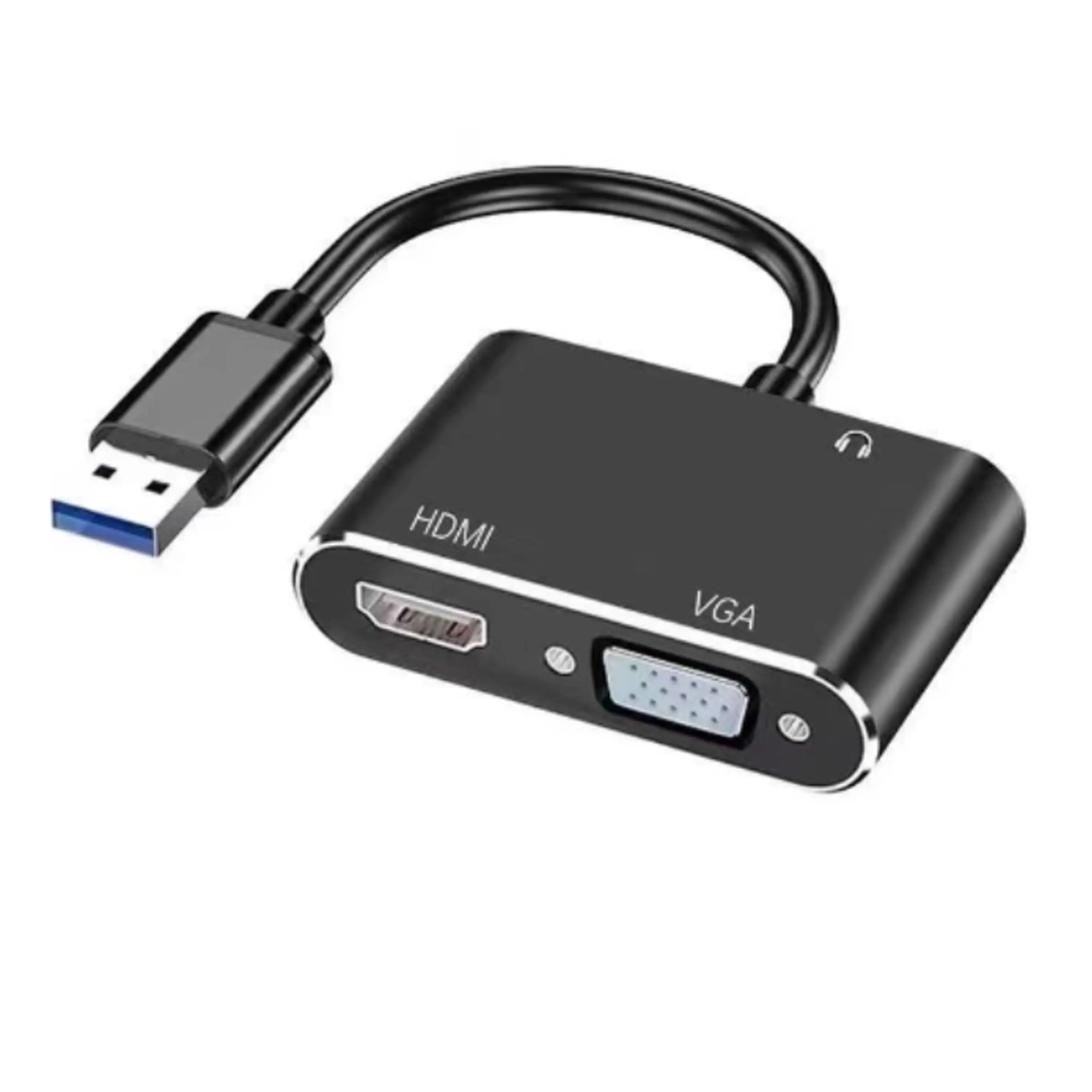
Choosing the right display adapter also matters. Many options exist, but not all work effectively. A compatible adapter can improve quality significantly. Ensure it supports your operating system. Inadequate compatibility can result in connection failures. Consider the resolution needs too. Full HD or 4K capabilities could enhance presentations but may require additional hardware.
Lastly, check your TV settings. Sometimes settings can hinder performance. Ensure screen mirroring is enabled. Also, keep your PC's software updated. An outdated operating system can lead to bugs. These details may seem small, but they can impact your casting success at the fair. Reflect on your setup before the event to avoid last-minute complications.
| Hardware Component | Minimum Requirements | Recommended Requirements | Remarks |
|---|---|---|---|
| PC / Laptop | Intel i3 / AMD Ryzen 3 | Intel i5 / AMD Ryzen 5 or higher | Ensure HDMI or compatible output |
| Operating System | Windows 10 / macOS Catalina | Windows 11 / macOS Monterey or later | Keep OS updated for best performance |
| Wi-Fi Router | 802.11n (Wi-Fi 4) | 802.11ac (Wi-Fi 5) or better | Dual-band recommended for reduced interference |
| Casting Device | Basic smart TV or HDMI dongle | Latest smart TV supporting AirPlay / Chromecast | Ensure device firmware is updated |
| Display Resolution | 1080p | 4K | Higher resolution improves viewing experience |
| Audio Output | Stereo | Surround sound capable | For better audio experience during presentations |
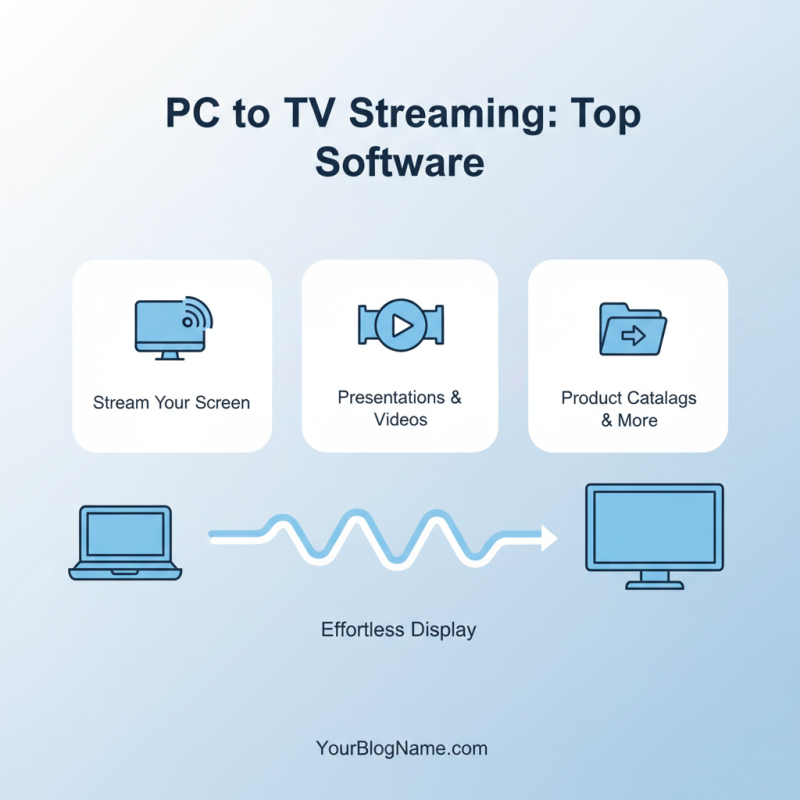
When it comes to casting from a PC to a TV, several software options stand out. These applications enable you to display your screen effortlessly. They make presentations or viewing content on a larger screen much easier. You can stream videos or showcase product catalogs directly.
One popular choice centers around ease of use. Users can connect their devices without complex setups. It should ideally support various file formats to ensure compatibility. Some software may require adjustments to settings, which might lead to frustration. This is an area where many encounter challenges. The interfaces may vary, and not all are user-friendly.
Another key aspect is the connection quality. A stable network is crucial for seamless streaming. You might experience lag or interruptions, especially when multiple devices are connected. Test your network speed beforehand. Some software options offer troubleshooting guides, but they are not always comprehensive. This can lead to confusion when issues arise. Always keep an eye on updates to ensure compatibility and functionality.
Casting your PC screen to a TV can enhance the experience, especially for Canton Fair buyers. With the ongoing digital shift, it's estimated that 85% of buyers prefer online presentations over traditional methods. This statistic indicates a transformation in how information is shared at large events.
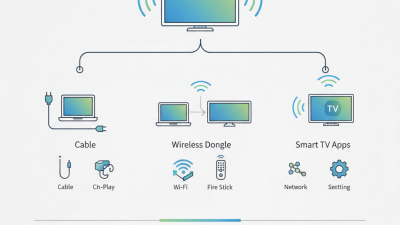
Setting up casting is simple. Begin by ensuring both your PC and TV are connected to the same Wi-Fi network. Utilize built-in screen sharing features found in many operating systems. If your TV lacks this feature, consider a wireless dongle. Often, buyers overlook potential lag or connectivity issues. Testing your setup in advance is crucial.
During the Canton Fair, large visuals play a key role. A recent report showed that 78% of attendees remember brands more vividly when visuals are involved. Ensure your presentation is tailored for screen viewing. Large fonts and high-contrast colors can improve visibility. However, be aware that not all presentations translate well to larger screens. Experiment with different formats to find what works best, improving your display’s effectiveness for buyers.
Streaming from your PC to your TV can elevate your experience, especially for events like the Canton Fair. To ensure smooth streaming, optimal network settings are crucial. A stable internet connection is the key. Disconnect other devices that may slow down your network. This helps free up bandwidth for uninterrupted casting.
Adjust your router's settings. Look for Quality of Service (QoS) options. Prioritize your streaming device to enhance performance. Sometimes, rebooting your router can also clear issues. These simple tweaks can lead to significant improvements. However, remember that not all setups react the same way. Experiment with settings to find what works best for you.
Tips for better streaming include using a wired connection whenever possible. If Wi-Fi is your only option, position your router in a central location. This can help reduce interference. Keep an eye on your network speed. Use speed test tools to ensure you're hitting optimal performance. It's good to check regular updates for your devices as well. Sometimes, outdated software can cause hiccups.
This bar chart illustrates the bandwidth requirements for optimal streaming quality, categorized by video resolution. As buyers participate in the 2026 Canton Fair, understanding these requirements will enhance their streaming experience when casting from PC to TV.