+86 152 8002 3723
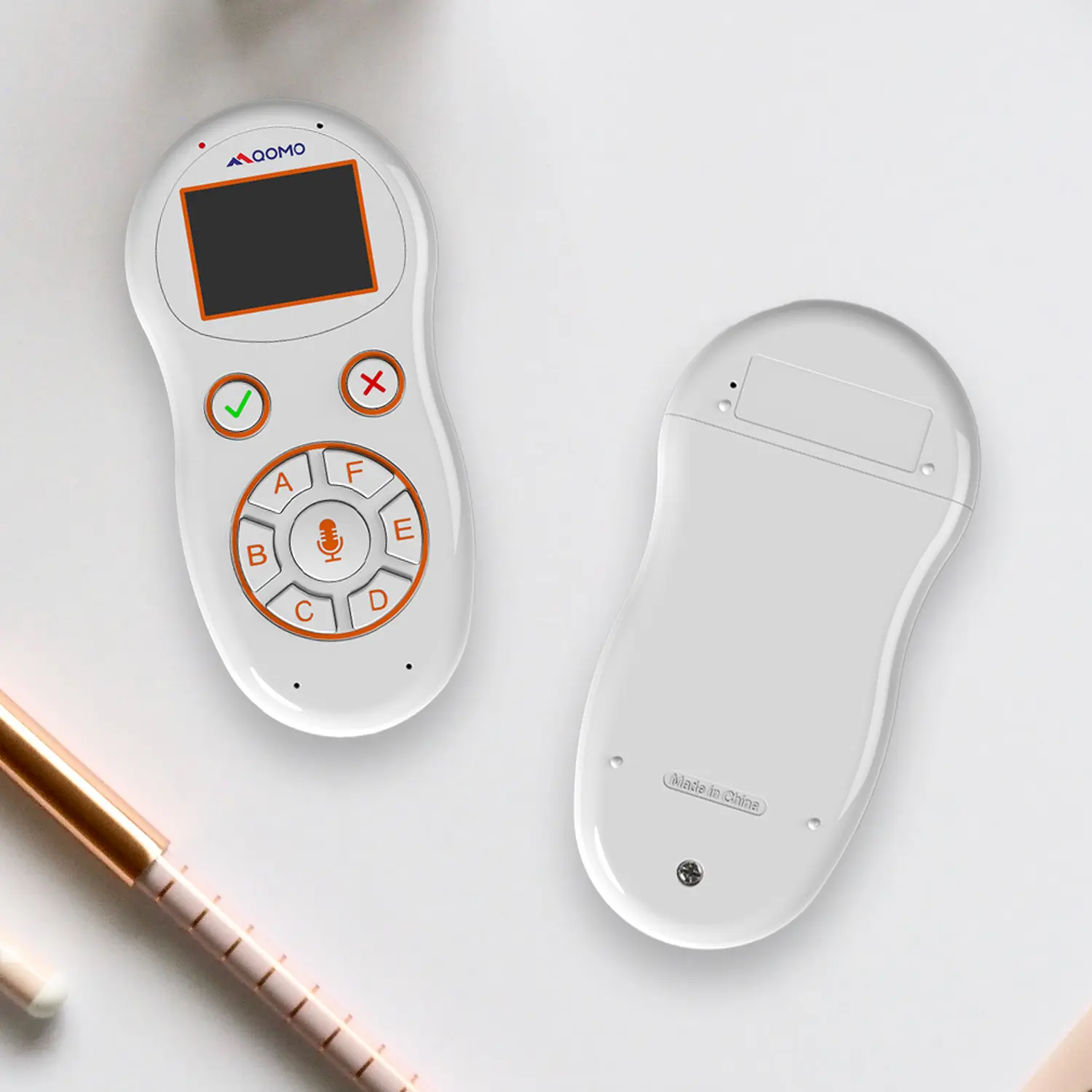
QVoteProfessional Audience Response System software offers the most convenient functions for your interactions.
QClickThe most convenient educational software for working with Microsoft PowerPoint to quickly set up various question types and generate intelligent feedback reports.
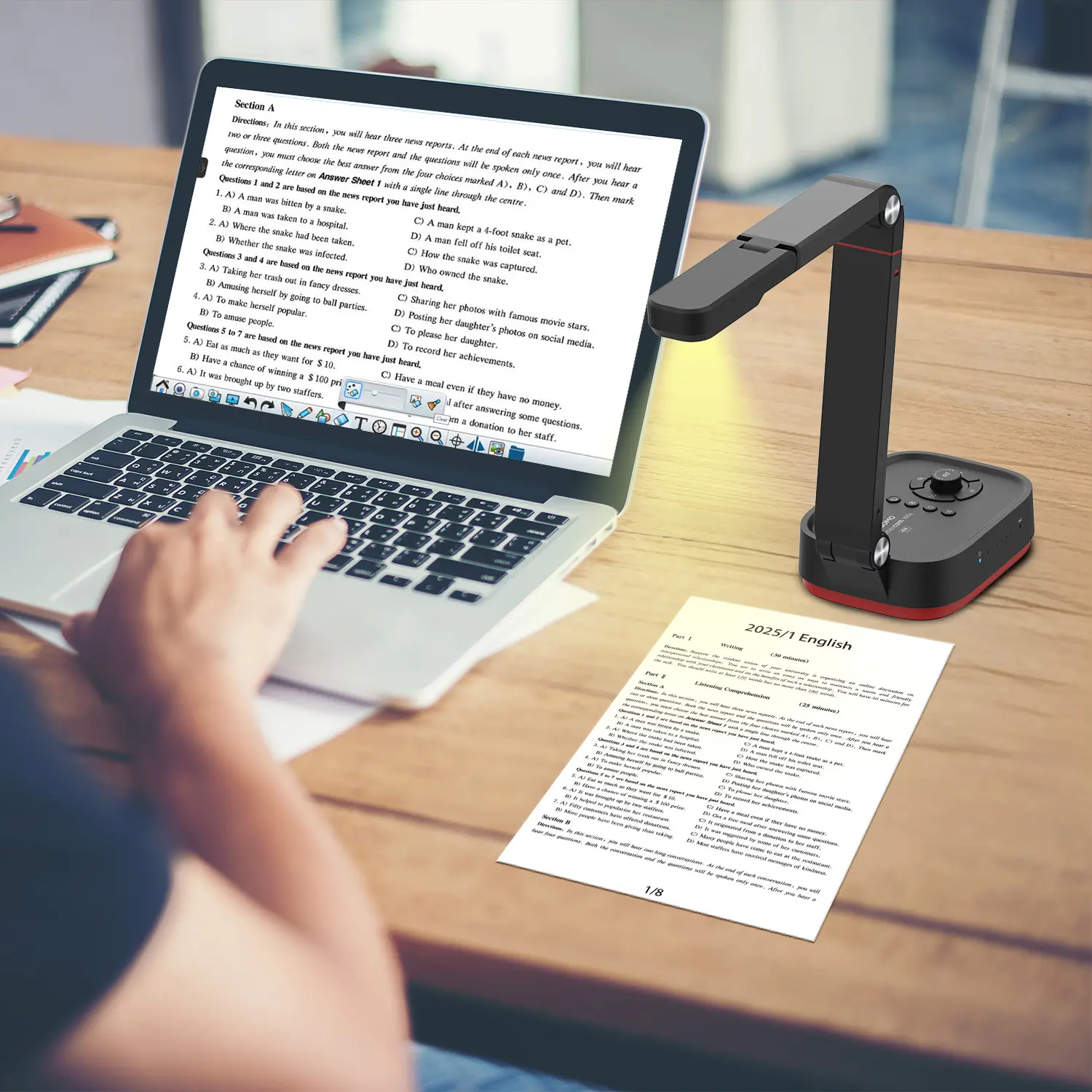
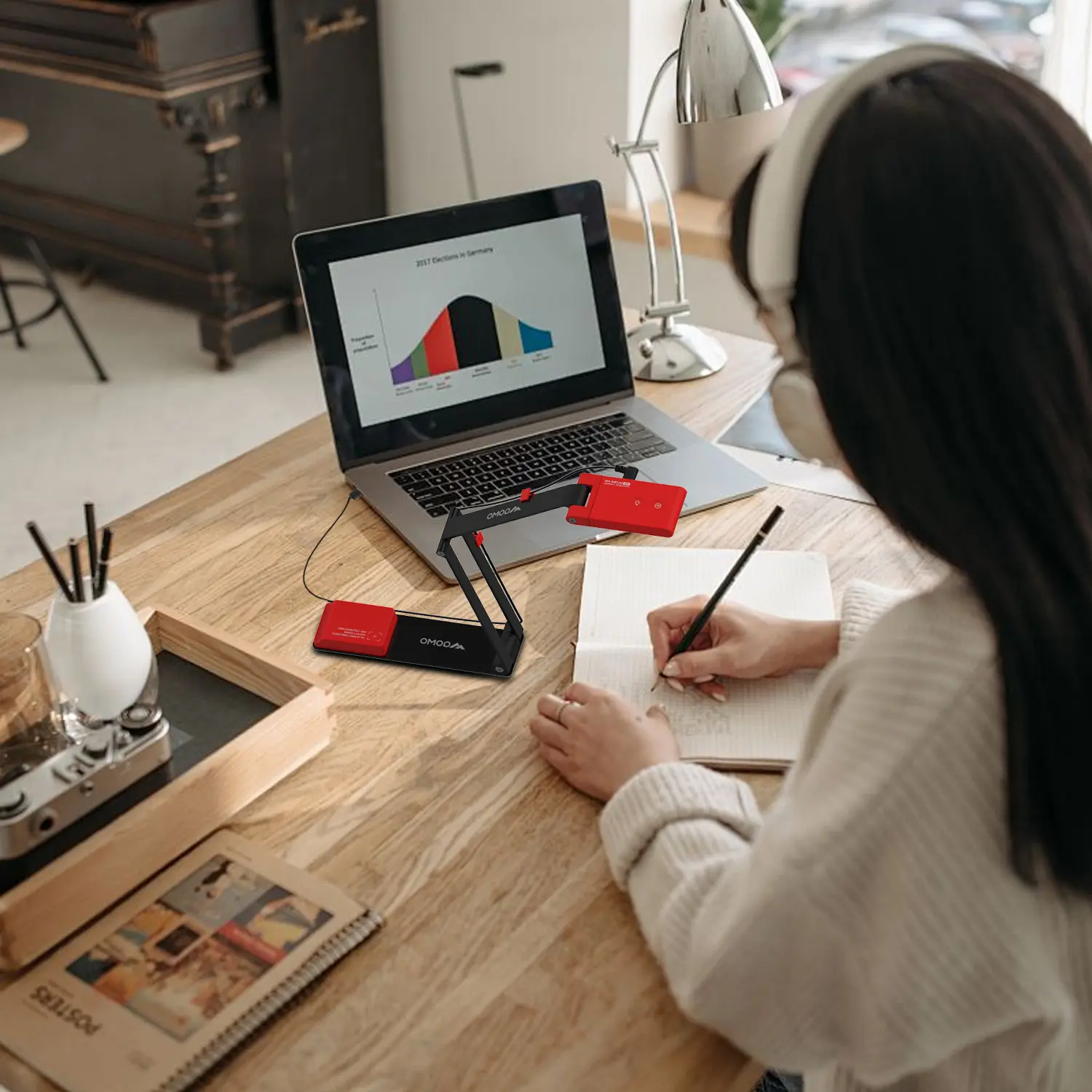
QCameraQCamera by QOMO allows for real-time streaming from cameras and document cameras. Annotate, save snapshots, record, and manipulate camera images instantly.
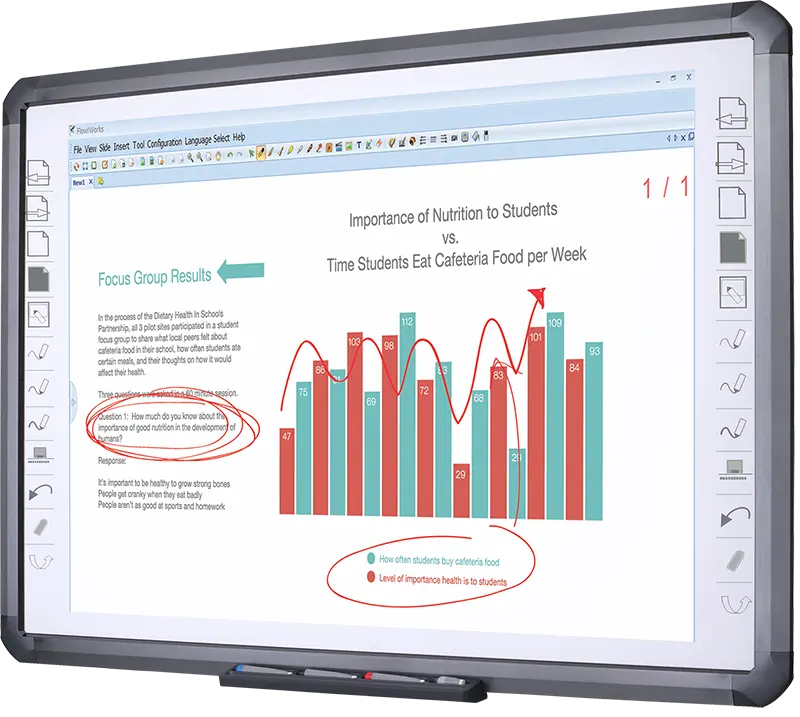
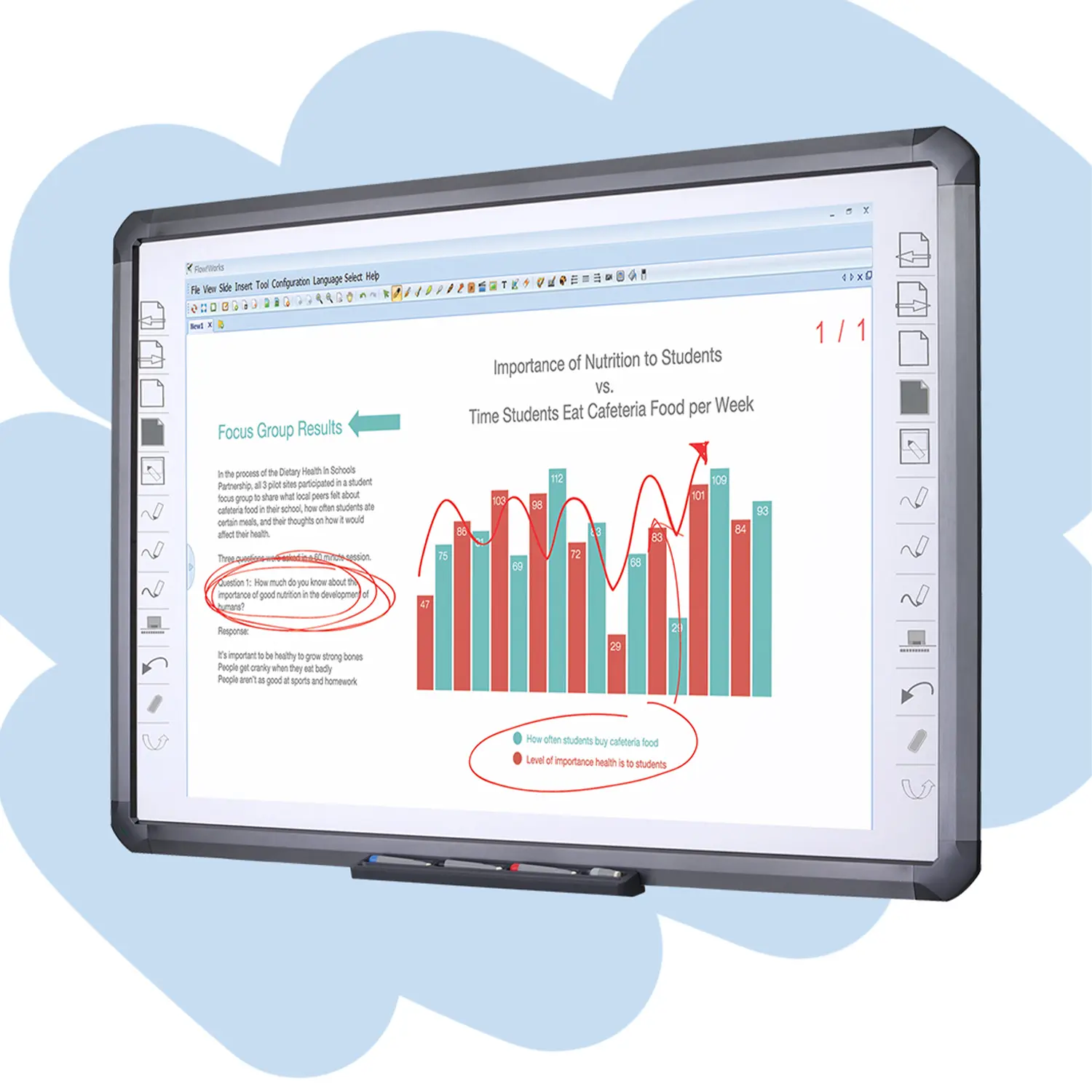
Flow!Works ProUser - friendly whiteboard software, it encompasses a wide range of presentation tools and powerful functions, delivering the most professional presentation experience to you.
Flow!WorksFlow!Works incorporates more educational tools, further enhancing the interactivity and fun - factor of your teaching.
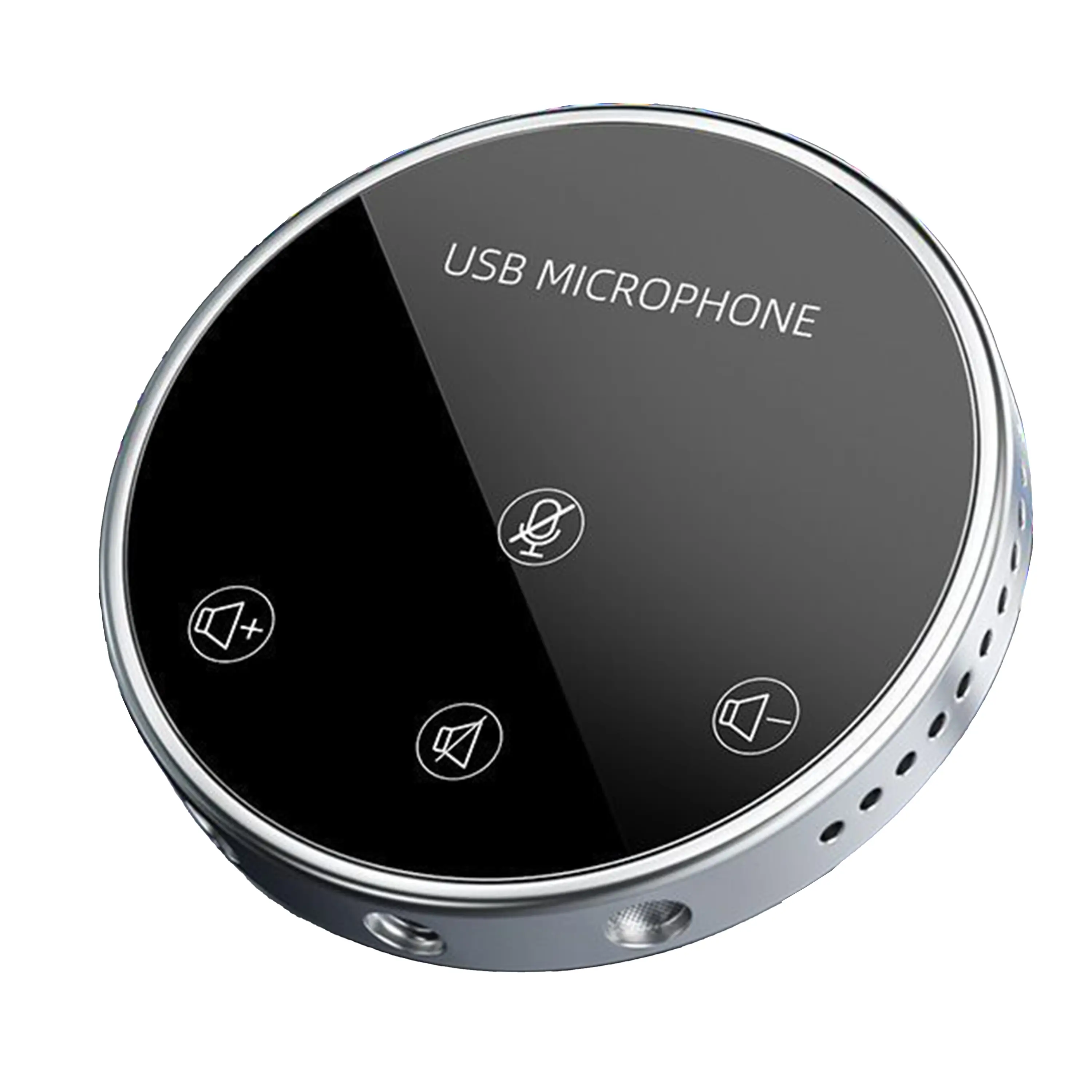
Conference Microphone● USB
● Plug and Play
● Intelligent Noise-Canceling
● 10ft/3m Extended Pickup Range
● 360° Omnidirectional Pickup
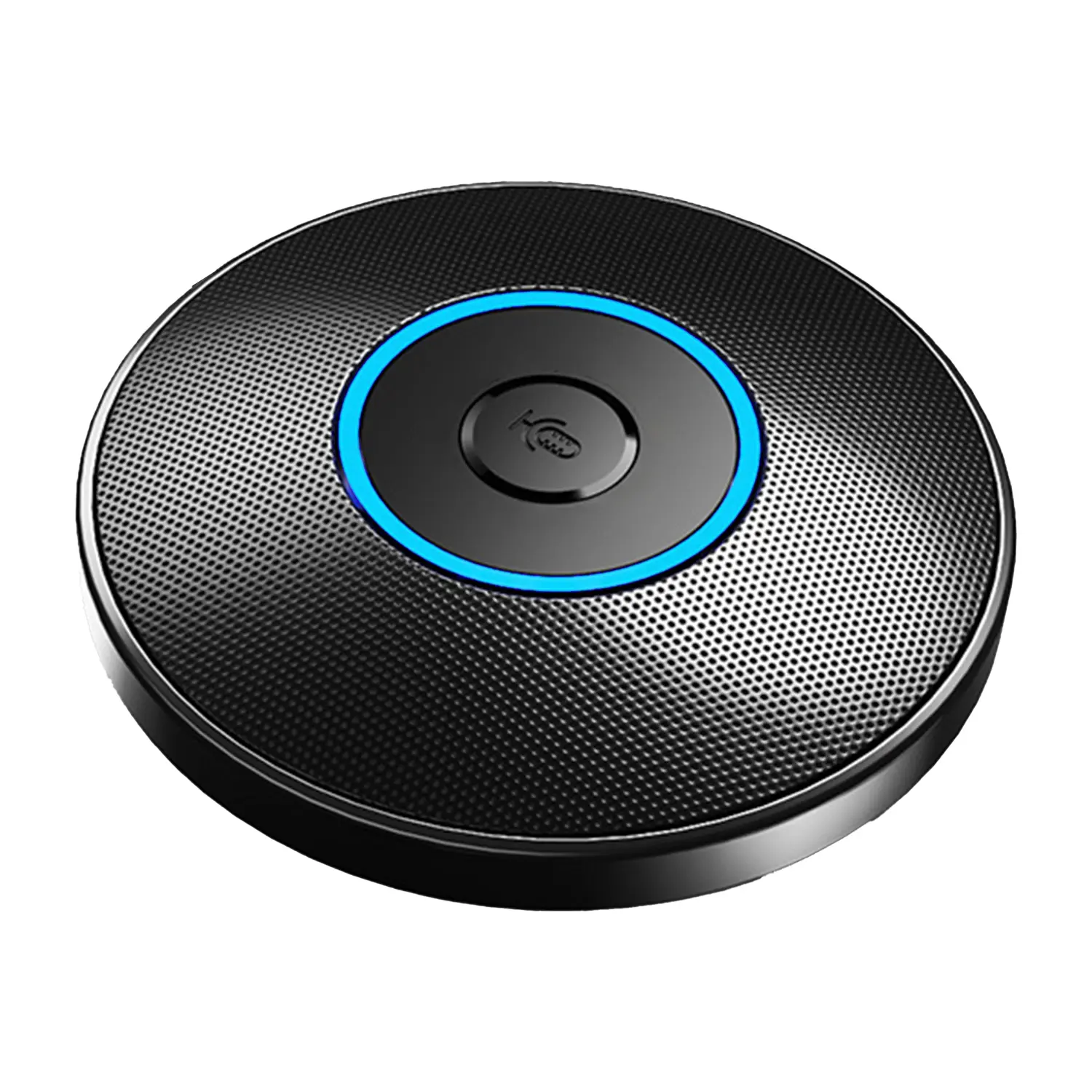
Conference Speakerphone● USB-C
● Plug and Play
● Intelligent Noise-Canceling
● 10ft/3m Extended Pickup Range
● 360° Omnidirectional Pickup
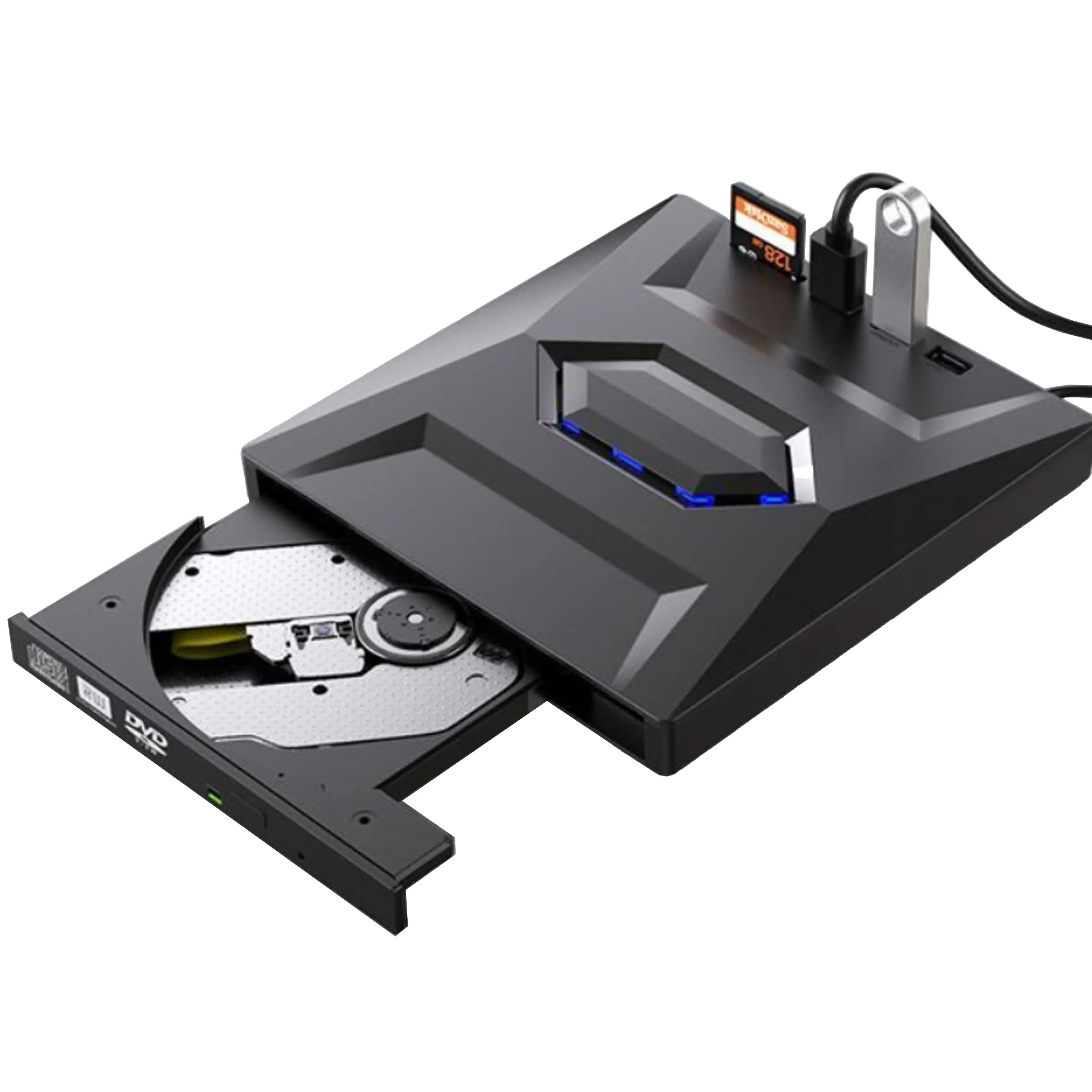
USB External CD/DVD Drive• USB and USB-C
• USB 3.0
• 8x DVD and 24x CD write/read speeds
• Portable
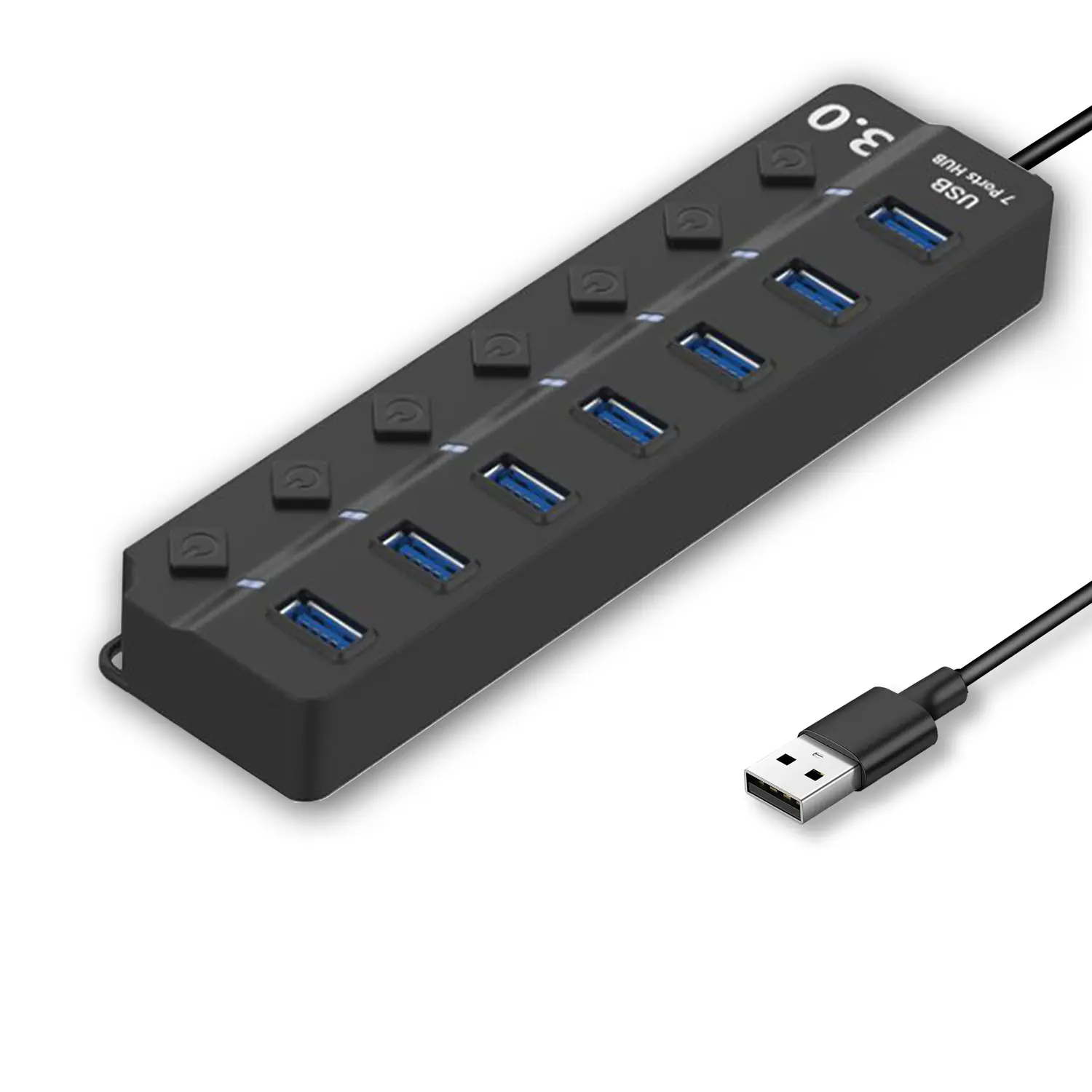
7-Port USB 3.0 Hub● USB 3.0
● Plug and Play
● 7-in-1 USB Hub
● Individual On/Off Switches
Revolutionize Your Presentations and Document Display with QWC 100S Document Camera
Enhance Call Experience: New Conference Microphone Now Available
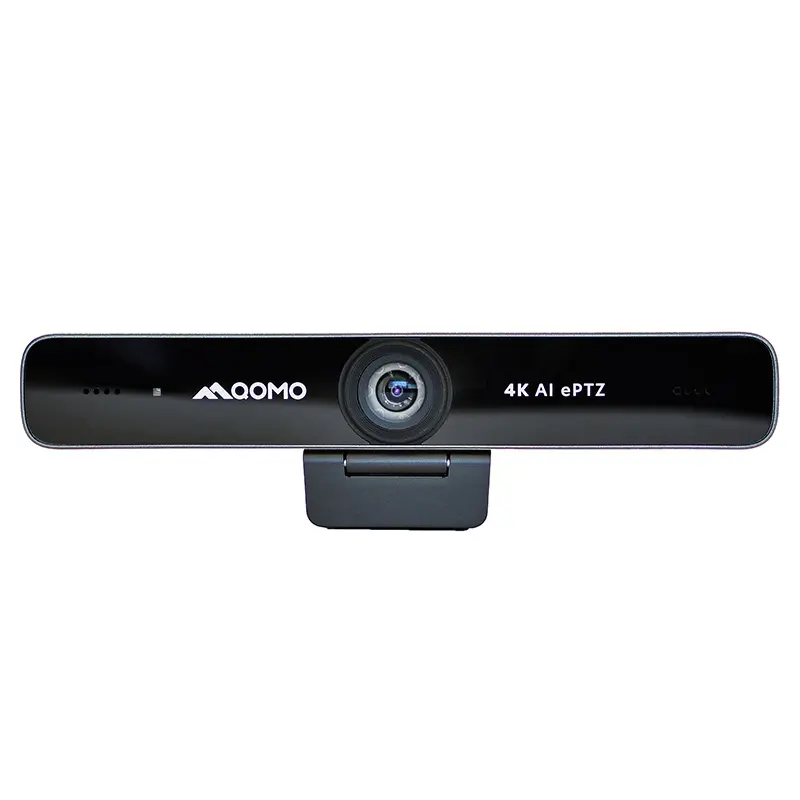
AI-Powered Face-Tracking Webcam
Portable Document Camera Recommendations
Classic Design, Exceptional Functionality: QPC 22 Document Camera
Wireless Screen Mirroring Solution for All Devices
Latest Audience Response System: QRF 999
Introducing the QPC 80H3 Gooseneck Document Camera
Creating a Smart Integrated Classroom: What Do You Need?
Wireless Connectivity Upgraded: WiFi-Free Wireless Document Receiver
Flow!Works Pro: Interactive Whiteboard Software for Engaging Classrooms
How to Choose the Perfect Document Camera and Elevate Productivity
QWC 004 Conference Webcam: The Top Choice for Remote Education
QCamera: Dedicated Software for Document Cameras to Elevate Your Presentations
QRF999 Voice Response System: Enhancing Teacher-Student Interaction
Work From Home? Maybe You Should Try This Document Camera
The Ultimate Educational Tool: Gooseneck Document Camera
60GHz Millimeter-Wave Wireless Screen Sharing: QShare 100
What Does a Modern Conference Room Need?
QD5000 Document Camera: Unimaginable Versatility!
QWC 004: The Most Cost-Effective Webcam
QVote Interactive Classroom Response System Software
Functionality, Aesthetics, Portability! Meet the QWC 100S Document Camera!
Why Choose the BundleBoard H/H2 Interactive Flat Panel?
Save Your Budget—Introducing the All-New QPC 70 Document Camera!
QIT 600F3: Revolutionize Your Presentations
QCamera: Professional Document Camera Software
QPC 5: The Ultimate 4K Portable Document Camera
Elevate Your Meetings in Seconds: QWC 006 Webcam
Meet QOMO at ISE 2025
Wireless Document Camera Solution, Revolutionizing Wireless Technology
QRF Series, Transform Your Classroom!
QOMO, Building Intelligent Classrooms
QOMO QShare100 New Release
Outstanding Office Equipment Recommendations
In an age where remote work and digital communication are paramount, selecting the right Camera For Desktop Computer has become crucial. Renowned tech expert Alex Johnson, known for his extensive reviews, emphasizes, "A reliable camera can transform your virtual presence." With a growing demand for high-quality video, it’s essential to understand the various options available in 2026.
When choosing a camera, factors such as resolution, autofocus, and compatibility play significant roles. Many may overlook the importance of lighting conditions and background, yet these elements dramatically impact video quality. It's not just about having a camera; it’s about having the right one for your specific needs. Despite advancements, many users still struggle with camera installation and setup, often leading to unsatisfactory results. This highlights a gap that even the best equipment cannot fill.
As we explore the best cameras for desktop computers, our goal is to provide insight into the top choices available. We'll consider both budget options and premium models. Through careful evaluation, we aim to empower you to enhance your virtual communication experience effectively. Choosing the right Camera For Desktop Computer requires informed decisions that reflect both personal needs and professional standards.
When selecting the right camera for desktop computers in 2026, it’s crucial to consider various technical specifications. According to a 2023 industry report, over 70% of users prioritize resolution and image quality. HD cameras are now standard, but 4K is increasingly becoming the norm. Many professionals in fields like teleconferencing and content creation demand high-quality visuals. Thus, understanding your specific needs will help you make an informed choice.
Another important factor is connectivity. With an increasing number of devices relying on USB-C ports, as reported by Tech Insights, compatibility can’t be ignored. In addition, 40% of users reported frustrations with outdated interfaces. Look for cameras that offer seamless integration and a user-friendly experience. Furthermore, focus on low light performance, as many users mention challenges in poorly lit environments.
Potential buyers should also reflect on their own usage patterns. While some may lean towards advanced features, beginners might find them overwhelming. According to user feedback, many wish for simpler options without sacrificing quality. Balancing advanced specs with ease of use remains a challenge in choosing the best camera. This reflection can guide you towards a purchase that matches both your expertise and actual needs.
When selecting a desktop camera in 2026, understanding key features is crucial. Resolution is one of the primary aspects to consider. A minimum of 1080p is recommended for clear video quality. According to market data, 68% of users prefer cameras with at least 2MP for professional settings. High dynamic range (HDR) support enhances image quality in varied lighting.
Another vital feature is frame rate. A camera should ideally support 60 frames per second for smooth video. Studies reveal that decreased frame rates can lead to choppy visuals, affecting user engagement. Additionally, built-in privacy features are gaining importance, with 53% of users expressing concern about data security in online interactions.
Choosing a camera with adjustable focus can significantly improve its usability. It allows users to zoom in and out with ease. If your camera lacks this feature, it might lead to general dissatisfaction over time. Ensure it has good low-light performance, as many video calls happen in less-than-ideal lighting conditions.
Consider the ergonomics of the camera placement as well. A well-positioned camera can enhance your presence on video calls. If adjustments feel cumbersome, it can detract from your engagement. Looking forward to 2026, these features will define the best options for desktop cameras.
In 2026, the market for desktop cameras is evolving rapidly. Industry reports indicate a growing demand for high-quality webcams due to the rise of remote work and online content creation. Recent surveys show that more than 70% of professionals prefer using dedicated cameras over built-in options for better visual clarity.
Top brands are focusing on providing superior imaging technology and user-friendly interfaces. Many models now offer 4K resolution capabilities, enhancing video quality significantly. Statistics suggest that cameras with autofocus features have increased in popularity by 40% compared to previous models. This is largely because users prioritize ease of use in professional settings.
However, not all innovations meet user expectations. Many users report frustrations with software compatibility and limited field-of-view options. The nuances of each camera’s performance can lead to mixed reviews. As technology advances, manufacturers must address these shortcomings to gain trust among consumers. Focusing on user feedback will be crucial for future developments in desktop camera technology.
| Camera Model | Resolution | Frame Rate | Field of View | Price Range |
|---|---|---|---|---|
| Model A | 1080p | 60 fps | 90° | $100 - $150 |
| Model B | 4K | 30 fps | 100° | $200 - $300 |
| Model C | 1440p | 60 fps | 85° | $150 - $250 |
| Model D | 1080p | 30 fps | 70° | $80 - $120 |
| Model E | 4K | 60 fps | 110° | $250 - $400 |
As we look ahead to 2026, the landscape of webcams continues to evolve. A recent industry report highlights that the average resolution of desktop webcams has improved exponentially. Many models now offer 4K video quality, a significant upgrade from the 1080p standard. This shift meets the growing demands of video conferencing and streaming, where clarity and detail matter.
Field tests conducted by experts reveal that 60% of users prioritize low-light performance. Cameras equipped with larger sensors are better at this. Those larger sensors capture more light, resulting in clearer images in dark settings. Moreover, the frame rates have also improved. Many cameras now support 60 frames per second, which enhances smoothness in video playback.
Yet, some challenges remain. Consumer reports indicate that not all webcams perform well in varied lighting conditions. Models that excel in natural light may struggle indoors. This inconsistency can lead to user frustration. Understanding these nuances is crucial when choosing a webcam. Data shows that 70% of users prefer models with adjustable settings, enabling them to adapt to different environments. Remembering these factors can elevate your overall experience.
When selecting desktop cameras, user reviews are crucial. They provide insights into real-world performance. Many users prioritize image quality, particularly in low-light conditions. They often mention the importance of accurate color reproduction for work tasks and video calls. Some models claim high resolution but fall short in practical use, leading to user disappointment.
Performance ratings reveal mixed results. Several cameras often excel in video clarity yet struggle with audio quality. Users express frustration when expensive models fail to meet basic functionality. Newer models sometimes lack essential software compatibility, complicating setup and usage. Regular updates from manufacturers are vital to address these issues.
User feedback on ease of use also plays a significant role. Many prefer models with intuitive interfaces over those packed with features. Overly complicated setups can deter novice users. Consistency in performance under diverse conditions is a common concern. While some models shine in bright light, they produce grainy footage in darker settings. Adjustments to webcam settings may be necessary, but they can lead to more confusion than clarity.